
 View on Asset Store (opens in new tab)
Package details
- Latest version
- 1.0.0
- Last updated
- First released
- Unity version
- 6000.0.85 or later
- Package size
- 186 KB
- Files
- 29
- Views in the past week
- 13
Price tracking
- Last checked
- Tracked since
- Lowest recorded
- $17.95 on
Keywords
- Search for Texture Optimization
- Search for bookmarks
- Search for project organizer
- Search for unused assets
- Search for duplicate finder
- Search for asset dependencies
- Search for asset manager
- Search for find references
- Search for asset cleaner
- Search for reference finder
- Search for quick open
- Search for Editor Tools

Best Asset Manager
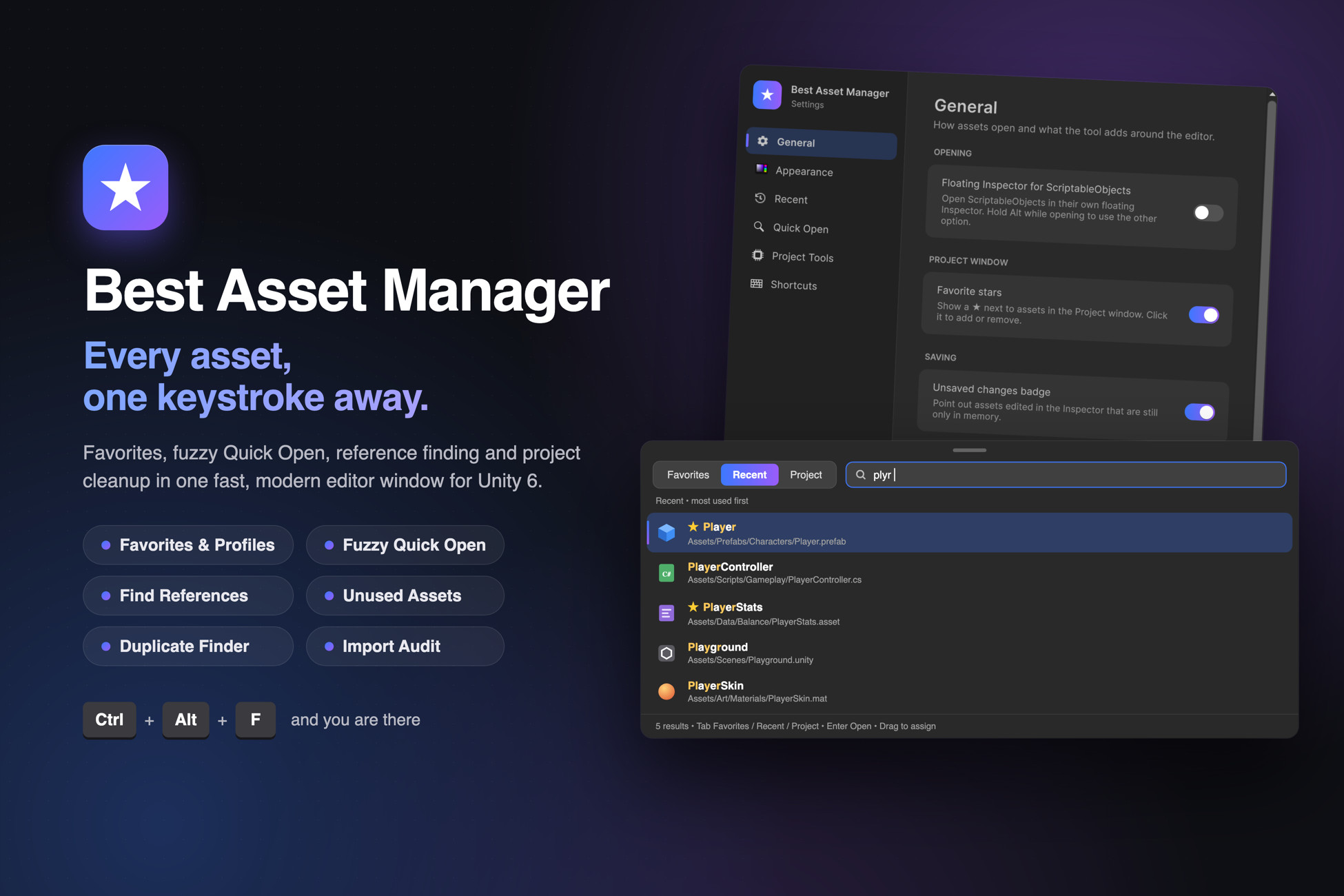
Favorites, fuzzy Quick Open, reference finding and project cleanup in one fast editor window. Reach any asset in a keystroke and see exactly where it is used.
Affiliate link · Purchases support this site
Price history
Last 6 months
USDAsset preview
1 / 7
Best Asset Manager screenshot 1

About this asset
Stop hunting for assets. Start building.
Best Asset Manager puts every asset you need one keystroke away, shows you exactly where each one is used, and clears out the clutter that slows your project down. All in a fast, modern editor window that feels at home in Unity 6.
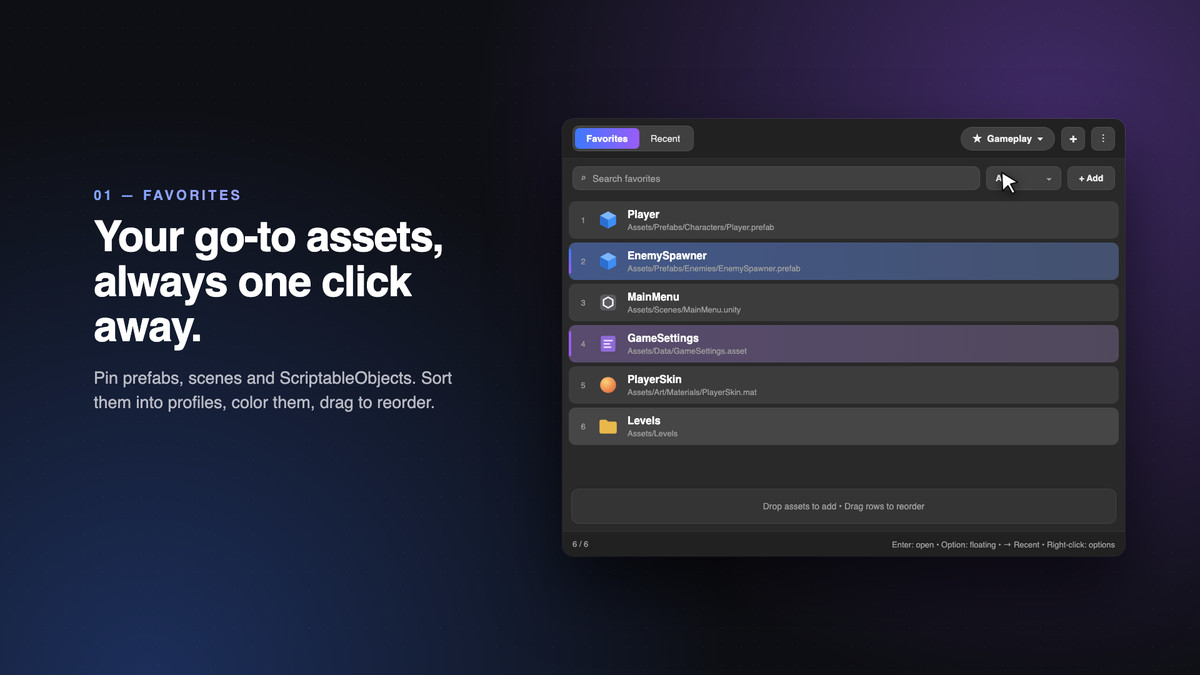
Favorites that keep up with you
- Pin the prefabs, scenes, ScriptableObjects and folders you open all day
- Separate profiles for each feature or task, with your own row colors
- Drag to reorder, open favorites 1 to 9 with a shortcut, and star assets right from the Project window
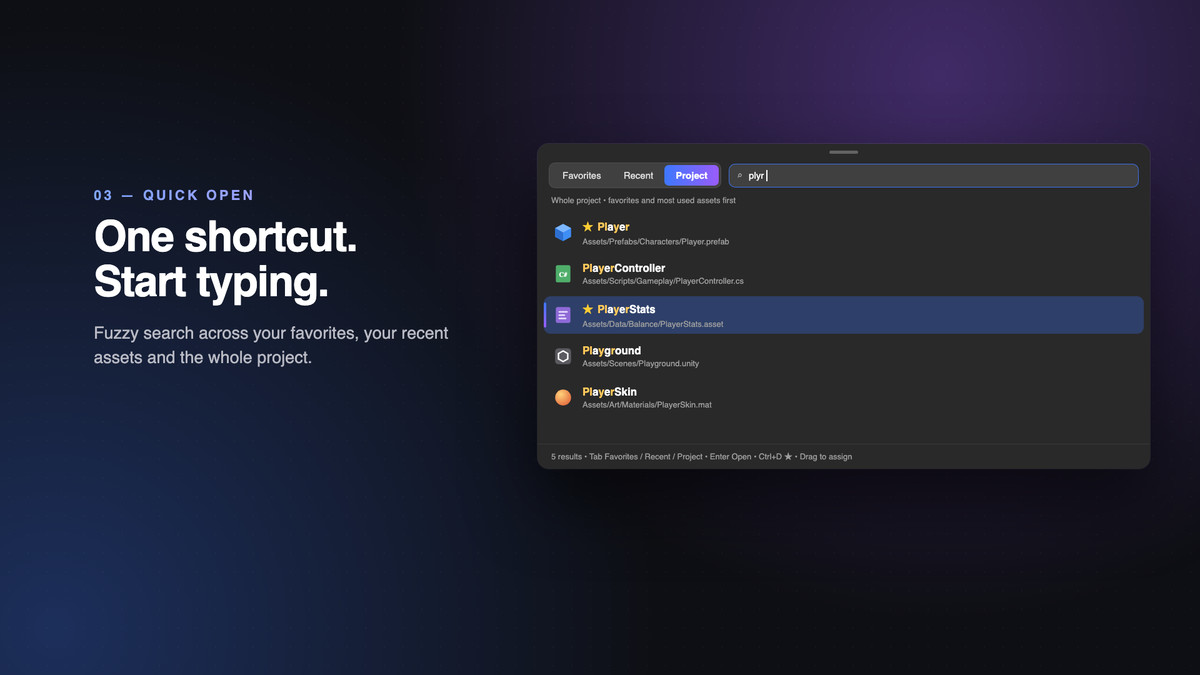
Quick Open: one shortcut, then type
- Fuzzy search across your favorites, your recent assets and the entire project
- Live preview, and edit ScriptableObjects inline without leaving the search
- Drag a result straight into any Inspector field
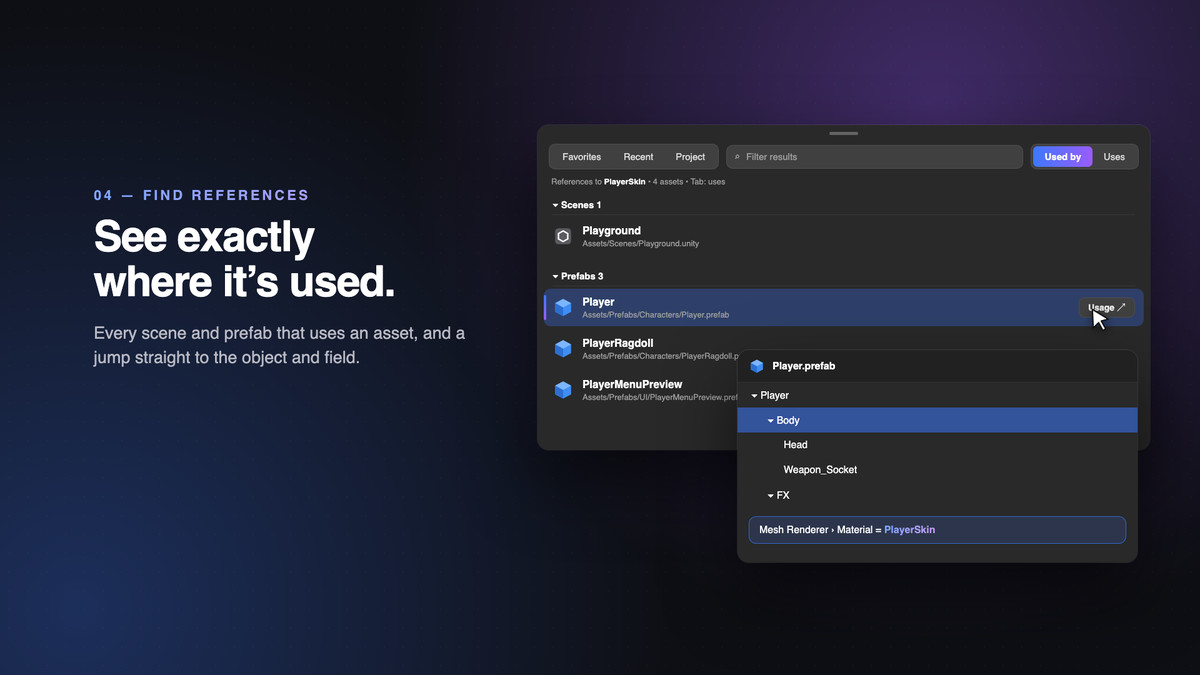
References and usages in seconds
- See everything that uses an asset, and everything it uses
- Jump to the exact GameObject and component field inside a scene or prefab
- The reference index is saved between sessions, so lookups stay instant after the first scan
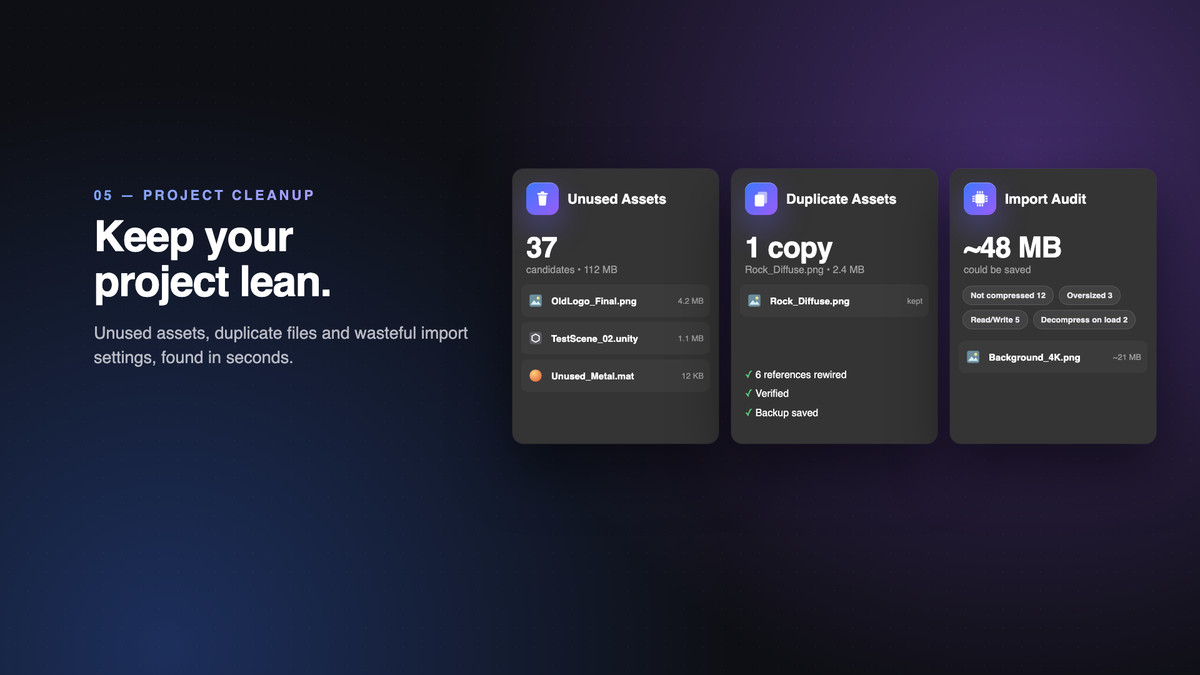
Keep your project lean
- Unused Assets finds what nothing in your build reaches
- Duplicate Assets merges byte-identical copies and rewires every reference, verified and backed up before a single file is written
- Import Audit spots textures and audio that waste memory or build size, with an estimate of what you would save
Never lose work
- A badge warns you about Inspector changes that are still only in memory, with one-click saving
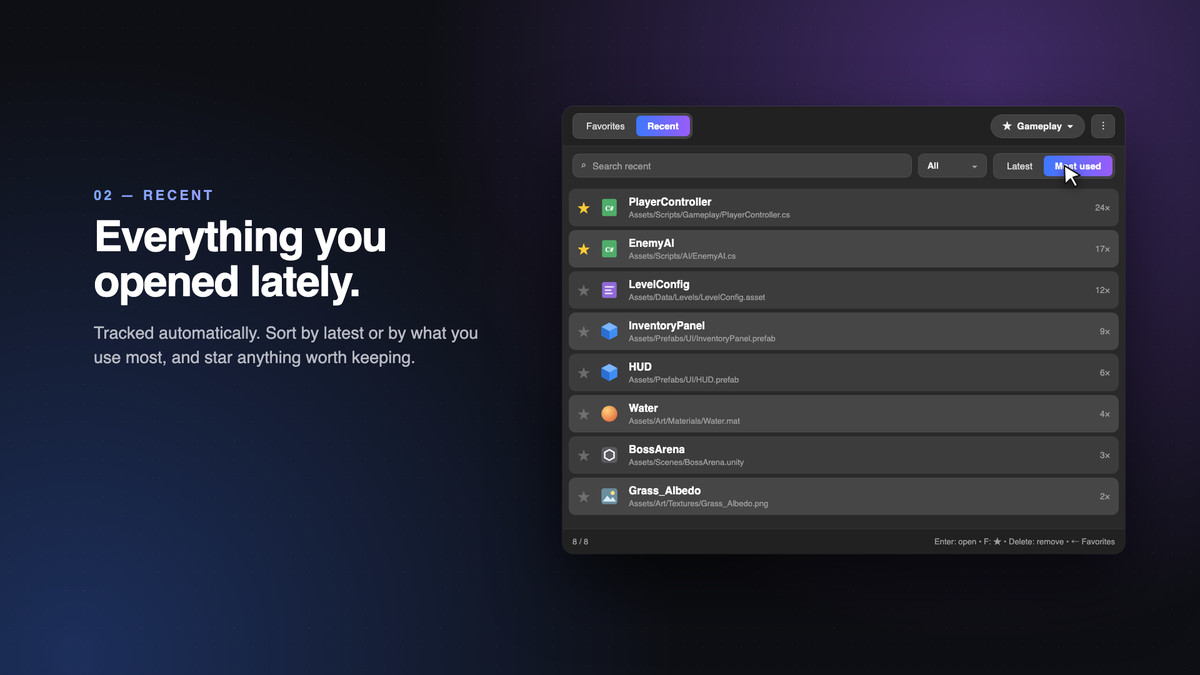
- Recent history tracks what you open automatically, ordered by latest or most used
Built for real projects
- Editor-only, so nothing is added to your builds
- No third-party dependencies, with Addressables supported when installed
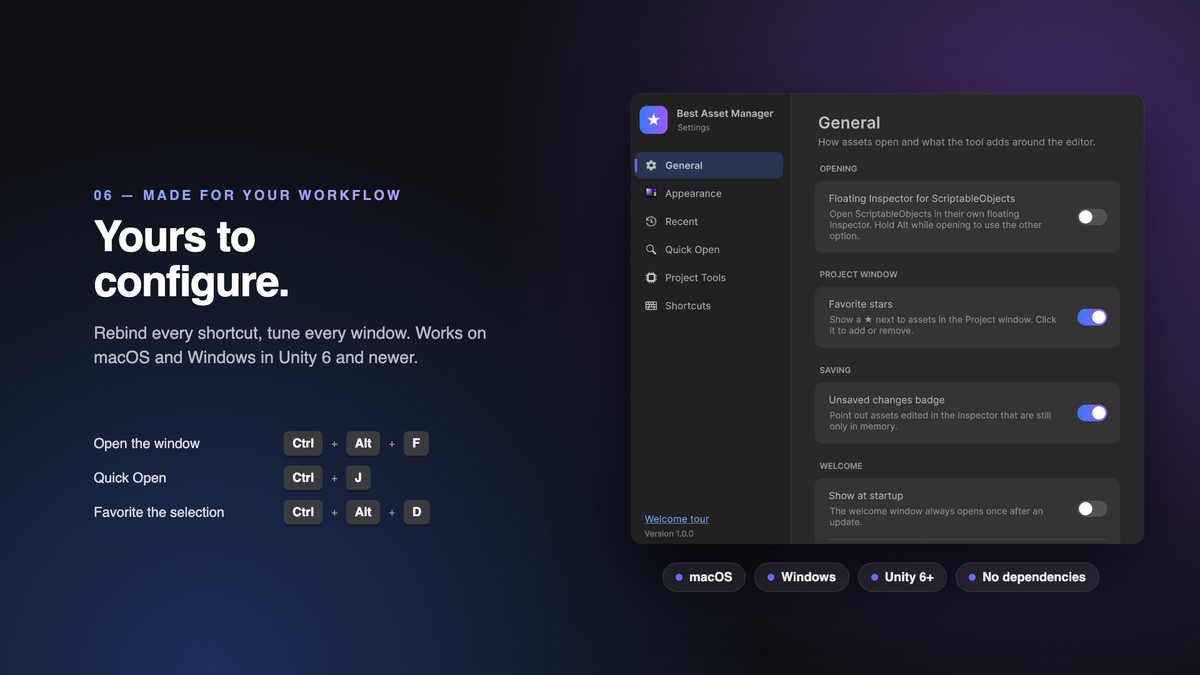
- macOS and Windows, Unity 6 and newer
- Every shortcut can be rebound, and favorites and settings stay per project and per user
Press Ctrl+Alt+F (Ctrl+Option+F on macOS) and you will wonder how you ever worked without it.
From the publisher's Asset Store listing.
Technical details
Features
- Favorites with multiple profiles, row colors, drag-to-reorder and Project window stars
- Automatic Recent history, ordered by latest or most used
- Quick Open with fuzzy search over favorites, recent assets and the whole project, Unity search filters such as t: and l:, live preview and inline ScriptableObject editing
- Find References and Show Dependencies (direct or full chain), with usage locating inside scenes and prefabs
- Persistent reference index, validated against Unity's import hashes so only changed assets are re-scanned
- Unused Assets: build scenes, Resources, Addressables, preloaded assets and render pipeline assets count as used
- Duplicate Assets: byte-identical detection, verified reference rewiring and automatic file backups
- Import Audit: texture compression, size, Read/Write, sprite mipmaps and audio settings on the active platform
- Unsaved-changes tracker with one-click saving
- Rebindable shortcuts, a settings window and a welcome tour
Requirements
- Unity 6 (6000.0) or newer
- Editor-only: no runtime code and nothing added to builds
- No third-party dependencies. Addressables are supported when installed
- Resolving duplicates requires Asset Serialization set to Force Text
Supported OS
- macOS and Windows
Documentation
- Included in the package as Documentation.md
Compatibility
| Unity version | Built-in | URP | HDRP | Custom |
|---|---|---|---|---|
| 6000.0.85f1 | Compatible | Compatible | Compatible | Compatible |
As listed on the Asset Store.