
 View on Asset Store (opens in new tab)
Package details
- Latest version
- 1.2.2
- Last updated
- First released
- Unity version
- 6000.0.28 or later
- Package size
- 101.8 MB
- Files
- 91
- Favorites
- 6
- Views in the past week
- 24
- Requires
Price tracking
- Last checked
- Tracked since
- Lowest recorded
- $49.00 on
Keywords

DeepAR Plugin For iOS&Android
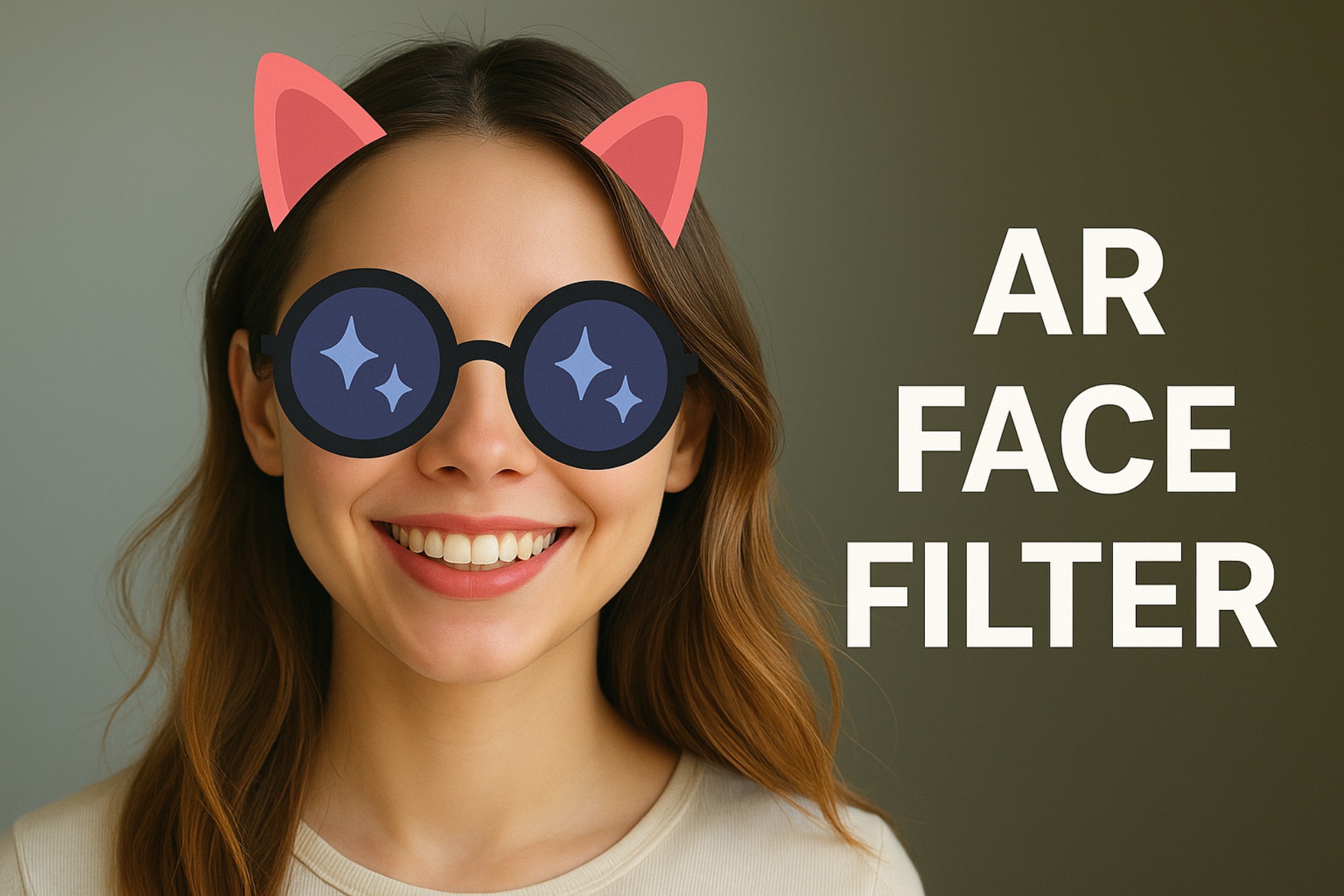
AR Face Filter Template is a ready-to-use AR solution for Android and iOS. It enables developers to integrate face filters, makeup effects, AR glasses, game filters, and background segmentation.
Affiliate link · Purchases support this site
Price history
Last 6 months
USDAsset preview
1 / 6

DeepAR Plugin For iOS&Android screenshot 1


About this asset
🔥 First AR Face Filter Cross-Platform Plugin
AR Face Filter Template – Professional Augmented Reality Face Filter Integration
Take your AR applications to the next level with the AR Face Filter Template, a comprehensive and professionally developed AR solution built on top of the native DeepAR Android&iOS SDK. This template is specifically designed for AR developers who want to add cutting-edge AR features like face filters, background and hair segmentation, virtual makeup, and more — with minimal effort and maximum flexibility.
Whether you're building entertainment apps, social platforms, or games, this template is your plug-and-play gateway to immersive augmented reality experiences. It comes preloaded with 19 high-quality face filters, supports real-time camera feed processing, and includes essential UX features like screenshot capture, video recording, camera toggling, and a scrollable filter selector UI. The project is optimized for rapid development with clean code architecture and full support for UI and filter customization.
✅ Key Features
- 🎭 Diverse Filter Support: Includes face filters, virtual sunglasses, makeup effects, hair & background segmentation, and face-tracking based game filters.
- 🎨 Custom UI Ready: Comes with a built-in filter slider and clean UI, fully customizable to match your branding or app style.
- 📸 Camera Interactions: Switch between front and rear camera, take screenshots, and record videos natively.
- 🎁 19 Demo Filters: Quickly start your AR project with 19 preloaded filters in the StreamingAssets folder.
- ⚙️ FilterController Script: Centralized logic to manage all filter interactions, allowing easy extension and integration.
- 📦 StreamingAssets & Native Plugin Setup: Easy-to-follow setup process with full documentation and visual references.
- 🧪 Tested on Android&iOS: Optimized for Android&iOS both platforms.
📲 Demo APK
Try it out now!
From the publisher's Asset Store listing.
Technical details
- Unity Version Required: 2020.3 LTS or higher
- Supported Platforms: Android And iOS both platform
- Architecture: ARMv7, ARM64
- Development Language: C#, Java (Native Android via DeepAR SDK), Objective-c (Native iOS via DeepAR SDK)
- Simple Scroll-SnapPlugin Integration:DeepAR SDK (Native Library Integration)
- FilterController script (modular controller for filter management)Included Assets:19 demo face filters (.deepar format)
Custom UI for filter selection
Screenshot & video capture system - Demo Scene with working AR integrationScenes Included:
- Configurable via InspectorStreamingAssets Folder:Preloaded with 19 filters
- Adjustable camera options and controller logicCustomization:UI customization supported
Add your own filters in .deepar format - License Key Setup:
- Open config.json file from StreamingAssets folder and paste your api key for android and ios
- Requires api_license_key from https://developer.deepar.aiFree license plan supported
- To remove deepar water mark, you must have to take their subscription.
Compatibility
| Unity version | Built-in | URP | HDRP | Custom |
|---|---|---|---|---|
| 6000.0.28f1 | Compatible | Compatible | Compatible | Compatible |
As listed on the Asset Store.