
 View on Asset Store (opens in new tab)
Package details
- Latest version
- 1.1.1
- Last updated
- First released
- Unity version
- 2022.3.62 or later
- Package size
- 2.3 MB
- Files
- 64
- Favorites
- 8
- Views in the past week
- 16
Price tracking
- Last checked
- Tracked since
- Lowest recorded
- $19.99 on
Keywords

BAssetDock
- Price drop
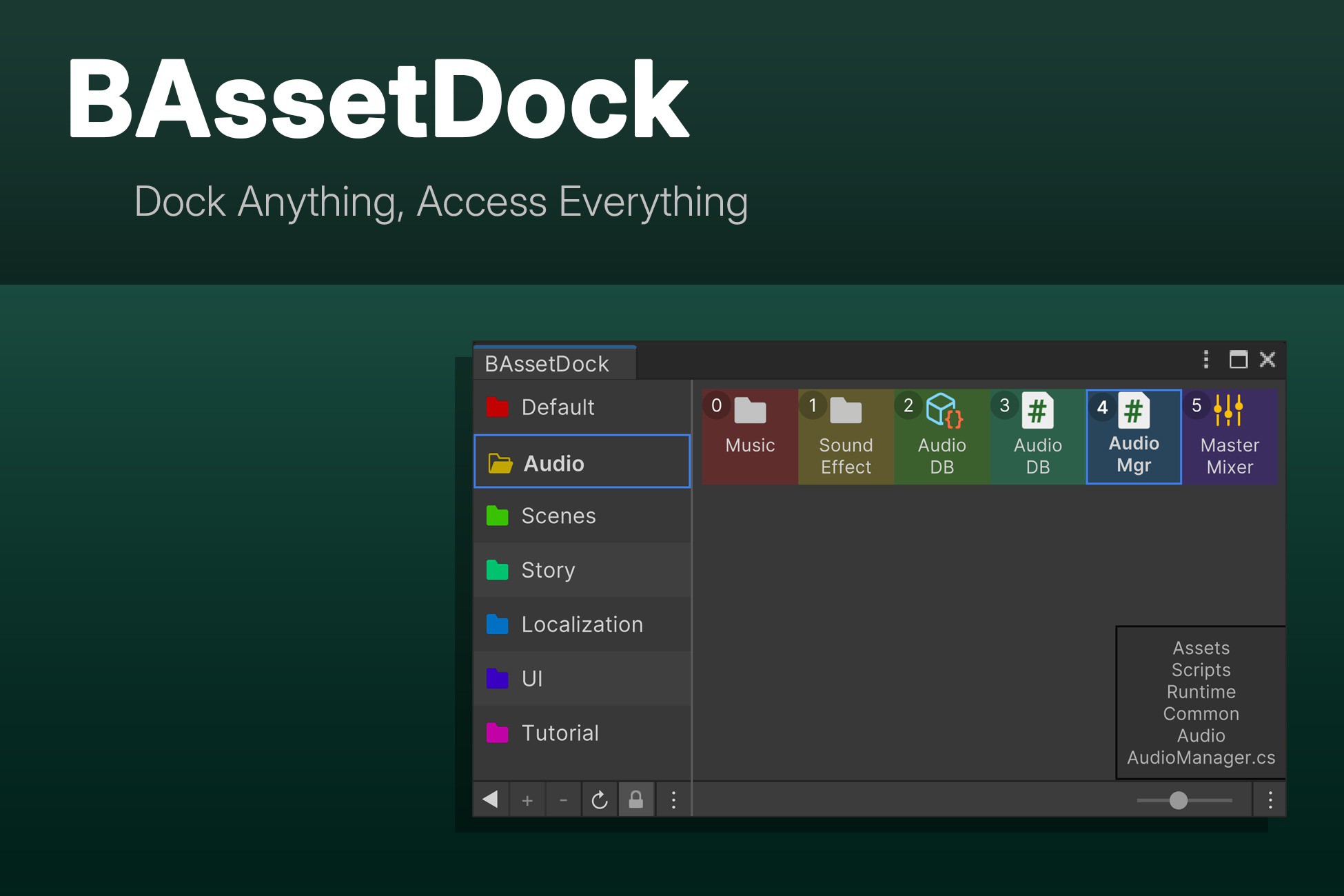
BAssetDock is a Unity editor extension that organizes assets into customizable groups with visual tags, drag-and-drop, and multilingual support to enhance workflow.
Lowest recorded price
Get 20% off on Asset Store (opens in new tab)Affiliate link · Purchases support this site
Price history
Last 6 months
USDAsset preview
1 / 12

BAssetDock screenshot 1


About this asset
Supports:
- Unity 2022.3 or higher
- Unity 6 (6000.x) or higher
BAssetDock transforms how you manage assets in Unity with its dual-panel interface that lets you organize files into customizable groups. Ideal for projects of any size or genre, it features:
- Intuitive drag-and-drop functionality for effortless asset organization
- Visual management with color tagging and custom naming
- Dual view modes (list and grid) with adjustable item sizes
- Extensive multilingual support with 7 built-in languages (English, Traditional and Simplified Chinese, Japanese, Korean, Spanish, and Russian)
- Built-in localization editor for customizing existing translations or adding new languages
- Fully customizable through an extensive settings menu
- Complete mouse-only workflow - no keyboard required
- Auto-sorting and grouping options for systematic organization
- Full Unity Undo/Redo system support
Stop wasting time navigating through complex folder structures. BAssetDock provides instant access to your most-used assets with just a few clicks, significantly enhancing your development efficiency.
If the user manual does not resolve your issue, feel free to contact us through any of the following channels: Community, Email
From the publisher's Asset Store listing.
Technical details
• Supports Unity 2022.3 and above
• Built with Unity UI Toolkit for a modern, responsive interface
• Two operational modes: List and Grid view for different asset visualization needs
• Custom FlexGridView implementation for flexible display options
• Asset monitoring system for automatic updates of deleted or moved files
• Full Undo/Redo support integrated with Unity's system
• ScriptableObject-based data persistence for reliable settings storage
• Advanced localization system with attribute-based translation keys
• Custom language editor for modifying translations and adding new languages
• Custom color management for visual asset categorization
• Multiple sorting options (by type, name, category)
• Theme adaptation to match Unity's light/dark editor themes
Compatibility
| Unity version | Built-in | URP | HDRP | Custom |
|---|---|---|---|---|
| 2022.3.62f3 | Compatible | Compatible | Compatible | Compatible |
As listed on the Asset Store.