
 View on Asset Store (opens in new tab)
Package details
- Latest version
- 1.2.1
- Last updated
- First released
- Unity version
- 2021.3.0 or later
- Package size
- 683 KB
- Files
- 11
- Favorites
- 5
- Views in the past week
- 9
Price tracking
- Last checked
- Tracked since
- Lowest recorded
- $4.99 on
Keywords
Camera Controller Plus
Camera Controller Plus implements a camera control system supporting multiple operations, including mouse drag rotation, wheel zooming, right-click panning, auto-rotation, and damping inertia effects.
Affiliate link · Purchases support this site
Price history
Last 6 months
USDAsset preview
1 / 2
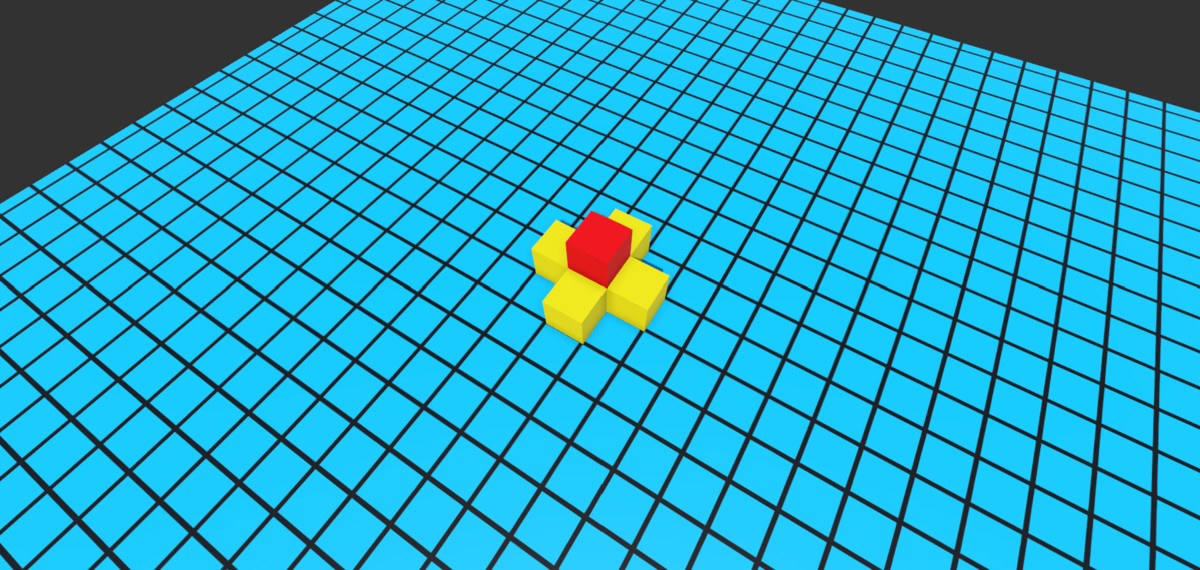
Camera Controller Plus screenshot 1
About this asset
The Camera Controller Plus package provides a versatile 3D camera control system for Unity, designed to enhance user interaction in 3D environments. It supports mouse-driven rotation, scrollwheel zooming, right-click panning, auto-rotation, and damping (inertia) effects. The system is highly customizable, with adjustable parameters for speed, angle limits, distance constraints, and input responsiveness, all exposed via the Unity Inspector.
Key Features:
- Mouse/Keyboard Controls: Intuitive left-click rotation, right-click panning, scrollwheel zooming, and arrow-key panning.
- Mouse Wheel Middle Click on Object: Focus on the object
- Auto-Rotation: Optional automatic orbital rotation around a target.
- Damping/Inertia: Smooth transitions for camera movements (toggleable).
- Angle/Distance Constraints: Prevents camera clipping or unwanted orientations.
- Perspective/Orthographic Support: Works seamlessly with both camera modes.
Customizability:
Yes, the system is fully customizable . Developers can:
- Adjust rotation/zoom/pan speeds and sensitivity.
- Set minimum/maximum distances and vertical (polar) angle limits.
- Enable/disable features like auto-rotation, damping, or keyboard controls.
- Modify input bindings (e.g., changing modifier keys for panning).
From the publisher's Asset Store listing.
Technical details
Coordinate System Uses spherical coordinates (polar/azimuth angles) to calculate camera position.
Damping Algorithm Smooths all operations (rotation/panning/zoom) when damping is enabled.
Camera Mode Support
- Perspective mode: Calculates panning based on field-of-view
- Orthographic mode: Uses orthographicSize for panning calculations
Compatibility
| Unity version | Built-in | URP | HDRP | Custom |
|---|---|---|---|---|
| 2021.3.0f1 | Compatible | Compatible | Compatible | Compatible |
As listed on the Asset Store.