
 View on Asset Store (opens in new tab)
Package details
- Latest version
- 1.0.0
- Last updated
- First released
- Unity version
- 2021.3.25 or later
- Package size
- 180 KB
- Files
- 23
- Favorites
- 8
- Views in the past week
- 31
- Requires
Price tracking
- Last checked
- Tracked since
- Lowest recorded
- Free on
Keywords
Free Simple Shooting
Add fast, modular projectile shooting to your game with Free Simple Shooting. Supports both 3D and 2D workflows, transform or physics shooting, pooling, hit events, and demo-ready setup.
Affiliate link · Purchases support this site
Price history
Last 6 months
USDAsset preview
1 / 6
Free Simple Shooting screenshot 1
About this asset
-----------------------------------------------------------------------
- Build 3D and 2D Shooting Fast with Free Simple Shooting -
-----------------------------------------------------------------------
- Introduction -
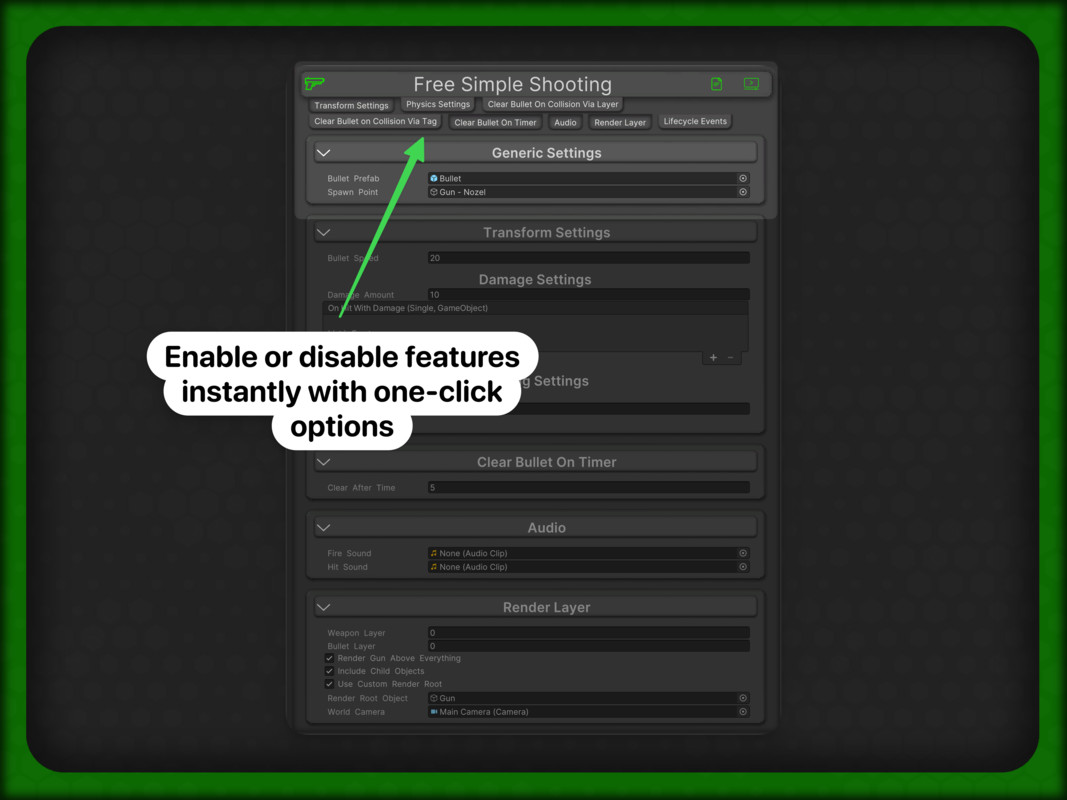
Free Simple Shooting is a lightweight, production-ready shooting toolkit for Unity. Add projectile firing in minutes with clear inspector controls, demo scenes, and documentation links directly in the custom editor.
| Discord |
- What You Get -
This package includes both:
- Free_Simple_Shooting (3D)
- TMC_Free_Simple_Shooting_2D (2D)
You can configure shooting using:
- Transform-based projectile movement
- Physics-based projectile movement (Rigidbody / Rigidbody2D)
- Bullet Clear Modes -
Choose how bullets are cleared:
- Collision via Layer
- Collision via Tag
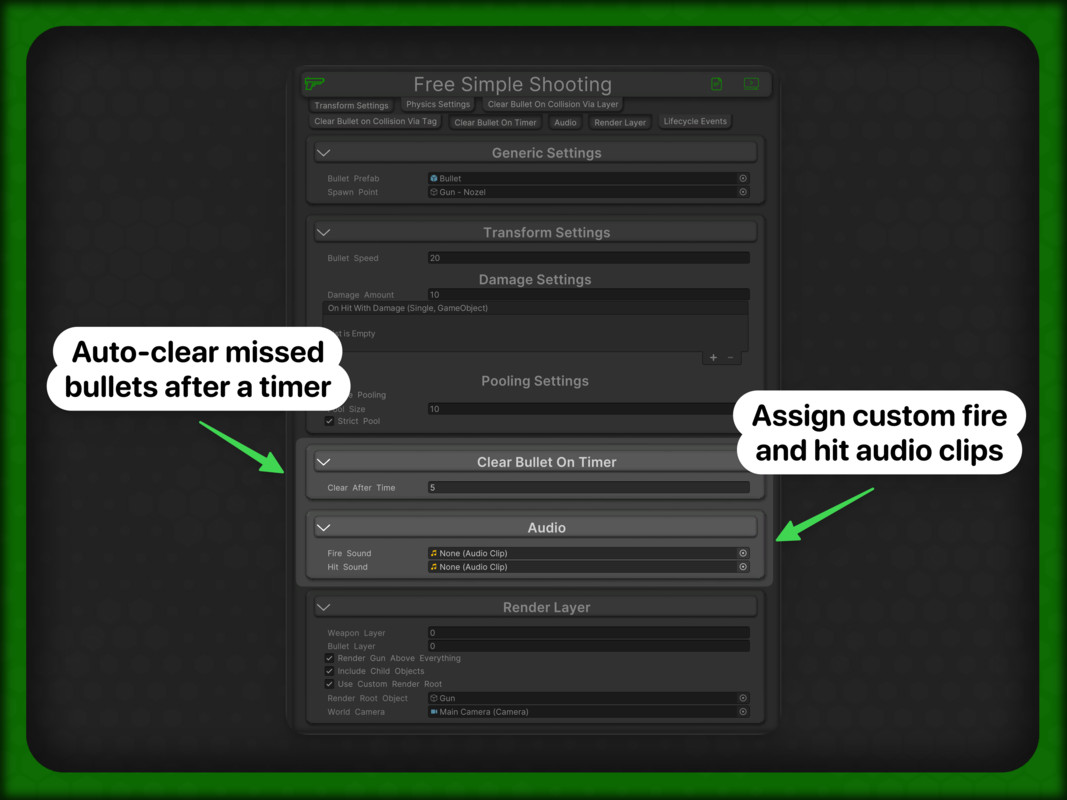
- Timer-based clear
- Built for Real Projects -
Free Simple Shooting also includes:
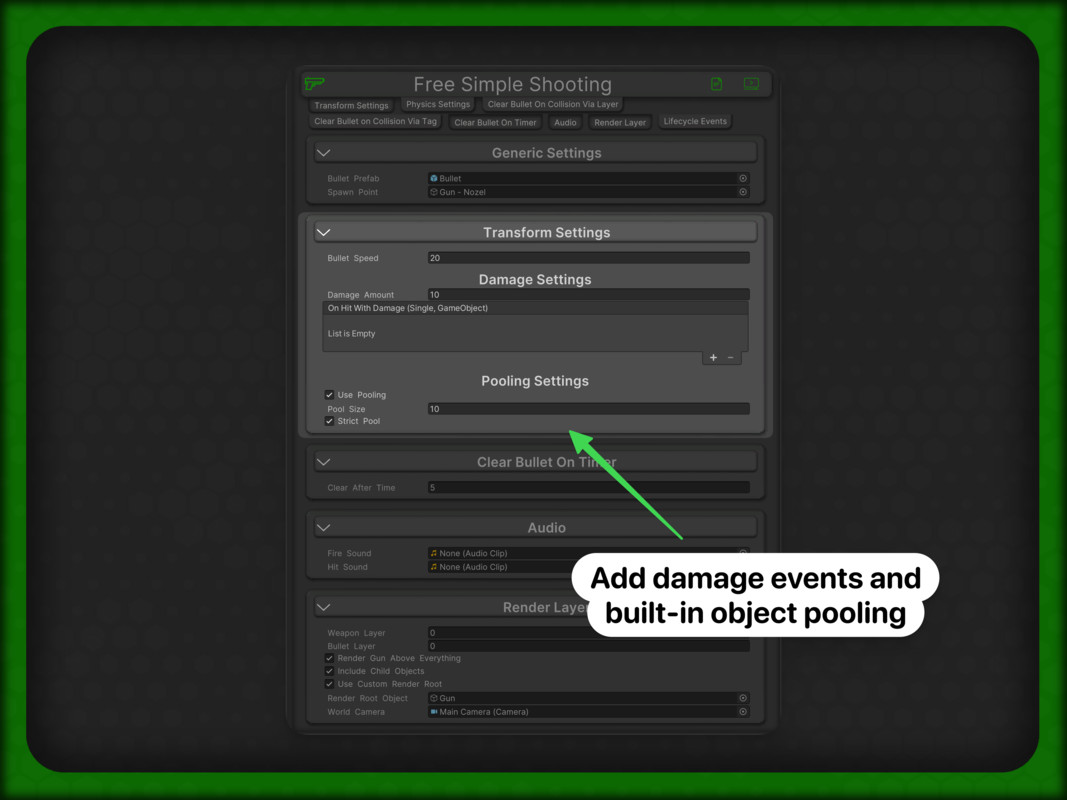
- Optional object pooling (including strict pool behavior)
- Damage + hit events (UnityEvent<float, GameObject>)
- Audio hooks for fire/hit feedback
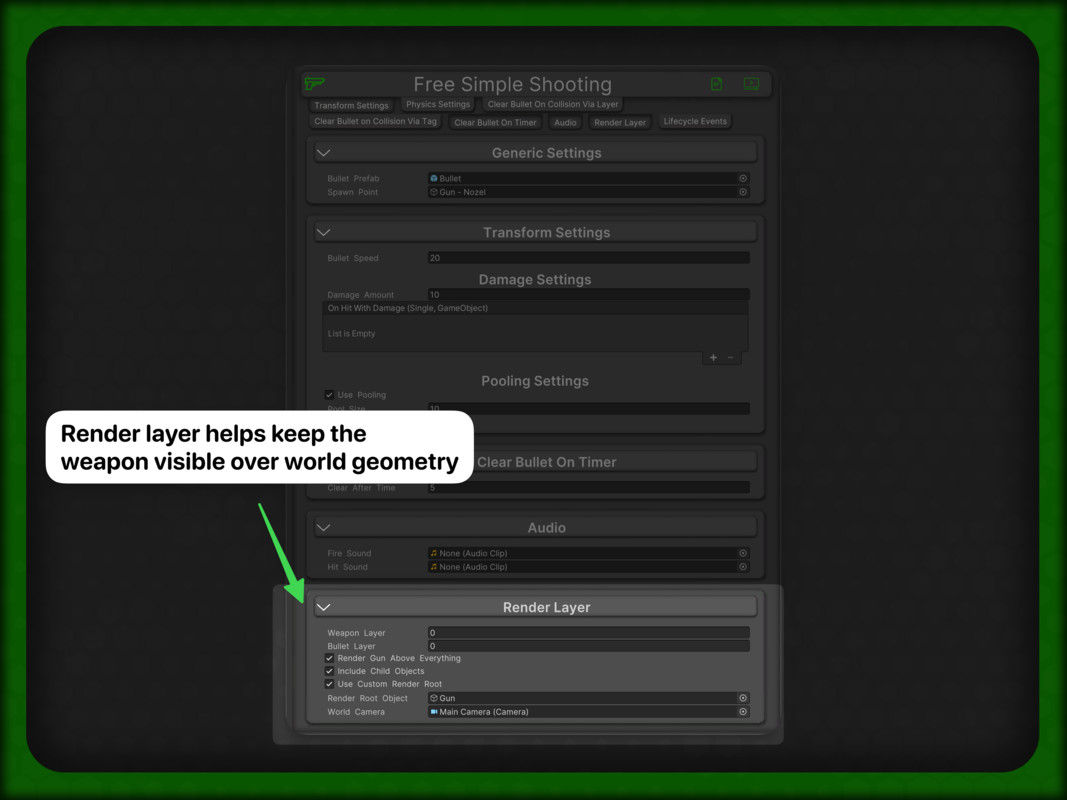
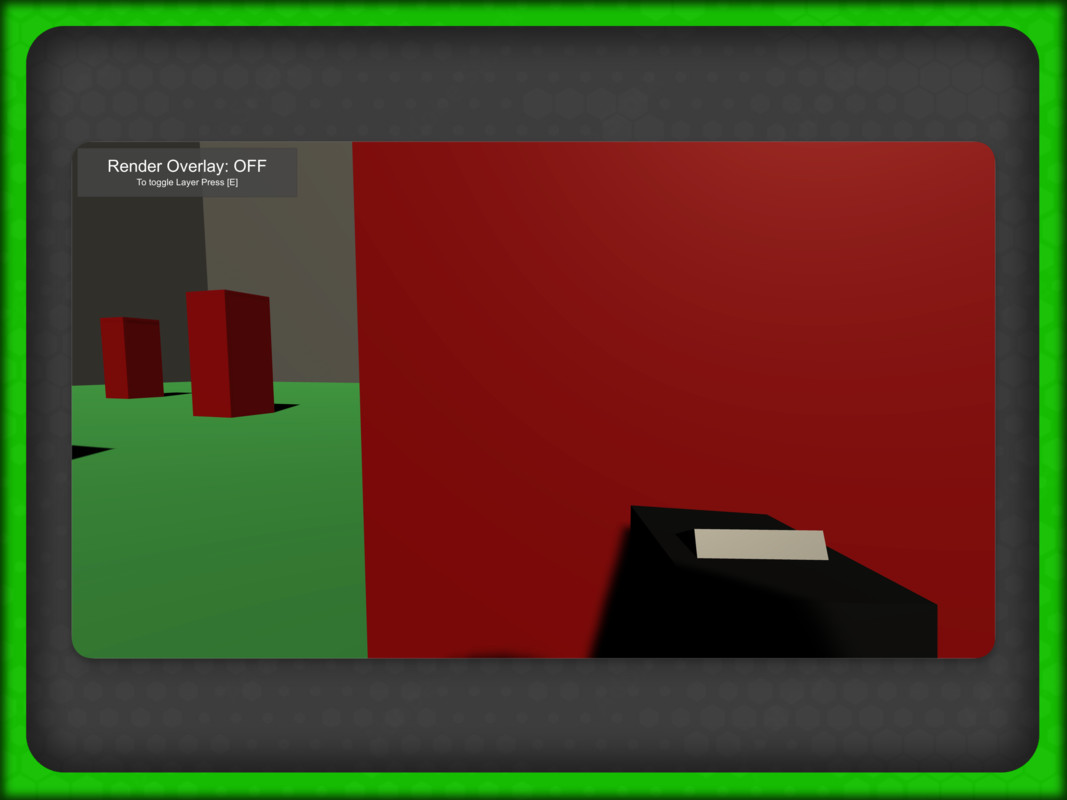
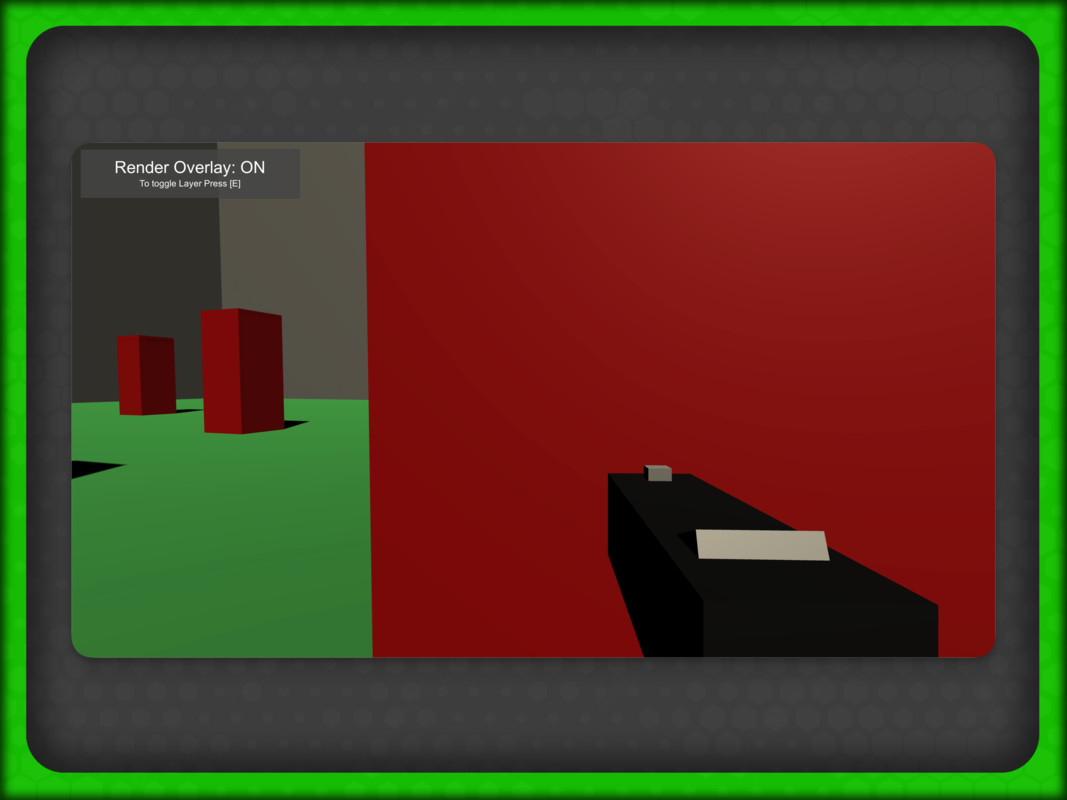
- Render-layer support for FPS weapon visibility
- Lifecycle events for custom integrations
- Demo scenes for quick onboarding
- Requirements -
- Unity 2021.3 or newer
- Taylor Made Code Core (free dependency)
- Quick Start -
1. Add a shooting component (3D or 2D) to a GameObject.
2. Assign Bullet Prefab + Spawn Point.
3. Select Transform or Physics mode.
4. Configure clear behavior and optional pooling/events.
5. Press Play and iterate.
Free Simple Shooting is designed to be simple for beginners and flexible enough for advanced workflows.
----------------------------------------------------------------------
From the publisher's Asset Store listing.
Technical details
Technical Details
- Runtime Scripts:
- Free_Simple_Shooting.cs (3D)
- Free_Simple_Shooting_2D.cs (2D)
- TMC_Quick_WASD_Input_Events.cs (demo helper)
- Editor Scripts:
- TMC_Shoot_Basic_Single_Transform.Editor.cs
- TMC_Shoot_Basic_Single_Transform_2D.Editor.cs
- Assembly Definitions:
- Taylor Made Code.Free Basic Shoot.asmdef
- Taylor Made Code.Free Basic Shoot.Editor.asmdef
- Test Coverage:
- EditMode and PlayMode tests included
- Separate asmdefs for EditMode/PlayMode test assemblies
- Supported Unity Version:
- 2021.3+
- Dependencies:
- Taylor Made Code Core (required, free)
- Included Content:
- Demo scenes
- Prefabs (Gun, Bullet)
- Art assets (mesh + sprite icon)
- Documentation
Compatibility
| Unity version | Built-in | URP | HDRP |
|---|---|---|---|
| 2021.3.25f1 | Compatible | Compatible | Not listed |
As listed on the Asset Store.