
 View on Asset Store (opens in new tab)
Package details
- Latest version
- 1.1
- Last updated
- First released
- Unity version
- 2022.3.59 or later
- Package size
- 4.7 MB
- Files
- 294
- Favorites
- 134
- Views in the past week
- 5
Price tracking
- Last checked
- Tracked since
- Lowest recorded
- Free on
Keywords
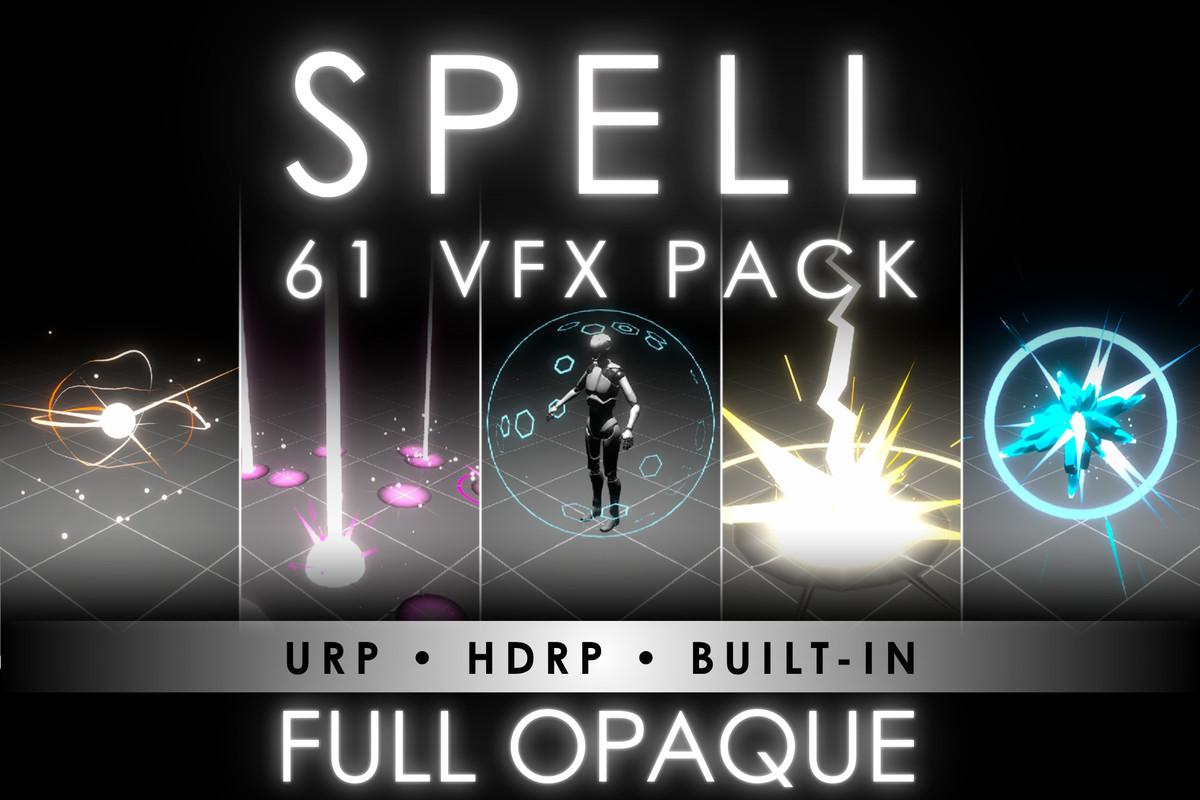
61 Full Opaque Spells Pack
Full Opaque Spell Perfect for mobile games, and VR. Lightweight, optimized, and ready to use. If you liked the pack, please leave a rating and a comment! Support: [email protected]
Affiliate link · Purchases support this site
Price history
Last 6 months
USDAsset preview
1 / 6

61 Full Opaque Spells Pack screenshot 1

About this asset
Full Opaque Spell VFX Pack - README
Overview
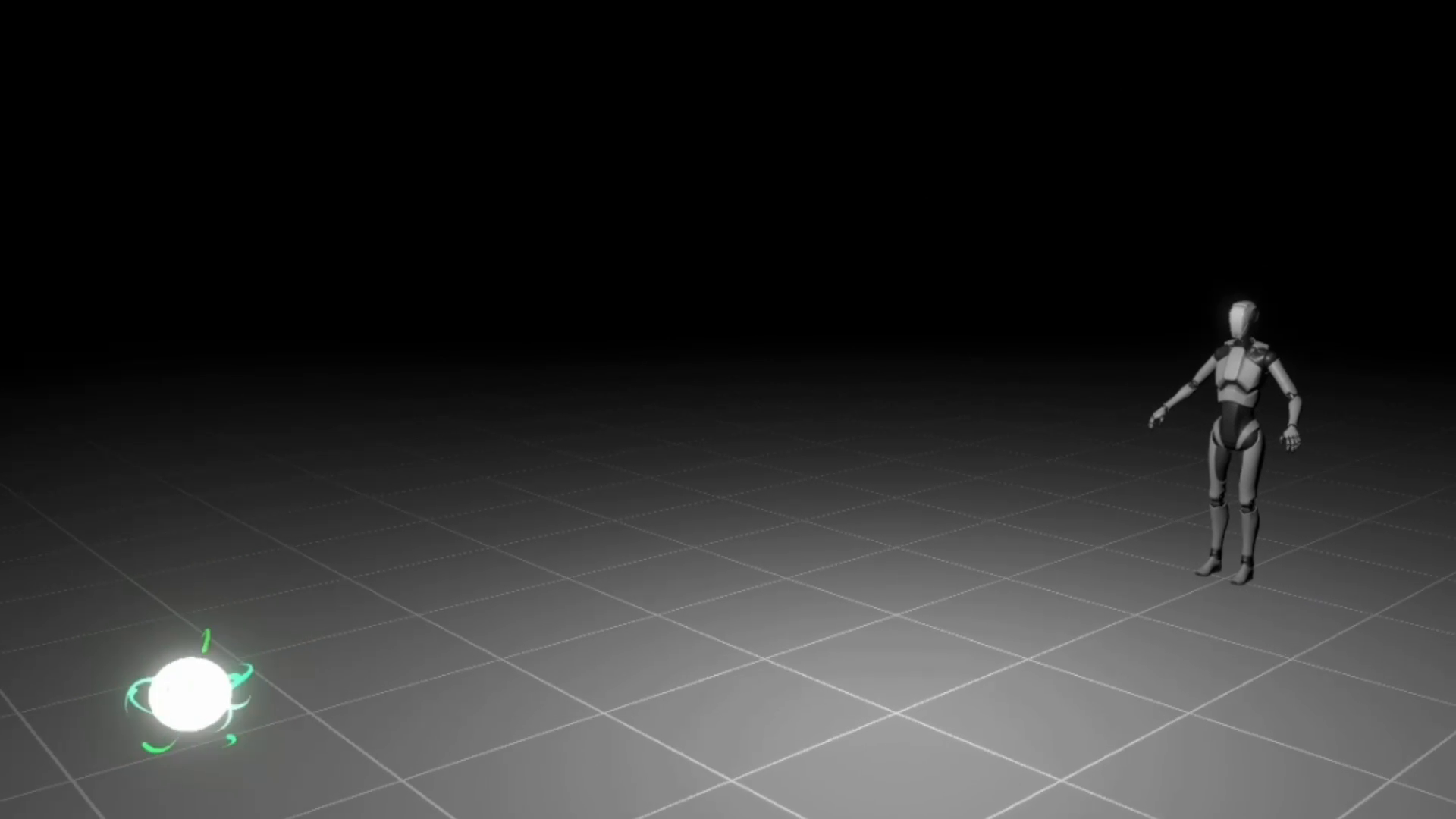
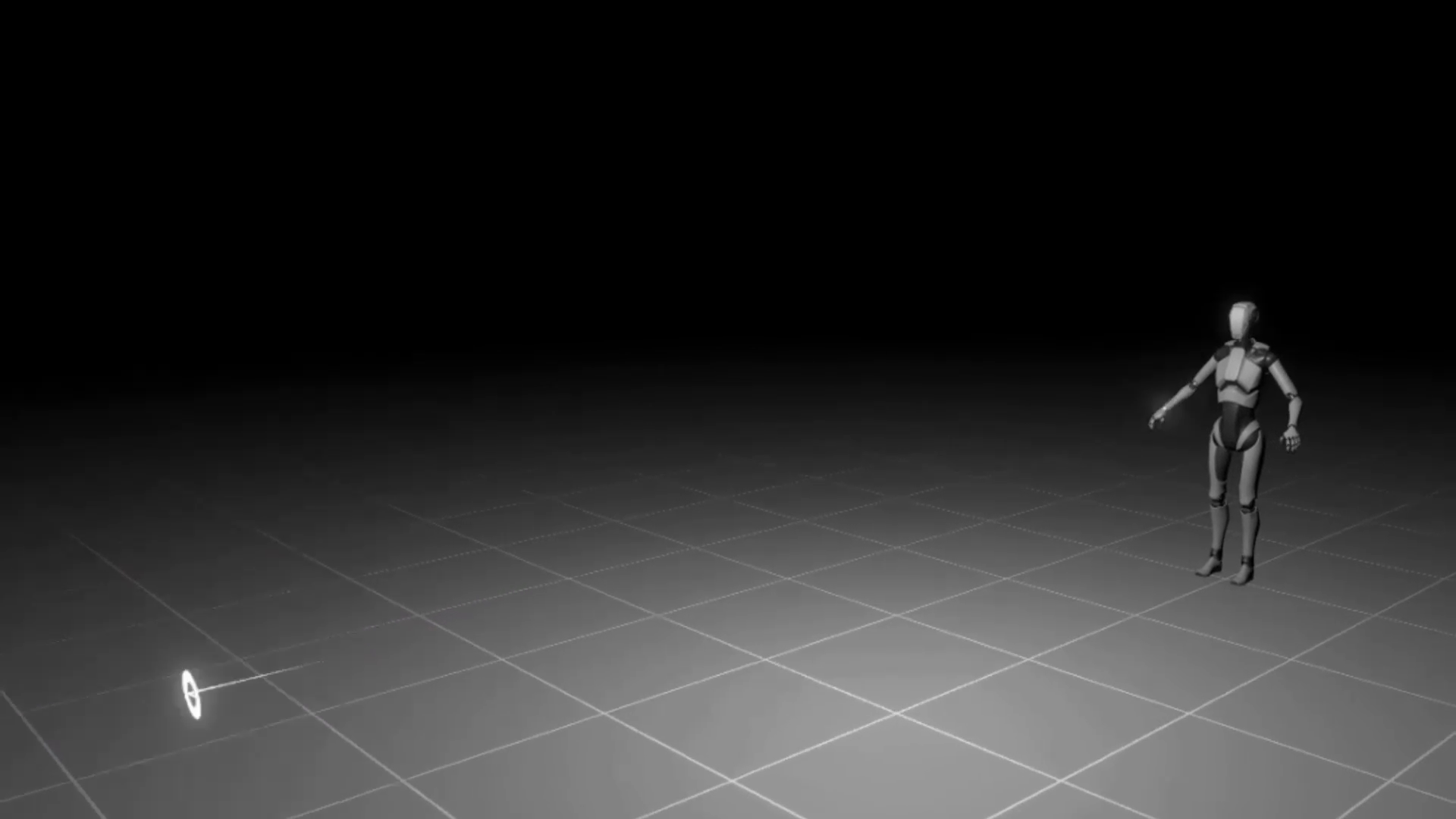
The Full Opaque Spell VFX Pack is a stylized, fully opaque spell effect pack designed for mobile, VR, and stylized projects. It provides optimized, high-performance magical effects that work seamlessly in Unity's Universal Render Pipeline (URP). This pack includes 61 unique spell effects across multiple categories and a customizable system for testing spells via the Spell Manager script.
Features
- 100% Opaque Rendering
No transparency for better optimization and visual clarity. - URP & Shader Graph
Custom Shader Graph fully compatible with Unity’s Particle System. - Lightweight & Optimized
Designed for smooth performance, even on low-end devices. - Customizable Spell System
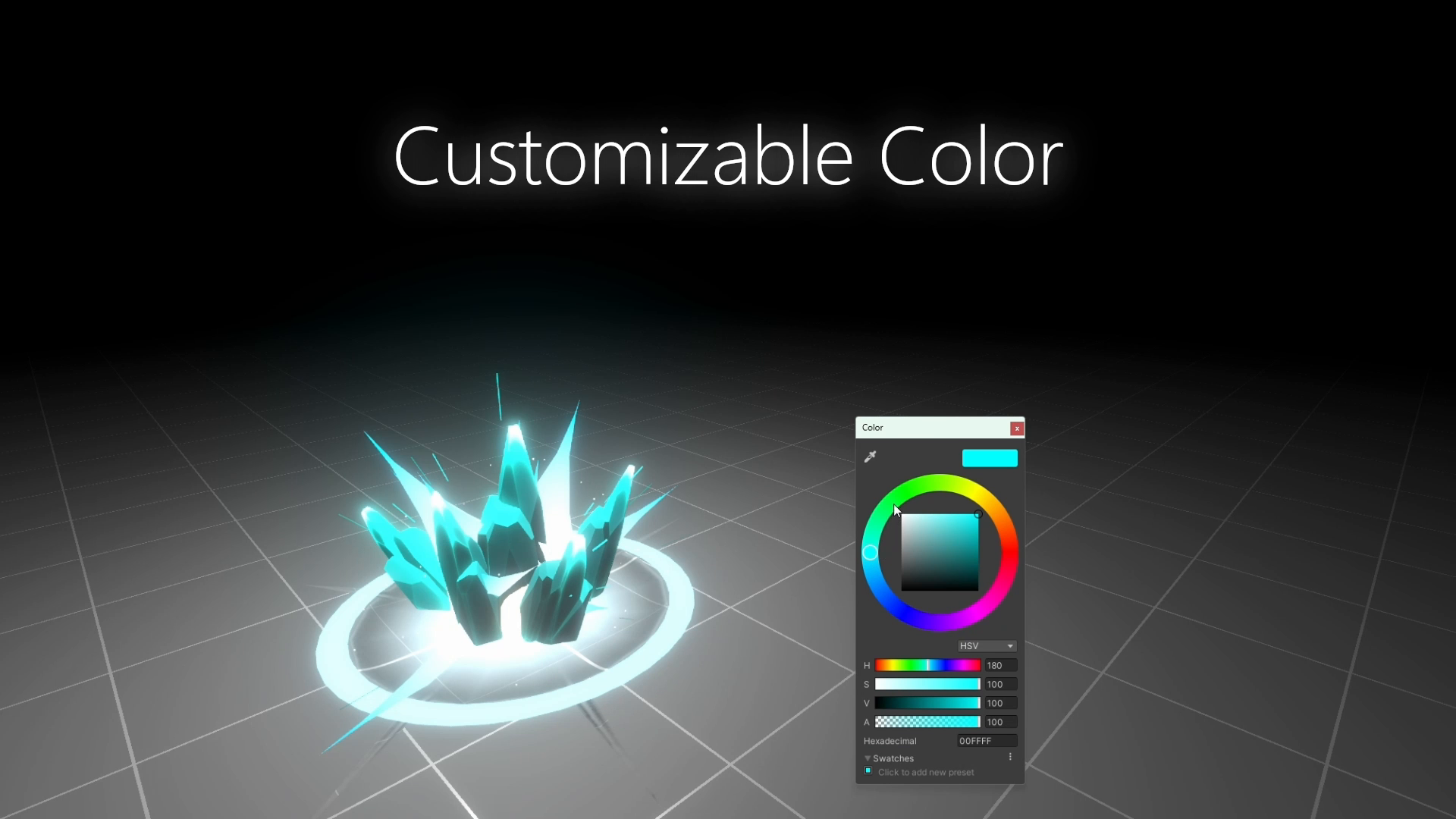
Adjustable parameters to modify spell appearance, duration, and intensity. - Diverse Spell Categories
61 effects in Shot, Burst, Buff, Explosion, Rain, Beam, Strike, Impact, Incantation, Tracking Shot. - Dynamic Effects
Some spells include particle interactions with scene conditions. - Easy Integration
All parameters are adjustable directly within the Particle System Inspector. - Spell Manager Script Included
For testing and combining different spells easily. - Demo Scene Included
Showcasing the VFX in a ready-to-use environment.
Spell Manager System
The Spell Manager script allows you to easily test and combine different spell effects. It provides a simple interface to assign spells to objects and test them in real-time within your Unity scene.
How to Use the Spell Manager
- Create a SpellGo to Spell Data and create a new spell by filling in the required parameters in the Inspector.
- Add the Spell Manager to the SceneDrag and drop the Spell Manager script into your scene.
- Assign Spell DataIn the Spell Manager Inspector, assign the newly created Spell Data or use one of the example Spell Data assets provided.
- Assign a TargetIn the Spell Manager Inspector, assign a target object that will be affected by the spell.
- Test the SpellEnter Game Mode in Unity, then press the designated shortcut in the Spell Data to trigger the spell.
Important Note: The Spell Manager script is designed for testing purposes only. It allows you to experiment with spell effects but is not game-ready and will require additional work to integrate into a full game project.
Installation
- Download the Full Opaque Spell VFX Pack.
- Import the package into your Unity project.
- Drag the Spell Manager prefab into your scene and start testing spell effects.
- Use the Spell Data assets to create and modify spells directly in the Inspector.
Copyright Notice
Copyright Roman Chacornac 2025
All rights reserved. This product is protected by copyright and may not be distributed, modified, or resold without the prior permission of the author. Any unauthorized use is prohibited.
Support
If you encounter any issues or need assistance, feel free to reach out to us at:
Email: [email protected]
From the publisher's Asset Store listing.
Technical details
Technical Details
- Number of Effects: 61 unique spell effects
- Tracking ShotCategories:
Shot
Burst
Buff
Explosion
Rain
Beam
Strike
Impact
Incantation - Customization: Adjustable via Particle System Inspector or Script
- Render Pipeline: URP (Universal Render Pipeline) Only
- Unity Version: Developed and tested on Unity 2022.3.59f1
- Performance: Optimized for low-poly, mobile, and VR applications
- Opacity: Fully opaque, no alpha blending
- Shader: Custom Shader Graph, all parameters controlled via Spell Manager Prefab and Material
- Textures & Materials: Low-poly unlit material for optimal performance
- Scene Compatibility: Compatible with Unity URP 2022.3.59f1 and newer
Spell Manager System
The Spell Manager script allows you to easily test and combine different spell effects. It provides a simple interface to assign spells to objects and test them in real-time within your Unity scene.
How to Use the Spell Manager
- Go to Spell Data and create a new spell by filling in the required parameters in the Inspector.Create a Spell
- Drag and drop the Spell Manager script into your scene.Add the Spell Manager to the Scene
- In the Spell Manager Inspector, assign the newly created Spell Data or use one of the example Spell Data assets provided.Assign Spell Data
- In the Spell Manager Inspector, assign a target object that will be affected by the spell.Assign a Target
- Enter Game Mode in Unity, then press the designated shortcut in the Spell Data to trigger the spell.Test the Spell
Important Note: The Spell Manager script is designed for testing purposes only. It allows you to experiment with spell effects but is not game-ready and will require additional work to integrate into a full game project.
Compatibility
| Unity version | Built-in | URP | HDRP |
|---|---|---|---|
| 2022.3.59f1 | Compatible | Compatible | Compatible |
As listed on the Asset Store.