
 View on Asset Store (opens in new tab)
Package details
- Latest version
- 1.2.0
- Last updated
- First released
- Unity version
- 2021.3.5 or later
- Package size
- 490 KB
- Files
- 38
- Favorites
- 10
- Views in the past week
- 20
Price tracking
- Last checked
- Tracked since
- Lowest recorded
- Free on
Keywords
Advanced Project Builder
Advanced Project Builder is a Unity tool designed to simplify and automate the build process for your projects directly from the editor (via a dedicated window) and through the command line.
Affiliate link · Purchases support this site
Price history
Last 6 months
USDAsset preview
1 / 3
Advanced Project Builder screenshot 1

About this asset
Advanced Project Builder is a Unity tool designed to simplify and automate the build process for your projects directly from the editor (via a dedicated window) and through the command line, making it ideal for continuous integration and delivery (CI/CD) pipelines.
You can create, manage, and save multiple build configurations tailored for different platforms, allowing streamlined local and remote builds.
Features
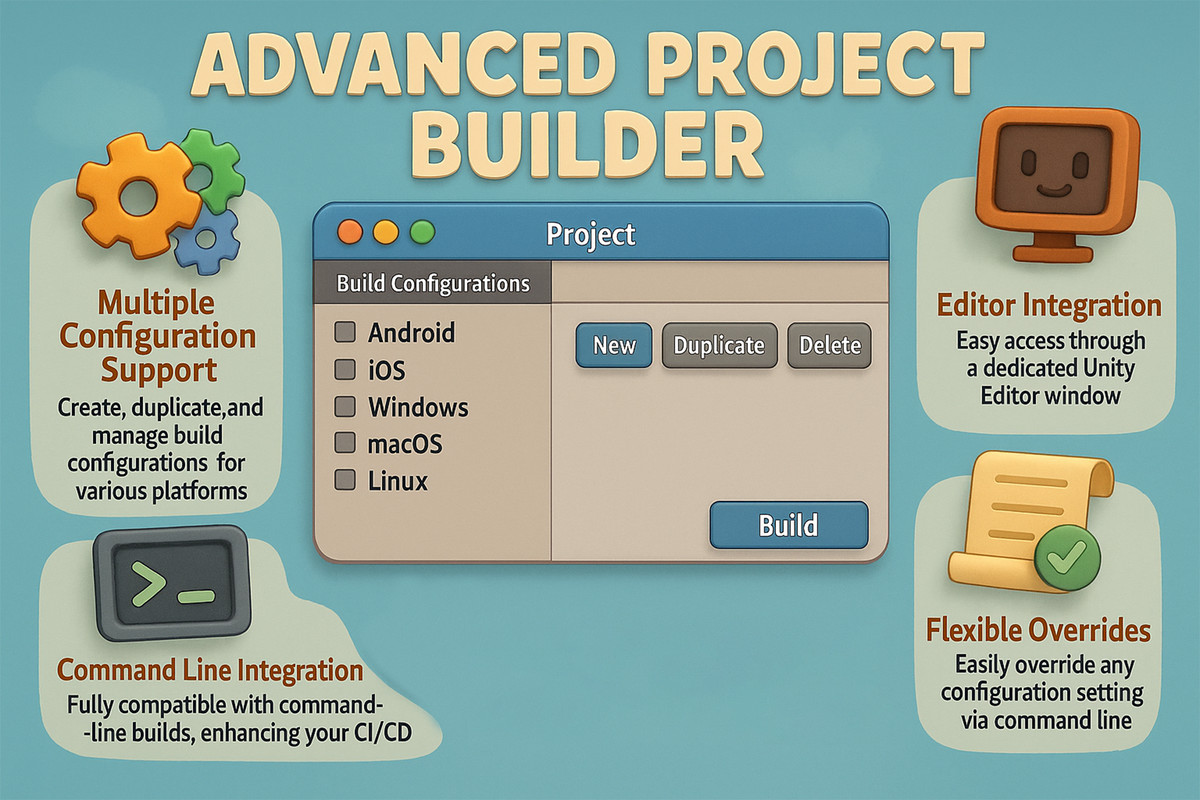
- Multiple Configuration Support: Create, duplicate, and manage build configurations for various platforms.
- Editor Integration: Easy access through a dedicated Unity Editor window.
- Command Line Integration: Fully compatible with command-line builds, enhancing your CI/CD workflows.
- Cross-Platform Builds: Supports Android, iOS, Windows, macOS, and other Unity-supported platforms.
- Flexible Overrides: Easily override any configuration setting via command line parameters.
Find issue or have some improvement - join Discord to discuss. https://discord.gg/RXVWTwFGrq
From the publisher's Asset Store listing.
Technical details
Package contains zip files with `bat` and `sh` command-line example files.
Usage
To open Advanced Project Builder in Unity:
- Navigate to Tools > DmytroUdovychenko > AdvancedProjectBuilder
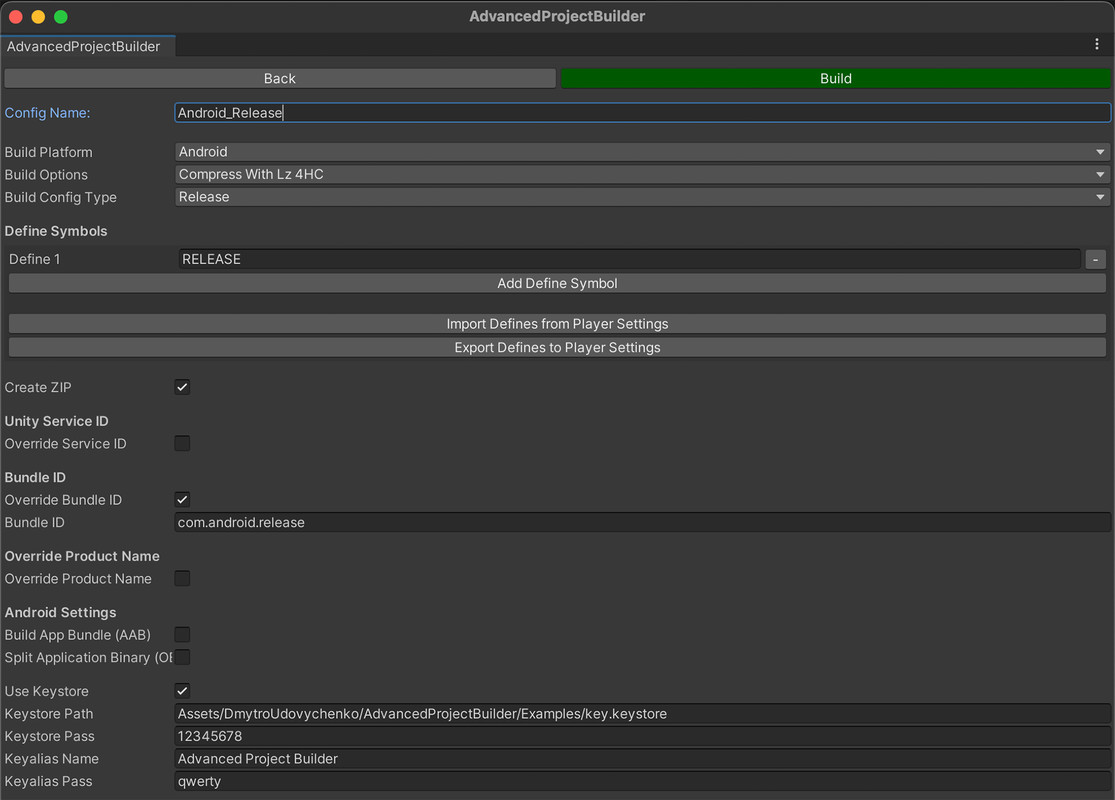
The window displays your build configurations and provides four main actions:
- Build – Initiate the build process with the selected configuration.
- Open – View and edit the selected configuration.
- Duplicate – Copy an existing configuration.
- Delete – Remove an existing configuration.
- And SELECT FOLDER button to set folder for builds.
Configuration Settings
General Build Settings:
- BUILD_PATH – Path for the build.
- BUILD_PLATFORM – BuildTarget
- BUILD_OPTION – BuildOptions
- BUILD_VERSION – Application.version
- BUNDLE_VERSION_NUMBER – Android (bundleVersionCode), iOS (buildNumber)
- BUILD_PRODUCT_NAME – Application.productName
- BUNDLE_ID – Application.identifier
- CREATE_ZIP – "true" or "false"
Unity Services ID Settings:
- UNITY_SERVICE_ID_OVERRIDE – "true" or "false"
- UNITY_SERVICE_PROJECT_ID – Your Unity Project ID
- UNITY_SERVICE_ORGANIZATION_ID – Your Unity Organization ID
Android Build Settings:
- ANDROID_APP_BUNDLE – App Bundle
- ANDROID_SPLIT_BINARY – Split Application Binary
- ANDROID_USE_KEYSTORE – "true" or "false"
- ANDROID_KEYSTORE_PATH
- ANDROID_KEYSTORE_PASS
- ANDROID_KEYALIAS_NAME
- ANDROID_KEYALIAS_PASS – Keystore settings
iOS Build Settings:
- APPLE_DEVELOPER_TEAM_ID – Apple Developer Team ID
- APPLE_BUILD_COCOA_PODS – Call `pod init` and `pod install` after build is done https://guides.cocoapods.org/using/using-cocoapods
Compatibility
Package contains .txt files with `bat` and `sh` command-line example files
As listed on the Asset Store.