
 View on Asset Store (opens in new tab)
Package details
- Latest version
- 1.1.0
- Last updated
- First released
- Unity version
- 6000.0.31 or later
- Package size
- 38.7 MB
- Files
- 59
- Favorites
- 5
- Views in the past week
- 8
Price tracking
- Last checked
- Tracked since
- Lowest recorded
- $4.99 on
Keywords
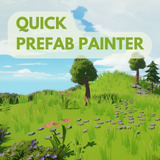
Quick Prefab Painter
Quick Prefab Painter is a fast and easy-to-use prefab painting tool for Unity. Paint, erase, and move objects with adjustable brushes, randomization, and shortcuts to speed up level design.
Affiliate link · Purchases support this site
Price history
Last 6 months
USDAsset preview
1 / 7

Quick Prefab Painter screenshot 1


About this asset
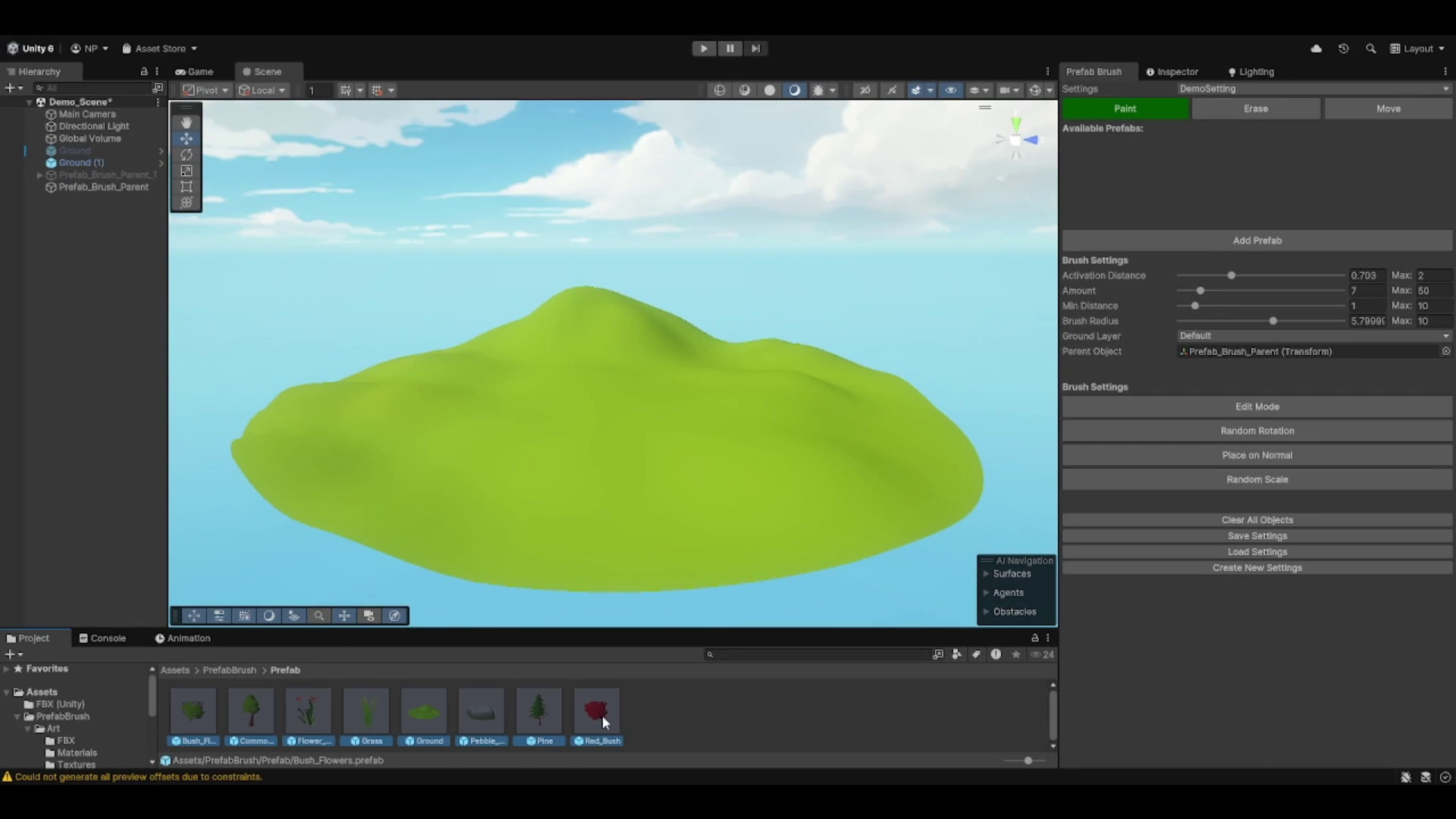
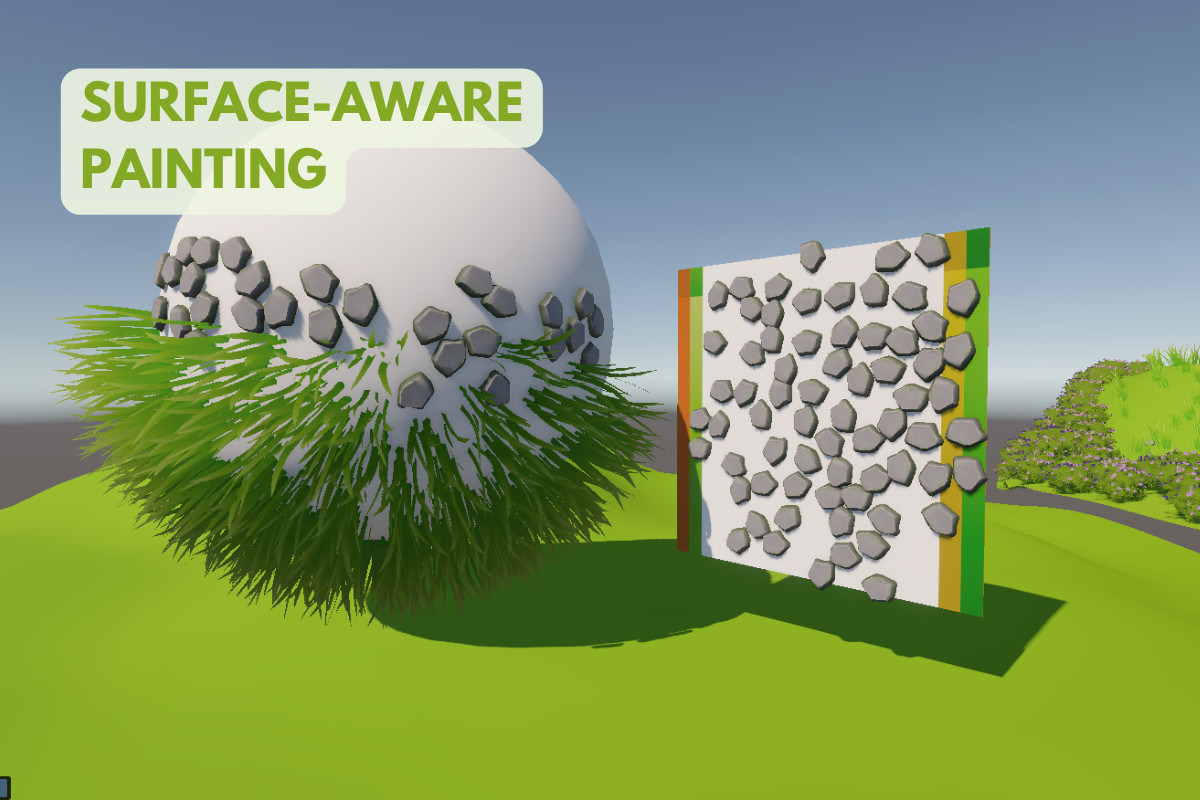
Quick Prefab Painter is a versatile Unity tool designed for efficient prefab placement in your scenes. It allows you to paint, erase, and move prefabs with customizable brushes, offering control over parameters like brush size, rotation, scale, and distance between objects. Perfect for level design, environment creation, or procedural generation, this tool is suitable for any project, whether it’s an open-world game, strategy, or simulation. The intuitive interface, along with features like randomization and undo/redo, makes it ideal for both indie developers and professional teams looking to speed up their workflow.
Third-Party Notices:
This asset uses "Stylized Nature MEGAKIT" by Quaternius, used under the CC0 License.
See Third-Party Notices.txt file in the package for details.
From the publisher's Asset Store listing.
Technical details
Key Features:
- Prefab Painting: Paint, erase, and move prefabs in your scene with customizable brushes.
- Randomization: Apply random rotation, scale, and placement for variety.
- Brush Controls: Adjust brush size, radius, and spacing with intuitive sliders.
- Distance Controls: Control the minimum distance between placed objects.
- Layer Support: Choose specific layers for prefab placement.
- Parenting: Assign a parent object for the placed prefabs.
- Shortcuts: Change brush size and amount quickly with Shift + Mouse Scroll and Ctrl + Mouse Scroll.
- Undo/Redo: Easily revert changes with built-in undo and redo functionality.
- Save & Load Settings: Save your brush settings for later use.
Supported OS:
- Windows
- macOS
Compatibility
| Unity version | Built-in | URP | HDRP |
|---|---|---|---|
| 6000.0.31f1 | Compatible | Compatible | Not listed |
As listed on the Asset Store.