
 View on Asset Store (opens in new tab)
Package details
- Latest version
- 2.2.3
- Last updated
- First released
- Unity version
- 6000.2.0 or later
- Package size
- 228.5 MB
- Files
- 99
- Favorites
- 38
- Views in the past week
- 142
Price tracking
- Last checked
- Tracked since
- Lowest recorded
- Free on
Keywords

Terrain Molder
- Price drop
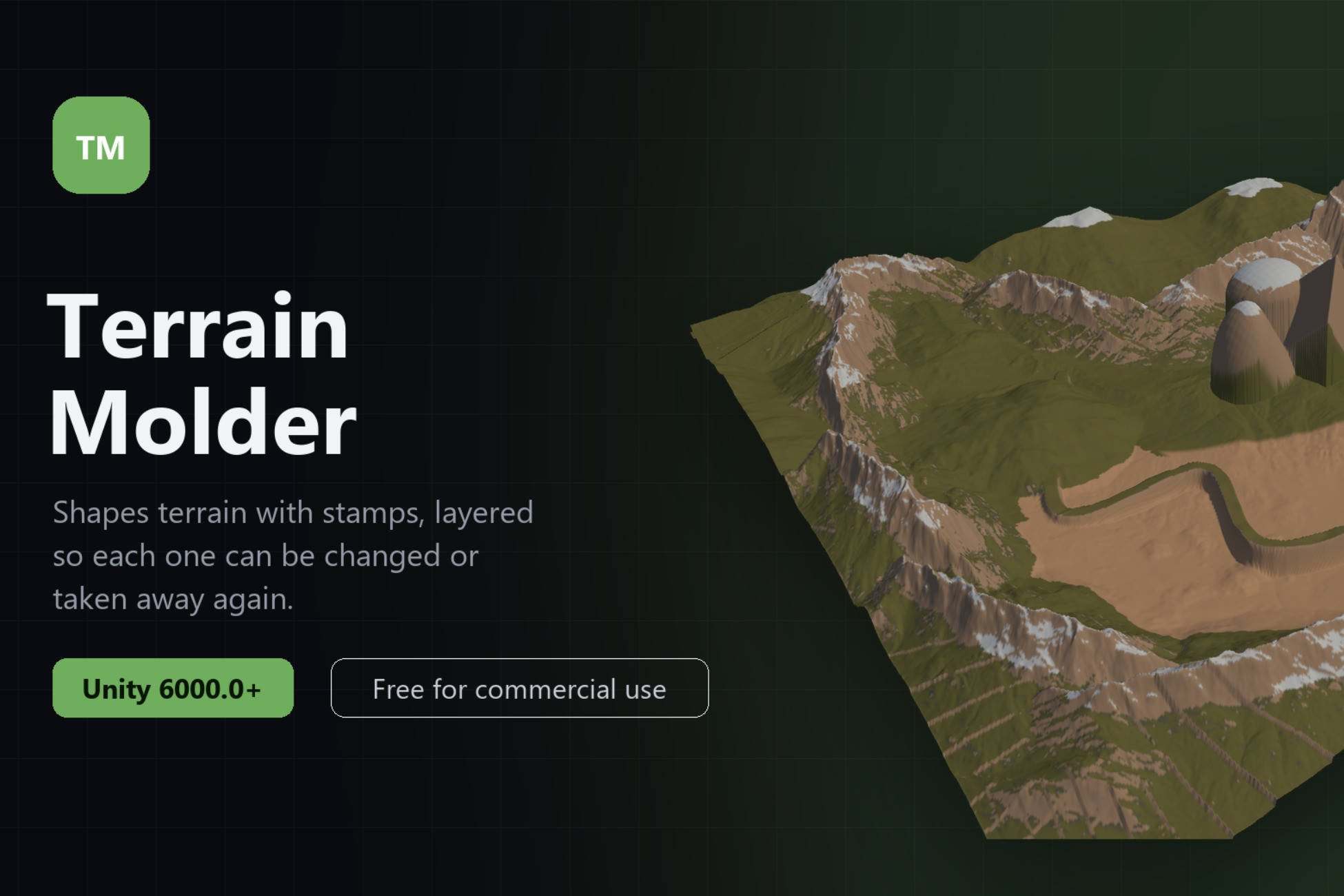
Terrain Molder is a non‑destructive, stamp‑based terrain‑editing tool for Unity: unlimited heightmap stamps, intuitive scene‑safe controls, and a beginner‑friendly UI.
Affiliate link · Purchases support this site
Price history
Last 6 months
USDAsset preview
1 / 2
Terrain Molder screenshot 1
About this asset
🍪 Terrain Molder by Cookie Jar Tools brings simplicity back to Unity terrain editing. With a fully non‑destructive, stamp‑based workflow, you can prototype and polish landscapes at lightning speed:
- Unlimited Stamps: Drop in as many stamps as you like, no artificial caps.
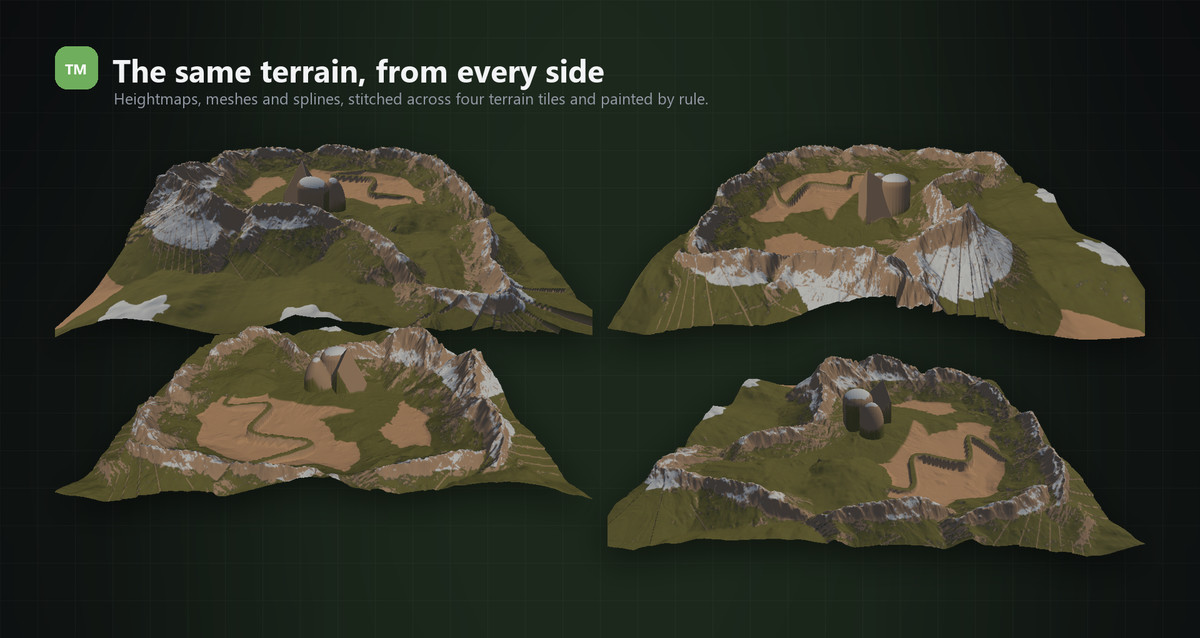
- Four Stamp Types: Shape terrain with 2D heightmap textures, 3D meshes, texture-only splat stamps, or splines.
- Spline Stamps: Draw roads, ridges, and canyons along smooth curves, set width, falloff and per point scale, close the loop, and double click to add points. Apply a height texture along the path to grow entire mountain ranges from a single spline.
- 3D Mesh Stamps: Turn any mesh into terrain, with full three axis rotation, tilt and roll shapes straight into the landscape.
- Biomes: Define a texture rule set once and assign it to any number of stamps, no more copying rules around.
- Runtime API: Add, modify, and apply stamps from code, in the editor and in player builds. Includes a drop-in bootstrap component and a fully documented, commented API.
- Built for Speed: GPU compute pipeline with smart caching, editing one stamp no longer rebuilds the rest, with throttled live updates while you drag.
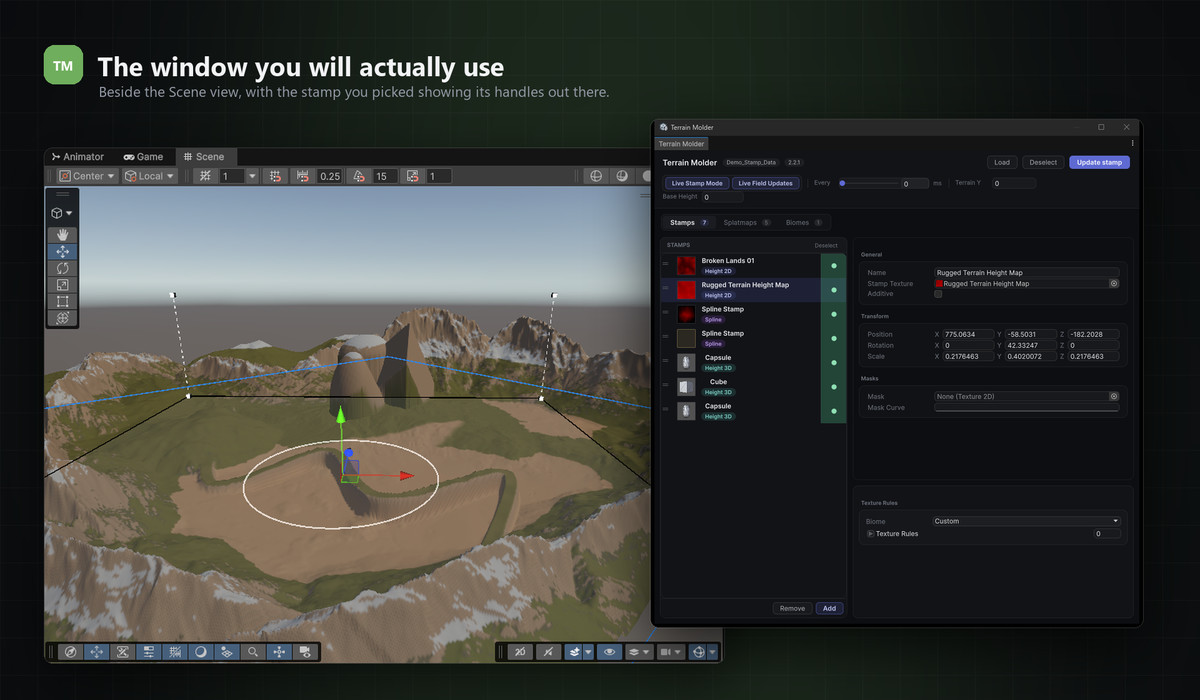
- Intuitive Controls: Drag, rotate, scale, and shape stamps directly in Scene View.
- Non-Destructive Workflow: Reorder, tweak, enable/disable, or remove stamps anytime without altering the original terrain.
- Scene-Safe Editing: Only terrain data changes, your GameObjects, prefabs, and hierarchies remain untouched.
- Full Height Control: Set a base resting height and manage the terrain's world Y position; stamps stay relative, so your whole landscape moves as one.
- Up to 16 Splatmap Textures: Paint terrain automatically with simple height- and angle-based rules, per stamp or per biome.
- Clean, Modern UI: Clear panels, colored stamp types, and scene gizmos mean zero learning curve.
- Community-Driven Roadmap: Much of 2.0, splines, biomes, the runtime API, came directly from user requests. Keep them coming!
Simply import the package, open the Terrain Molder window, and start stamping!
Join the Discord for updates and help: Link
We recommend getting some third-party heightmaps, we include a few with the tool, but they are mainly for demonstration purposes.
From the publisher's Asset Store listing.
Technical details
Unity Compatibility: 2022 and later
Supported Platforms: This is an Editor based tool.
Dependencies: None (pure C# Editor Extension)
Documentation:
- Markdown Documentation included
Support & Updates:
- Discord for bugs & feature requests
- cookiejartools.com
- [email protected]
License: Standard Unity Asset Store EULA
Compatibility
| Unity version | Built-in | URP | HDRP | Custom |
|---|---|---|---|---|
| 6000.4.4f1 | Compatible | Compatible | Compatible | Compatible |
| 6000.2.0f1 | Compatible | Compatible | Compatible | Compatible |
As listed on the Asset Store.