
 View on Asset Store (opens in new tab)
Package details
- Latest version
- 1.0
- Last updated
- First released
- Unity version
- 6000.0.26 or later
- Package size
- 29.2 MB
- Files
- 26
- Favorites
- 2
- Views in the past week
- 7
Price tracking
- Last checked
- Tracked since
- Lowest recorded
- $19.99 on
Keywords
Ultimate GIF Player
This script allow you to easily Watch your GIF in the Unity Editor in real-time, applying overlay filters on the fly with instant results! Working on URP and HDRP too
Affiliate link · Purchases support this site
Price history
Last 6 months
USDAsset preview
1 / 7

Ultimate GIF Player screenshot 1



About this asset
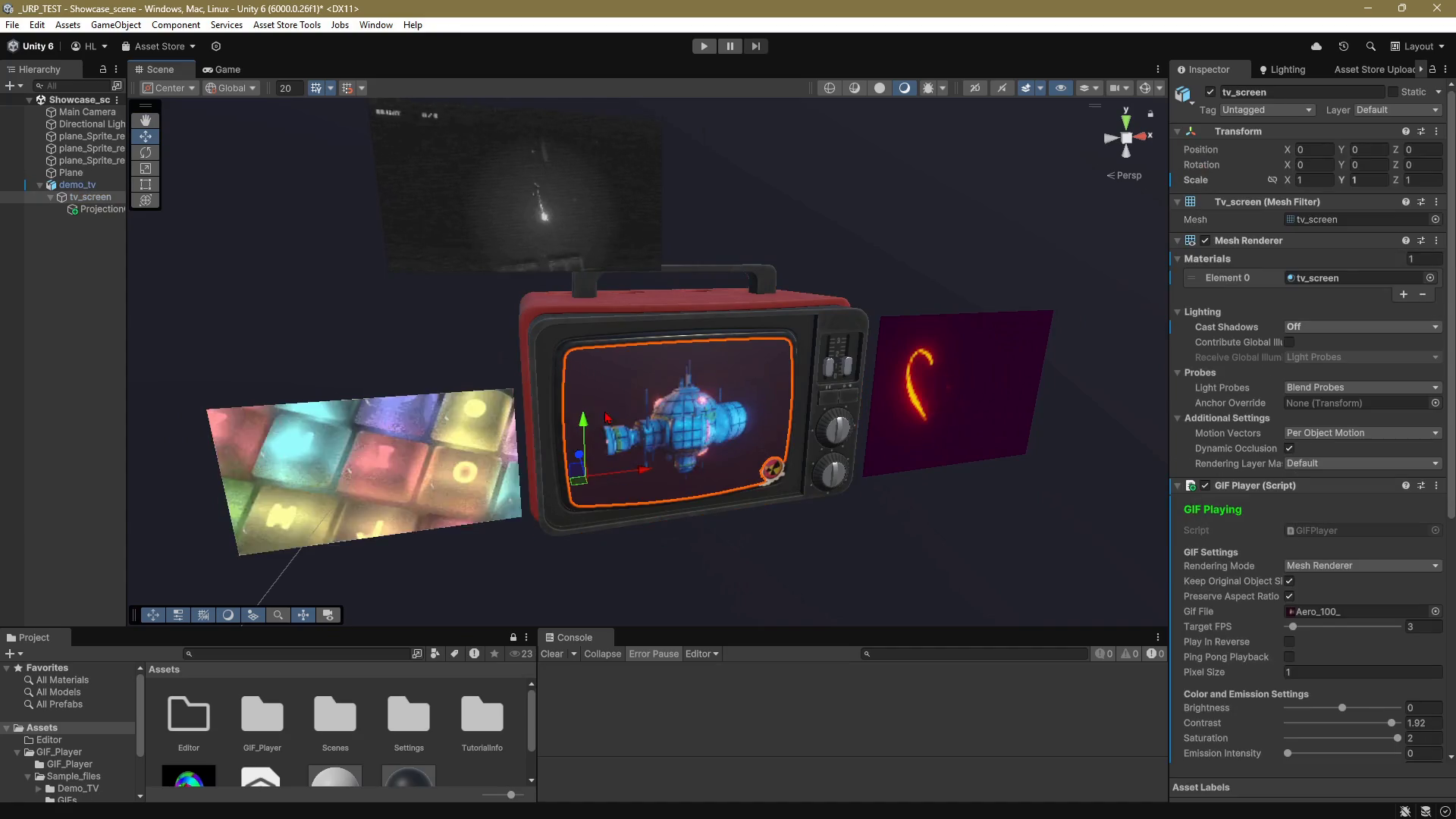
This script allow you to easily Watch your GIF in the Unity Editor in real-time, applying overlay filters on the fly with instant results!
-Decodes GIF files and extracts frames for playback.
-Supports SpriteRenderer and MeshRenderer modes for displaying GIFs.
-Offers various color, brightness, and contrast adjustments.
+ Realtime Framrate adjustments
-Includes pixelation and filter effects for customized visuals.
-Automatic playback on game start with configurable settings.
-Realtime UV projection adjustments.
-Working on URP and HDRP
-Allows real-time GIF playback in the Unity Editor.
-Provides debugging hints and scripting support for custom control.
-Mobile optimization settings to reduce resolution and frame rate for better performance on mobile devices.
-WebGL optimization settings to ensure smooth playback in web environments.
-Quality modes (Low, Medium, High) to adjust texture resolution and frame rate based on performance needs.
RULES FOR OPTIMIZING GIFS
-Keep It Small: Use GIFs with small file sizes (<1MB),
-low frame counts (10-30 frames), and lower resolutions (e.g., 256x256 or smaller).
-Simplify Settings: Reduce the color palette (e.g., 256 colors) and use a lower frame rate (10-15 FPS) for less resource use.
-Unity Tweaks: Compress textures, disable mipmaps, and stick to power-of-two dimensions (e.g., 128x128) for efficiency.
From the publisher's Asset Store listing.
Technical details
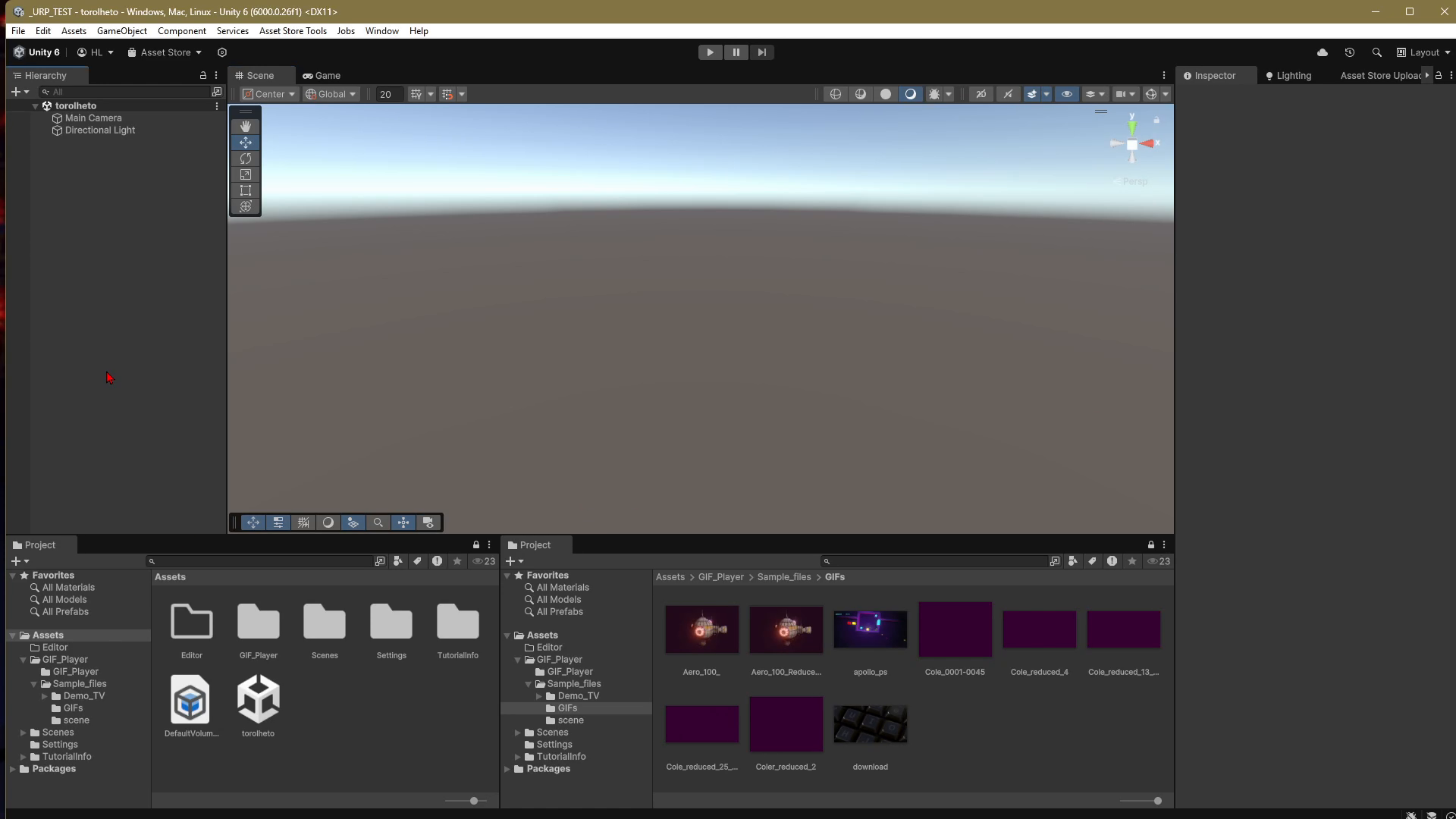
-Just add GIFPlayer.cs script to your mesh or model with sprite renderer
-Only valid GIF files should be used.
-The GIF file path must be set correctly.
-Playback settings must meet game requirements.
-A SpriteRenderer or MeshRenderer component is required for functionality.
-The player will not work with invalid or corrupted GIF files; only correctly formatted GIFs should be used.
-Check frame rate twice: editor frame rate ≠ gameplay frame rate. Use optimized GIF
Compatibility
| Unity version | Built-in | URP | HDRP |
|---|---|---|---|
| 6000.0.26f1 | Not listed | Compatible | Compatible |
As listed on the Asset Store.