
 View on Asset Store (opens in new tab)
Package details
- Latest version
- 3.1
- Last updated
- First released
- Unity version
- 2022.3.59 or later
- Package size
- 47.0 MB
- Files
- 87
- Favorites
- 232
- Views in the past week
- 62
Price tracking
- Last checked
- Tracked since
- Lowest recorded
- Free on
Keywords

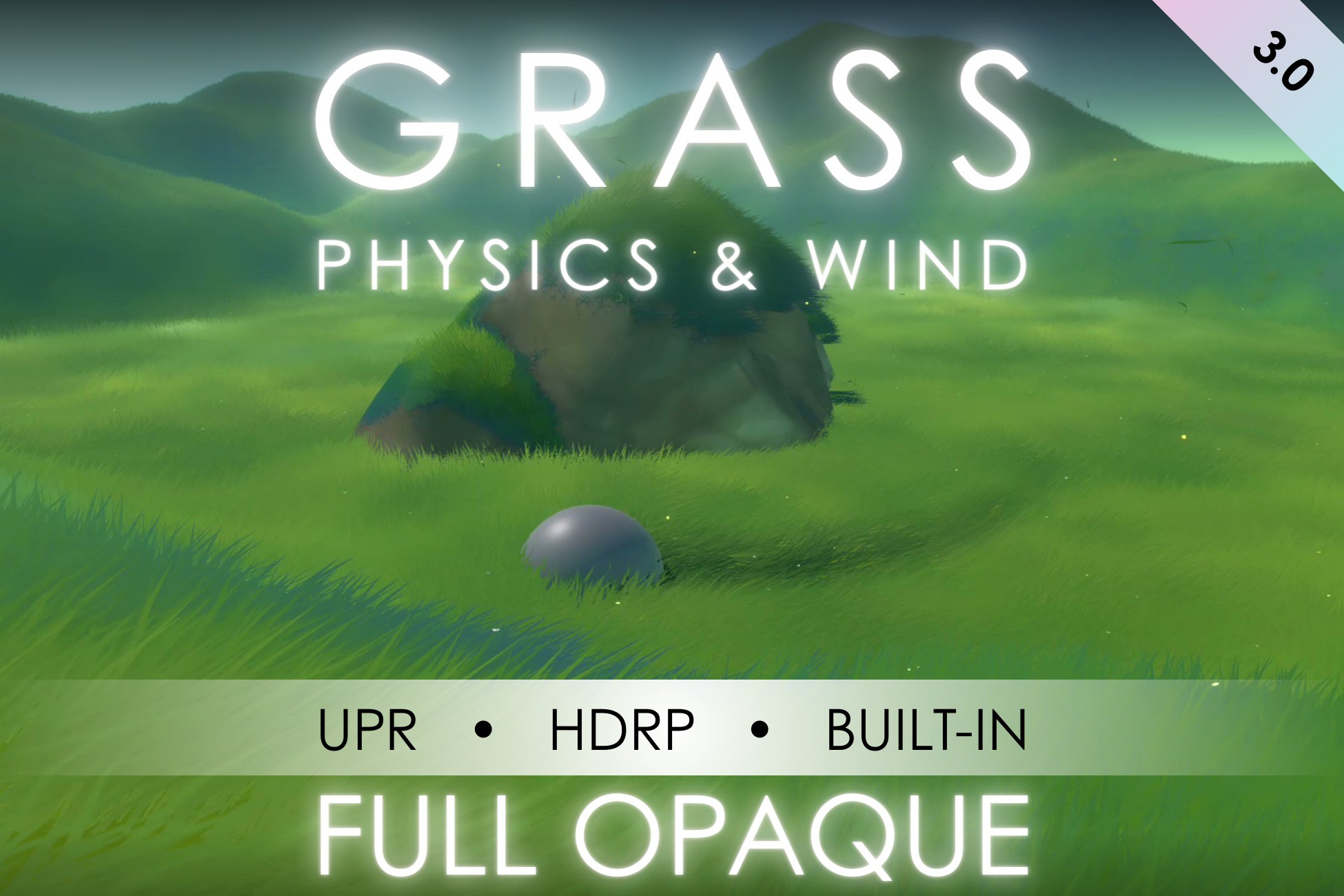
Full Opaque Grass Physics & Wind
Full opaque grass with physics and wind Ghibli-style grass field with physics, a Wind Manager, and a display tool for meshes! Perfect for mobile games and VR. Lightweight, optimized, and ready to use
Affiliate link · Purchases support this site
Price history
Last 6 months
USDAsset preview
1 / 5

Full Opaque Grass Physics & Wind video 1 (plays on the Asset Store)


About this asset
Full Opaque Grass Physics & Wind
The Full Opaque Grass Physics & Wind system is designed for mobile, VR, and stylized projects.
It provides optimized, high-performance grass rendering effects that work seamlessly across URP, HDRP, and Built-in Render Pipeline (Forward Rendering only).
This pack includes a customizable wind system, optional dynamic grass physics (trail system), a mesh placement tool, and ambient grass/firefly particle effects.
Compatibility Notice:
- Built-in Render Pipeline: Supported with Forward Rendering only (Deferred not supported due to Shader Graph limitations).
- URP and HDRP: Fully supported, both in Forward and Deferred Rendering modes.
--------------------------------------------------------------
Features:
- Stylized, optimized shaders for mobile, VR, and stylized games
- 100% Opaque Rendering for better performance
- Full compatibility with URP, HDRP, and Built-in (Forward)
- Customizable Wind Manager included
- Dynamic Grass Physics (Beta version, limited to 1 interaction target for now)
- Multiple Shader Variations for different performance/quality needs
- Firefly VFX included (ambient particles)
- Grass Particle VFX included
- Demo Scene included for quick setup and demonstration
--------------------------------------------------------------
Shader & Script Combinations:
- ➔ Best visual quality with full grass interaction.S_Vegetation_Interactive combined with VFX_TargetPosition_5Point script
- ➔ Optimized version for better performance on mobile and VR.S_Vegetation_Interactive_Simple combined with VFX_TargetPosition_2Point script
- ➔ Static grass shader with no interaction, ultra-lightweight and highly optimized.S_Vegetation
Each version is fully compatible with URP, HDRP, and Built-in Forward.
--------------------------------------------------------------
Copyright Notice:© Roman Chacornac 2025
All rights reserved.
This product is protected by copyright law and may not be distributed, modified, or resold without prior permission.
Any unauthorized use is strictly prohibited.
Support:If you encounter any issues or need assistance, feel free to reach out to us:
Email: [email protected]
From the publisher's Asset Store listing.
Technical details
- URP, HDRP and Built-in
- Unity Version: Developed and tested on Unity 2022.3.59f1, compatible with Unity 6
- Performance: Optimized for low-poly, mobile, and VR applications
- Shader: Custom Shader, all parameters are controlled via wind manager prefab and material
Dynamic Grass Physics (Beta)
Three options are available:
- S_Vegetation_Interactive (with VFX_TargetPosition_5Point) : High-quality trail system using 5 points for smooth interaction.
- S_Vegetation_Interactive_Simple (with VFX_TargetPosition_2Point) : Optimized version using 2 points for lower performance cost.
- S_Vegetation : Lightweight version without any physics, ideal for distant grass or simpler setups.
To use:
1. Add the desired VFX_TargetPosition script (2Point or 5Point) to your player or moving object.
2. Assign your player (or moving target) in the **Target** field in the script inspector. Limit to 1 Target.
3. Apply the corresponding vegetation shader (Interactive or Simple) to your grass material.
⚠️ This system is in beta. If you encounter issues, feel free to contact me.
--------------------------------------------------------------
Mesh Display Tool
The Mesh Display Tool allows you to manually paint grass directly on 3D mesh surfaces.
How to Use:
1. Select your mesh in the scene.
2. Add the DisplayGrass Script
3. Select the SM_Grass Prefab and adjust parameters such as density, size, and randomness.
4. Generate.
--------------------------------------------------------------
Wind Manager
The WindManager controls global wind direction and strength affecting all grass elements and VFX (like fireflies and floating grass).
Customizable Parameters:
- Wind Direction (Vector2): Controls wind direction on X and Y axes.
- Wind Size (Float): Controls the size of the wind waves.
- Wind Strength (Float): Determines how strongly grass is pushed.
- Wind Speed (Float): Controls the speed at which wind moves.
Compatibility
| Unity version | Built-in | URP | HDRP |
|---|---|---|---|
| 2022.3.59f1 | Compatible | Compatible | Compatible |
As listed on the Asset Store.