
 View on Asset Store (opens in new tab)
Package details
- Latest version
- 1.0
- Last updated
- First released
- Unity version
- 6000.0.26 or later
- Package size
- 175.5 MB
- Files
- 116
- Favorites
- 2
- Views in the past week
- 12
Price tracking
- Last checked
- Tracked since
- Lowest recorded
- $19.99 on
Keywords
Automatic Material Setup
This tool designed to automate material creation and texture assignment for 3D models, supporting both single and batch processing.
Affiliate link · Purchases support this site
Price history
Last 6 months
USDAsset preview
1 / 7

Automatic Material Setup screenshot 1


About this asset
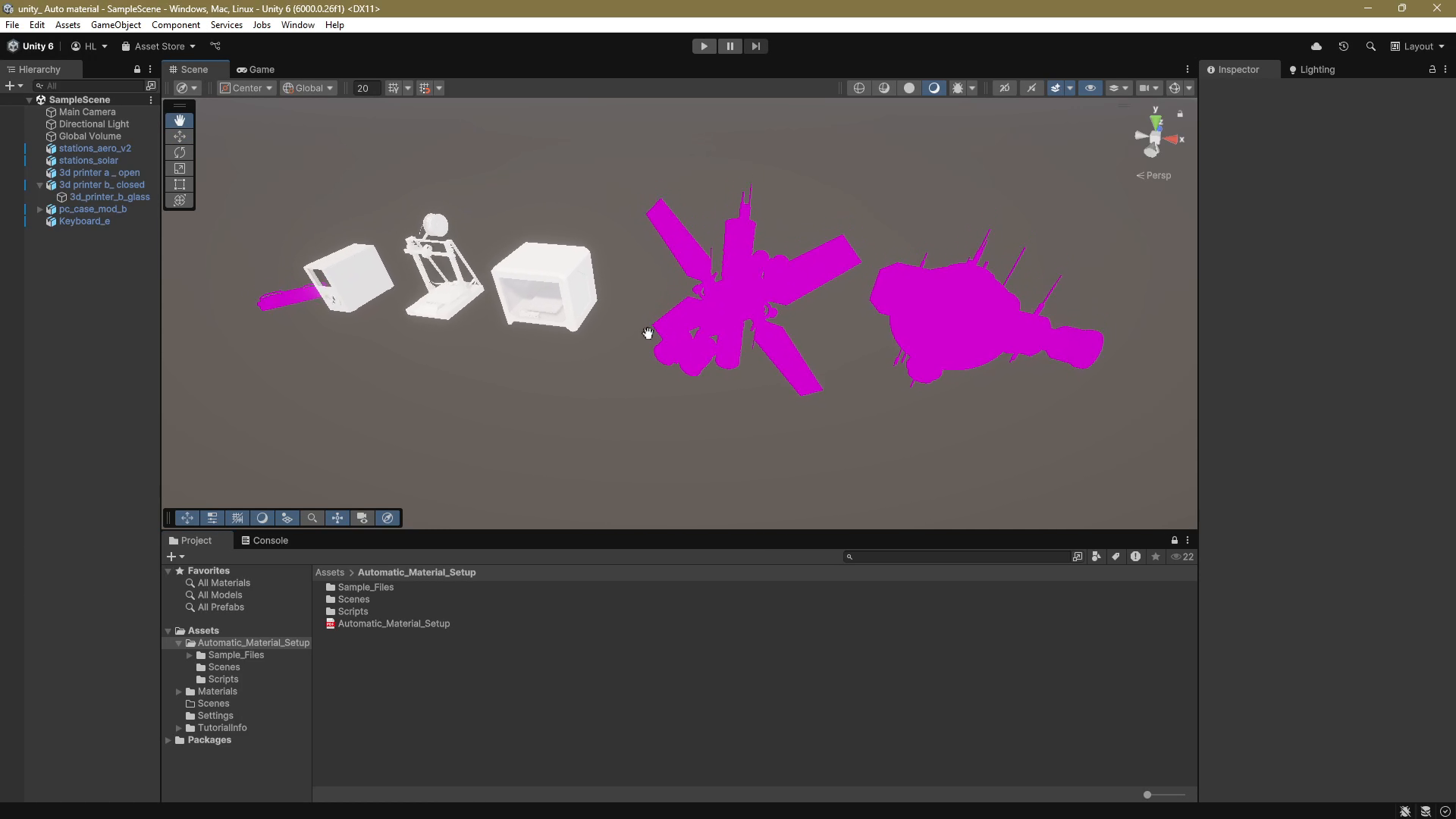
Material Assignment: Automatically assigns or creates materials for a target model,
matching textures based on model or material names.
Shader Support: Detects the render pipeline (Built-in, URP, HDRP) and selects compatible shaders, with optional mobile-optimized shaders button.
Texture Search: Searches for textures by suffixes (e.g., _Albedo, _Normal and much more version) in a specified folder or project-wide.// Easily Changeable Suffixes
RULES
1. Texture Search: Material name if given, else model name.
2. Multiple Materials: Must have materials assigned, or script can’t match textures.
3. Name Matching: Model or material name must match texture names.
4. Single Material: No material? Script makes one, but model name must match textures.
5. If you want to set up an automatic transparent material, use the keywords: glass, transp, transparent, wire, or alpha.
IMPORTANT
Textures for sample models compatible only with the URP pipeline.
If you have any question or development ideas or tips, feel free to write to:
From the publisher's Asset Store listing.
Technical details
Naming Convention
You need to include the model name in both the model and texture files for easy matching.
- Model Name: e.g., Aero
- Texture Names: e.g., Aero_Albedo, Aero_Diffuse, etc.
- Material Name: e.g., Aero (optional, but recommended).
Single Material on One Object
No need to specify the material name. The tool auto-detects it from the model name.
Multiple Materials on One Model
Pre-assign materials to the model. The tool can’t guess different materials from one model name alone.
Transparency Setup
For automatic transparent materials, use keywords in names: glass, transp, transparent, wire, or alpha.
Compatibility
| Unity version | Built-in | URP | HDRP |
|---|---|---|---|
| 6000.0.26f1 | Compatible | Compatible | Compatible |
As listed on the Asset Store.