
 View on Asset Store (opens in new tab)
Package details
- Latest version
- 2.1.0
- Last updated
- First released
- Unity version
- 6000.2.8 or later
- Package size
- 1.1 MB
- Files
- 43
- Favorites
- 68
- Views in the past week
- 90
Price tracking
- Last checked
- Tracked since
- Lowest recorded
- Free on
Keywords

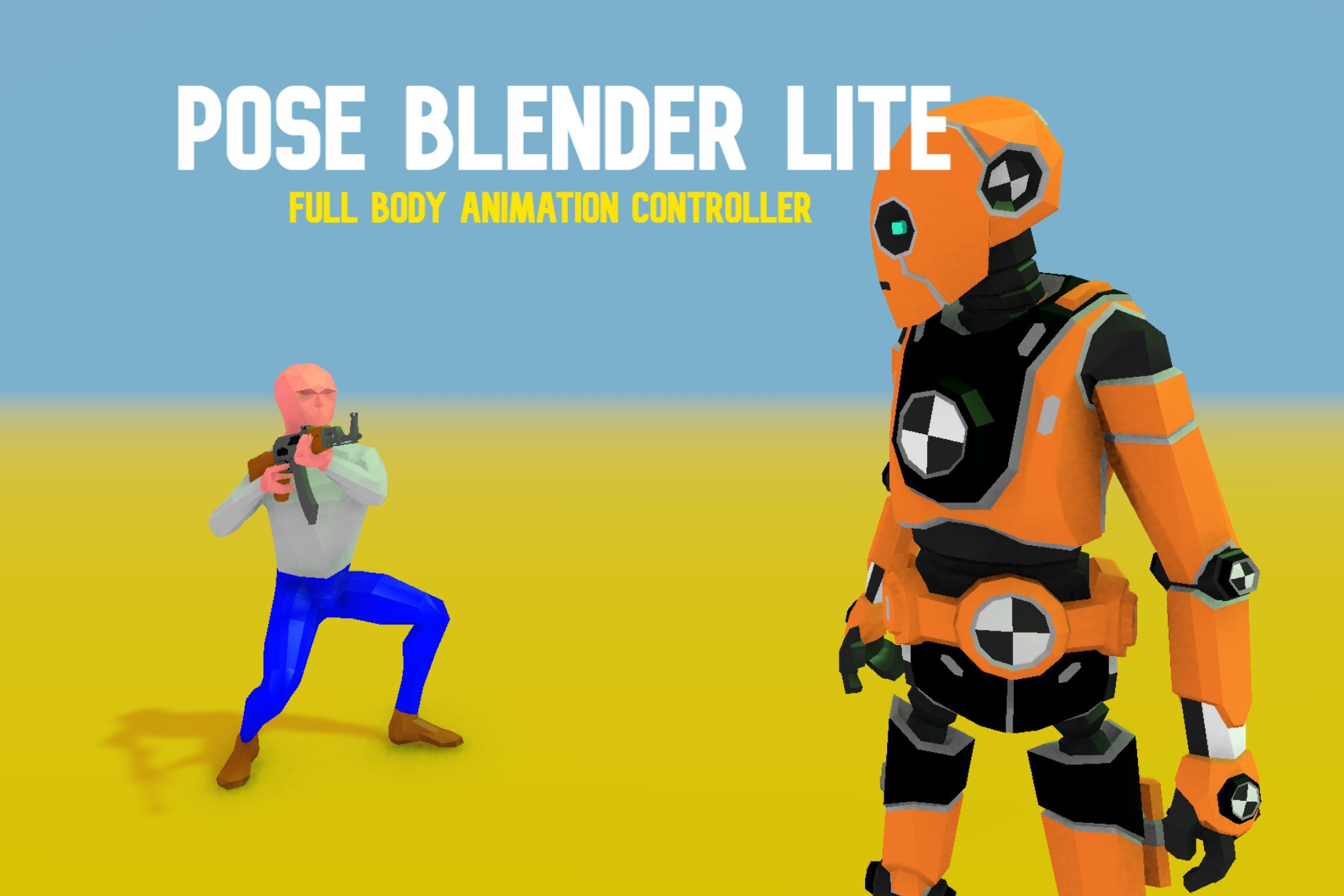
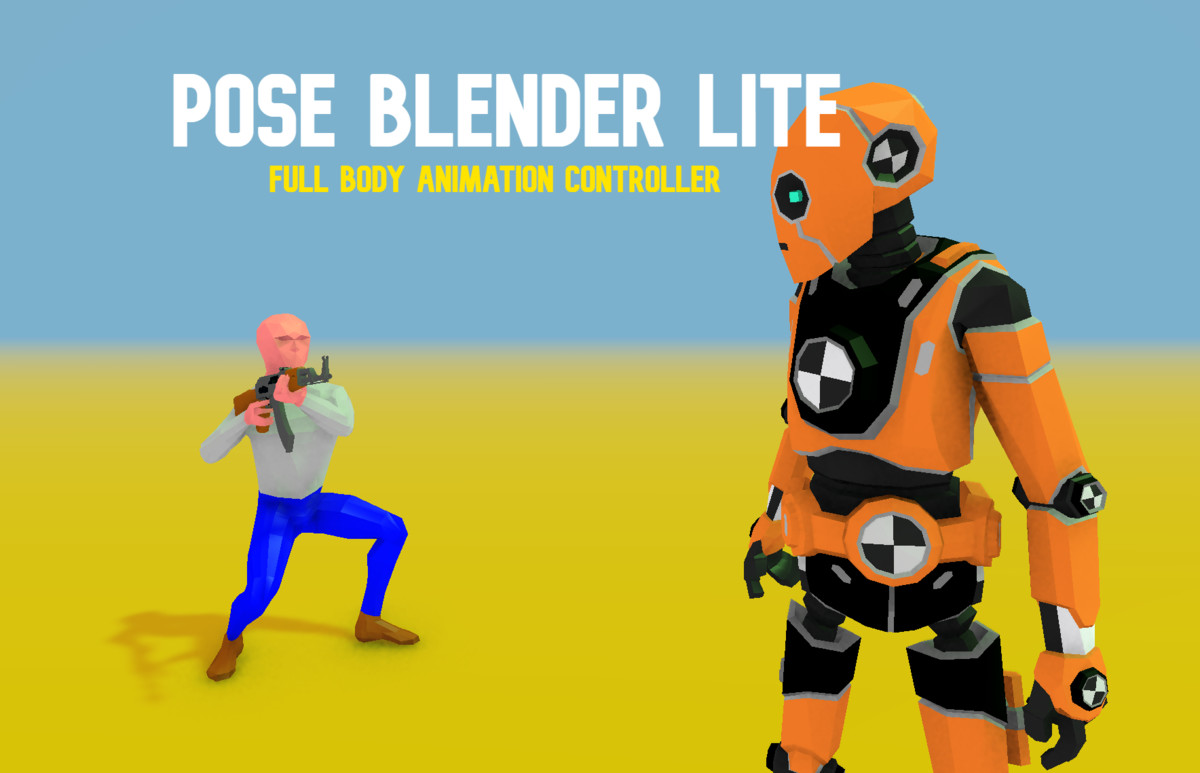
Pose Blender Lite
Transform your character animations with Pose Blender Lite—a powerful, production-ready system that gives you precise, dynamic control over poses, movement, and upper-body animation. AND ITS FREE :D
Affiliate link · Purchases support this site
Price history
Last 6 months
USDAsset preview
1 / 5

Pose Blender Lite screenshot 1


About this asset
What Makes Pose Blender Lite Special?
Stop fighting with rigid animator controllers and limited animation clips. PBL lets you layer, blend, and control character animations in real-time with surgical precision. Whether you're building a first-person shooter, third-person adventure, or cinematic cutscene system, PBL gives you the flexibility to make your characters feel alive and responsive.
PBL does two essential things for your character animation in Unity:
Core Systems
Unlimited Look Profiles – Your Animation Presets, Perfected
Create as many spine offset configurations as your project needs. Switch seamlessly between "Relaxed," "Combat Ready," "Weapon Holding," or any custom profile you design.
- Profile blending – Smooth LERP transitions between configurations
- Per-bone rotation limits – Precise control over each spine segment, neck, and head
- Auto-distribution mode – Maintains ±90° total range across your bone chain
- Runtime switching – Change profiles on the fly based on gameplay state
- No animator complexity – Direct control without cluttering your animator controller
Perfect for games where characters need to feel different when holding weapons, in cover, aiming, or in different emotional states.
Advanced Look-At System – Natural Eye Contact & Head Tracking
Characters that actually look at things feel more alive. PBL's look-at system is built for realism and flexibility.
- Configurable origin bone – Choose which bone (spine, chest, head) serves as the look-at pivot point
- Independent leaning control – Body lean and head tracking work together, not against each other
- Smooth weight blending – Fade look-at on/off with adjustable intensity
- Runtime target switching – Look at enemies, objectives, other characters, or UI elements
- Distributed rotation – Natural movement across the entire spine chain, not just the head
No more stiff, robotic head turns. Your characters will track targets naturally while maintaining body posture.
Unlimited Overlay Poses – Layer Animations Like a Pro
The secret weapon for expressive characters. Record keyframe poses and blend them with your base animations in real-time.
- Unlimited pose layers – Stack as many poses as you need (v2.1.0 removes all limits!)
- Per-pose blend weights – Fine-tune each layer's influence independently
- Smooth transitions – Built-in blend system for seamless pose changes
- Bone chain control – Define exactly which bones participate in each pose
- Runtime recording – Capture poses in editor and apply them at runtime
- Automatic migration – Legacy setups upgrade seamlessly
Precision Bone Chain System
Control exactly which bones blend with which animations. No more wrestling with full-body blends when you only want to affect the upper body.
- Visual bone hierarchy selector – Drag-select bones from your character's skeleton
- Per-overlay chain editing – Different poses can affect different body parts
- Improved editor workflow – Cleaner UI, faster iteration
- Works with any humanoid rig – No special setup required
Full Upper-Body Control – The Animation Sweet Spot
Static spine offsets are boring. PBL gives you dynamic, responsive upper-body control.
- Vertical/horizontal look offsets – Character looks up/down and left/right naturally
- Independent leaning – Lean body while head tracks targets independently
- Per-bone distribution – Rotation spreads naturally across spine segments
- Real-time adjustability – Tweak offsets in inspector during play mode
- Profile-based limits – Different max rotations per animation state
Perfect for:
- First-person gun handling
- Third-person aiming systems
- Cover systems
- Vehicle occupants looking around
- Dialogue scenes with dynamic eye contact
Powerful IK Controller
Need hands to grab ledges? Feet to plant on uneven terrain? PBL's IK system has you covered.
- Configurable iteration count (1-100) – Balance quality vs. performance
- Master weight blending – Fade IK influence smoothly over time
- Two-bone solver – Optimized, production-tested algorithm
- Humanoid limb support – Works seamlessly with Unity's humanoid rigs
- Manual bone mode – Full control for custom rigs
No more fighting Unity's built-in Animator IK limitations. This is IK that actually works the way you expect.
Camera Stabilizer – Smooth Follows Without the Jitter
Character animations shouldn't make your camera shake uncontrollably. The included stabilizer keeps first-person and third-person cameras smooth even during complex animations.
- Automatic stabilization – Compensates for spine offset rotations
- Configurable offset – Position camera exactly where you need it
- Works with look profiles – Stays stable even during profile transitions
🛠️ Workflow & Usability
Streamlined Setup Workflow
Gone are the days of manual component setup. The Character Setup window guides you through the entire process.
- One-click setup detection – Warns you if setup is incomplete
- Automatic bone detection – Finds your character's skeleton automatically
- Profile initialization – Creates your first profile with sensible defaults
- Guided workflow – Step-by-step instructions in the editor
Get from imported character to fully functional PBL setup in under 5 minutes.
Production-Ready Sample Controller
Learn by example with a complete, modular character controller that actually works.
- Modular component system – Movement, rotation, camera, weapons, animation all separated
- Simple Character Controller – One component to add them all
- First-person and third-person support – Switch camera modes at runtime
- Weapon inspection animation – Example of complex pose blending
Use it as-is, customize it, or learn from it. This isn't a toy demo—it's production-quality code.
Editor Tools Built for Speed
- Pose Recorder Window – Capture poses visually, no code required
- Bone Chain Creator – Visual bone selection with drag-select
- Profile management UI – Create, rename, delete, reorder profiles instantly
- Live preview mode – See changes in edit mode before entering play mode
- Inspector integration – Everything accessible without custom windows
💪 Why Choose Pose Blender Lite?
✅ It Just Works – No complicated setup, no mysterious errors, no fighting the system
✅ Performance Optimized – Runs efficiently even with multiple profiles and poses
✅ Fully Documented – Comprehensive GitBook documentation + video tutorials
✅ Active Support – Join the Discord for quick answers and community help
✅ Regular Updates – Continuous improvements based on user feedback
✅ Unity 6 Ready – Fully compatible with the latest Unity version
✅ Any Rig – Works with humanoid, generic, and custom rigs
✅ URP/HDRP/Built-in – Render pipeline agnostic
🎮 Perfect For:
- First-Person Shooters – Weapon handling, aiming, procedural recoil
- Third-Person Games – Dynamic camera systems, over-the-shoulder aiming
- Dialogue Systems – Characters that look at each other naturally
- Cutscenes – Blend between animation clips with runtime pose adjustments
- Cover Systems – Characters that peek, lean, and aim realistically
- Vehicle Systems – Drivers/passengers looking around naturally
- VR Experiences – Responsive character reactions to player gaze
📦 What's Included
✅ PoseBlenderLite Component – The core animation system
✅ IK Controller – Full inverse kinematics solution
✅ Camera Stabilizer – Smooth camera follow system
✅ Complete Sample Controller – Production-ready character controller
✅ Demo Scenes – Multiple examples showing different use cases
✅ Editor Tools – Setup window, pose recorder, bone chain creator
✅ Full Documentation – GitBook guide + inline code comments
✅ Discord Community – Get help, share tips, request features
🚀 Get Started in Minutes
- Import your character
- Open Tools → Pose Blender Lite → Character Setup
- Follow the guided setup
- Start tweaking profiles and poses
- Hit play and see your character come to life
No complex tutorials needed. No weeks of learning. Just results.
Ready to Upgrade Your Character Animations?
Stop settling for stiff, lifeless characters. Give your players animations that feel responsive, natural, and alive.
Join the Discord if you have any questions, and I'll do my best to answer them!
From the publisher's Asset Store listing.
Technical details
Technical Details:
Pose Blender Lite operates in Unity's Late Update phase, ensuring smooth integration after base animations. It includes:
- Pose Blender Lite: Allows runtime blending between animation frames, offering manual adjustments for bone rotations and blend weights for refined control.
- IK Controller: Automates limb positioning through inverse kinematics, improving realism in interactions by synchronizing IK targets and hints to character animations.
- PoseRecorder: Captures animation poses instantly into reusable ScriptableObjects, simplifying asset management and pose reuse.
- Camera Stabilizer: Enhances visual fidelity by stabilizing the camera based on head and spine transforms, offering adjustable offsets for optimal tracking.
- Dependencies: None (self-contained editor extension)
- Includes: Demo scene, sample character, GitBook documentation, sample controller
DOES NOT INCLUDE ANIMATIONS.
Compatibility
| Unity version | Built-in | URP | HDRP | Custom |
|---|---|---|---|---|
| 6000.2.8f1 | Compatible | Compatible | Compatible | Compatible |
Asset is build in URP, materials can be updated to your render pipeline by following Unity's guidelines. If you need any help, feel free to reach out on my Discord.
As listed on the Asset Store.