
 View on Asset Store (opens in new tab)
Package details
- Latest version
- 1.0.3
- Last updated
- First released
- Unity version
- 6000.0.23 or later
- Package size
- 28 KB
- Files
- 6
- Favorites
- 90
- Views in the past week
- 35
Price tracking
- Last checked
- Tracked since
- Lowest recorded
- Free on
Keywords

Scene Switcher Pro
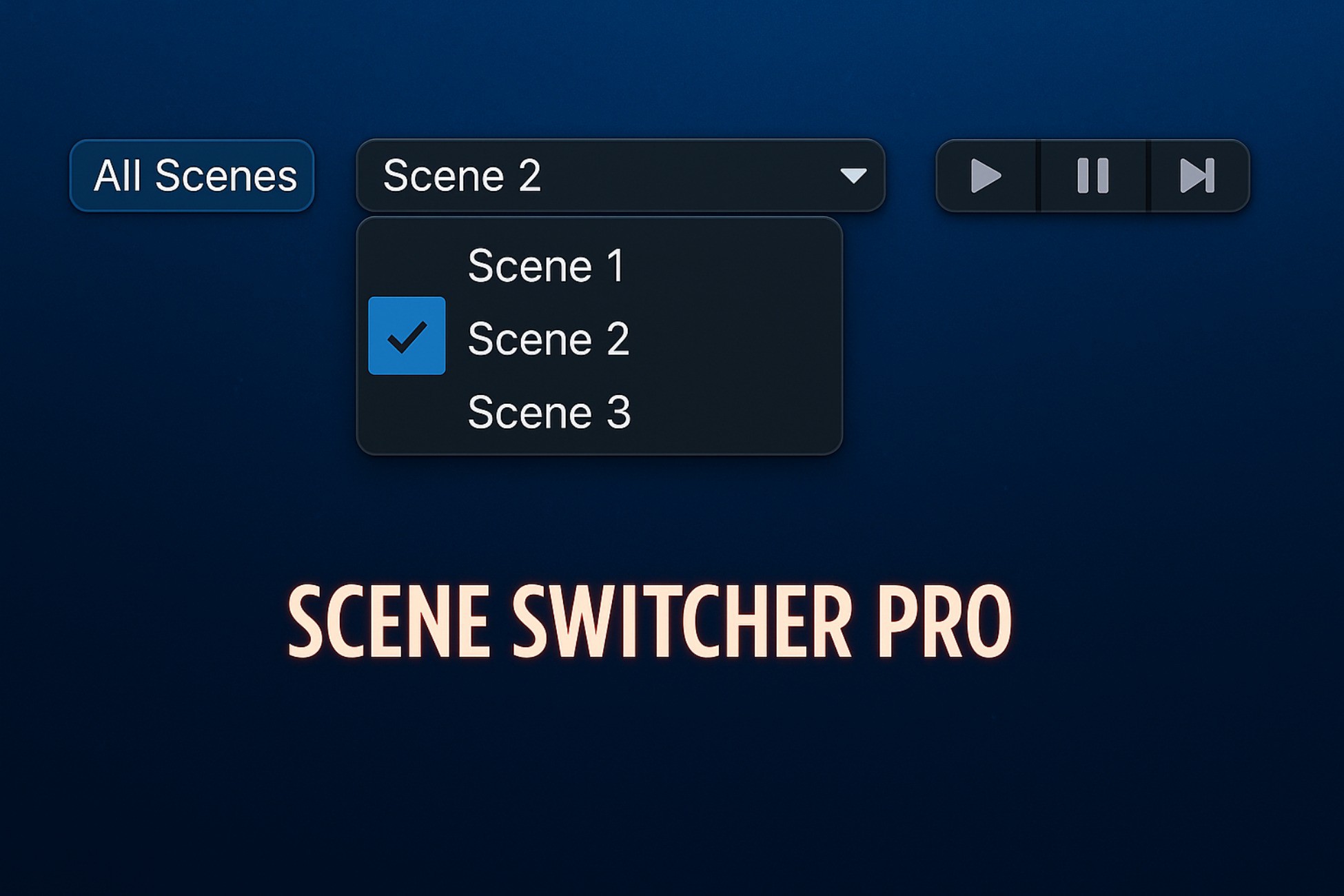
Scene Switcher Pro lets you quickly switch scenes from the toolbar, right next to the Play button. It auto-updates the scene list, tracks changes, and saves time—boosting workflow efficiency!
Affiliate link · Purchases support this site
Price history
Last 6 months
USDAsset preview
1 / 3
Scene Switcher Pro screenshot 1


About this asset
Scene Switcher Pro – Instant Scene Switching from the Unity Toolbar!
🚀 Switch Scenes Instantly – Right Next to the Play Button! 🚀
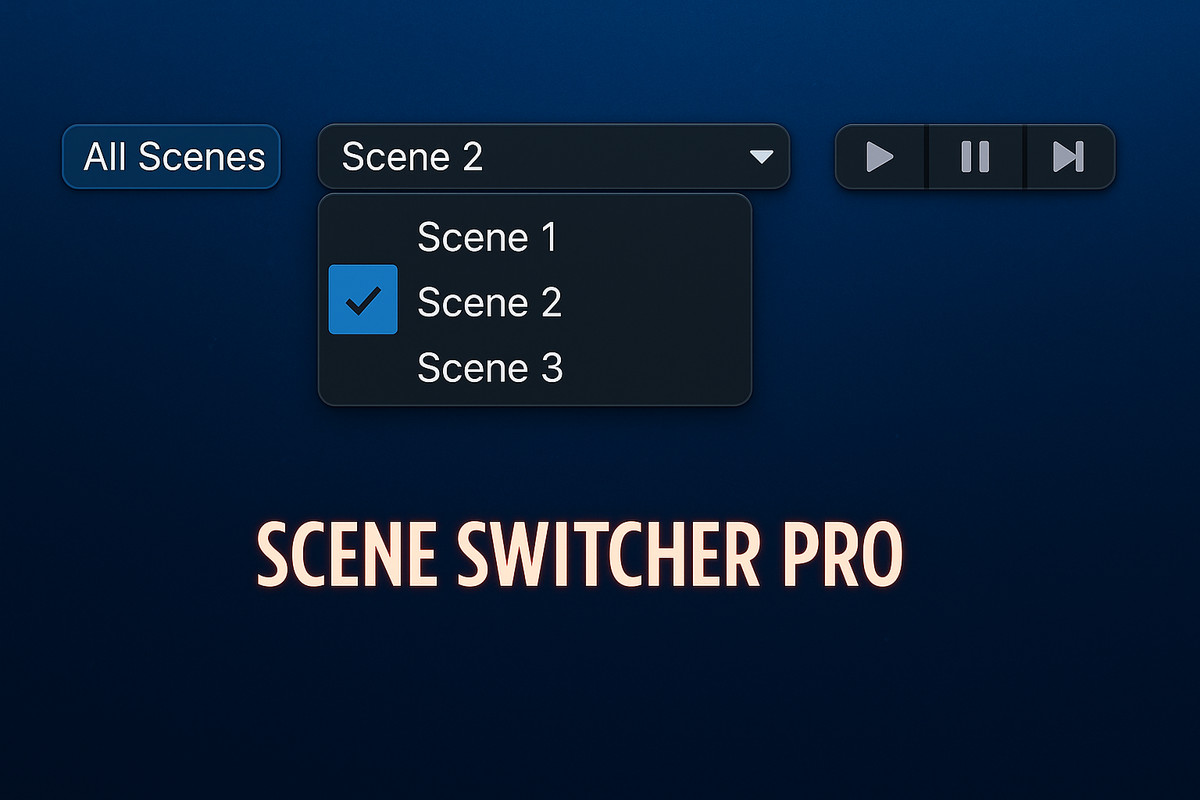
Scene Switcher Pro is a lightweight and powerful Unity Editor extension that lets you switch between scenes directly from the toolbar, right next to the Play button—no more searching through the project window or build settings!
✨ Features:
✅ One-Click Scene Switching – Quickly switch between scenes using an easy-to-access dropdown.
✅ Auto-Updates Scene List – Automatically detects new scenes in the Build Settings.
✅ All Scenes Mode – Toggle between Build Index scenes or fetch all project scenes.
✅ Live Scene Tracking – Keeps the dropdown updated if the scene is changed outside the toolbar.
✅ Perfect Toolbar Placement – Located right next to the Play button for quick access.
✅ Play Mode Lock – Prevents accidental scene switching while in Play Mode.
✅ Lightweight & Fast – Optimized for smooth performance with no unnecessary overhead.
🎯 Why Use Scene Switcher Pro?
🔹 Saves time by avoiding manual scene browsing.
🔹 Perfect for large projects with multiple scenes.
🔹 Ideal for developers, designers, and testers who frequently switch scenes.
📥 Get Started in Seconds!
1️⃣ Install the package.
2️⃣ Open Unity and find the Scene Switcher Pro dropdown in the toolbar, right next to the Play button.
3️⃣ Select your scene and instantly switch!
Compatible with Unity 2021.3+ | Works with URP, HDRP & Built-in Pipeline
💡 Boost your workflow with Scene Switcher Pro today!
From the publisher's Asset Store listing.
Technical details
🛠️ Technical Details – Scene Switcher Pro
- Toolbar Integration: Scene selection dropdown positioned next to the Play button.
- Scene Fetching:Default: Lists only scenes from Build Settings.
Toggle Option: Lists all scenes in the project. - Auto-Update: Detects and updates scene list when scenes are added or removed.
- Live Scene Tracking: Updates selection if the scene is changed outside the dropdown.
- Optimized UI: Non-intrusive, lightweight, and seamlessly blends into the Unity toolbar.
- Editor-Only: Works inside Unity Editor and does not affect builds.
- Compatible with: Unity 2021.3+, URP, HDRP, and Built-in Render Pipeline.
Compatibility
| Unity version | Built-in | URP | HDRP | Custom |
|---|---|---|---|---|
| 6000.0.23f1 | Compatible | Compatible | Compatible | Compatible |
As listed on the Asset Store.