
 View on Asset Store (opens in new tab)
Package details
- Latest version
- 1.1.0
- Last updated
- First released
- Unity version
- 2022.3.62 or later
- Package size
- 474 KB
- Files
- 29
- Favorites
- 5
- Views in the past week
- 5
Price tracking
- Last checked
- Tracked since
- Lowest recorded
- $10.00 on
Keywords

Asset Shelf
- Price drop
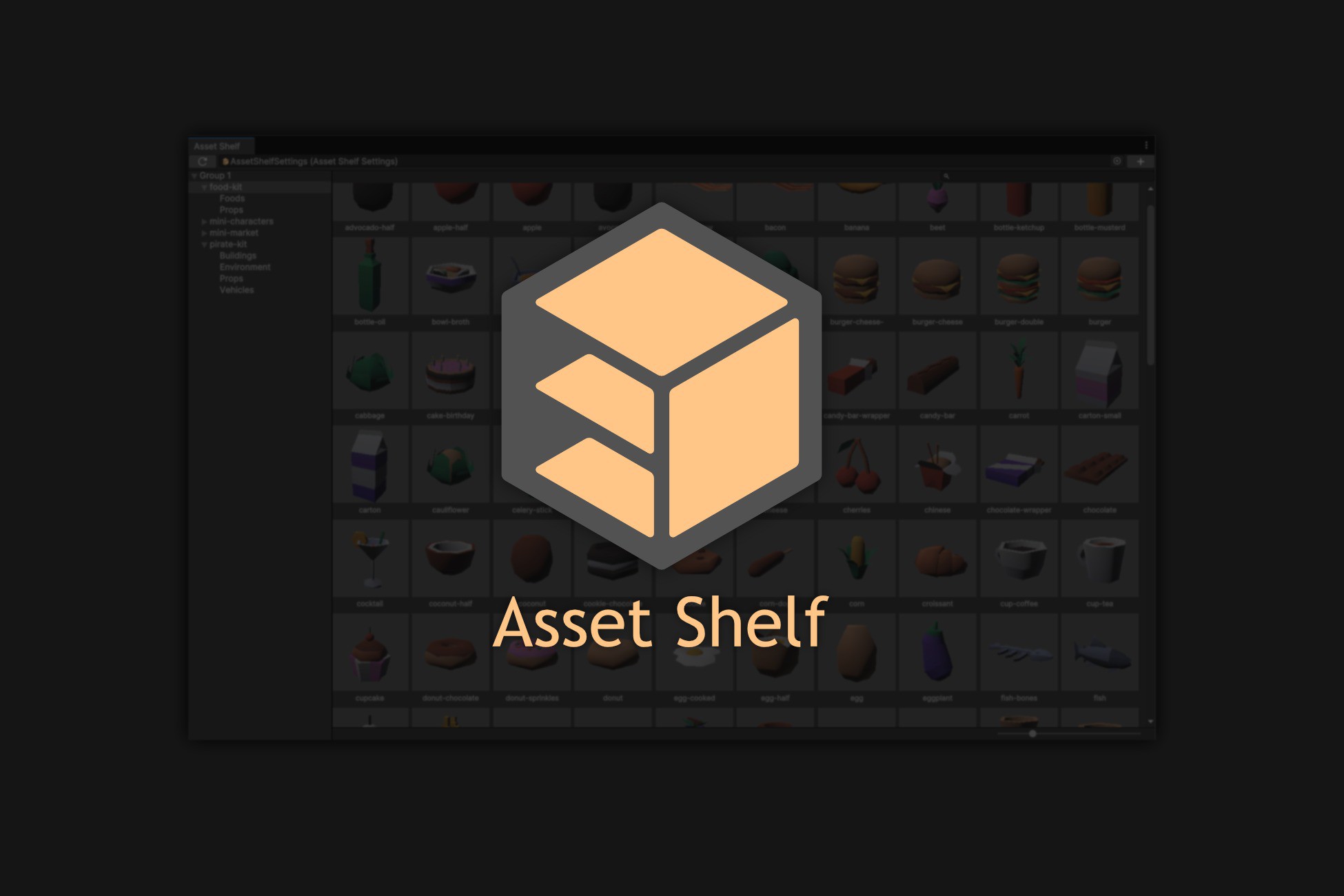
Asset Shelf is an asset browser that displays assets in a specified folder as a grid. Quickly find prefabs and drag them into the scene to streamline level design workflows.
Discount -50%
Previous price
$20.00
Price $10.00
Lowest recorded price
Get 50% off on Asset Store (opens in new tab)Affiliate link · Purchases support this site
Price history
Last 6 months
USDAsset preview
1 / 4

Asset Shelf screenshot 1


About this asset
Asset Shelf allows you to freely configure conditions for folders and assets to be displayed, and the displayed assets can be dragged into scenes for use.
Features
Asset Shelf is designed to achieve the following objectives:
- Quickly find assets
- Display asset thumbnails as quickly as possible.
- Ensure smooth scrolling behavior.
- Show cached thumbnails even if new ones are not generated immediately after editing.
- Seamlessly use assets
- Supports drag-and-drop operations equivalent to the Project window.
- Click to display details in the Inspector (without affecting the Project window).
- Minimize disruptions
- No loading waits, even when rebuilding trees or grids.
- Minimizes processing load when not in use.
Functions
- Drag assets into scenes
- Prefabs displayed in Asset Shelf can be dragged into the Scene view for placement. Similarly, textures and materials can also be dragged, just like in the Project window.
- Click assets to edit
- Clicking on an asset in Asset Shelf displays its details in the Inspector, where it can be edited as usual.
- Display child folders in a tree view
- Asset Shelf automatically collects child folders, allowing them to be expanded in the tree view.
- Customize appearance
- In Edit -> Preferences -> Asset Shelf, you can adjust the grid view size and toggle labels on or off.
From the publisher's Asset Store listing.
Technical details
- Multiple groups can be created.
- Each group can have multiple folders registered.
- A Search Filter can be set for each group to narrow down the displayed assets.
- The Search Filter follows the same format as the Project window.
- By default, "t:GameObject" is set.
- Thumbnails are cached in memory as small 16×16 pixel images.
- This prevents storage bloat and avoids write overhead.
- Only assets displayed in the grid view are loaded.
- This ensures smooth performance even when a large number of assets are registered.
- When assets are added or removed in a registered folder, simply pressing the Reload button in the Asset Shelf window will apply the changes.
Compatibility
| Unity version | Built-in | URP | HDRP | Custom |
|---|---|---|---|---|
| 6000.0.85f1 | Compatible | Compatible | Compatible | Compatible |
| 2022.3.62f2 | Compatible | Compatible | Compatible | Compatible |
As listed on the Asset Store.