
 View on Asset Store (opens in new tab)
Package details
- Latest version
- 1.0.1
- Last updated
- First released
- Unity version
- 6000.0.42 or later
- Package size
- 2.7 MB
- Files
- 247
- Favorites
- 5
- Views in the past week
- 3
Price tracking
- Last checked
- Tracked since
- Lowest recorded
- $24.30 on
Keywords

Essential Tools - Flex
Flex provides a dynamic grid system for Unity UI, offering real-time visual feedback, multi-directional control, and precision organization.
Affiliate link · Purchases support this site
Price history
Last 6 months
USDAsset preview
1 / 4
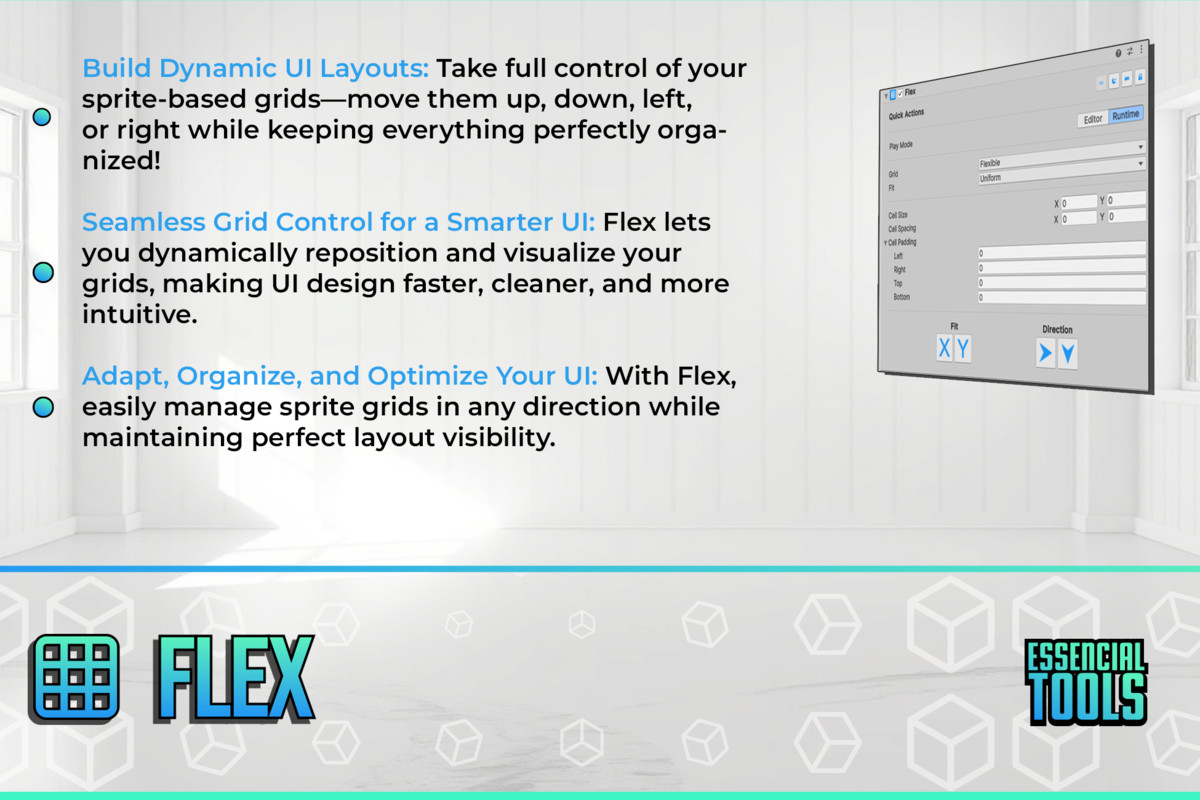
Essential Tools - Flex screenshot 1


About this asset
FLEX: DYNAMIC UI GRID SYSTEM
Master Your Interface Organization
Are you struggling with complex UI ( GUI / UGUI ) layouts and endless nested panels? Finding it difficult to visualize and adjust your interface structure? Flex transforms Unity's UI workflow with a powerful grid management system that gives you unprecedented control, allowing precise element positioning, real-time visualization, and multi-directional adjustments without pixel-perfect guesswork.
🔑 Key Features:
⚡ Dynamic Grid Management
Restructure your UI grids on the fly with intuitive controls. Adapt layouts to any screen size or design change without rebuilding your entire interface hierarchy.
🚀 Real-Time Visual Feedback
See exactly how your adjustments affect the layout as you make them. Eliminate the frustrating edit-play-edit cycle with immediate visualization of every change.
🔄 Multi-Directional Control
Modify your grid in any direction—up, down, left, or right—with precision. Create complex layouts that respond naturally to content and screen variations.
🔍 Matrix-Based Organization
Structure your UI elements in a logical grid matrix that makes sense for both designers and developers. Communicate layout intentions clearly across your entire team.
📋 Element Sectioning
Divide your interface into meaningful sections with clear visual boundaries. Organize related elements together for improved usability and code organization.
🎮 Adaptive Positioning
Design interfaces that automatically adjust to different screen sizes and resolutions. Create truly responsive layouts that maintain their visual integrity across devices.
🧪 Grid Visualization Tools
Toggle grid visibility during development to perfect element alignment. Make pixel-perfect adjustments with confidence using visual guides and snapping.
🛠️ Sprite Integration
Seamlessly incorporate sprite-based UI elements into your grid system. Maintain visual consistency across custom graphics and standard Unity UI components.
Stop wrestling with unwieldy UI hierarchies and imprecise layouts. Flex gives you the control and visualization tools to create professional interfaces with confidence.
----------------------------------------------------------------------------------
📄 Third Party Notices
Flex includes third-party assets used ONLY to showcase tool features under their respective licenses:
Fonts:
- 🔤 Bebas Neue Regular & Jerysey10 Regular (SIL Open Font License 1.1)
Images:
- 🖼️ Kenney Packs (CC0 Creative Commons Zero License)
- 🖼️ Itch io Packs (CC0 Creative Commons Zero License)
For complete license details and attribution requirements, please see the Third-Party Notices.txt file included in the package.
From the publisher's Asset Store listing.
Technical details
Supported Unity Versions: 2018.1 or newer
Dependencies: None – Works out of the box.
Included:
✔️ Essential Tools - Core (Partial)
Technical Details:
✔️ Compatible with all Unity project types
✔️ Full source code included
✔️ Zero external dependencies
✔️ Thread-safe implementation
✔️ Minimal memory footprint
✔️ Editor-only functionality (no runtime impact)
✔️ Regular updates and support
✔️ Windows, macOS, and Linux compatible
Limitations:
✔️ This tool is limited to Old UI aka ( UGUI / GUI ).
Documentation:
- Docs
Compatibility
| Unity version | Built-in | URP | HDRP | Custom |
|---|---|---|---|---|
| 6000.0.42f1 | Compatible | Compatible | Compatible | Compatible |
As listed on the Asset Store.