
 View on Asset Store (opens in new tab)
Package details
- Latest version
- 1.0
- Last updated
- First released
- Unity version
- 2022.3.13 or later
- Package size
- 99 KB
- Files
- 3
- Favorites
- 3
- Views in the past week
- 3
Price tracking
- Last checked
- Tracked since
- Lowest recorded
- $6.99 on
Keywords
- Search for Unity Level Design Tips
- Search for Game Development Workflow
- Search for Level Design
- Search for Unity Workflow
- Search for Unity Shortcuts
- Search for editor extensions
- Search for Game Dev Tools
- Search for Navigation Tool
- Search for Scene view
- Search for Scene View Bookmarks
- Search for Unity Editor
Scene View Bookmarks
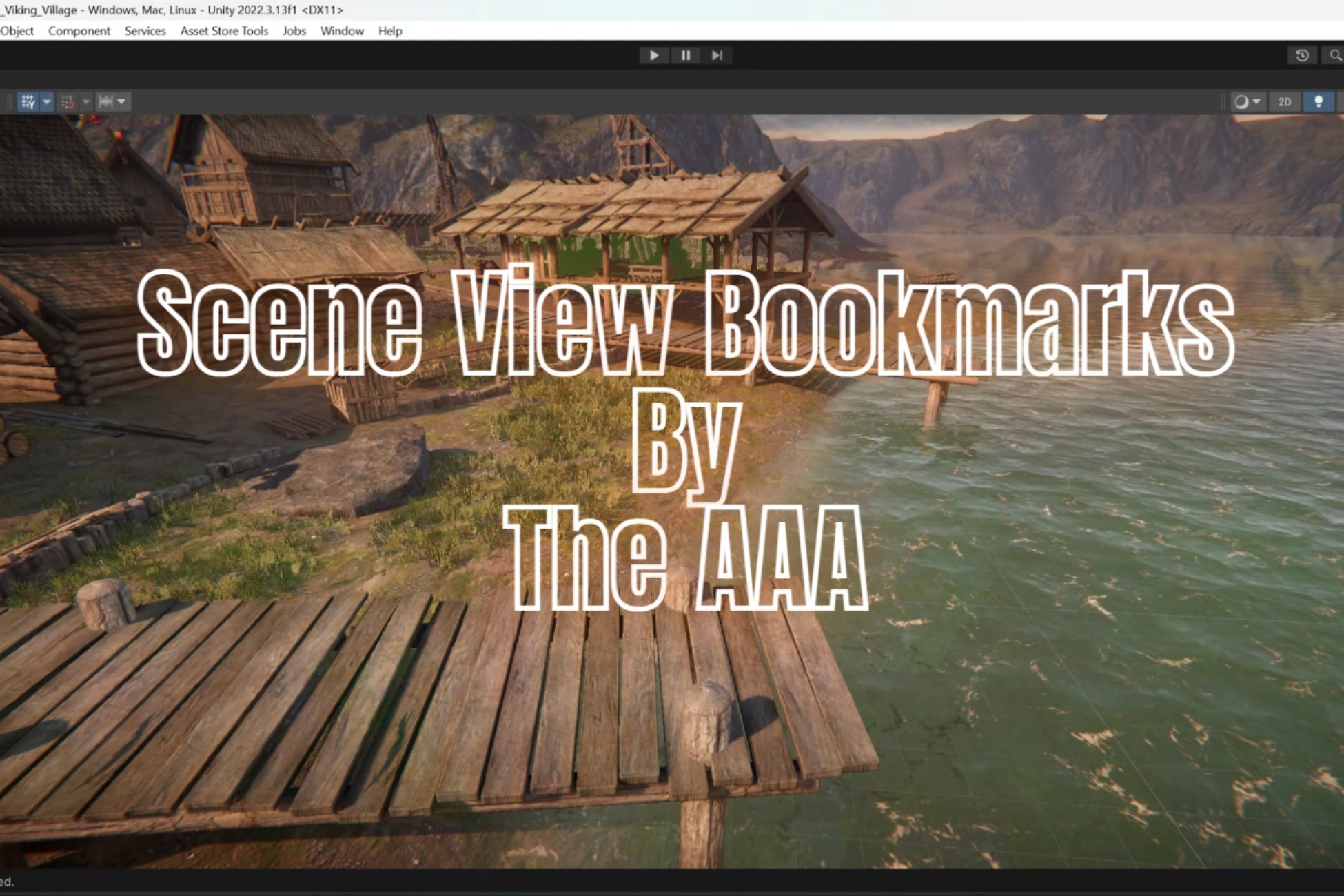
Scene View Bookmarks lets you save, load, and manage camera views in Unity’s Scene View. Instantly switch views with shortcuts, streamline navigation, and boost your workflow efficiency!
Affiliate link · Purchases support this site
Price history
Last 6 months
USDAsset preview
1 / 1

Scene View Bookmarks video 1
About this asset
Navigating large or detailed Unity scenes can be time-consuming and frustrating. Scene View Bookmarks provides an efficient solution by allowing you to save specific camera views and return to them instantly.
💡 What You Can Do:
- Save Scene Views: Store your current camera position in a single click.
- Load Saved Views: Jump to previously saved views with ease.
- Manage Bookmarks: Rename or delete saved views anytime.
- Use Keyboard Shortcuts: Instantly load views with Shift + Number Keys (0-9).
- Persistent Storage: Bookmarks are stored per scene and reload automatically.
- Simple UI Integration: A dedicated toolbar makes navigation effortless.
🎯 Perfect for:
✔ Game Developers – Quickly switch between different scene locations.
✔ Level Designers – Improve efficiency while designing and testing levels.
✔ 3D Artists – Instantly return to specific views for precise adjustments.
✔ VR/AR Developers – Save different perspectives to streamline iteration.
From the publisher's Asset Store listing.
Technical details
📌 Features:
🔹 Save & Load Views – Bookmark any Scene View position effortlessly.
🔹 Easy Navigation – Access saved views with a click or keyboard shortcut.
🔹 Scene-Specific Bookmarks – Each scene retains its unique bookmarks.
🔹 Intuitive UI – Clean toolbar overlay for quick interaction.
🔹 Optimized Performance – Works efficiently even in large scenes.
🔹 EditorPrefs Integration – Persistent bookmarks that reload automatically.
⚙️ Installation & Usage:
1️⃣ Open Unity and navigate to Scene View.
2️⃣ Enable "Scene View Bookmarks" from the menu overlay.
3️⃣ Use the Save (disk icon) to store a camera position.
4️⃣ Click Load (list icon) to select a saved view.
5️⃣ Manage saved views using the Manage (settings icon) button.
6️⃣ Use Shift + Number Keys (0-9) to load views instantly.
Compatibility
| Unity version | Built-in | URP | HDRP | Custom |
|---|---|---|---|---|
| 2022.3.13f1 | Compatible | Compatible | Compatible | Compatible |
As listed on the Asset Store.