
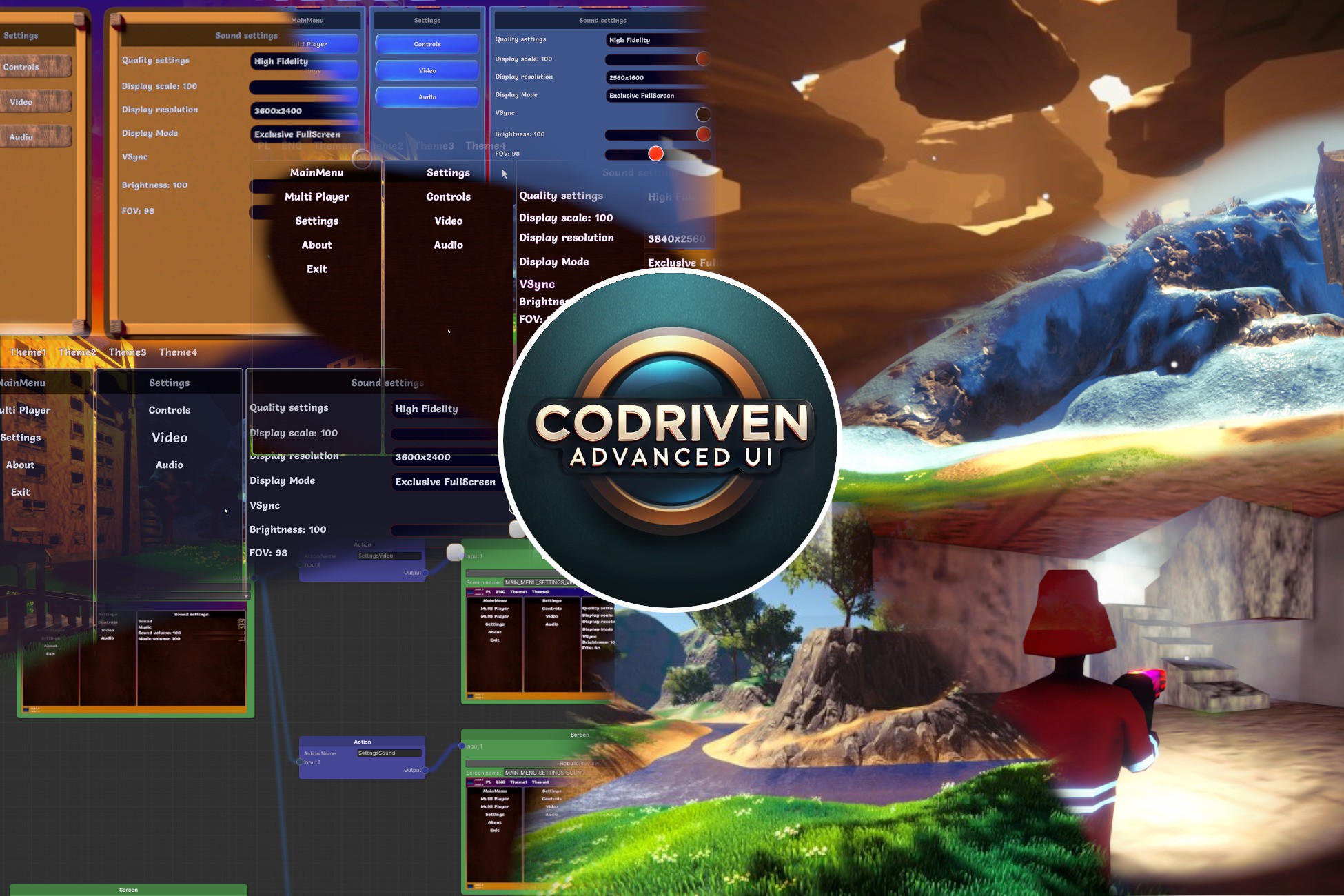
 View on Asset Store (opens in new tab)
Package details
- Latest version
- 1.0
- Last updated
- First released
- Unity version
- 2022.3.55 or later
- Package size
- 219.3 MB
- Files
- 677
- Favorites
- 8
- Views in the past week
- 5
- Requires
Price tracking
- Last checked
- Tracked since
- Lowest recorded
- $10.00 on
Keywords

CoDriven Advanced UI & Multiplayer Game
- Price drop
CoDriven Advanced UI is a UI Toolkit extension that completely changes how you create UI for your games, handle events, change screens, manage themes, and everything else. Just try it :).
Lowest recorded price
Get 70% off on Asset Store (opens in new tab)Affiliate link · Purchases support this site
Price history
Last 6 months
USDAsset preview
1 / 10

CoDriven Advanced UI & Multiplayer Game screenshot 1


About this asset
DOCUMENTATION: https://stefanwyszynski.github.io/CoDriven-Advanced-UI/#/
DISCORD: Join discord here https://discord.gg/XnjTwJBjqY
UNITY FORUM: https://discussions.unity.com/t/released-codriven-advanced-ui-multiplayer-game/1610819
IMPORTANT: Mirror asset is only used for an example multiplayer game. You can remove the multiplayer game example, and then you won't need the Mirror package.
⭐ CoDriven Advanced UI is an extension of the UI Toolkit that will allow you to create a complete UI, style it without USS code (using style builder in code), handle events simply, change language, and create translations for your game texts, and manage changing screens.
No Uss is required to style controls, but you still can use it. No UI Toolkit is required to create your views because it will be generated automatically from your code, but you can still use the UI Toolkit.
I am a professional Android developer with many years of experience, but I love creating games. During my game development journey, I came across a problem related to UI and decided to fix it by creating CoDriven Advanced UI. In the Android environment, I could conveniently create UI for apps and games using code. I decided to add this capability to this tool, thanks to this, you will be able to create UI by simply using code, which is generally easier than any existing solutions. Maybe just for me, but try it and you will know what I mean.
⭐CoDriven Advanced UI will resolve problems like how to:
- easy style your controls with multiple themes support, changed runtime
- animate your GUI with automatically generated USS for your code, so for example, you will be able to animate and change style over time when the mouse is hovering over your control,
- handle input events for the whole game menu,
- bind sound to events,
- create multiple screens and move between them easily,
- pass events to UI globally
- make readable/reusable/separated code with menus,
- multiple examples with a fully working multiplayer game and menu
⭐Full list of features
- full source code included
- easy and powerful styling in the c# code using probably all modifiers available in USS - no more raw CSS/USS pseudocode (it will be generated automatically based on your styles),
- built-in nodes editor with screen preview.
- language change for your UI and Translation Editor (built-in using CoDriven Advanced UI itself :))
- theming and changing of the current theme runtime (just call a simple function)
- add your custom Editors in Unity using CoDriven Advanced UI. You can check how (built-in) Translation Editor was made - because it was made using it.
- easy event handling! (you can handle events on part of your screen, screen as a whole, globally, or even in many places at the same time)
- CoDriven Advanced UI contains most of the UI Toolkit controls and a few more, like a floating window, and a draggable panel. This will likely be improved in the future because it's still under development
- implemented with an observer pattern in mind to observe changes in UI or trigger UI changes from external events - all by observable fields, but by default, it doesn't require that
- multiple scenes with examples like a fully working multiplayer game, or a simple one theme, simple two themes, a scene with screen part,
- Included: FULLY working 3D multiplayer FPS (mirror/LAN) with: main menu and in-game menu 5 game scenes with maps and main/in-game menu
- passing player data to UI by event callback
- screen changing by the separations of logic. All game screens will be handled by the screen manager, which will contain your screen classes. Screens will contain sections ("ScreenPart") that can be reused anywhere in the game.
- So for example: the settings menu could be added to the in-game menu by just one single line of code.
- built-in helper functions for your game, and tools for multiplayer with a mirror
- persistent and also observable fields for settings for your options. Assign data to the field and forget about it - it will be saved. Add your savable settings.
- Behavior classes allow you to assign specific behaviors to your controls. Currently, there is one behavior - floating window behavior that will make the control movable/draggable by mouse, like windows in the operating system.
⭐ Features of 3D multiplayer FPS (mirror/LAN):
- play with your friend,
- fully working menu with settings changes like resolution, fullscreen/windowed, refresh rate, render scale, vsync, FOV, sound, music, mouse sensitivity, and more. Settings are saved automatically. You can add your settings.
- grappling hook weapon created from scratch using math in code for springs (without using the built-in spring classes), so you can do more,
- multiple sounds and ambient music for maps,
- car driving logic: spring camera attached to the seat and shooting while driving + free camera rotation + FPP/TPP camera during driving 😄,
- 2 drivable car models included,
- rigged and animated player character,
- weapon recoil using spring,
- weapon attached to the hand,
- the sound of the engine associated with the car's speed,
- jumping logic,
- sounds for actions,
- health status,
- multiple weapons like pistol, machine gun, grenade launcher, sniper with simple zooming, rocket launcher (all model included),
- weapon recoil and muzzle flashes,
- player footsteps manager,
- turn player flashlight on/off,
- 5 different maps,
- models like trees, houses, grass, etc.
- 2 enemies following the player and shooting,
- enemies manager that will allow you to add more enemies and spawn them randomly,
- network helper: lan server discovery code, join, host game, start server,
- easy to understand and separated logic in multiplayer,
- observable PlayerPrefs preferences of types like Bool, Int, String, and Float that are saved automatically
- and more :D
Just try it!
From the publisher's Asset Store listing.
Technical details
Supports:
- Unity 2022.3 and above (up to Unity 6.x)
- Tested on Windows, but it should work on Android and other platforms that UI Tookit supports
- Render pipelines (URP/HDRP)
- It works with built-in Render Pipeline but without the multiplayer game - the menu will be visible, but the game is not prepared for build-in
Examples data:
8 Scenes for each Rendering pipeline - URP/HDRP, so 16 scenes total.
3 simple examples of CoDriven Advanced UI usage with separate scripts
Data for the multiplayer game:
- 1 rigged player character with animations, fpp and tpp camera,
- 5 weapons with different logic simple gun, fast shooting ak like, granade launcher, sniper riffle with zooming logic, rocket launcher
- 2 cars for driving in multiplayer mode
- custom grappling huk code without using joints (which is much better)1 enemy plane model with logic in multiplayer mode
- 5 different playable maps
- fully working CoDrivenAdvancedUI UI main menu/settings and In game/pause menu,
- logic for saving settings like: change resolution, Fov, mouse sentivity, enable/disable sound and music, volume for sound and music etc.
- 5 my sounds
- 2 audio mixers
- 44 materials
- 7 terrain layers,
- 23 models (where 5 are weapons)
- 40 prefabs
- menu graphics/level screens
- 4 terrain assets
- 1 custom line shader
- 4 foliage textures
- 9 terrain textures
- 5 weapons textures
- 6 urp settings related files
- 1 volume settings
- CC0 content:3 physic materials
- CC0 sounds (4 explosion sounds, other 12 sounds including ambient, 14 sounds related to weapons, 1 ui sound, 4 footsteps, 6 robot)
- CC0 Kenney asset pack (6 materials/7 prefabs/194 sprites/particles)
- CC0 Plane model/Prefab
- build in translation editorCC0 84 texturex 512x512 in png format
Additionally HDRP and URP related materials
Compatibility
| Unity version | Built-in | URP | HDRP |
|---|---|---|---|
| 2022.3.55f1 | Not listed | Compatible | Compatible |
As listed on the Asset Store.