
 View on Asset Store (opens in new tab)
Package details
- Latest version
- 2.0
- Last updated
- First released
- Unity version
- 2022.3.55 or later
- Package size
- 1.9 MB
- Files
- 101
- Favorites
- 142
- Views in the past week
- 18
Price tracking
- Last checked
- Tracked since
- Lowest recorded
- $10.50 on
Keywords
- Search for remove unused assets
- Search for missing prefab
- Search for broken references
- Search for diagnostics
- Search for duplicate assets
- Search for Texture Compression
- Search for Missing Scripts
- Search for Build Report
- Search for Project Cleanup
- Search for find unused assets
- Search for asset cleaner
- Search for Reduce Build Size

Fixify PRO – Project Cleaner: Unused Assets, Missing References & Build Size
Find missing scripts, broken references, unused assets and heavy textures, then fix them safely with preview, backup and Undo. Includes a real build size report.
Affiliate link · Purchases support this site
Price history
Last 6 months
USDAsset preview
1 / 10
Fixify PRO – Project Cleaner: Unused Assets, Missing References & Build Size screenshot 1
About this asset
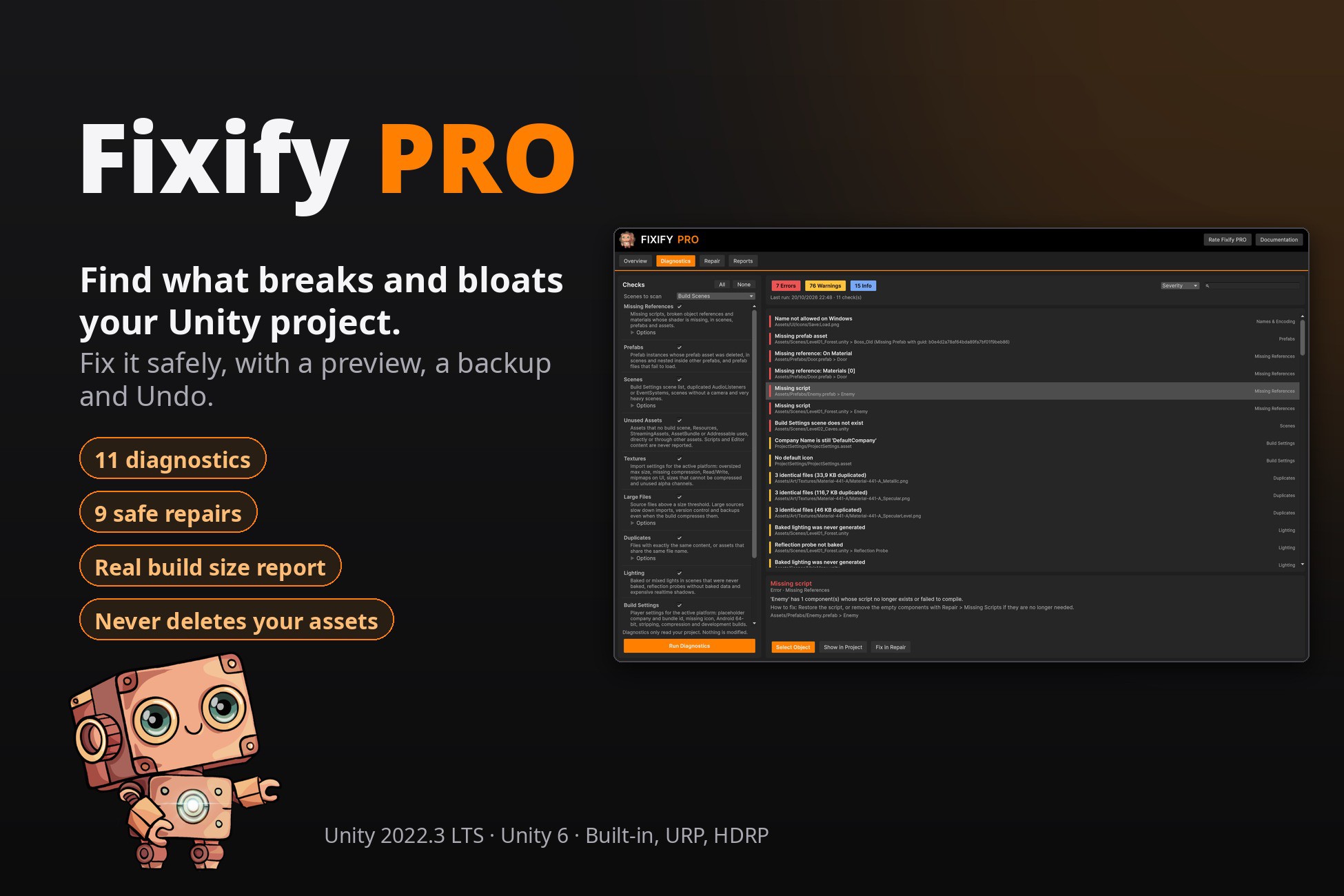
Fixify PRO finds what breaks and bloats your Unity project, and fixes it without putting your work at risk.
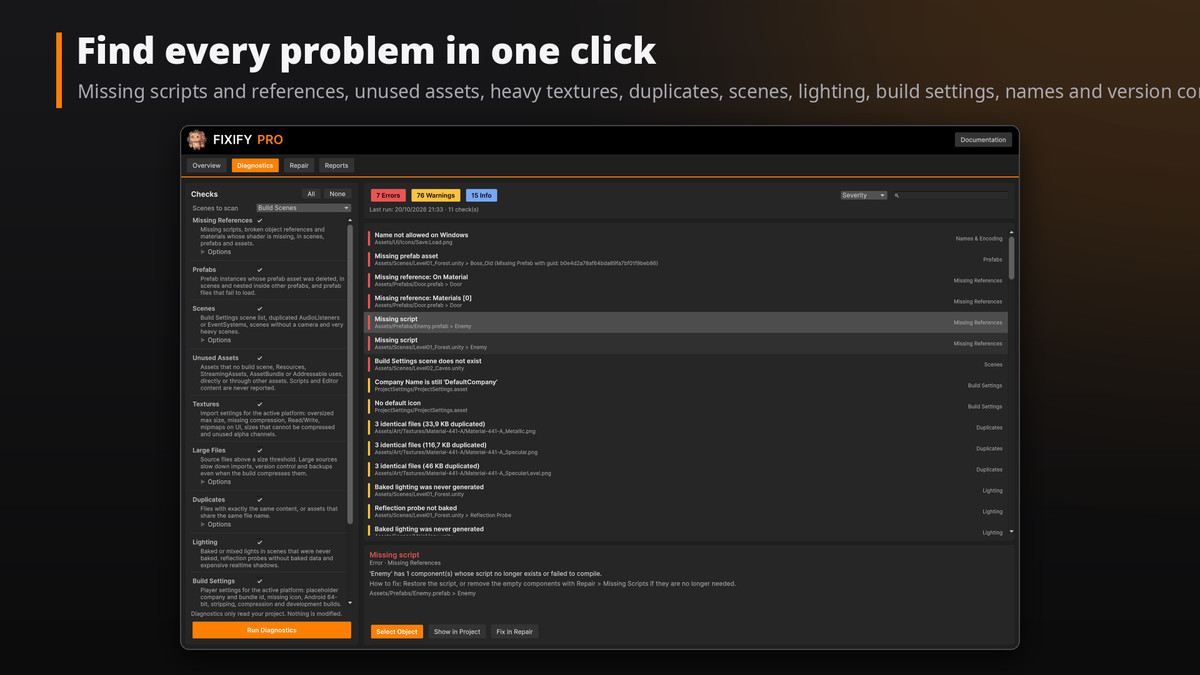
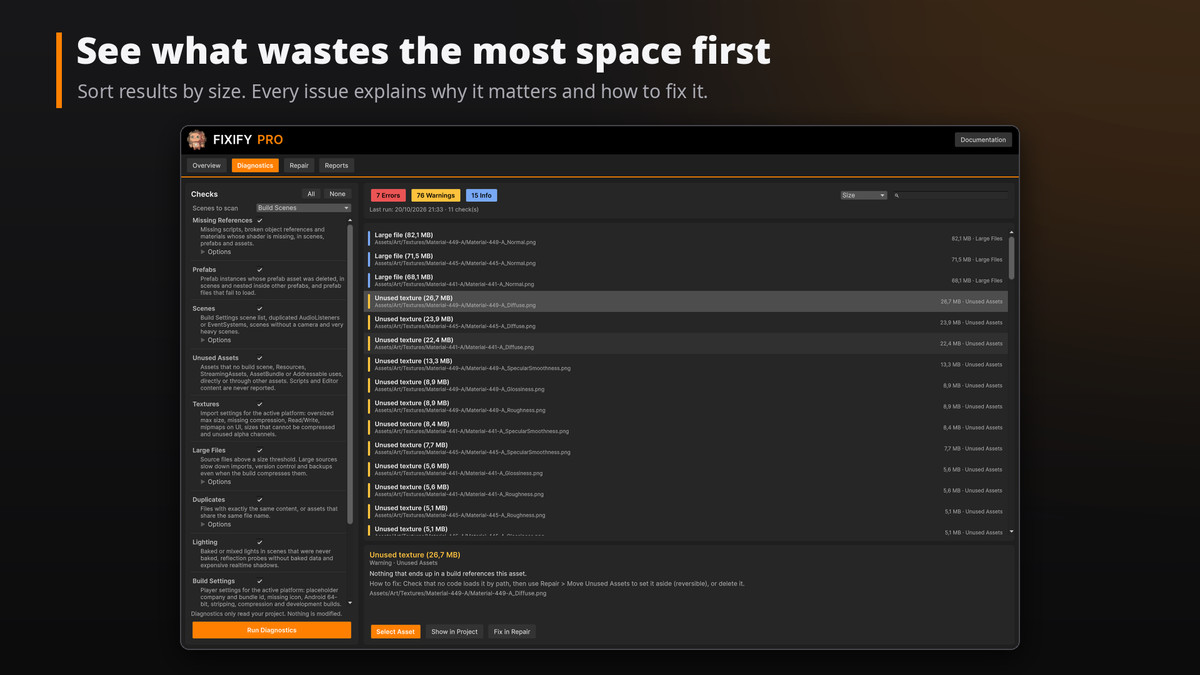
Run one diagnostic to see every problem in a single list: missing scripts, broken references, prefabs whose asset was deleted, unused assets, oversized textures, duplicates, scene and lighting mistakes, store-rejecting build settings, file names that break on Windows and version control setup. Click a result to jump to the object, sort by size to see what wastes the most space, and fix it from the same window.
SAFE BY DESIGN
• Diagnostics only read your project. Nothing is modified.
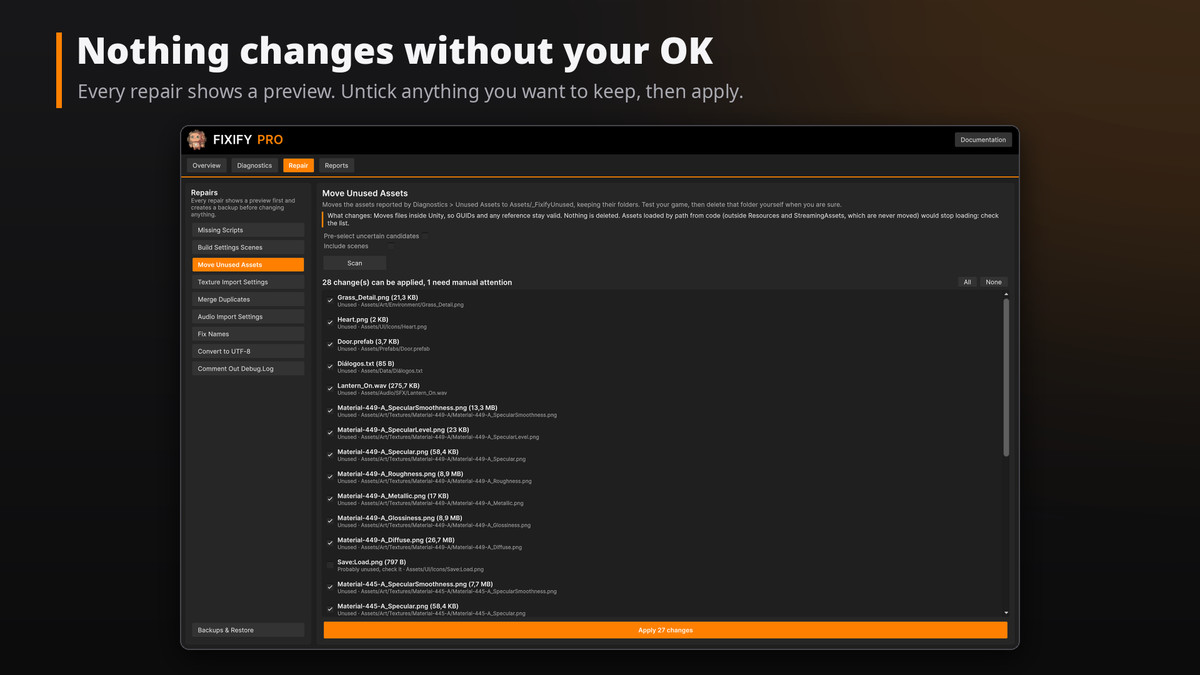
• Every repair shows a preview first. Untick anything you want to keep.
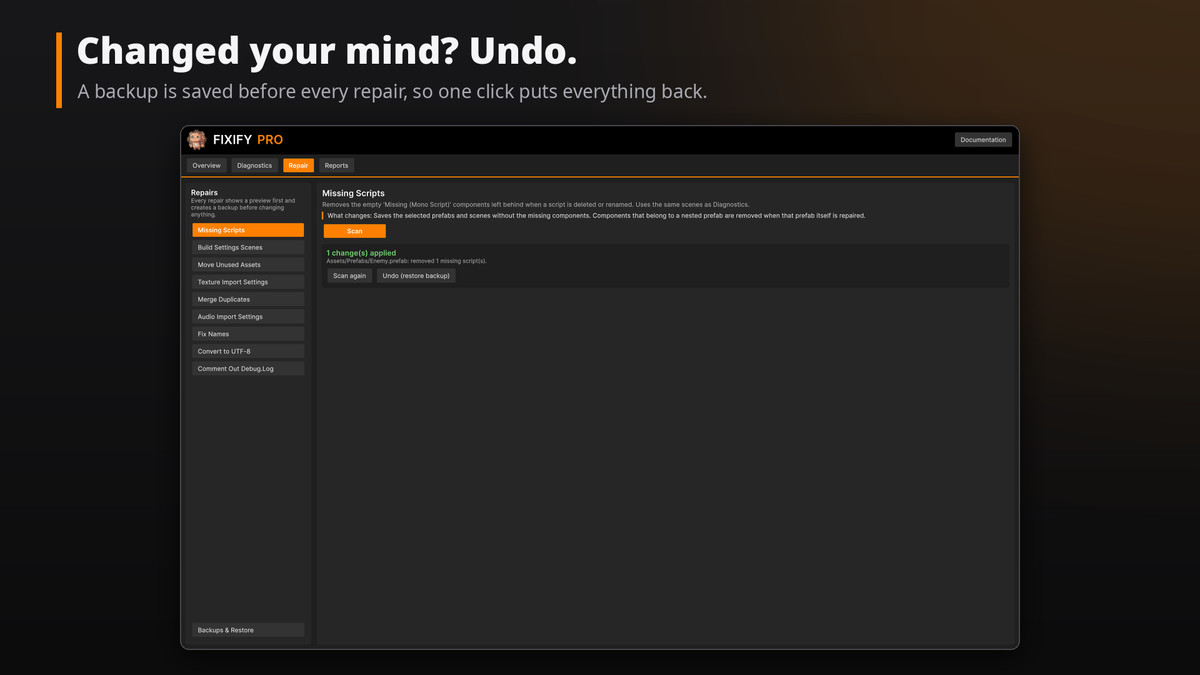
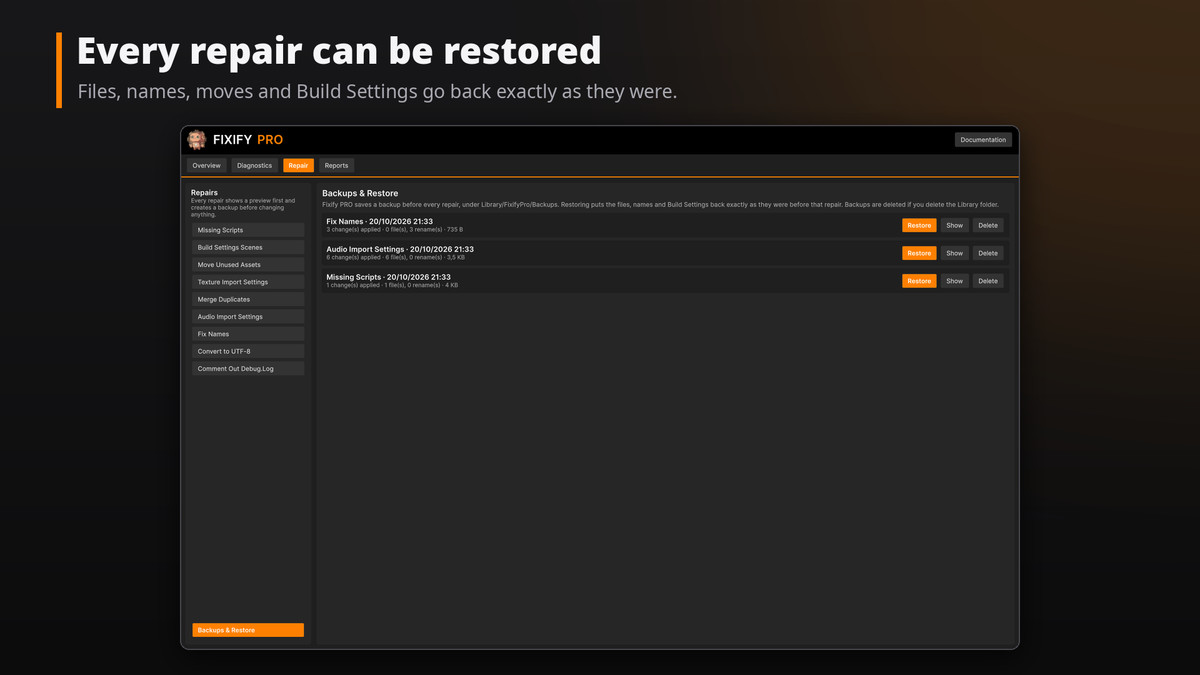
• A backup is saved before every repair. One click restores files, names and Build Settings exactly as they were.
• Fixify PRO never deletes your assets. Unused assets are moved to a folder you review, keeping their GUIDs and references.
DIAGNOSTICS
• Missing References: missing scripts, broken object references and pink materials, in scenes, prefabs and ScriptableObjects.
• Prefabs: instances whose prefab was deleted and prefabs that fail to load.
• Scenes: deleted or duplicated Build Settings entries, extra AudioListeners or EventSystems, scenes without a camera, very heavy scenes.
• Unused Assets: follows real dependencies from your build scenes, Resources, Addressables, AssetBundles and Project Settings. Assets loaded by name are flagged as "check" instead of "unused".
• Textures: oversized max size, missing compression or platform overrides, Read/Write, mipmaps on UI, sizes that cannot be compressed, useless alpha channels.
• Large Files, Duplicates (by content or name), Lighting (unbaked lights and probes, expensive realtime shadows).
• Build Settings: placeholder company or bundle id, missing icon, Android without ARM64, stripping, WebGL compression.
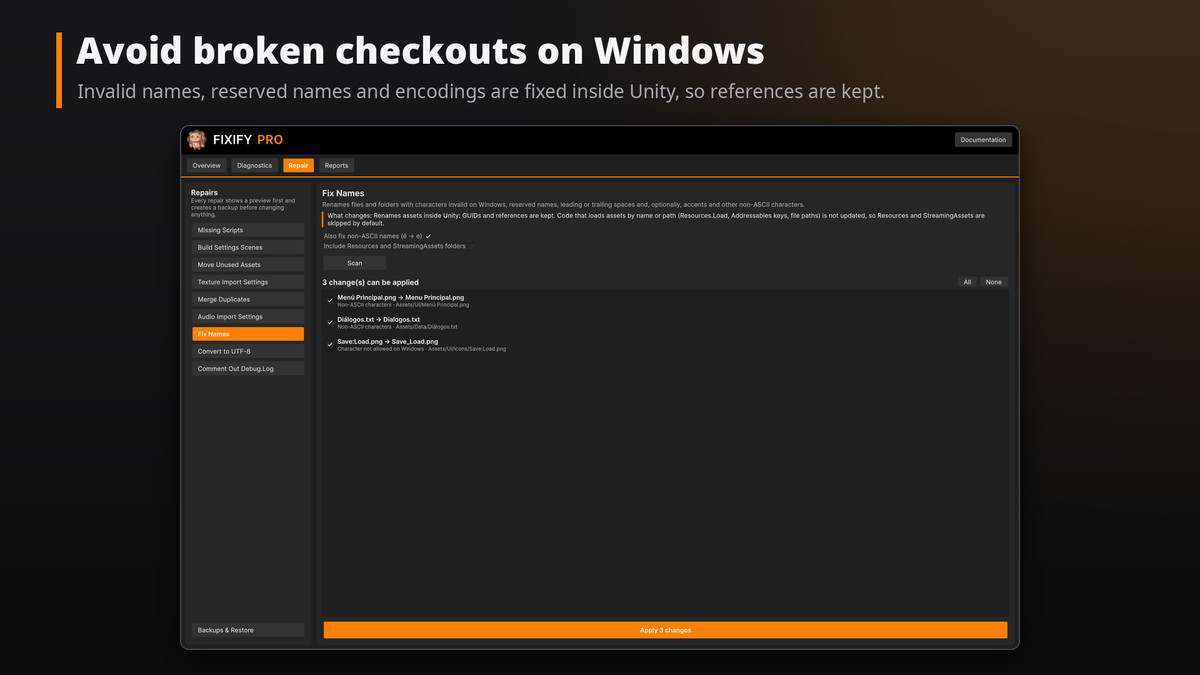
• Names & Encoding: invalid Windows names, names that differ only in case, long paths, non-UTF-8 text files.
• Version Control: .gitignore, Git LFS for big files, Force Text, visible meta files, leftover merge conflicts, empty folders.
SAFE REPAIRS
• Remove missing scripts • Clean the Build Settings scene list • Move unused assets to quarantine
• Apply texture import settings per platform • Merge duplicate files (references are rewritten, copies kept)
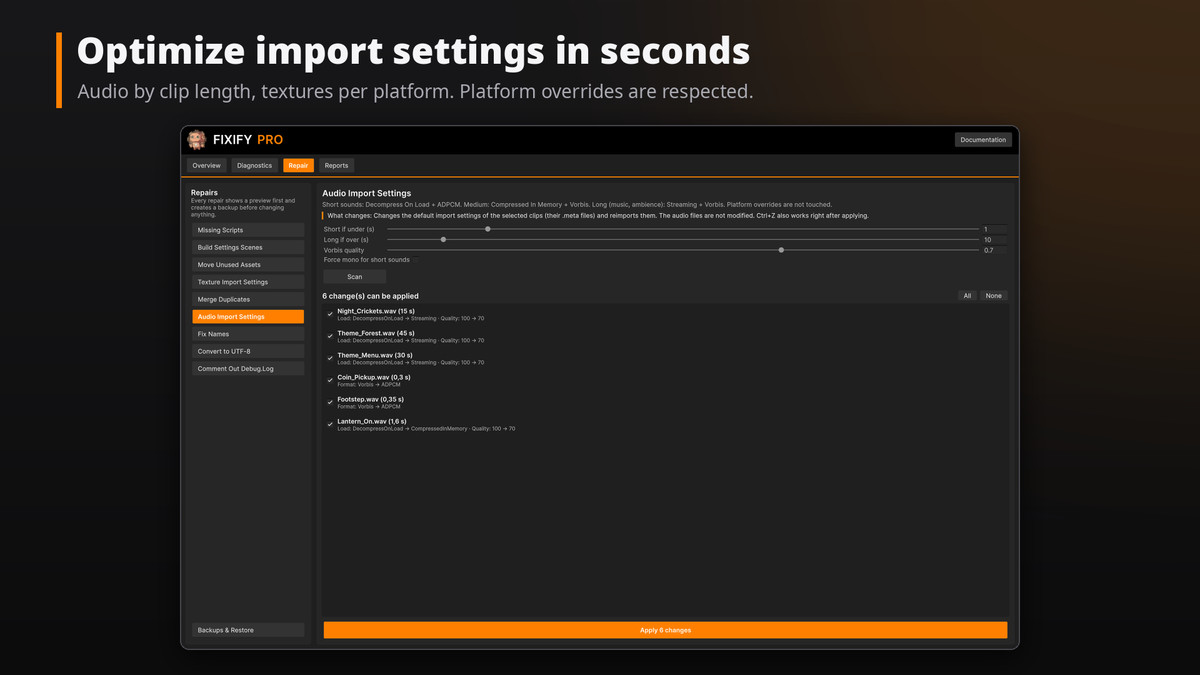
• Optimize audio import settings by clip length • Fix invalid names inside Unity • Convert text files to UTF-8
• Comment out Debug.Log calls before a release
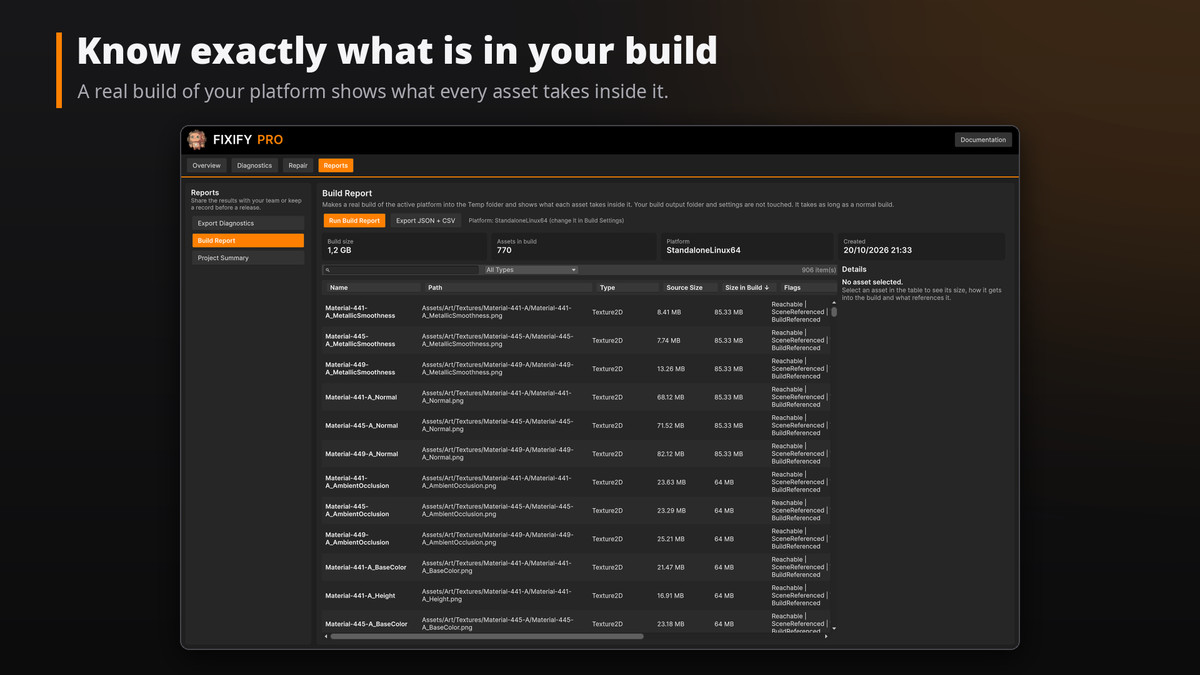
BUILD SIZE REPORT
Make a real build of your platform in a temporary folder and see what every asset takes inside it, sorted by size. Your build folder and settings are not touched.
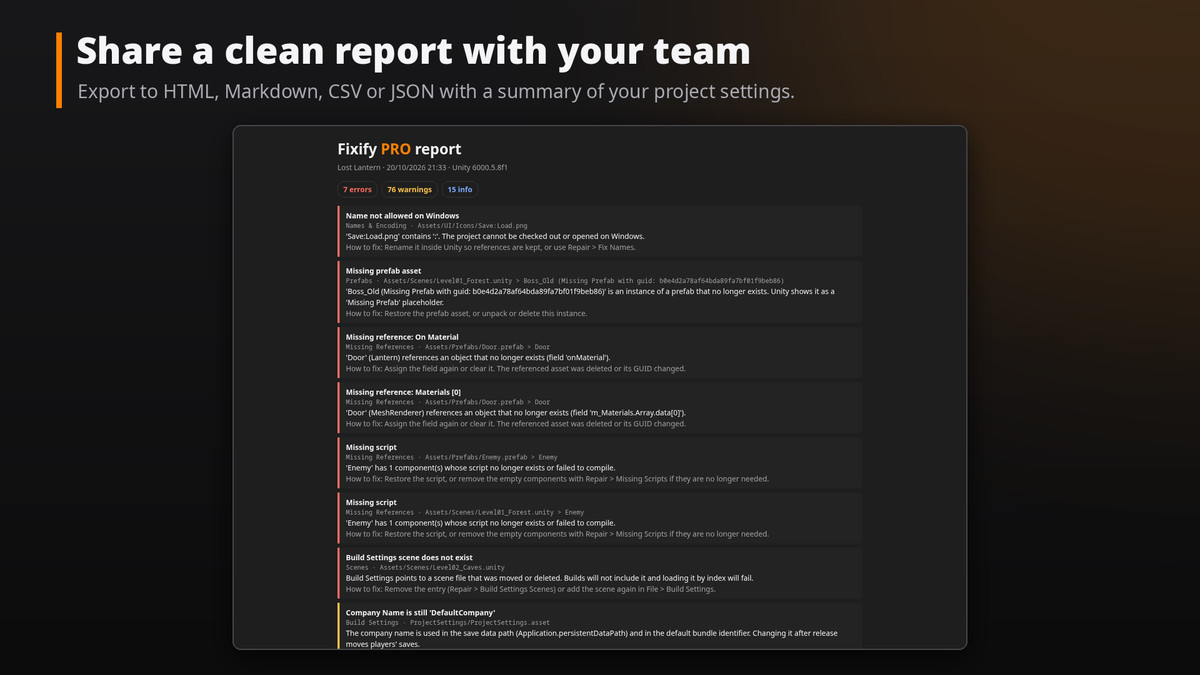
REPORTS
Export the results as HTML (ready to share), Markdown, CSV or JSON, with a summary of your project settings.
UPGRADING
Free update for Fixify owners: import it over your current version and the old files are replaced automatically. Build Size Optimizer is now part of Fixify PRO.
Editor-only: nothing is added to your builds. Full C# source included.
From the publisher's Asset Store listing.
Technical details
• Unity 2022.3 LTS or newer, tested on Unity 2022.3 and Unity 6.
• Windows, macOS and Linux editors. Built-in, URP and HDRP.
• Editor-only assembly (Iluora.FixifyPro.Editor). Nothing is included in builds.
• No dependencies. Addressables supported when installed.
• UI Toolkit interface under Tools > Iluora > Fixify PRO.
• Backups stored in Library/FixifyPro; exports in FixifyReports/.
• Full C# source code and a 15-page PDF manual included.
Compatibility
| Unity version | Built-in | URP | HDRP | Custom |
|---|---|---|---|---|
| 2022.3.55f1 | Compatible | Compatible | Compatible | Compatible |
As listed on the Asset Store.