
 View on Asset Store (opens in new tab)
Package details
- Latest version
- 1.0
- Last updated
- First released
- Unity version
- 2022.3.35 or later
- Package size
- 598 KB
- Files
- 58
- Favorites
- 18
- Views in the past week
- 11
Price tracking
- Last checked
- Tracked since
- Lowest recorded
- $7.50 on
Keywords

Procedural Radial Wheel Menu
- Price drop
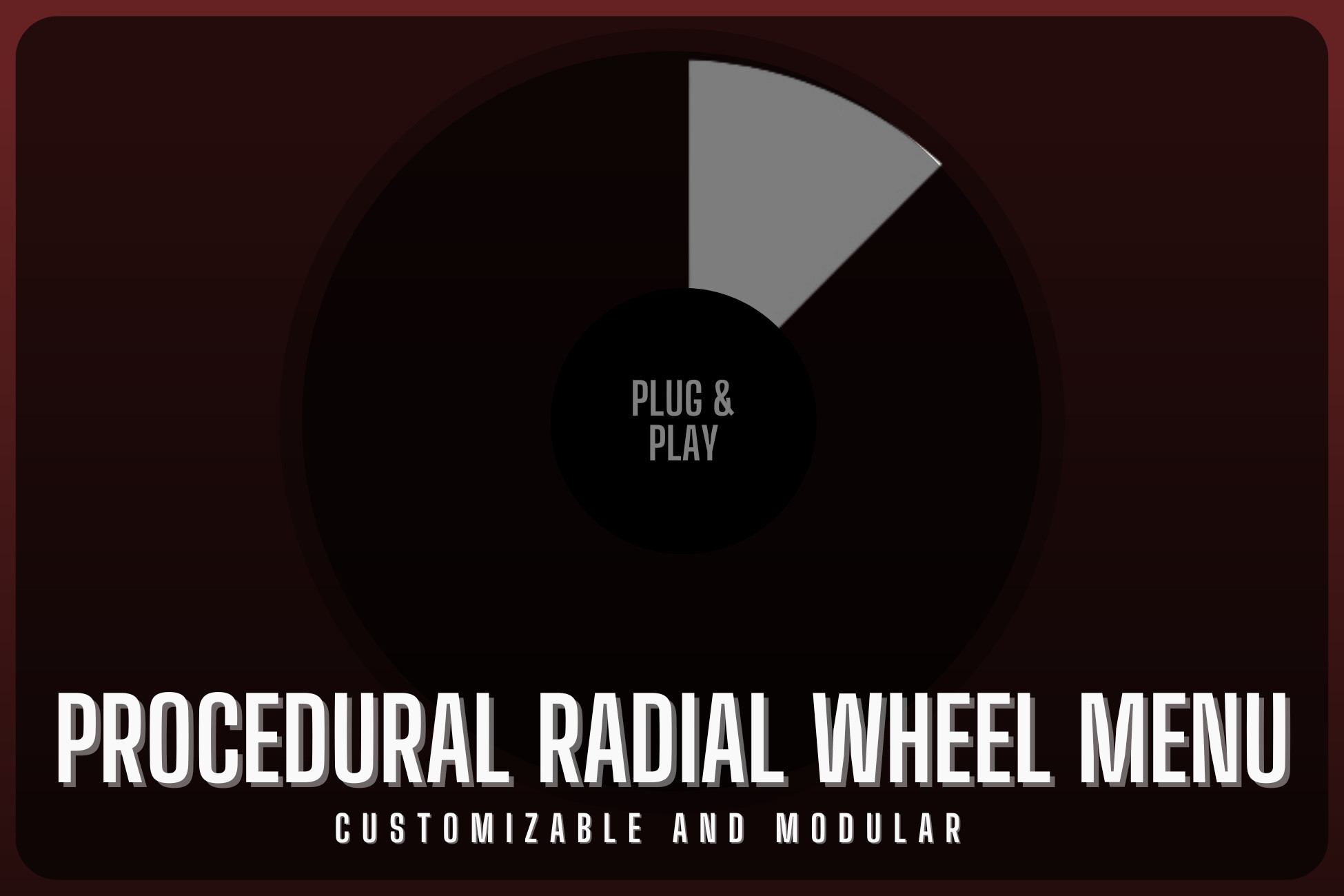
Procedural Radial Wheel Menu – A fully customizable,selection menu with smooth scrolling, highlight effects, auto-selection, rotating UI, and built-in blur. Works on all render pipelines!
Lowest in 6 months
Get 33% off on Asset Store (opens in new tab)Affiliate link · Purchases support this site
Price history
Last 6 months
USDAsset preview
1 / 3

Procedural Radial Wheel Menu screenshot 1


About this asset
Enhance Your Game’s UI with a Fully Customizable Radial Menu!
The Procedural Radial Wheel Menu is a powerful and highly customizable circular selection menu for Unity, perfect for weapon selection, skill wheels, quick-action menus, and more. Inspired by the GTA-style radial menu, this system provides a smooth and intuitive UI experience for players.
With dynamic button highlighting, scrolling navigation, customizable animations, and a built-in blur effect, this package ensures a professional, polished look for your game. Whether you're developing an FPS, RPG, Strategy, or Action game, this radial menu system will seamlessly integrate into your project.
✨ Key Features:
✅ Procedural Radial UI – Automatic button placement in a circular layout.
✅ Smooth Selection & Highlighting – Scroll through options with a color-changing highlight effect.
✅ Rotating Image Effect – Add a dynamic spinning effect when switching options (customizable rotation angle & color).
✅ Customizable Animations – Choose between smooth pop-up animations or static selections.
✅ Scene Blur Effect – Built-in shader-based blur that works in all render pipelines (Built-in, URP, HDRP) without post-processing.
✅ Auto-Selection on Close – The last highlighted option is automatically selected when the menu closes.
✅ Inspector Customization – Adjust highlight colors, rotation values, blur intensity, and more directly from Unity.
✅ Plug & Play Setup – Easy to integrate and modify for your specific needs.
From the publisher's Asset Store listing.
Technical details
🛠 Procedural Radial Wheel Menu – Technical Details
📌 Features
✔ Dynamic Radial UI Menu – A fully procedural circular selection menu, ideal for weapons, skills, and quick actions.
✔ Smooth Scrolling & Selection – Navigate through menu options with mouse wheel or keyboard input.
✔ Customizable Highlighting – Change highlight colors and selection animations from the Unity Inspector.
✔ Rotating Image Feedback – An optional rotating UI image that spins when scrolling (configurable rotation angle & color).
✔ Scene Blur Effect – Built-in shader-based blur (supports Built-in, URP, and HDRP without post-processing).
✔ Auto-Selection on Close – The last highlighted button is automatically clicked when the menu is closed.
✔ Inspector Customization – Modify button colors, rotation speed, animations, and blur settings easily.
✔ Works in Any Game Genre – Supports FPS, RPG, Strategy, and Action games.
✔ Lightweight & Optimized – Minimal performance impact with efficient UI handling.
✔ Easy Integration – Drag-and-drop setup, plug & play system.
🎮 Supported Platforms
✅ PC (Windows, macOS, Linux)
✅ Consoles (PlayStation, Xbox, Nintendo Switch)
📜 Documentation
Compatibility
| Unity version | Built-in | URP | HDRP |
|---|---|---|---|
| 2022.3.35f1 | Compatible | Compatible | Compatible |
As listed on the Asset Store.