
 View on Asset Store (opens in new tab)
Package details
- Latest version
- 1.9.13
- Last updated
- First released
- Unity version
- 2022.3.62 or later
- Package size
- 21.5 MB
- Files
- 904
- Favorites
- 366
- Views in the past week
- 341
Price tracking
- Last checked
- Tracked since
- Lowest recorded
- $18.00 on
Keywords

Evo UI 1.9
Evo UI is a feature-rich UI framework that provides polished UI elements, components, and workflow tools designed to elevate your project's UI to the next level.
Affiliate link · Purchases support this site
Price history
Last 6 months
USDAsset preview
1 / 28

Evo UI 1.9 screenshot 1

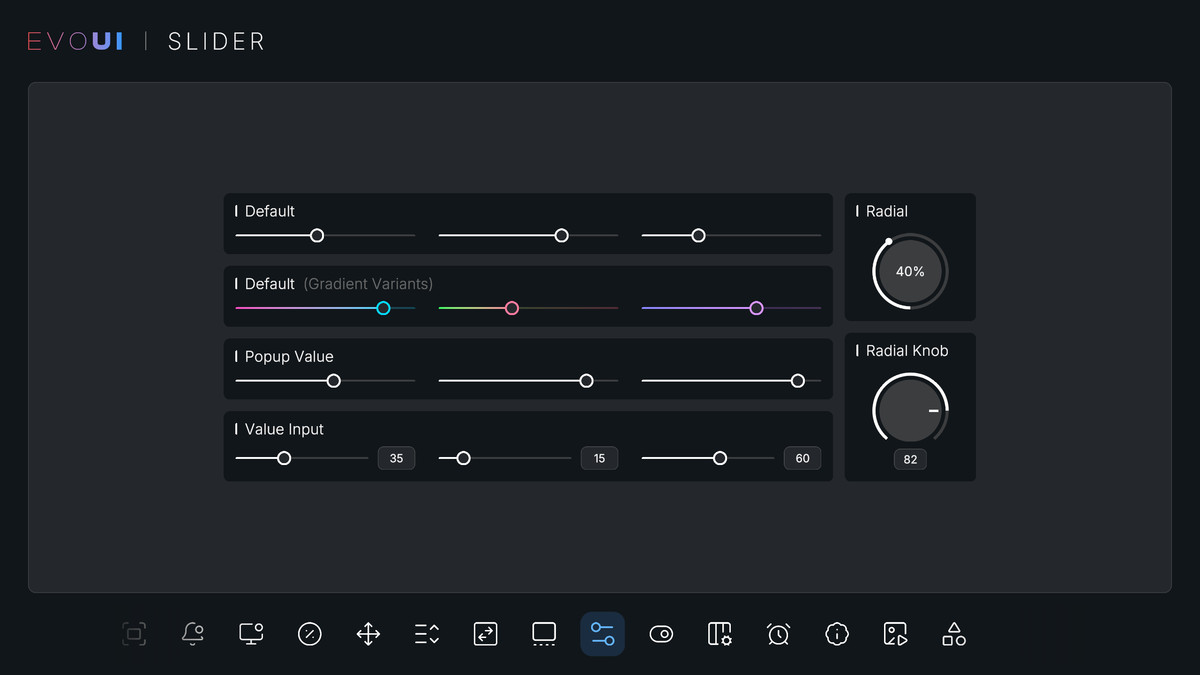

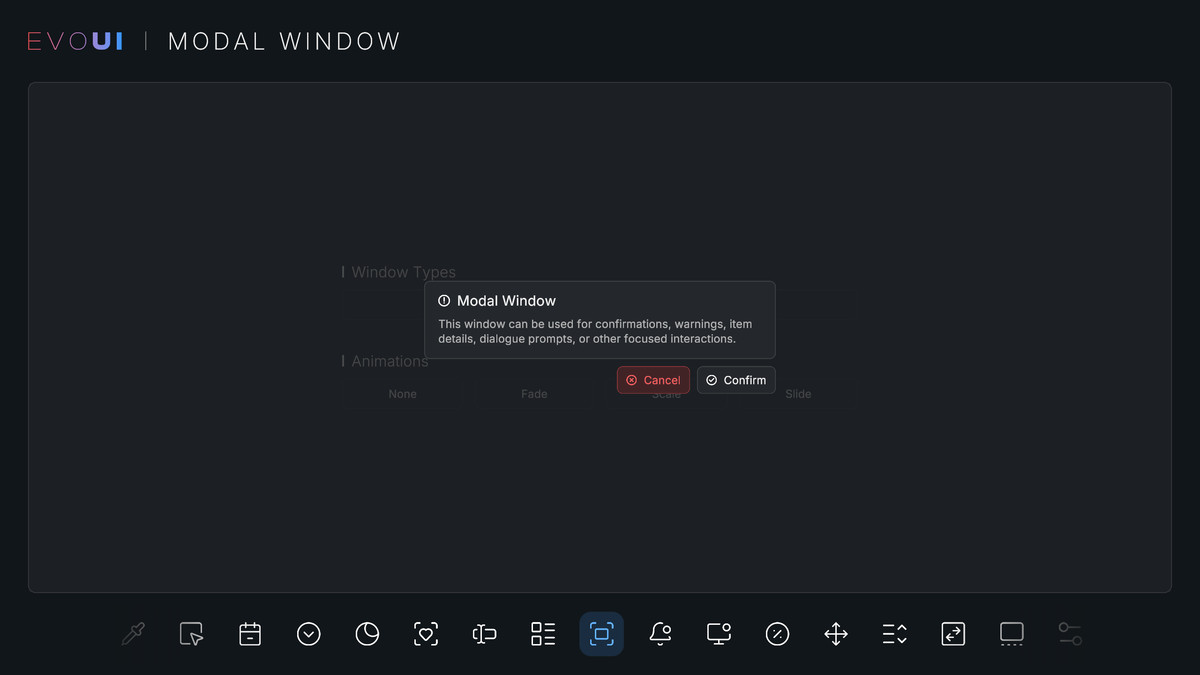
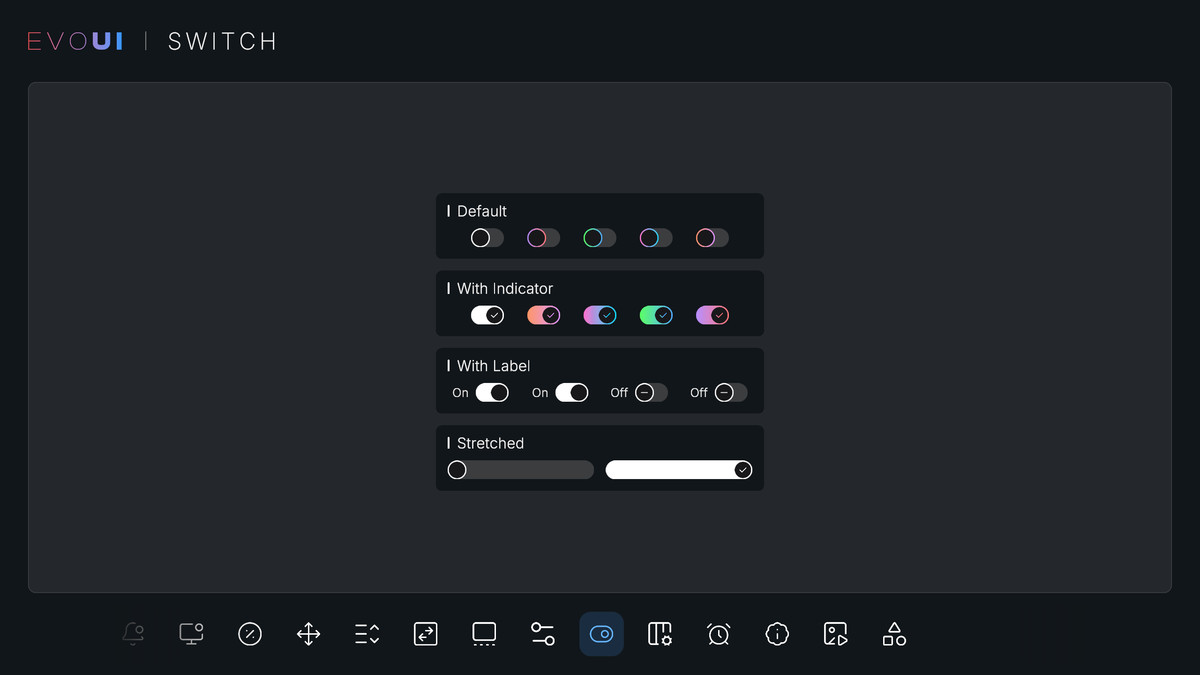
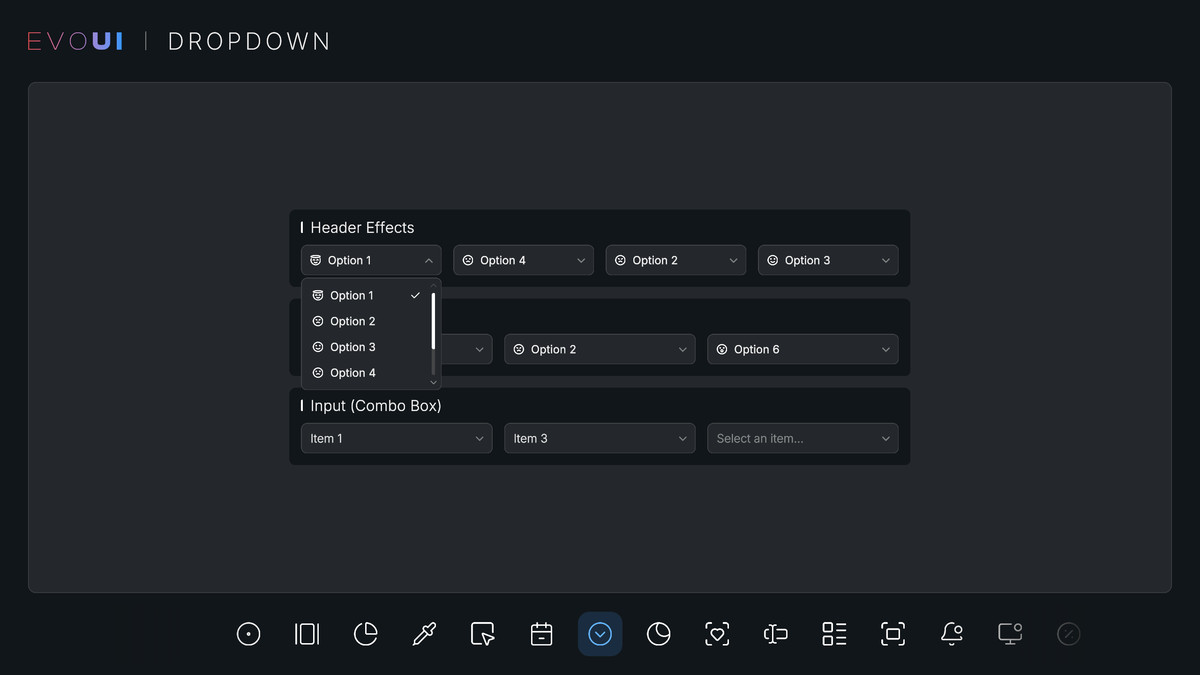

About this asset
Evo UI is a comprehensive UI framework that provides a rich collection of UI elements, components, and editor tools designed to significantly improve your workflow. It is built on Unity UI (uGUI).
🚀 Evo UI 2.0 is now available!
A big step forward in rendering, animation, and workflow. Upgrade here.
Want to see it in action?
✨ Build Better UI, Faster
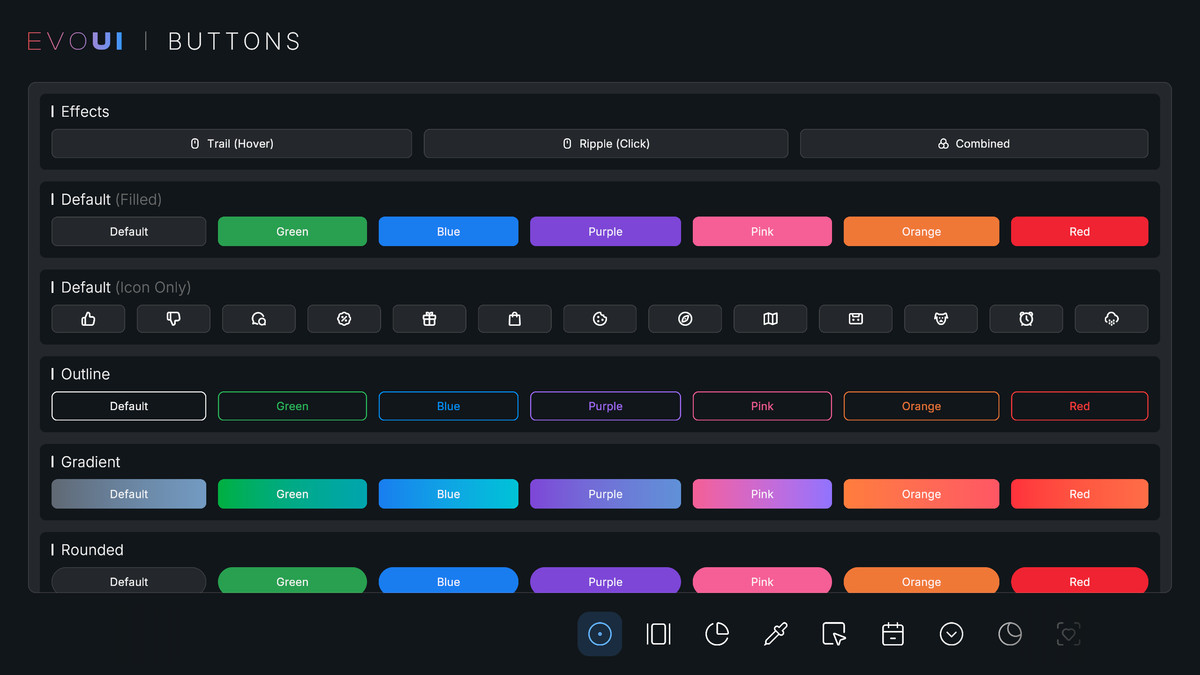
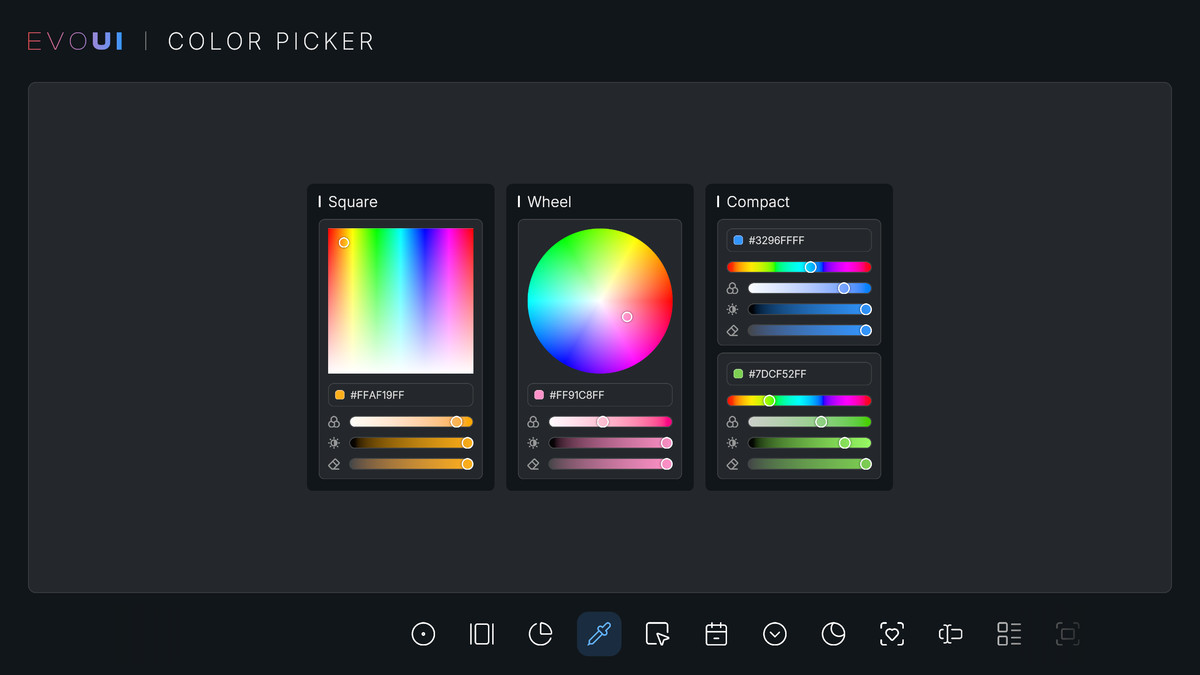
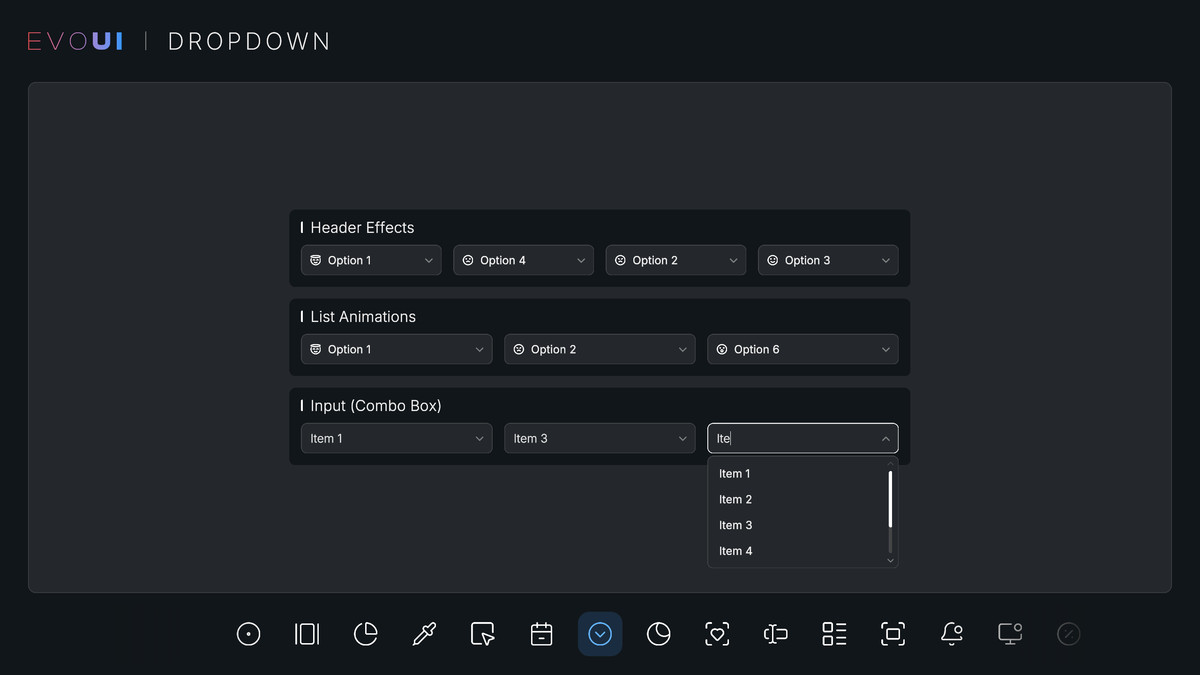
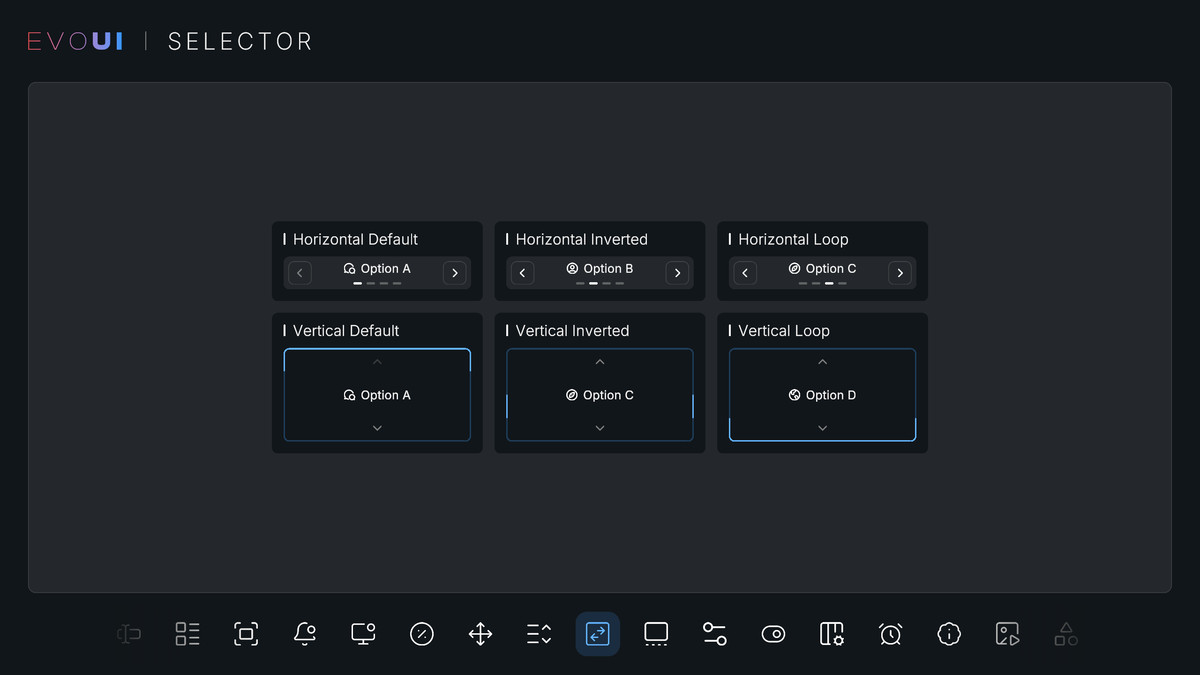
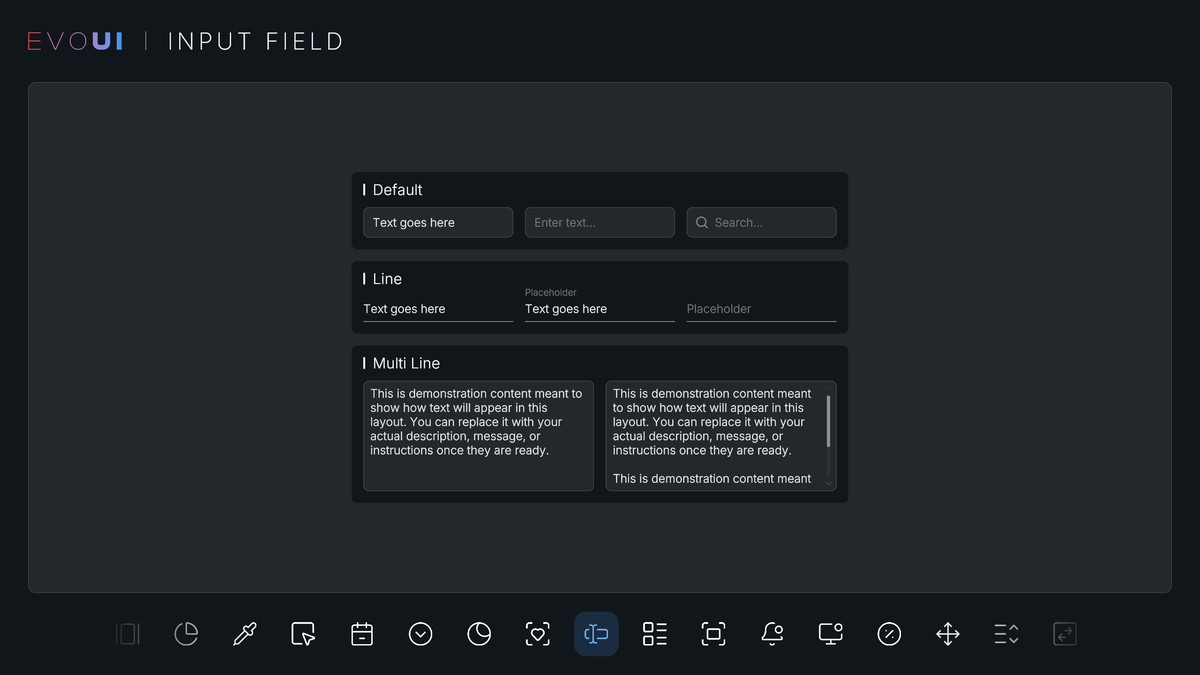
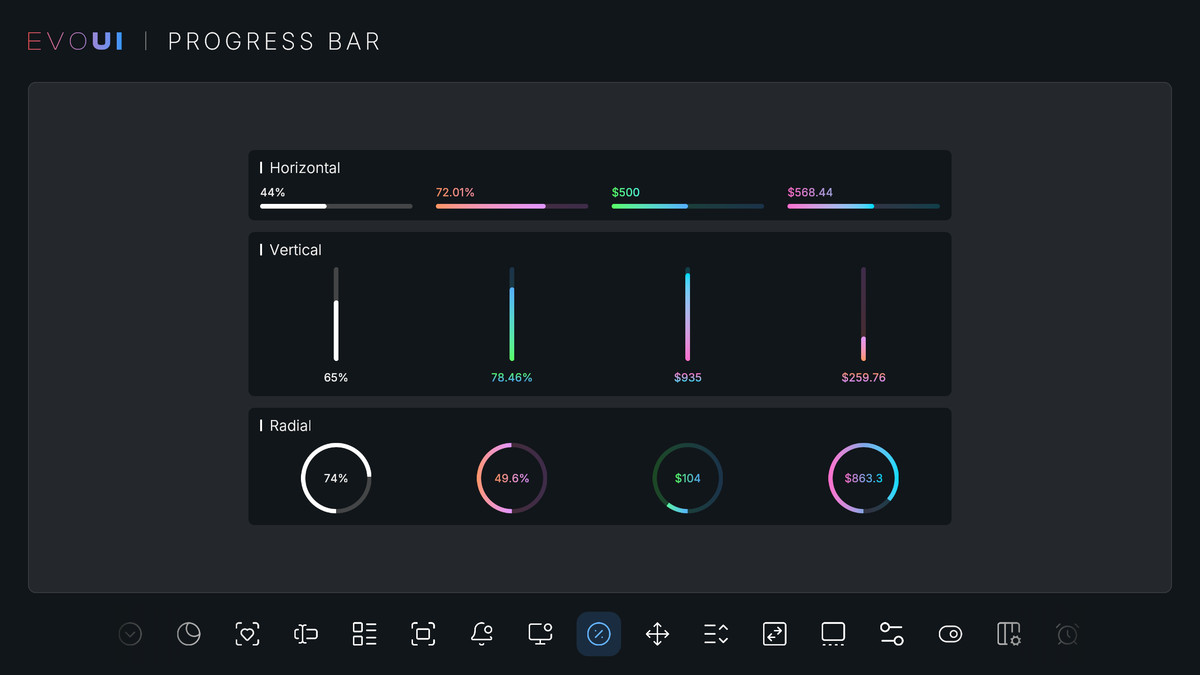
Evo UI delivers high-quality UI elements right out of the box. Its modular design lets you customize everything easily, giving you complete freedom to add, modify, and adapt each element to your project's style and vision.
📦 What's Included:
• 32+ UI elements
• 17+ animation and effect components
• 10+ layout and navigation components
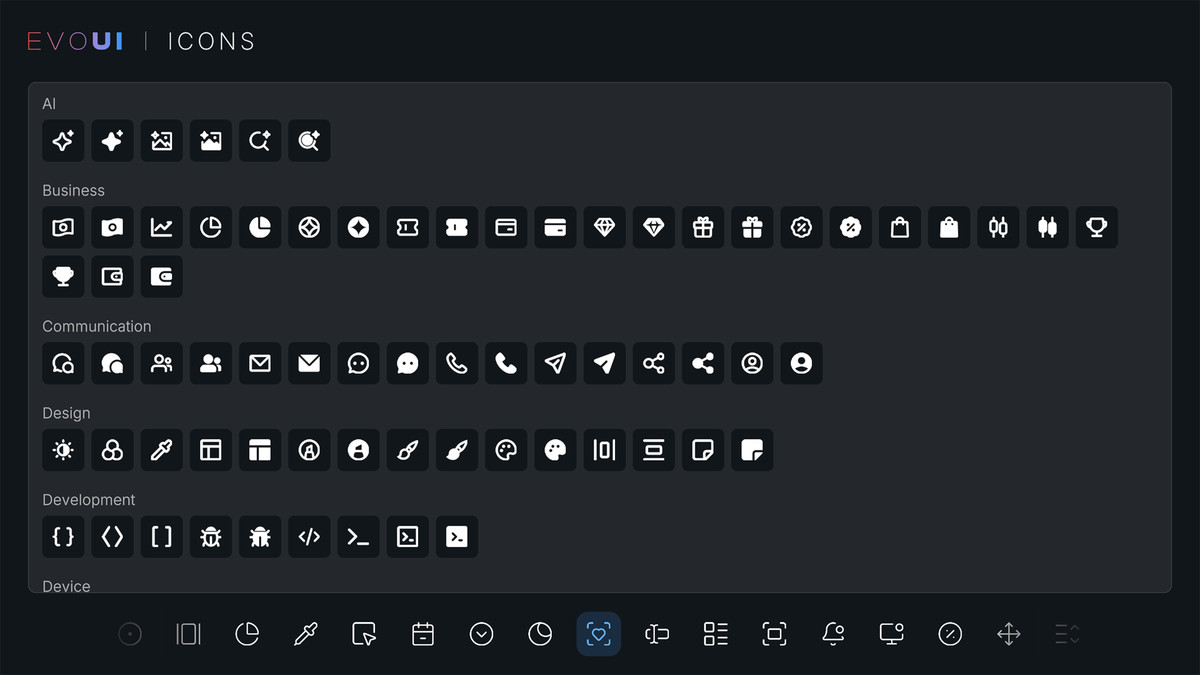
• 346+ clean, unique icons
• Dozens of sliced sprites
• Interaction sound effects
• Fully featured demo scene
• Styler customization system
🎨 Customize Effortlessly
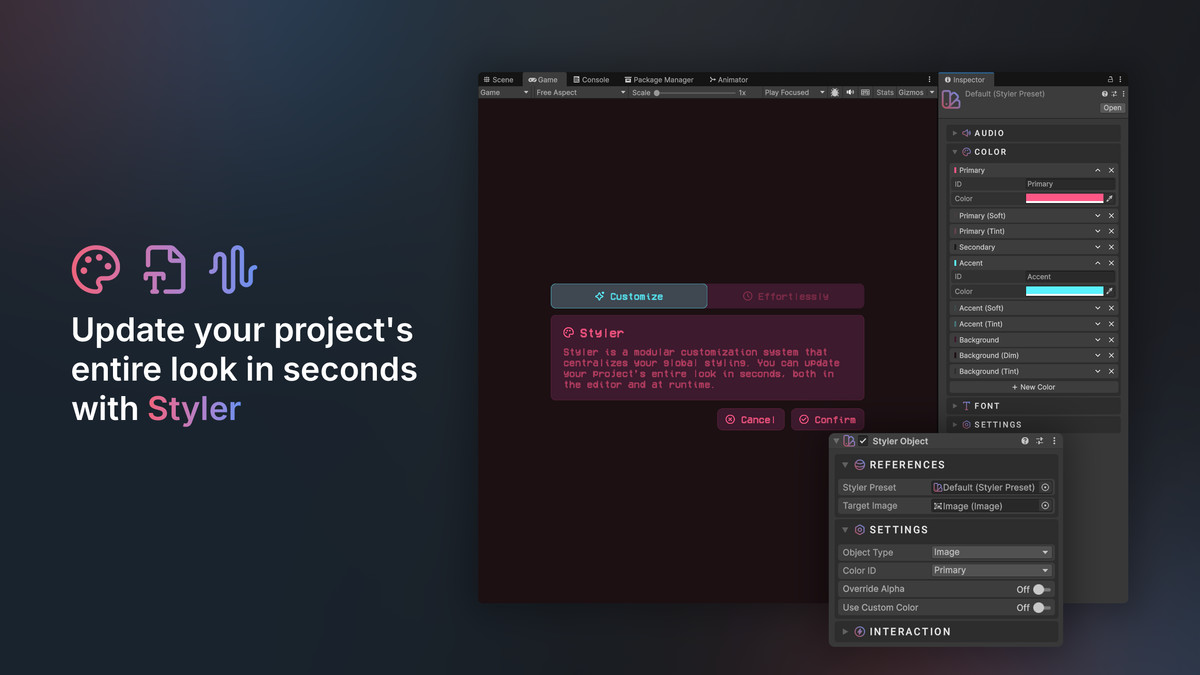
Styler is Evo UI's modular customization system that centralizes your global styling. Update your project's entire look in seconds. You can:
• Update colors, fonts, and audio clips globally
• Enforce consistent visual rules across every UI element
• Instantly preview style changes without modifying objects
🛠️ Custom Editor Tools
Evo UI includes a stylish custom editor layout designed to improve workflow and enhance the visual clarity. From styling presets to the icon browser, these tools help streamline your process and save you valuable time.
🔗 Seamless Ecosystem
Evo UI integrates seamlessly with other Evo packages. Need localization in your project? Just import Evo Localization and the system will automatically integrate both packages.
Other Evo Packages
Contact | Discord | Documentation | WebGL Demo
See the Technical Details section for more details.
From the publisher's Asset Store listing.
Technical details
Compatibility & Dependencies
• Input System: Both the new and the old input systems are supported.
• UI System: Built on Unity UI (uGUI). Evo UI is not compatible with UI Toolkit.
• Unity Version: Fully compatible with Unity 6. You can refer to the Render Pipeline Compatibility section or documentation for more details.
UI Elements (32)
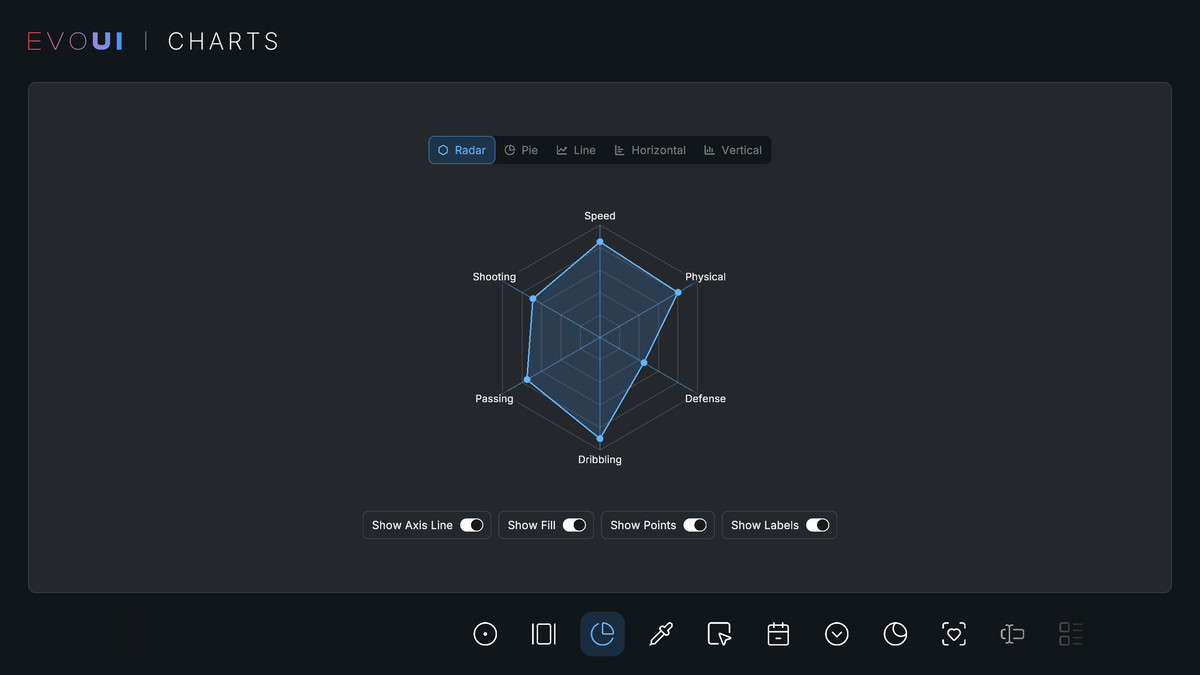
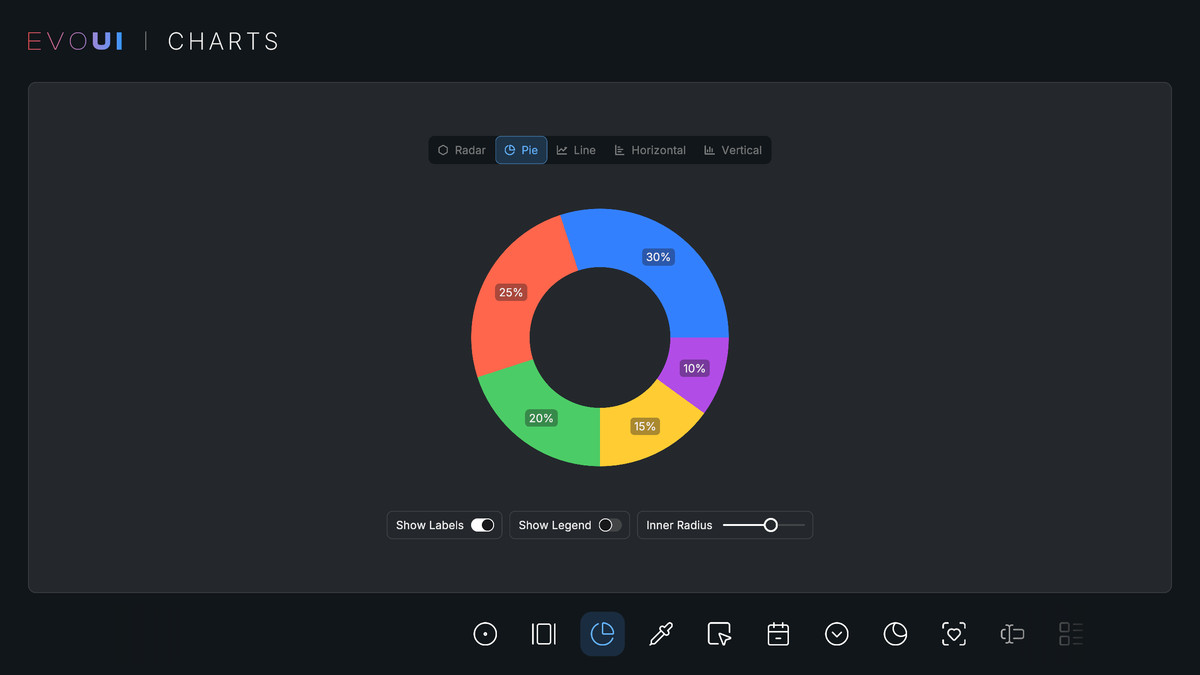
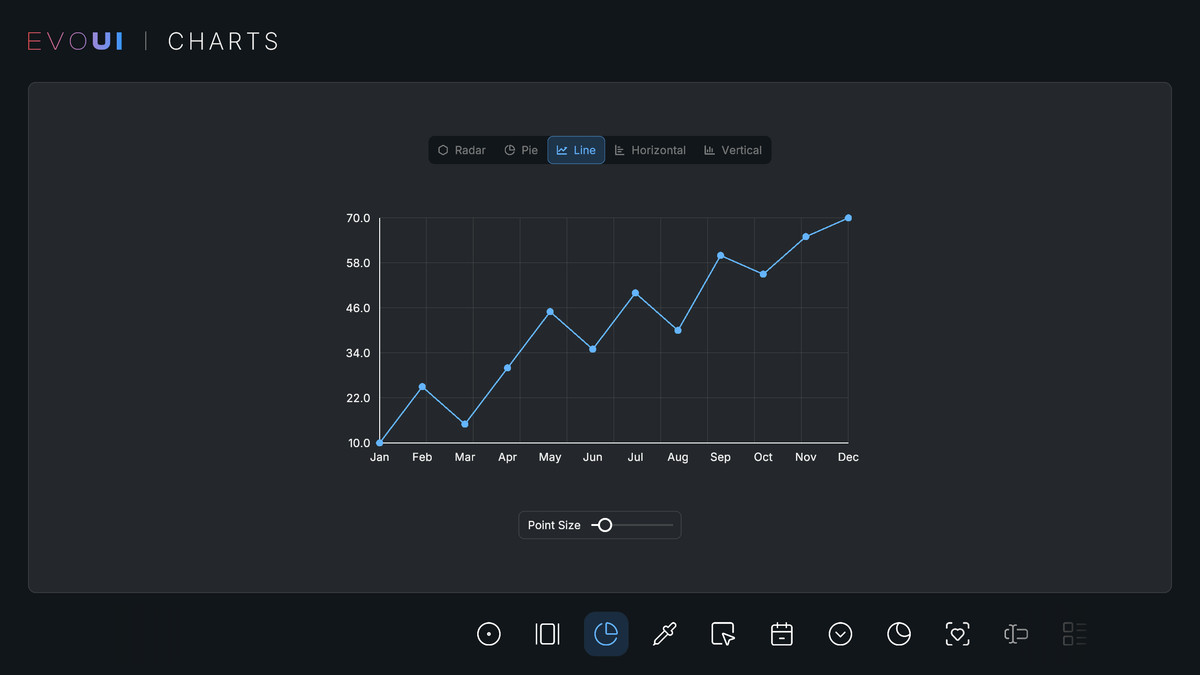
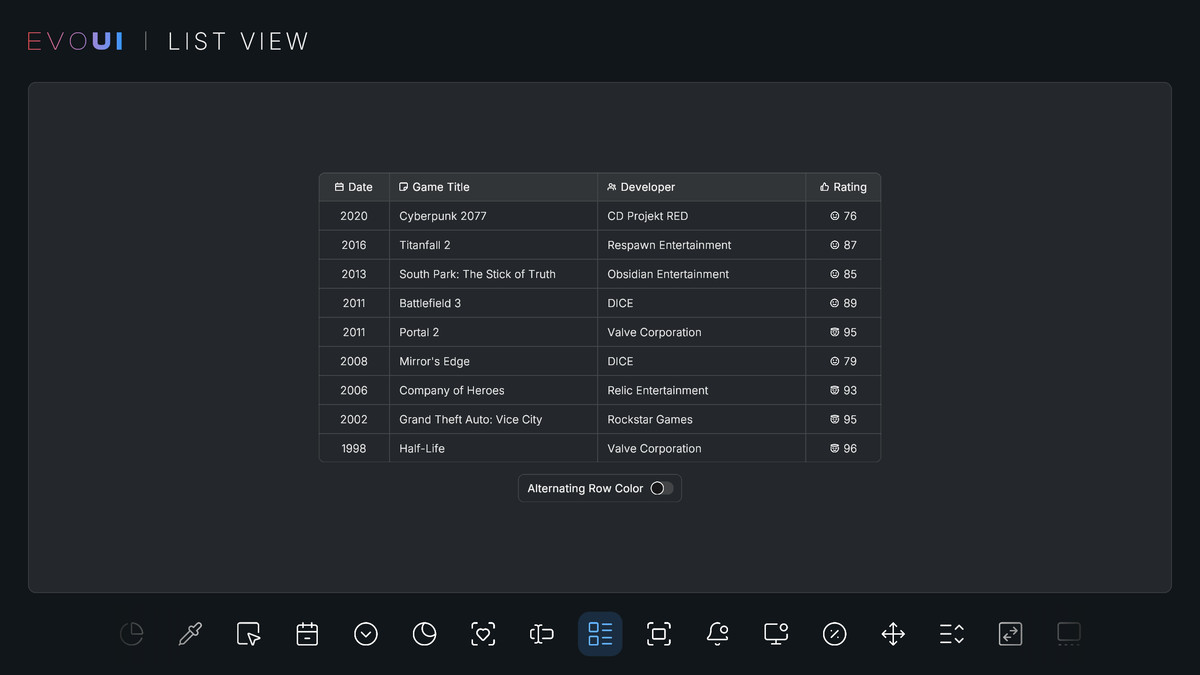
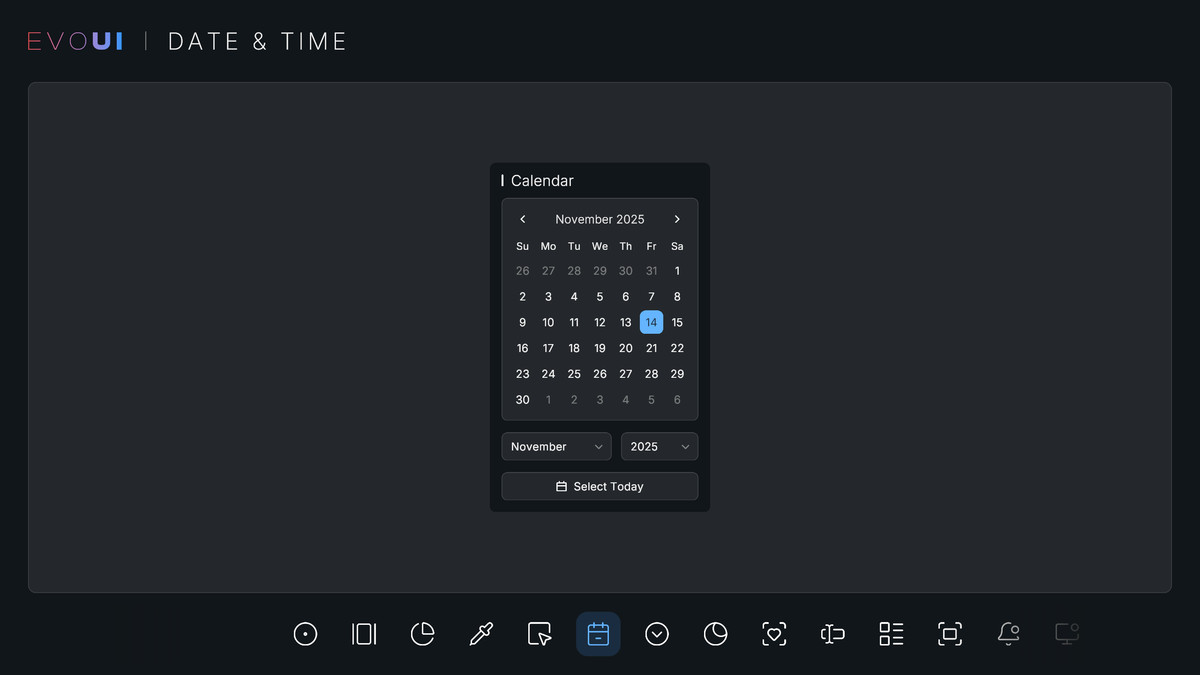
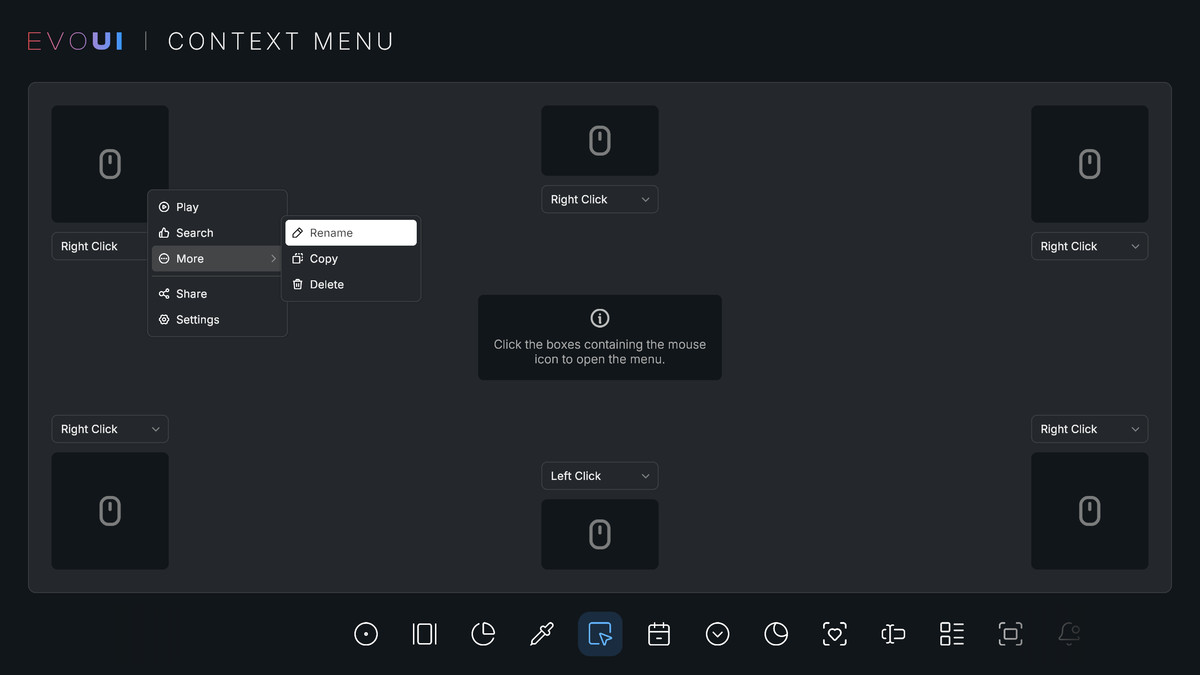
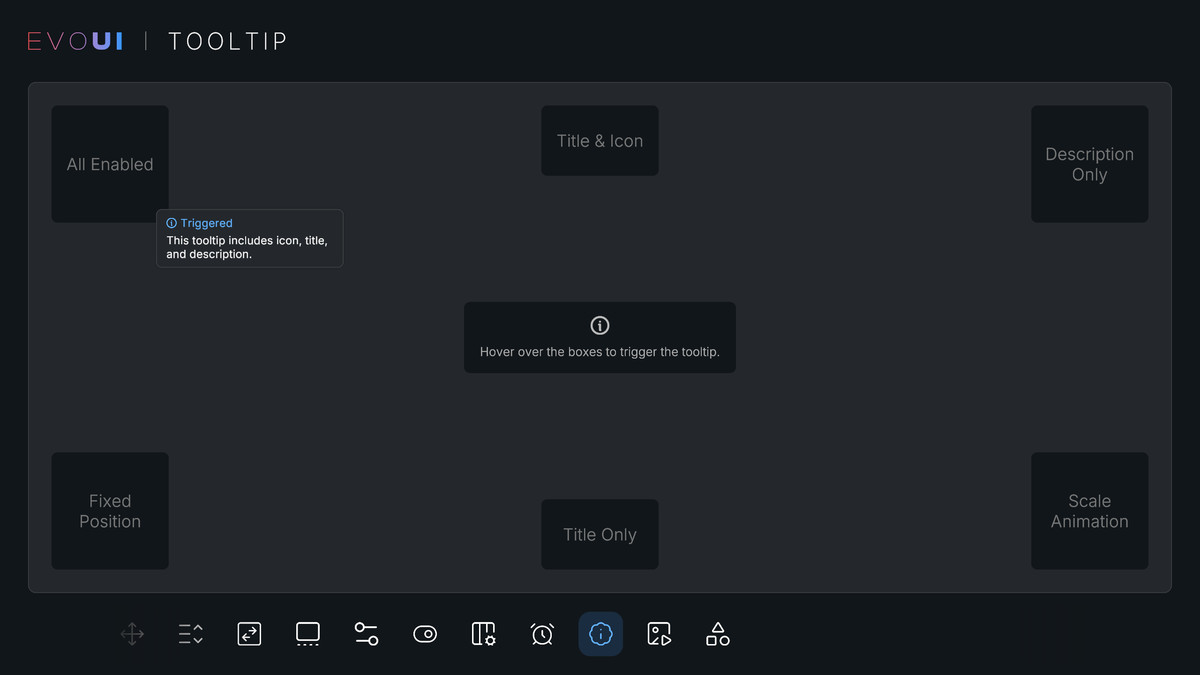
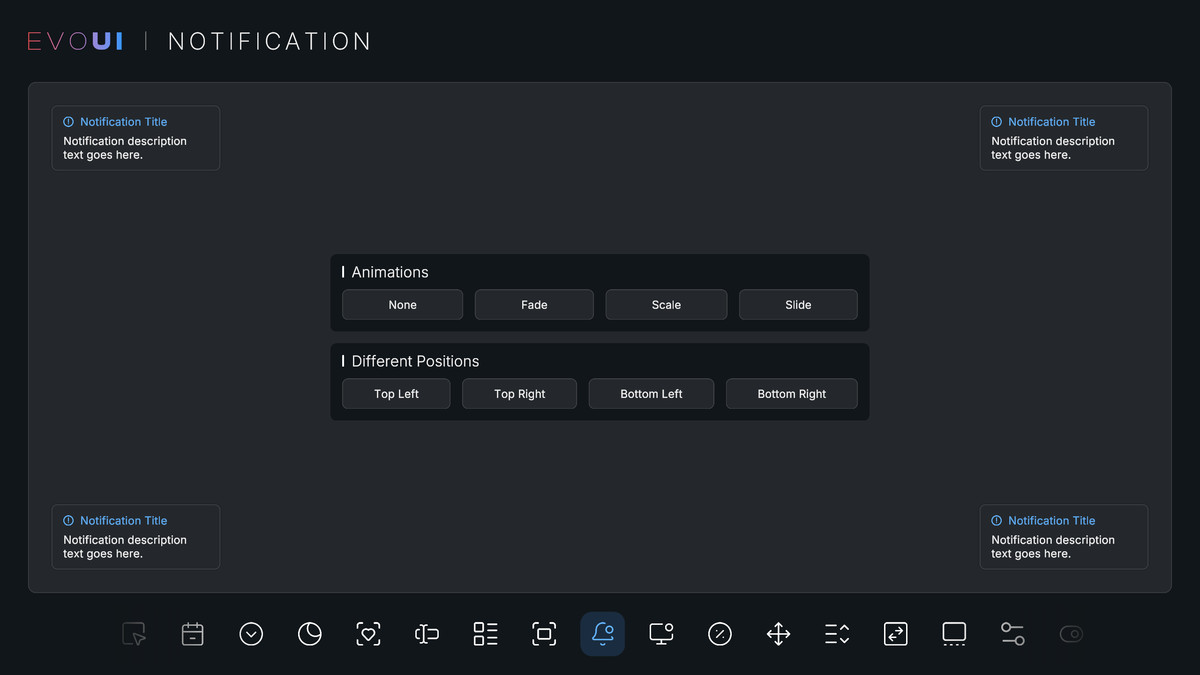
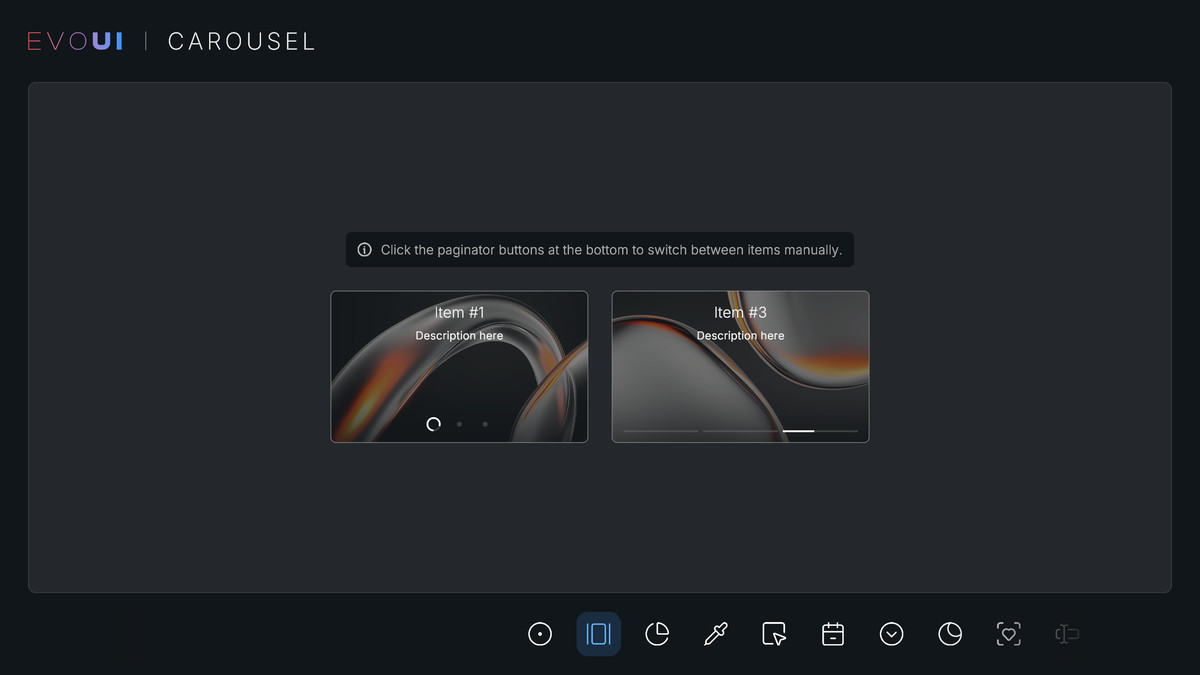
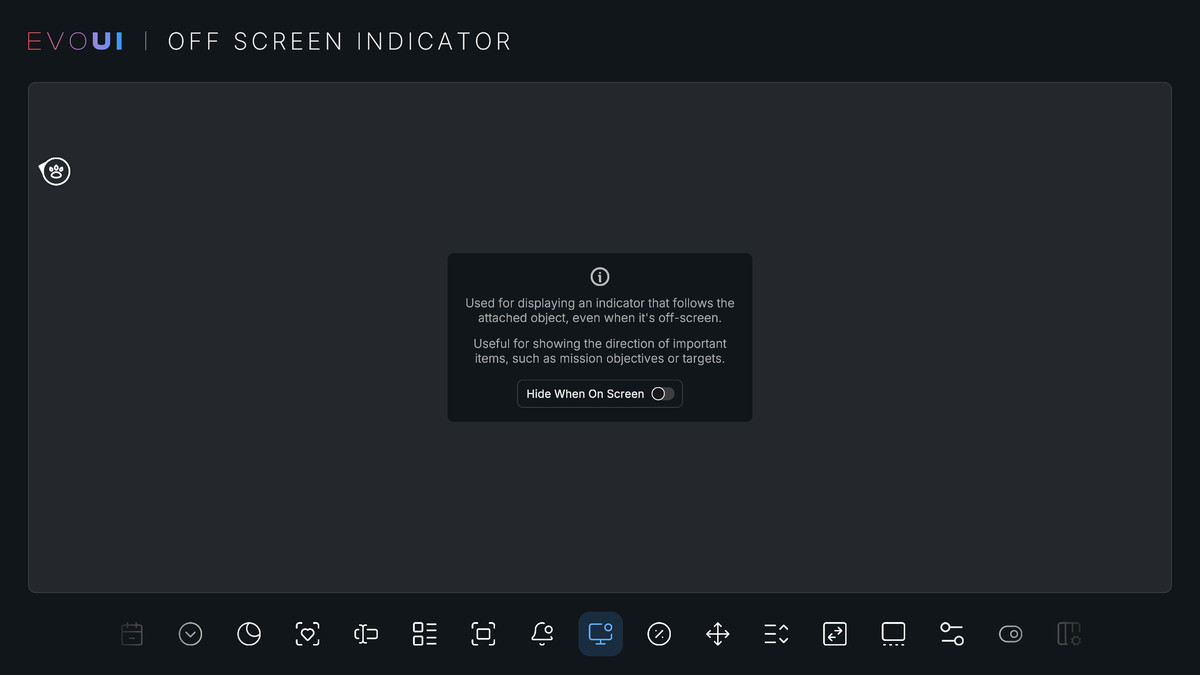
Button, Calendar, Carousel, Color Picker, Context Menu, Countdown, Dropdown, Dropdown (Combo Box/Input), Horizontal Chart, Input Field, Line Chart, List View, Menu Bar, Modal Window, Notification, Off Screen Indicator, Pie Chart, Procedural Rect, Progress Bar, Progress Button, Quantity Selector, Radar Chart, Radial Slider, Radio Button Group, Scrollbar, Selector, Showcase Panel, Slider, Switch, Timer, Tooltip, Vertical Chart
Animation Components (4)
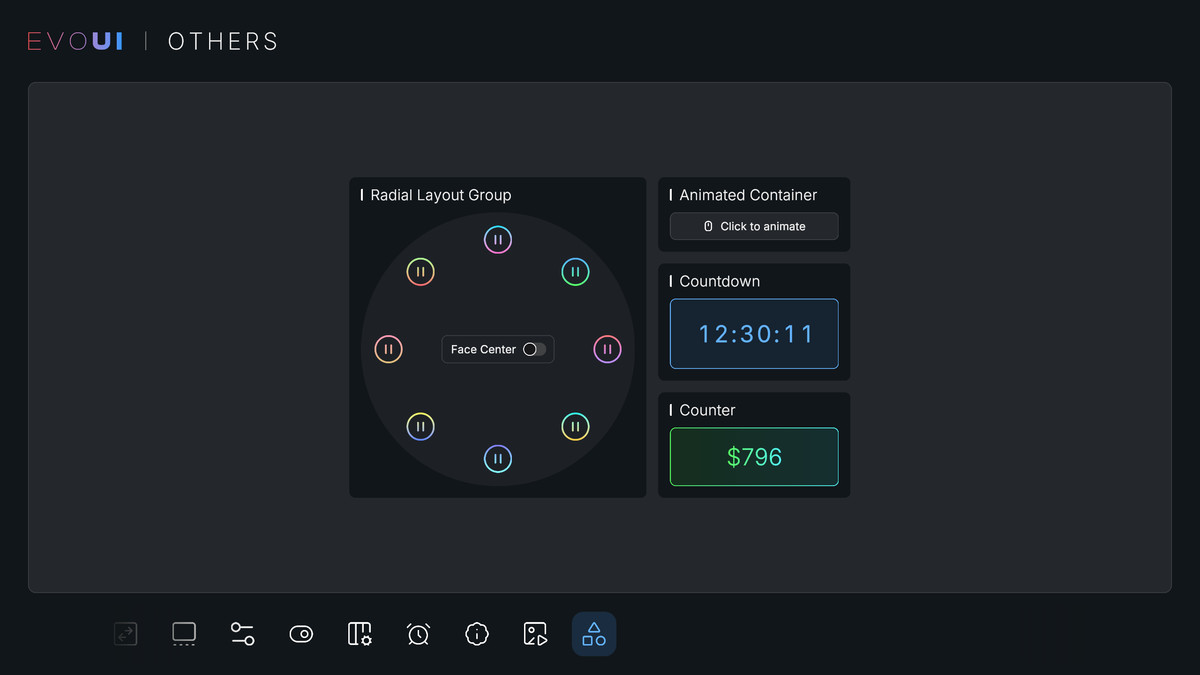
Animated Container, Counter, Popover, Spinner, UI Animator
Effect Components (12)
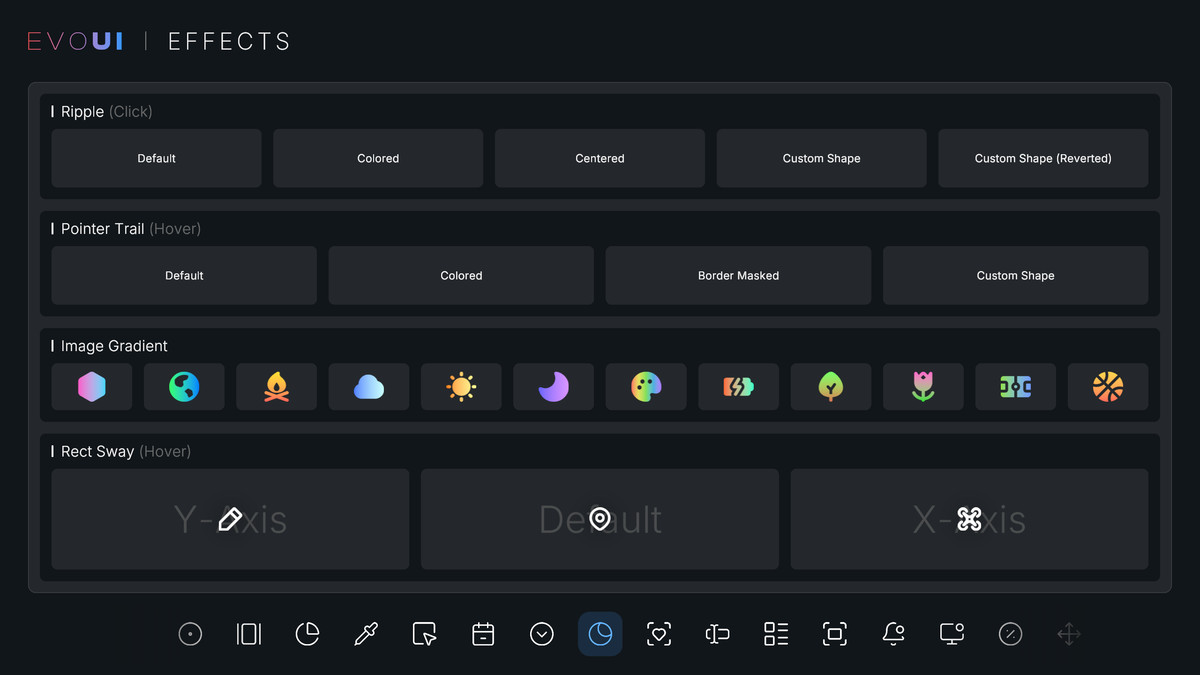
Blur Overlay, Dock Magnifier, Image Gradient, Pointer Trail, Rect Depth, Rect Sway, Ripple, Smooth TMP Gradient, Soft Mask, Stroke Dash, Text Effects, Warning Stripe
Layout Components (7)
Flexible Grid Layout, Pages, Radial Layout Group, Rect Dragger, Reorderable List, Scroll Rect, Tabs
Navigation Components (3)
Selection Box, Tab Navigation, UI Navigation Container
Workflow Components (4)
Styler Preset, Styler Object, Styler Browser, Icon Browser
Icon Size
All icons can be sized up to 256x256. By default, they are imported at 64x64, so if you need a higher resolution, you will need to adjust their texture import setting.
Compatibility
| Unity version | Built-in | URP | HDRP | Custom |
|---|---|---|---|---|
| 6000.0.85f1 | Compatible | Compatible | Compatible | Compatible |
| 2022.3.62f3 | Compatible | Compatible | Compatible | Compatible |
As listed on the Asset Store.