
 View on Asset Store (opens in new tab)
Package details
- Latest version
- 1.4.0
- Last updated
- First released
- Unity version
- 2023.1.0 or later
- Package size
- 1.4 MB
- Files
- 312
- Favorites
- 47
- Views in the past week
- 10
Price tracking
- Last checked
- Tracked since
- Lowest recorded
- $14.99 on
Keywords
Text Animations for UI Toolkit
Make your letters do cool stuff! Add character to your dialogues, create UI that reacts to every input, all right in UI Toolkit.
Affiliate link · Purchases support this site
Price history
Last 6 months
USDAsset preview
1 / 6

Text Animations for UI Toolkit screenshot 1
About this asset
Interactive Showcase & Feature Overview | Documentation | Support
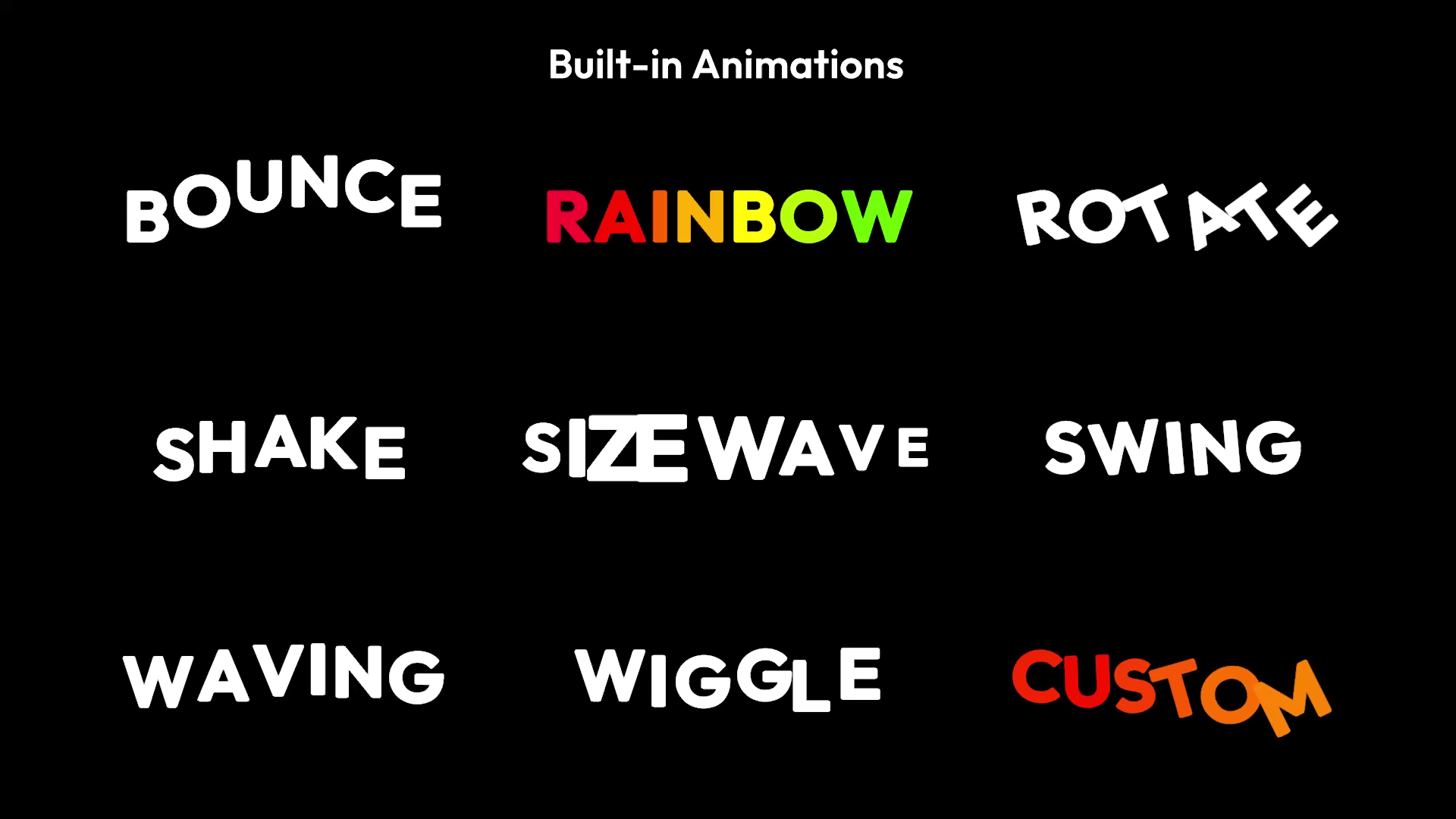
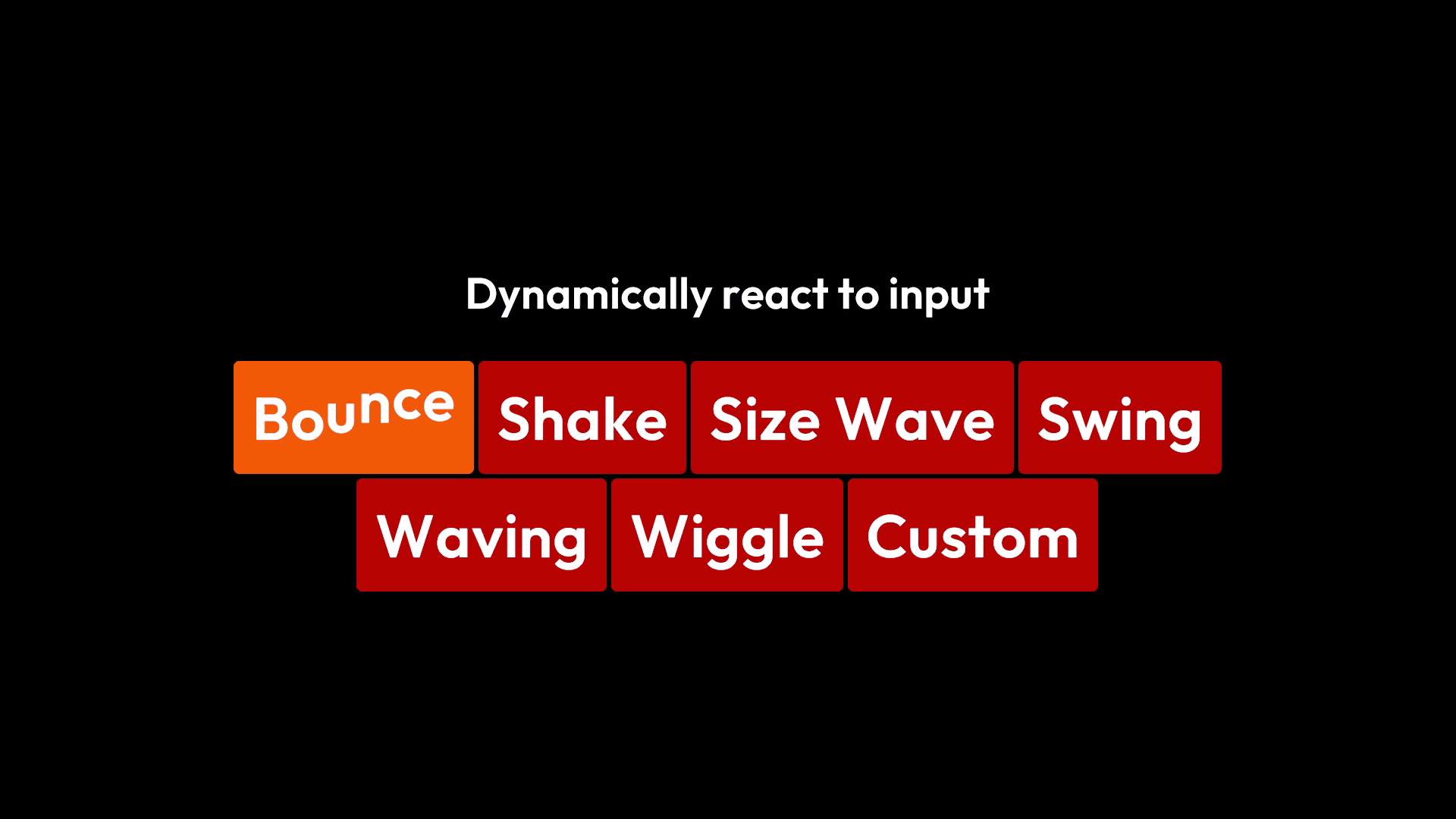
Text Animations for UI Toolkit allows you to animate letters, add typewriter effects with appearing and vanishing text, and react dynamically to events. It's easily configurable with scriptable objects and can be extended with custom animations from within the editor or via C# scripts. If that's still not enough, the whole source code is included.
Text Animations for UI Toolkit tries not to get in the way of your creativity. Animations can be added with familiar rich-text tags and support Unity's built-in tags, so you can style your text as expected.
Features:
- Quick to set up (Add an Animated Label to your .uxml)
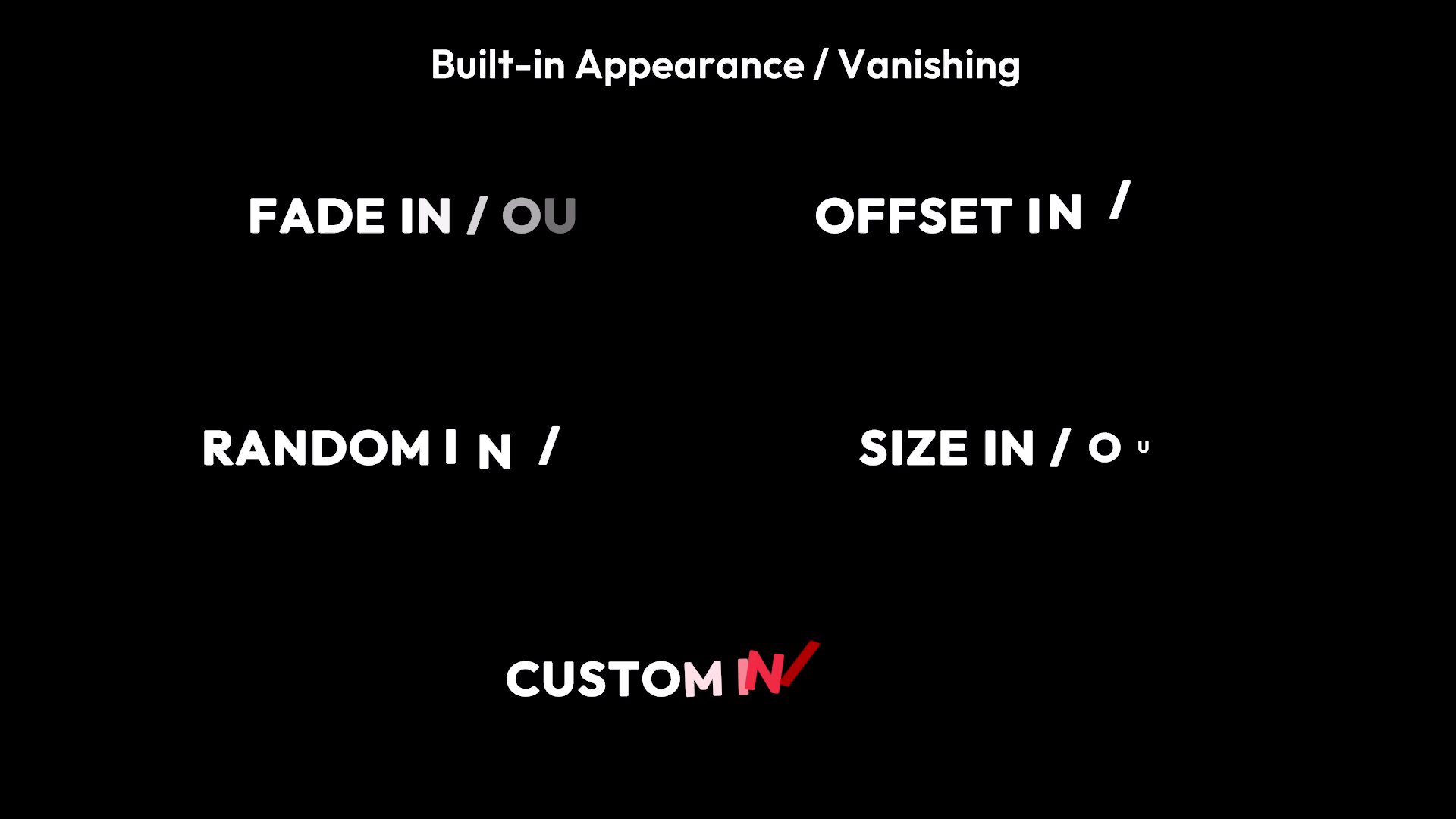
- Add typewriter effects, like text appearing and disappearing
- Use multiple animations at once, even on the same letter
- 10+ built-in animations and typewriter effects
- Supports shader graph animations in Unity 6.3 and later
- Change typewriter speed dynamically, automatically add pauses for punctuation, or add pauses manually
- Convenient template tags let you combine multiple tags into one, like an <angry> tag that colors your text red and makes it shake
- Create custom animations and typewriter effects in the inspector or with C#
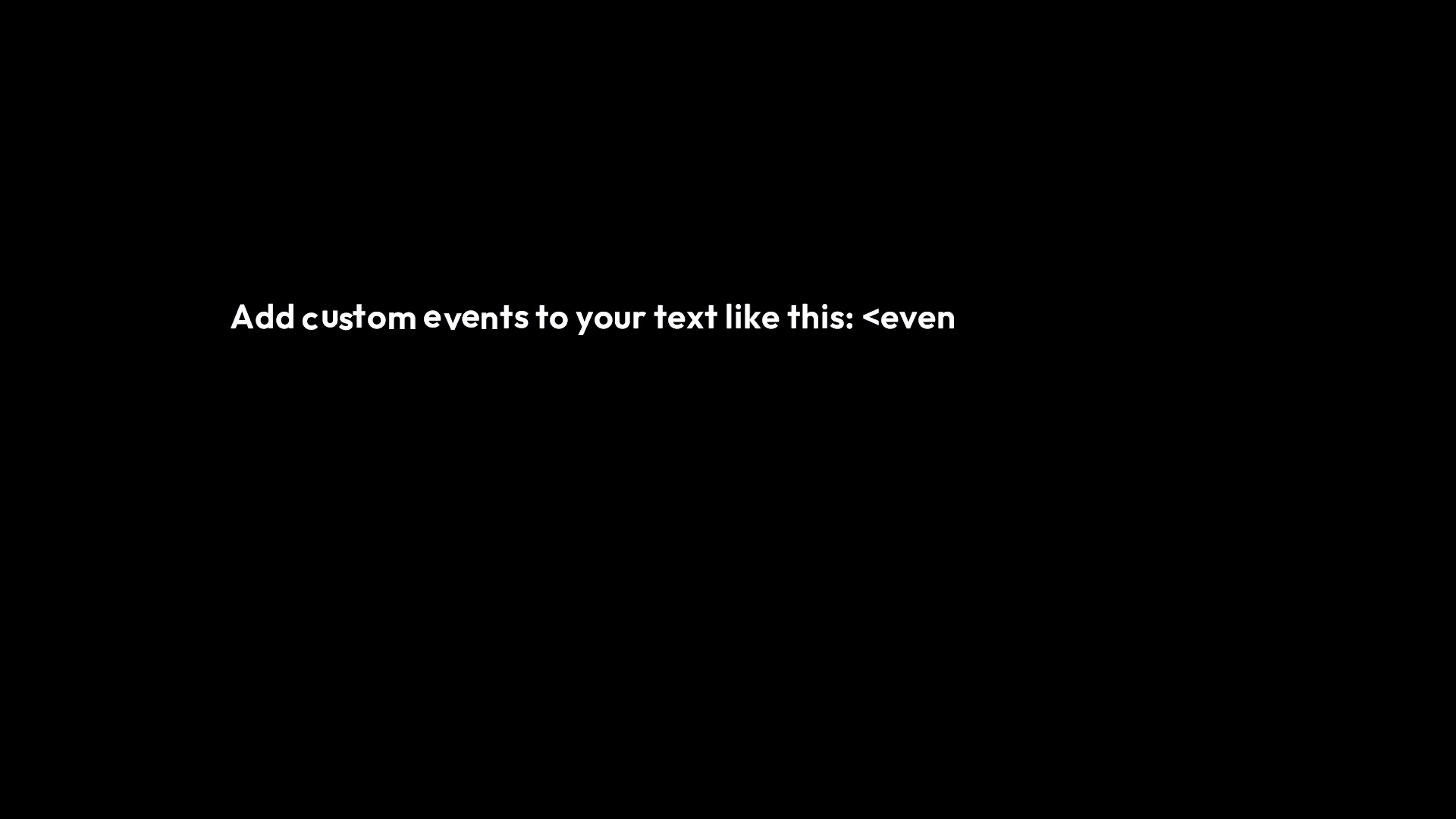
- React to events, add sounds to letters appearing, change the text of a skip / next button, or create custom events
- Skip typewriting and show everything at once
- Supports UI Toolkit's built-in rich text tags
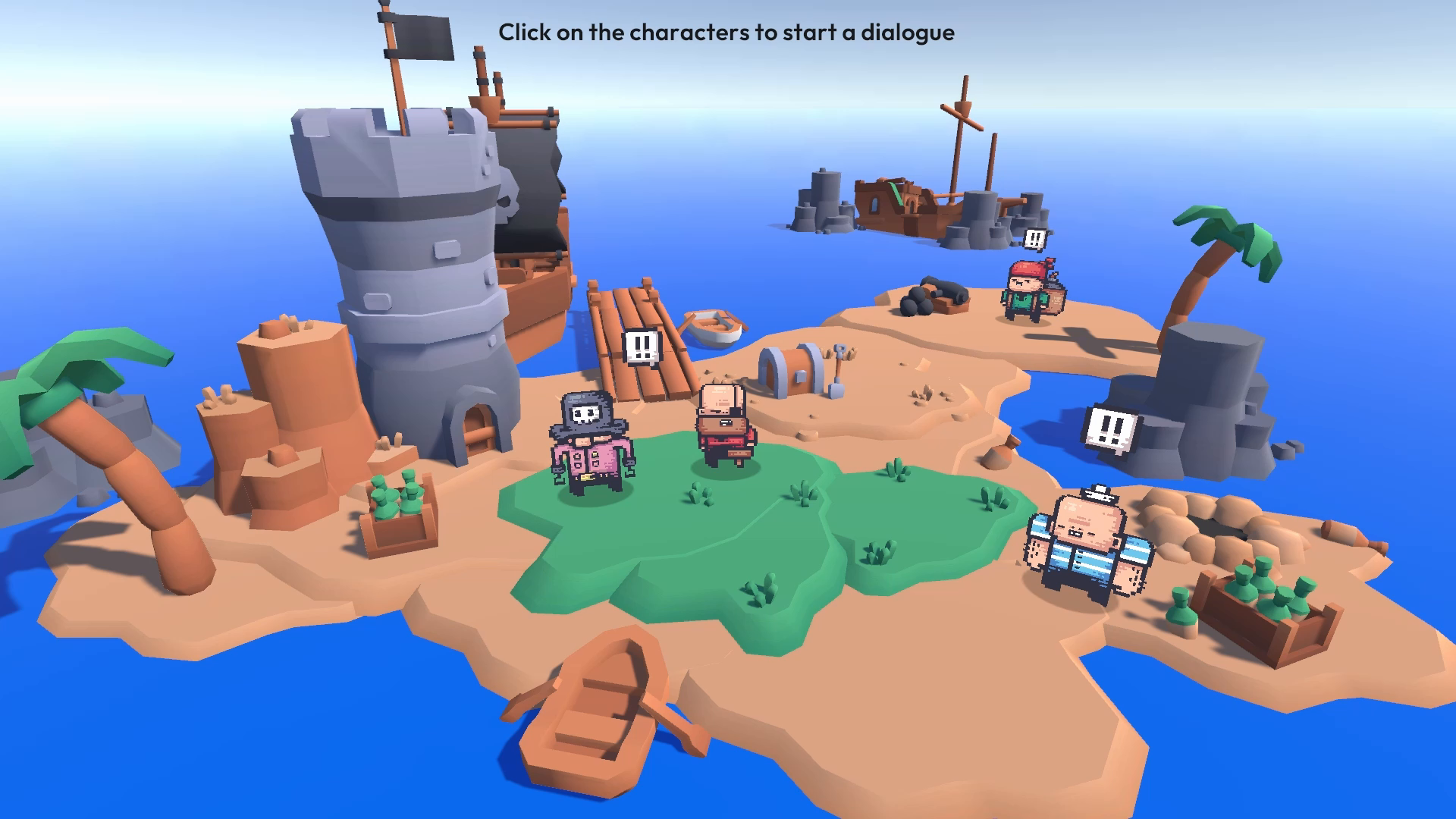
- Multiple example scenes showing animations, custom events, dialogues, etc.
- Full source code included
Some of the example scenes use Third-Party Assets:
3d models and textures by Kenney under the CC0 License; pirate sprites by Pixel Frog under the CC0 License; the "Outfit" font under the SIL OPEN FONT LICENSE Version 1.1; sound effects generated with https://sfxr.me/; See Third-Party Notices.txt file in package for details.
From the publisher's Asset Store listing.
Technical details
Requirements:
- Unity 2023.1 or later
- Requires UI Toolkit
- Should work on all platforms (Including WebGL)
Compatibility
| Unity version | Built-in | URP | HDRP | Custom |
|---|---|---|---|---|
| 2023.1.0f1 | Compatible | Compatible | Compatible | Compatible |
As listed on the Asset Store.