
 View on Asset Store (opens in new tab)
Package details
- Latest version
- 1.0.0
- Last updated
- First released
- Unity version
- 2021.3.43 or later
- Package size
- 1.4 MB
- Files
- 142
- Favorites
- 7
- Views in the past week
- 5
Price tracking
- Last checked
- Tracked since
- Lowest recorded
- Free on
Keywords

Advanced Command Console LITE
A lightweight dev console that runs both in editor and runtime.
Price $4.99
Buy on Asset Store (opens in new tab)
Affiliate link · Purchases support this site
Price history
Last 6 months
USDAsset preview
1 / 5

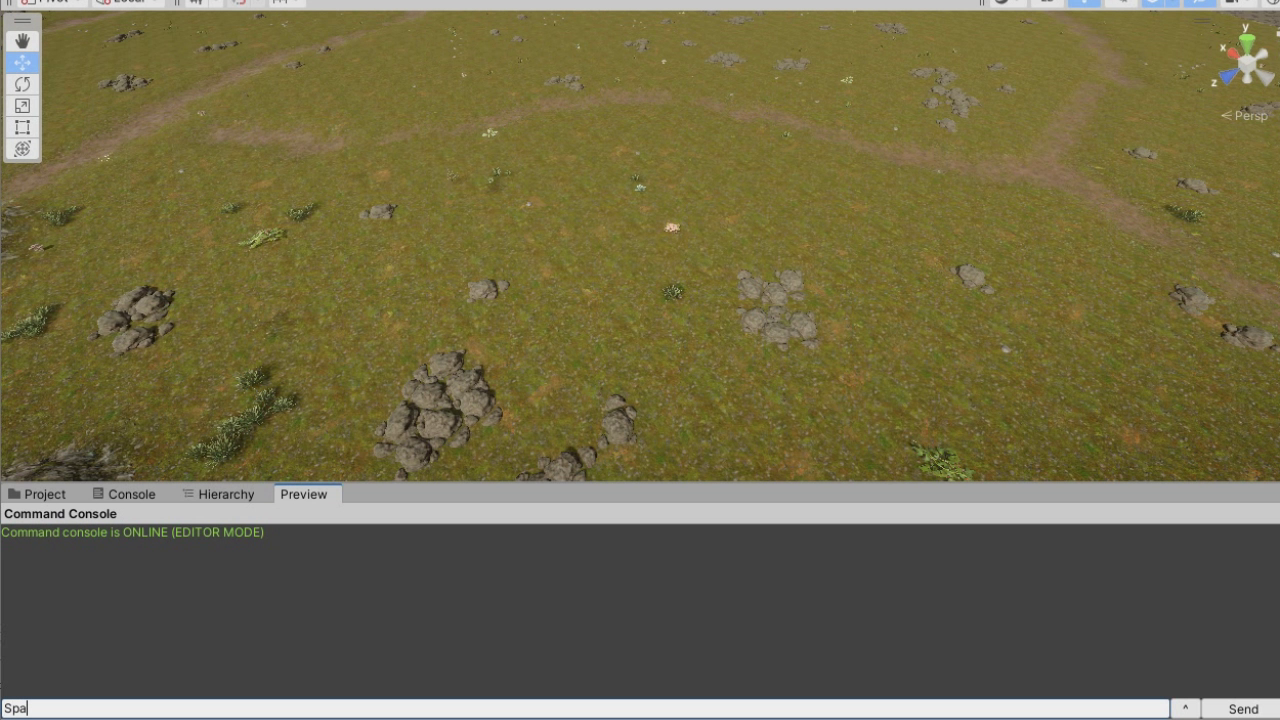
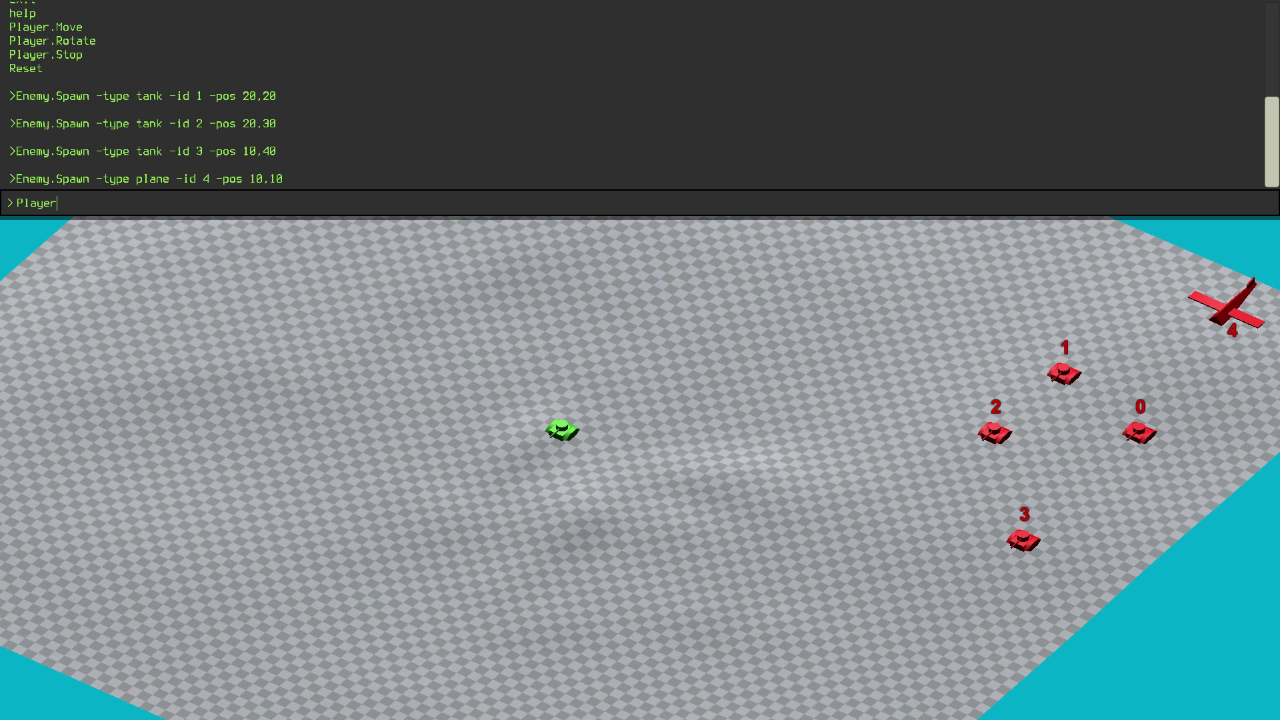
Advanced Command Console LITE screenshot 1


About this asset
** This is the Lite version of the Advanced Command Console asset.
Full asset and details:
https://assetstore.unity.com/packages/slug/302438
----------------------------------------------------------------------------------
🟢 Included Features:
- 1-Click setup: Add the console to your game with just one click using the provided installation wizard.
- Custom Command Library: Build a library of commands to streamline debugging, testing, and feature implementation without modifying core code.
- Editor & Runtime Support: Easily create and manage scripts that can be executed in both the Unity Editor and at runtime.
- Fully Customizable Interface: Adapt the console’s appearance to match your game’s aesthetic.
- Built-In Autocomplete: Features an autocomplete function to speed up command entry and reduce errors.
- Legacy and New Input System Support: Compatible with both the legacy input system and Unity's new Input Package.
🔴 Not Included in the Lite Package:
- Automatically Generated GUI: Provides a robust, auto-generated interface, allowing commands to be executed without typing.
- Async Execution: Support for asynchronous command execution for background tasks.
- Command Browser: A dedicated window to manage your commands
- Inline Command Generation: Create commands directly from code using a special attribute over static methods.
- Code Packing: A special feature that allow to export commands in standalone files that can be shared between multiple projects
From the publisher's Asset Store listing.
Technical details
- Supported Render Pipelines: Built-in, Universal, HDRP, Custom
- GUI Type: Unity Canvas
- Customizable Appearance: Yes (colors, fonts, background images, icons)
- Supported input systems: legacy, Unity input package
- Command generation methods: scriptable objects
- Tutorial Included: Yes
- Guided installation: Yes (Wizard)
- Supported OS: Windows, iOS, Android, UWP, macOS
Link to documentation: https://www.gigasoftworks.com/products/commandconsole/docs/Overview.html
Compatibility
| Unity version | Built-in | URP | HDRP | Custom |
|---|---|---|---|---|
| 2021.3.43f1 | Compatible | Compatible | Compatible | Compatible |
As listed on the Asset Store.