
 View on Asset Store (opens in new tab)
Package details
- Latest version
- 1.0.0
- Last updated
- First released
- Unity version
- 6000.0.31 or later
- Package size
- 156 KB
- Files
- 13
- Favorites
- 4
- Views in the past week
- 3
Price tracking
- Last checked
- Tracked since
- Lowest recorded
- $7.99 on
Keywords

Quick Inspector
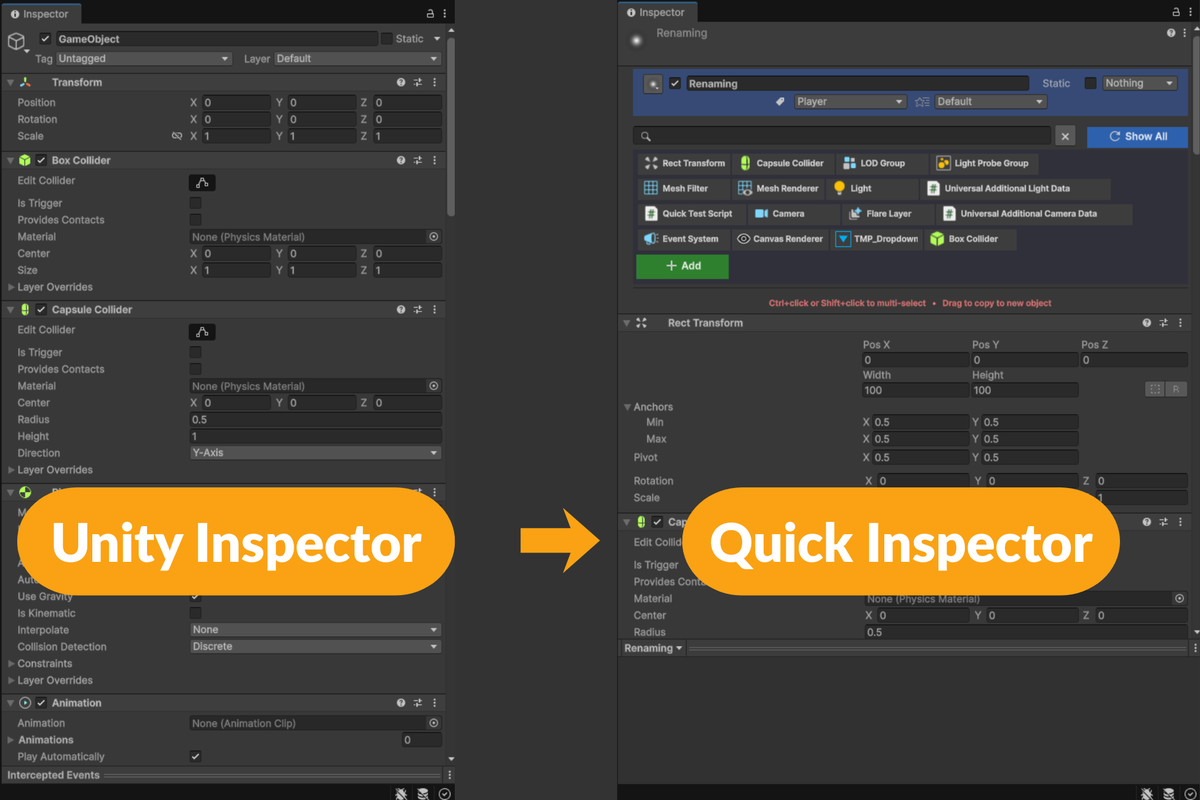
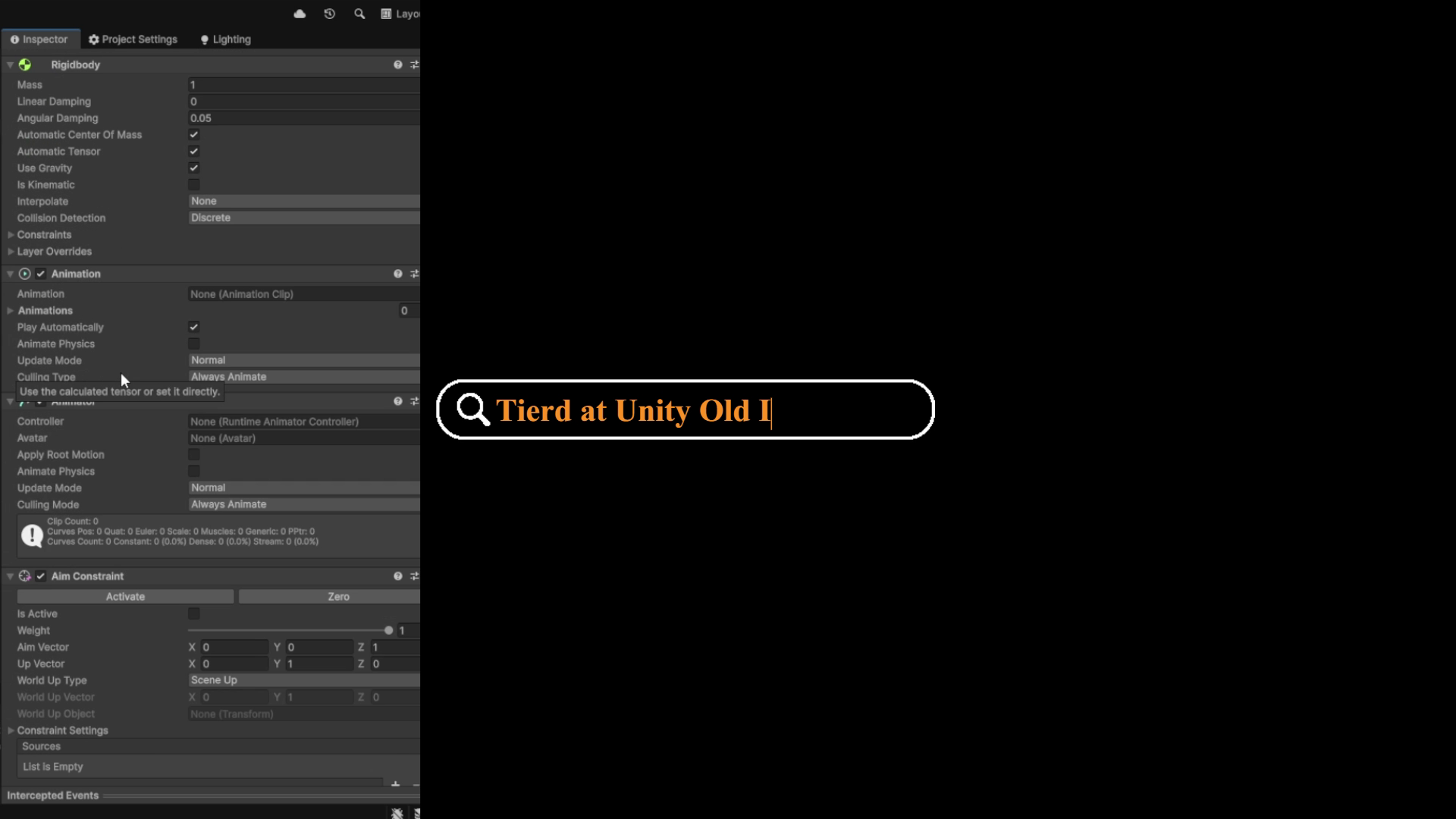
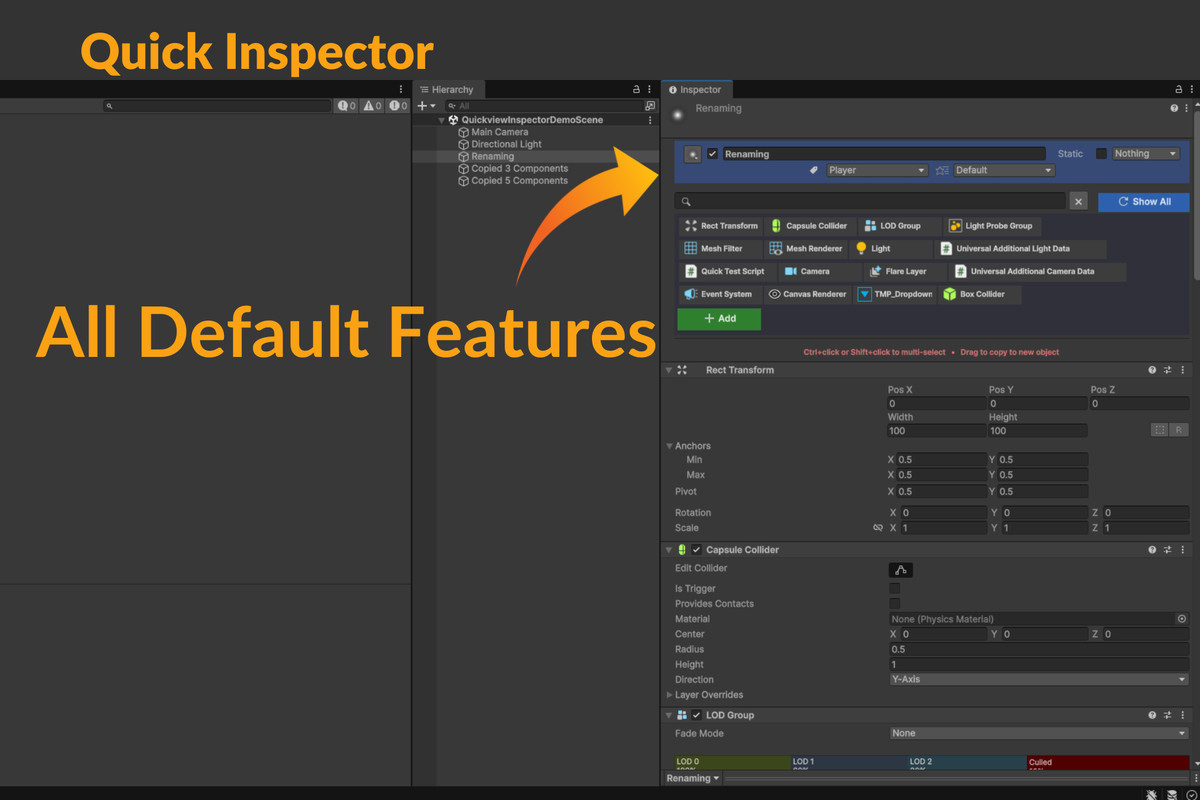
Quick Inspector streamlines Unity workflow with a grid-based view for quick component selection, inspection, and management—efficient, intuitive, and visually polished!
Affiliate link · Purchases support this site
Price history
Last 6 months
USDAsset preview
1 / 10
Quick Inspector screenshot 1
About this asset
Description
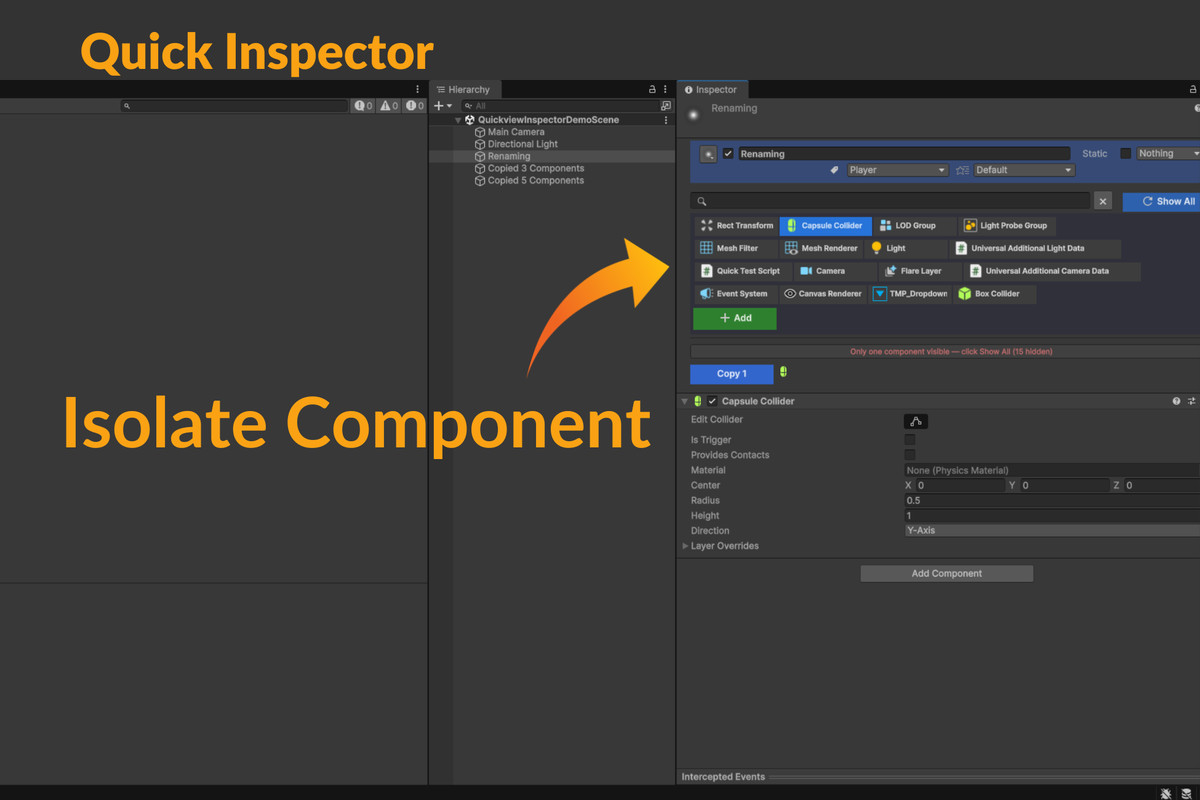
Component Isolation
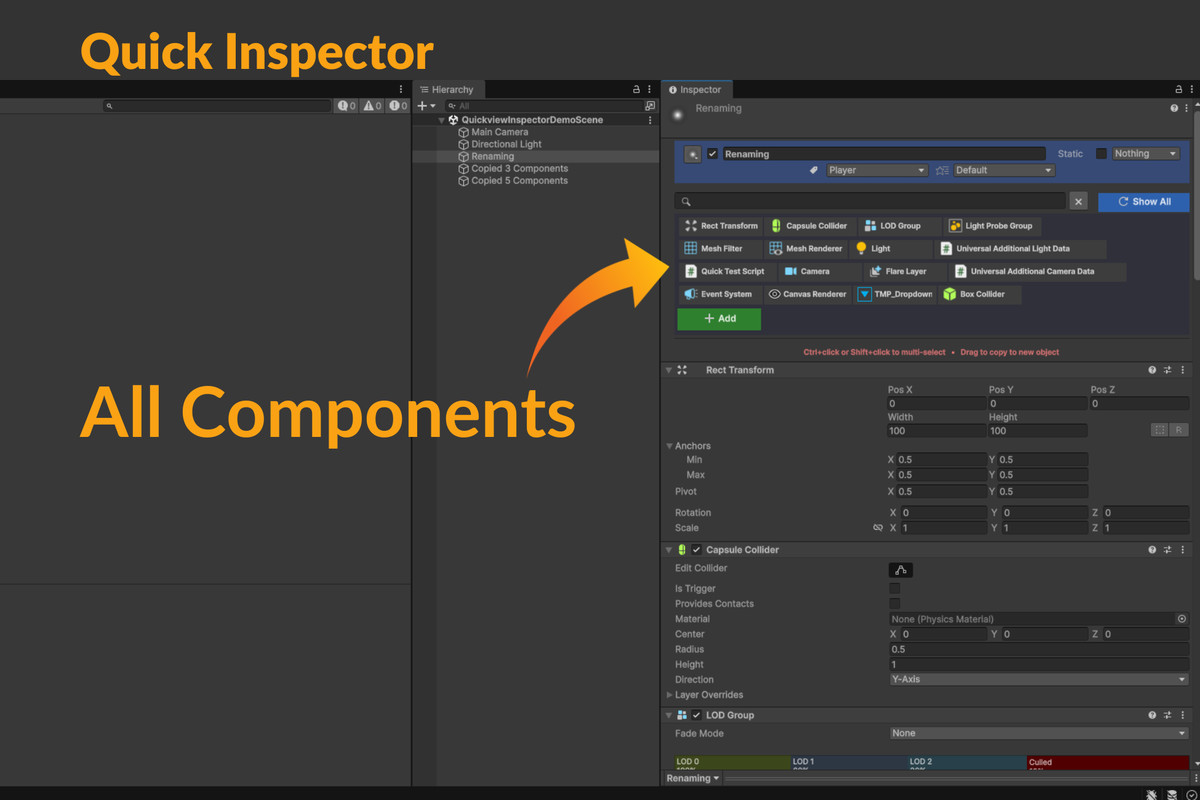
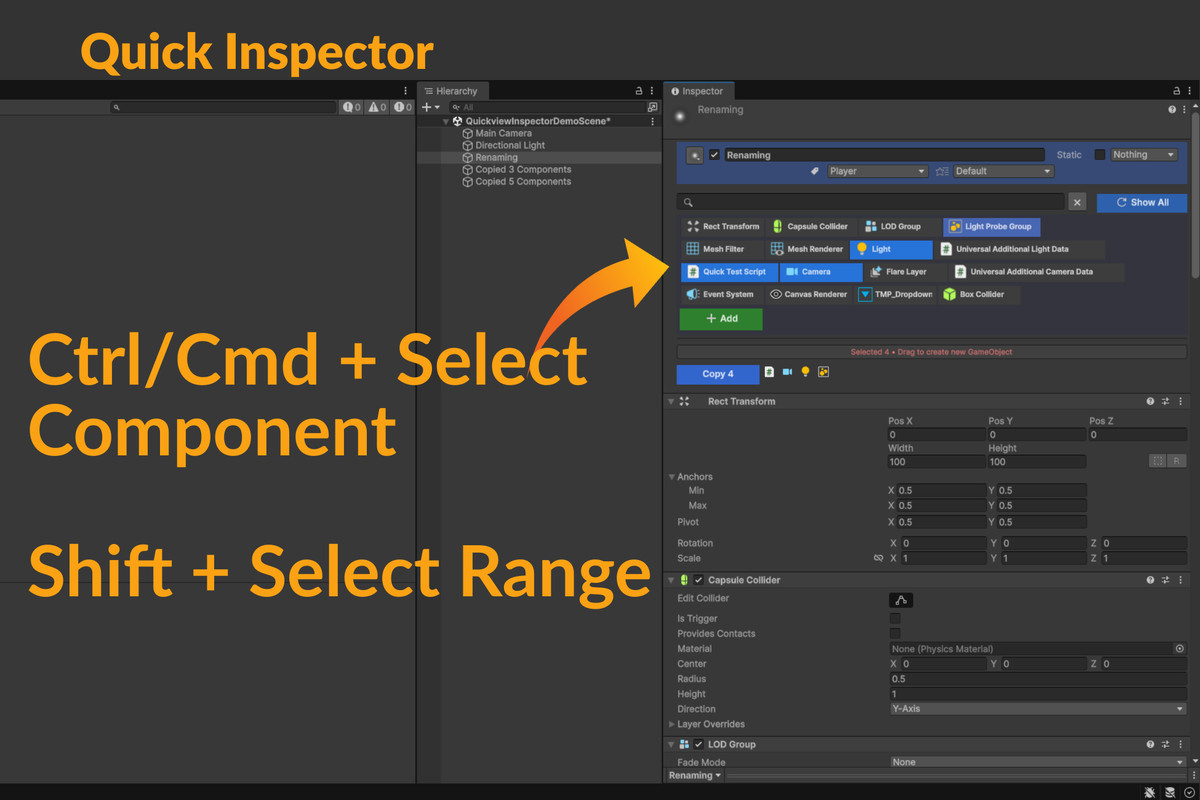
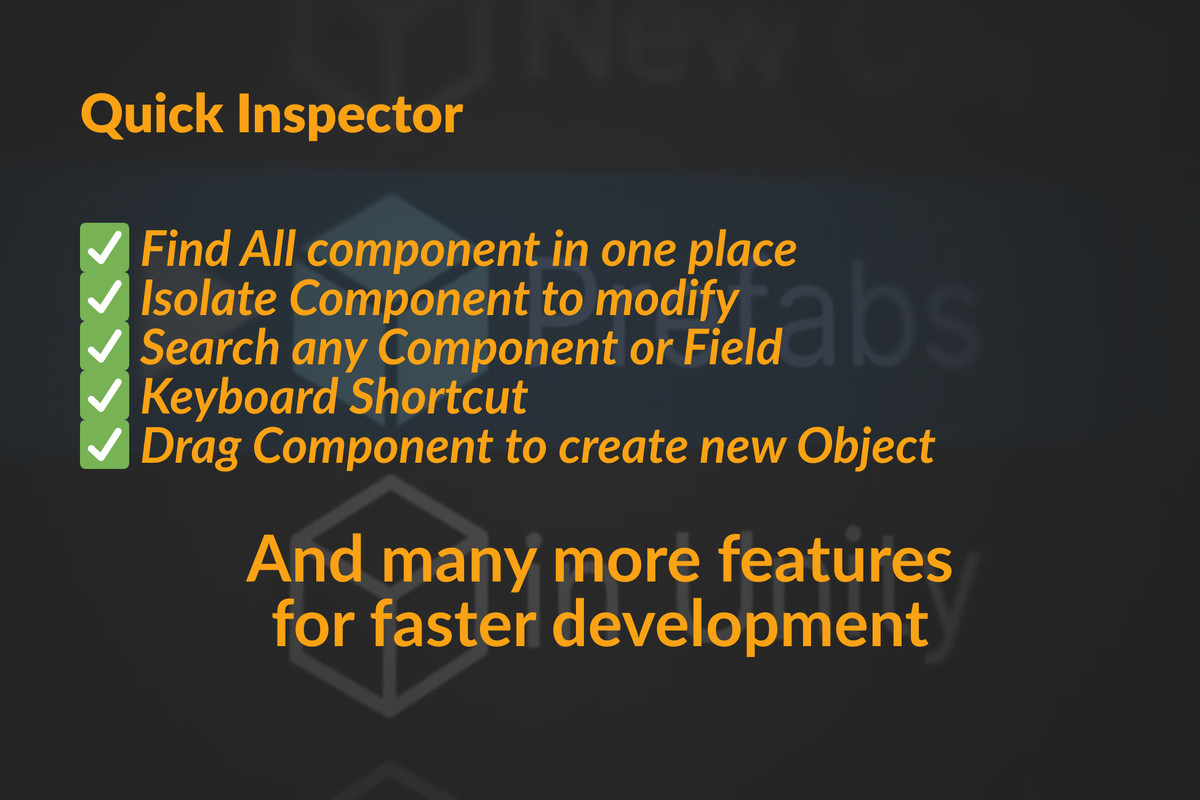
Quickly isolate individual components to avoid endless scrolling. Focus on just the components relevant to your task by using Ctrl and Shift to select and isolate multiple items, streamlining your workflow.
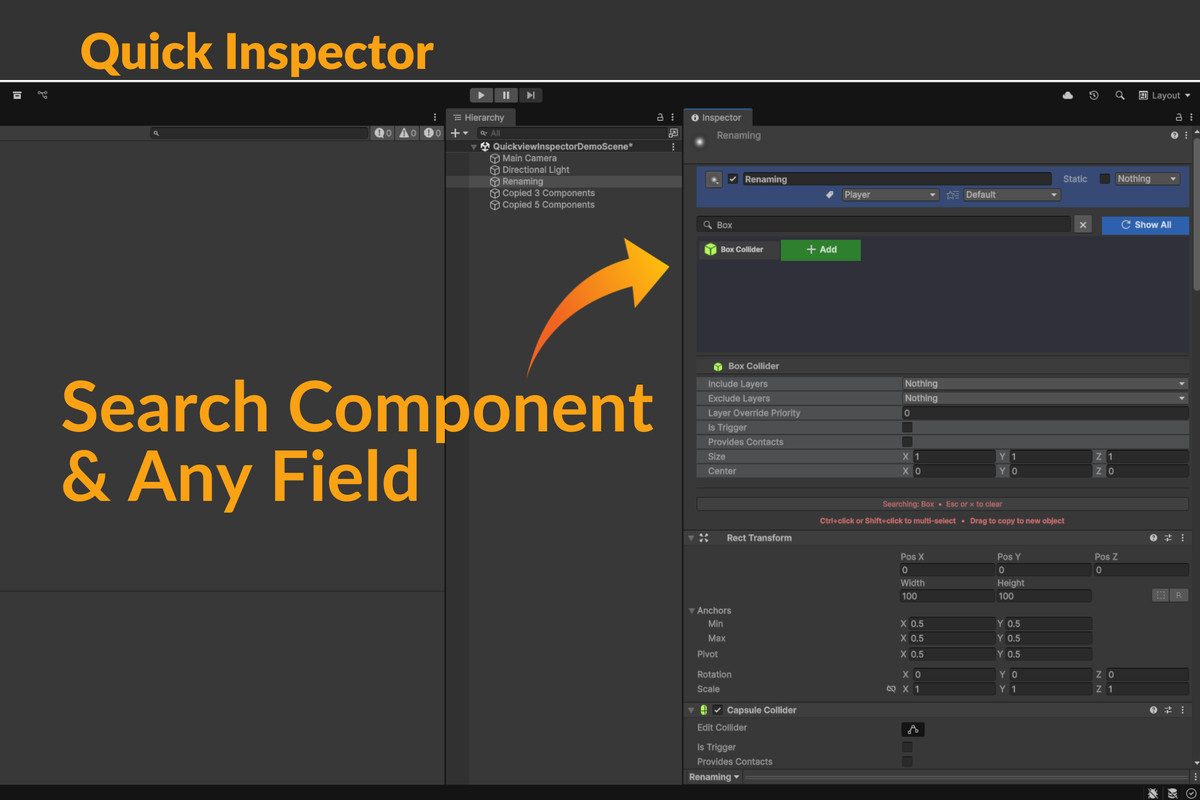
Search
Find fields across all components with smart pattern matching, eliminating the need for exact matches.
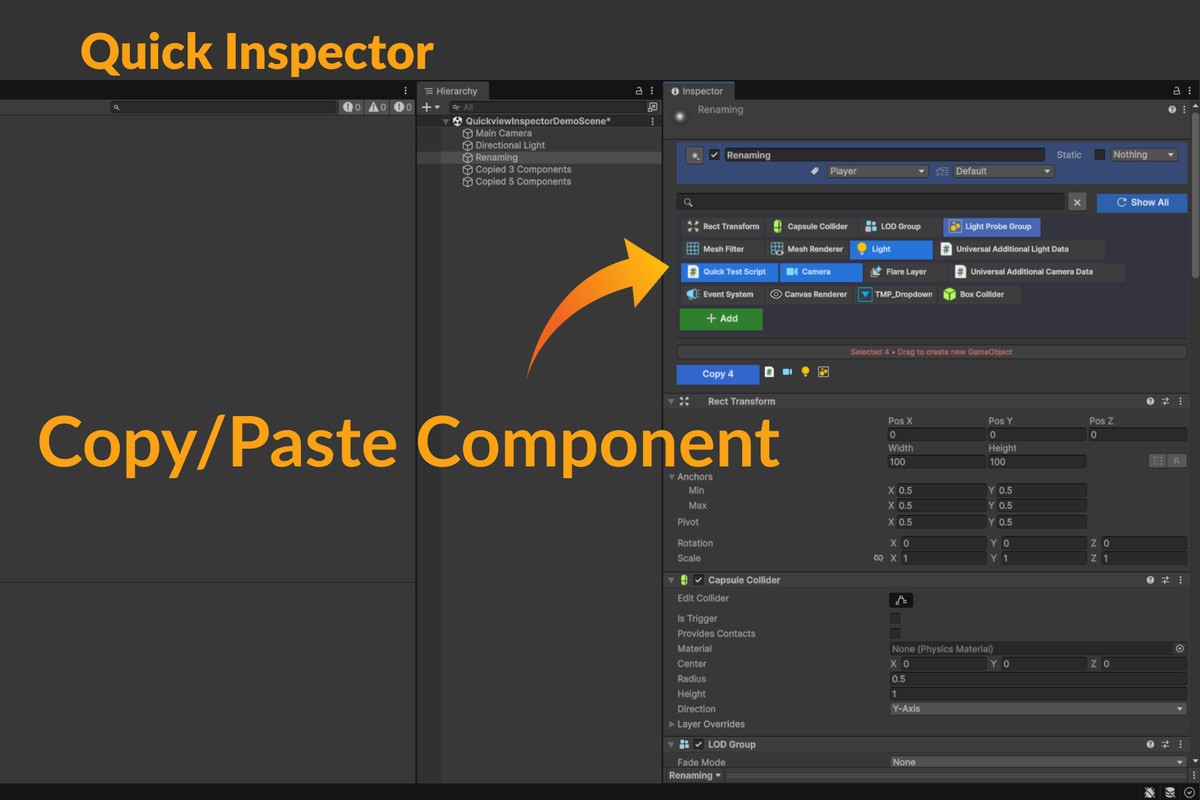
Copy & Paste
Quickly copy single or multiple components, paste them repeatedly as needed, and enjoy full undo support for every action.
Flexible Selection
Select, isolate, or copy multiple components using Ctrl to add individuals and Shift to select ranges within the current selection.
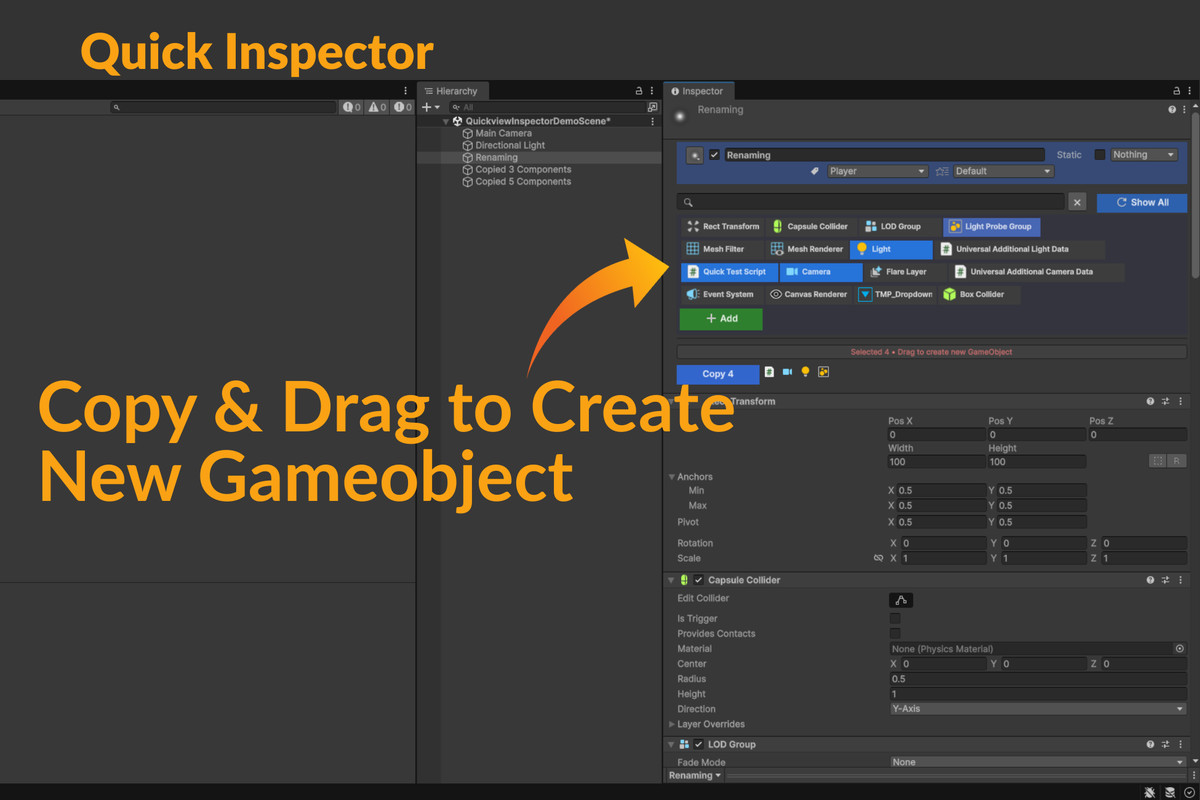
Drag & Drop
Drag the selected components to the hierarchy window to create a new GameObject from them or copy them to an existing one.
Context Menu
Right-click to open a context menu and quickly perform actions on components without scrolling to find them.
Persistent Data
Preserves component selection and search results, allowing you to inspect other objects without losing your place.
Using Custom Inspectors?
Your custom inspectors will maintain their look and feel. However, fields appearing in search results will be drawn using Unity’s default GUI, which may alter their appearance.
From the publisher's Asset Store listing.
Technical details
UI Design: Sleek, minimal interface integrated into Unity’s Inspector window.
Functionality: Enables faster and easier editing of fields and component management.
Search & Selection: Supports advanced search and component selection features, including range and individual selection using modifier keys (Ctrl and Shift).
Component Operations: Allows copying and pasting of components, including drag-and-drop functionality to create or modify GameObjects in the hierarchy.
Undo Support: Full undo support for all actions related to component selection and modification.
Compatibility
| Unity version | Built-in | URP | HDRP | Custom |
|---|---|---|---|---|
| 6000.2.6f2 | Compatible | Compatible | Compatible | Not listed |
| 6000.0.31f1 | Compatible | Compatible | Compatible | Compatible |
As listed on the Asset Store.