
 View on Asset Store (opens in new tab)
Package details
- Latest version
- 1.5.0.4
- Last updated
- First released
- Unity version
- 6000.0.24 or later
- Package size
- 51.9 MB
- Files
- 348
- Favorites
- 14
- Views in the past week
- 7
Price tracking
- Last checked
- Tracked since
- Lowest recorded
- $9.99 on
Keywords

4H2C - Developer Console
- Price drop
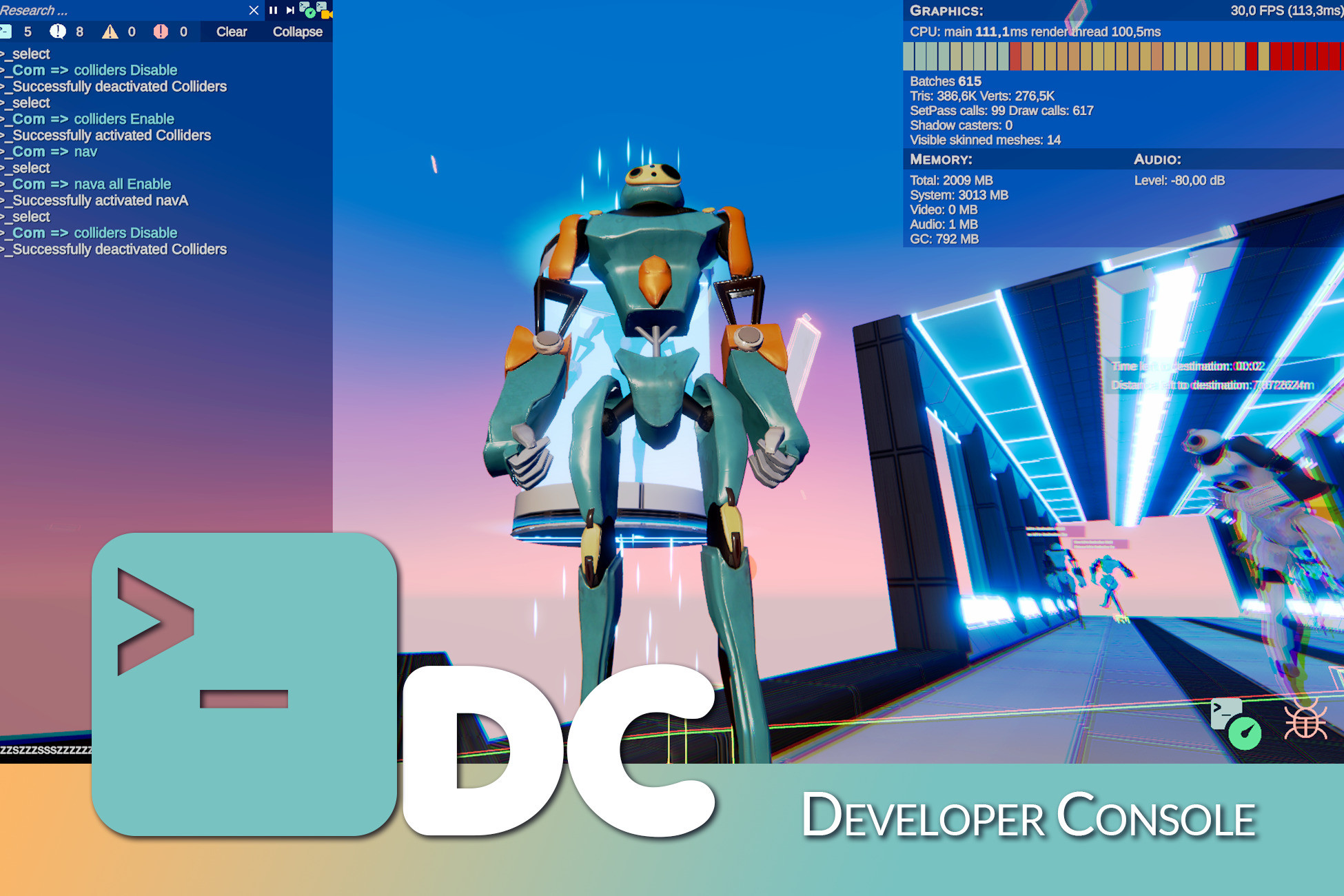
4H2C - Developer Console simplifies debugging : an in-game console, in-game commands, metrics, profiling, reports, benchmark, gizmos, freecam. Name it, we make it.
Affiliate link · Purchases support this site
Price history
Last 6 months
USDAsset preview
1 / 5
4H2C - Developer Console screenshot 1


About this asset
🗒️ Docs |🗯️ Discord | 📺 Youtube | 📧 Contact
NOTE: A load of updates are on the way. With each updates the price will increase. If you buy this asset now you'll save a load of money and get Free updates for the years to come.
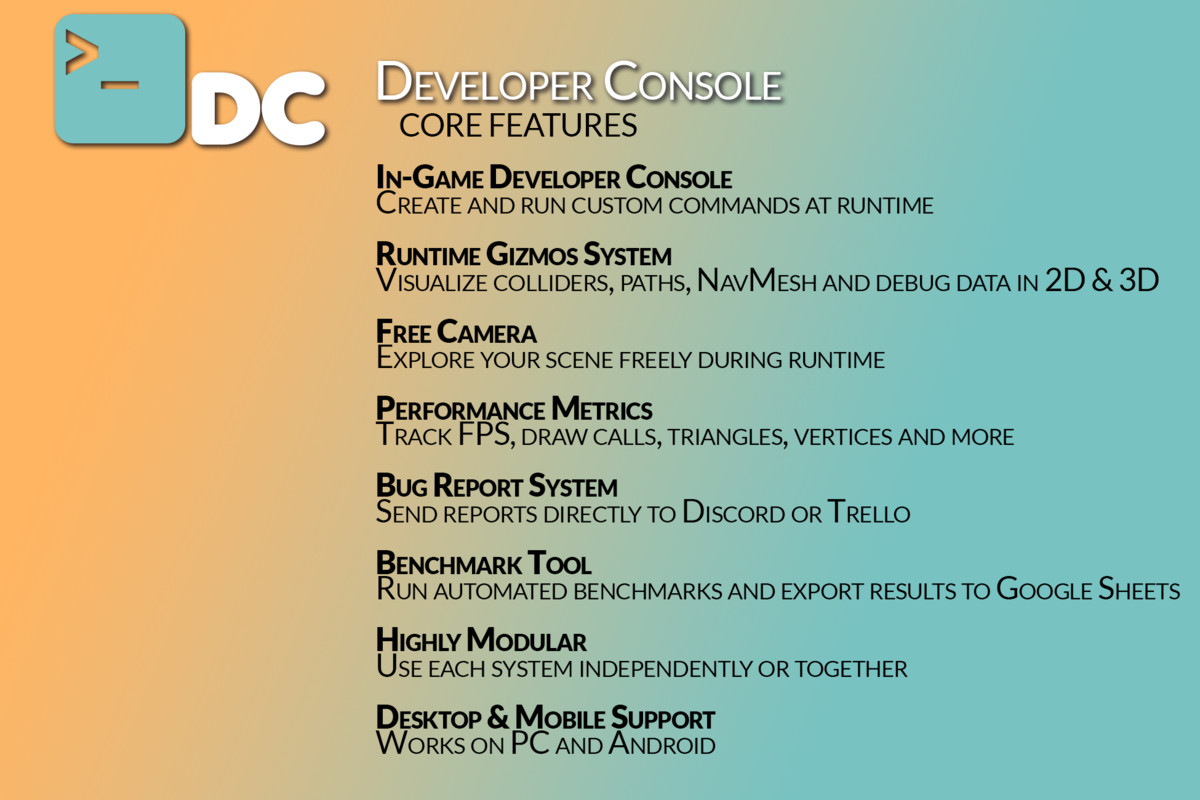
The 4H2C - Developer Console brings together all the essential features to help you debug your game: in-game command console, free cam, path and collider display, time control, metrics, bug, benchmark , gizmos, report : you name it, we’ve got it! you need it we make it.
The console is highly modular:
- It can be used during QA
- It can be used during playtests
- It can be used after launch
- It can be used to create a cheat system for games that integrate it.
- Everything is turnable into a gameplay feature.
It can be used at all the steps of your dev process.
And now, mobile support is available (soon XR support), making it easier than ever to debug on any platform.
The 4H2C - Developer Console evolves based on your feedback, so stay tuned!
The pack is ever expending based on your requests and is supported by both a very detailled and up to date documentation, and a discord server.
Our aim is to make of this asset the ultimate solution for any debugging needs you might incounter in your game dev carreer.
From the publisher's Asset Store listing.
Technical details
- A modular console that lets you create custom commands and log anything you need at runtime. Whether you want to kill the player, teleport somewhere, display all scene colliders, or go frame by frame to analyze behavior, it's now just a simple command away. Works seamlessly on both desktop and mobile.
- An optimized runtime Gizmo system with a simple API. It makes debugging NavMeshes and colliders in 2D and 3D much easier. You can control it via the console or use it independently.
- A FreeCam to inspect your scene during runtime. Activate or deactivate it with a console command and move freely through your scene, including on mobile.
- A metrics system to track performance indicators such as FPS, draw calls, triangle and vertex counts, and more.
- A bug report system that can send issues directly to a Trello board or a Discord server.
- Full Android and PC support
- A benchmark system that export benchmark result to a centralized google sheet
- [In the 1.51 (February)] More features for the benchmark tool and a big overall on the freecam.
- [In the 1.52 (March)] Report toolkit will also wrap the Dashboard report system and a the metrics will be able to track the network banwidth usage.
- [In a few release] Your request, name it we make it
Compatibility
| Unity version | Built-in | URP | HDRP | Custom |
|---|---|---|---|---|
| 6000.0.24f1 | Compatible | Compatible | Compatible | Compatible |
The project requires :
- cinemachine 3.0.0 or higher
- Spline
- Authentification, services, cloud code
Those should all install with the asset as a dependency.
-> You can find the documentation either online or in the Documentation.pdf file. <-
As listed on the Asset Store.