
 View on Asset Store (opens in new tab)
Package details
- Latest version
- 2.1.0
- Last updated
- First released
- Unity version
- 2022.3.19 or later
- Package size
- 106.6 MB
- Files
- 295
- Favorites
- 15
- Views in the past week
- 8
Price tracking
- Last checked
- Tracked since
- Lowest recorded
- $12.49 on
Keywords

Flow Party
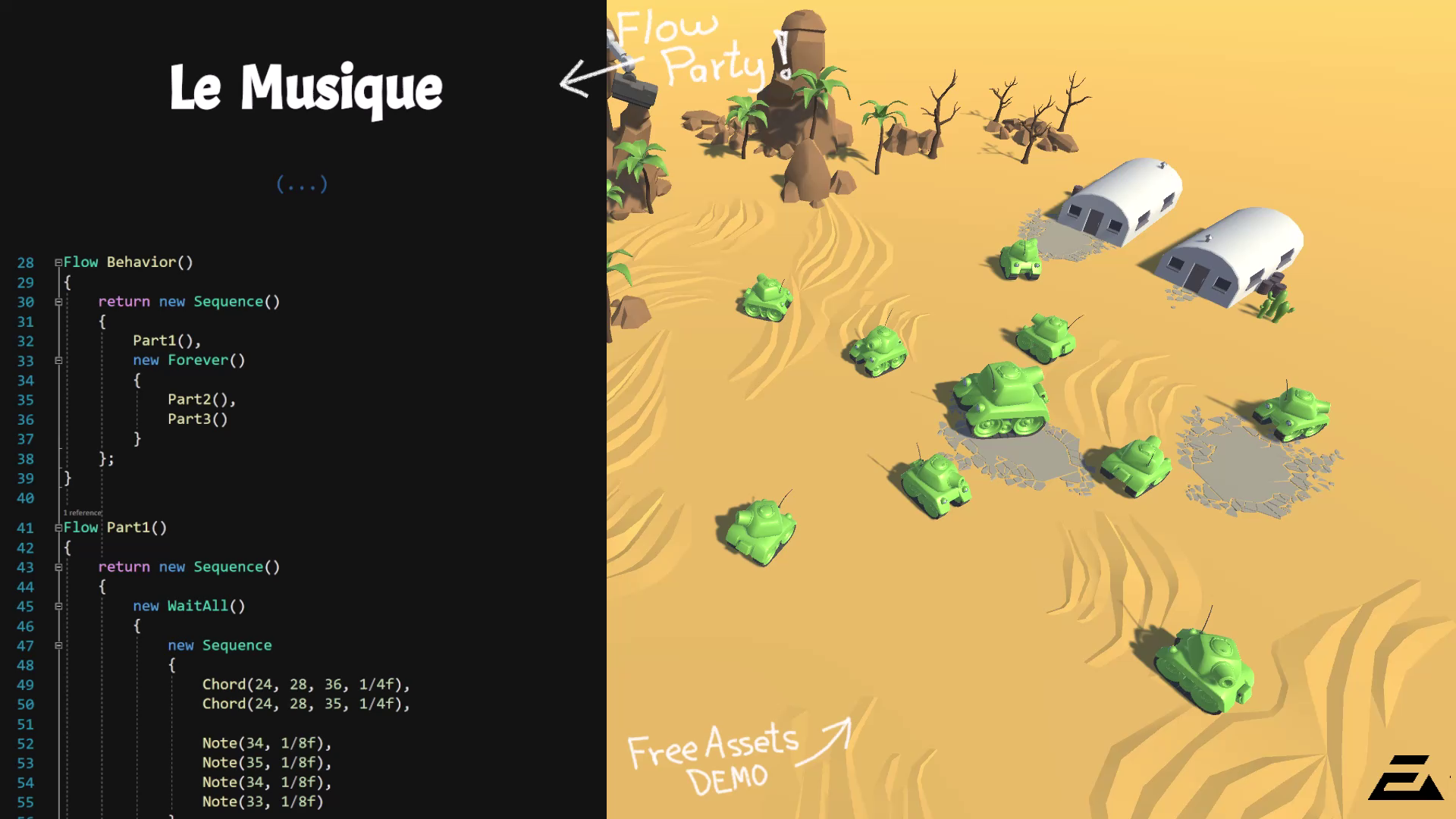
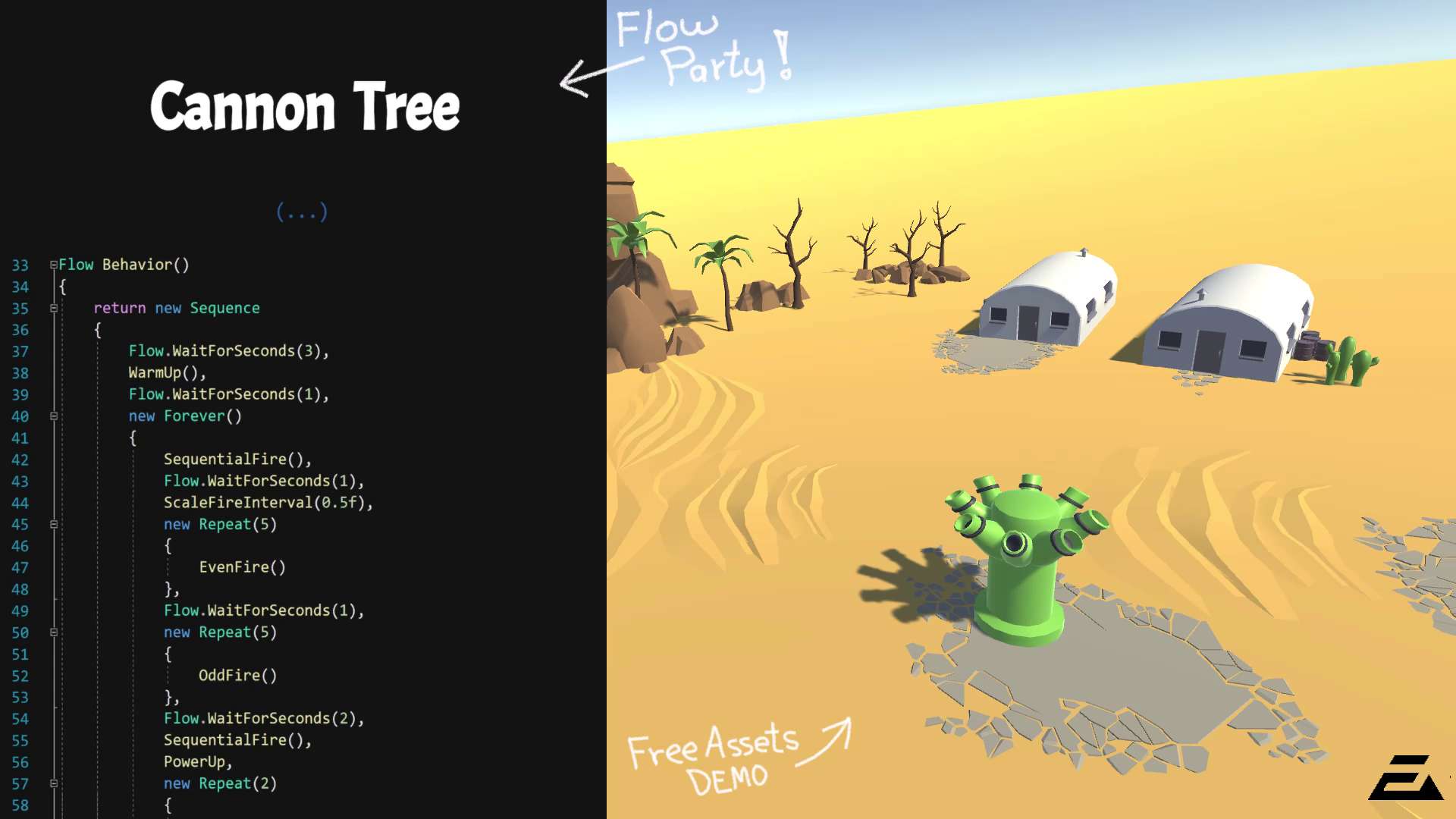
Flow Party is an expressive C# framework that simplifies the creation of game behaviors. It’s faster than Coroutines, more flexible than HSMs, and more intuitive than Behavior Trees.
Affiliate link · Purchases support this site
Price history
Last 6 months
USDAsset preview
1 / 7

Flow Party screenshot 1


About this asset
Do you need to develop behaviors quickly, with clear and modular code? Flow Party is for you!
Flow Party shares similarities with Coroutines, Hierarchical State Machines and Behavior Trees, but there are some key differences. Let’s take a look:
Compared to Coroutines
🚀 Higher performance – Flows execute faster than Coroutines when handling complex behaviors.
🤖 Execution control – You can run flows in parallel or in sequence, conditionally, for a set time, repeatedly or until another flow finishes. Flows give you precise, explicitly defined control over how and when tasks run.
🧹 Zero garbage (almost) – Out of 30+ built-in flows, only one allocates memory during execution.
🔥 Custom update method – Decide whether flows update in Update, FixedUpdate or any custom function.
💾 Save & Restore – If you follow the design guidelines (mainly avoiding closures), you can serialize and later restore a flow’s execution state.
Compared to Hierarchical State Machines
😊 Simple state machines out of the box – Build a basic state machine with just a few lines of code.
🧠 Scale up – When you need nested or hierarchical states, you can layer flows to get full HSM behavior.
🤝 First-class integration – Flow Party’s built-in hierarchical state machine is just another flow. So you can embed it, run it in sequence or in parallel, and control it exactly like any other flow.
Compared to Behavior Trees
🌻 Simpler – Flows have only two states (running or not running), whereas Behavior Tree nodes have three states (running, success, and failure).
📄 Readability – Flows declare execution conditions explicitly. Behavior Trees treat conditions and actions identically, so knowing when a node runs requires tracing how success and failure propagate through sequences, fallbacks, and decorators.
🎭 Expressive – Flow Party includes an intuitive set of flows such as ForSeconds, Forever, EverySeconds, Sequence, Until, While, If, Else, Parallel, Repeat, and ForEach. Anything you can build with a Behavior Tree can also be expressed using Flow Party.
🌲 MonoBehaviour Trees – Once MonoBehaviour scripts are either running or not running (enabled or disabled), they are treated as flows by Flow Party. This allows you to create a structured tree of MonoBehaviour scripts tied together by the framework.
Flow Party is a solid framework for building game behaviors.
For example, you can:
- Create NPC AI behaviors
- Schedule actions with precise timing
- Sequence audio events, camera movements and cutscenes
- Create procedural animations
- Control screen transitions
- Implement player controllers
- Orchestrate high-level game flow and systems
From the publisher's Asset Store listing.
Technical details
Compatibility – Requires Unity version 2022.3 or newer.
Compatibility
| Unity version | Built-in | URP | HDRP |
|---|---|---|---|
| 6000.0.34f1 | Compatible | Compatible | Compatible |
| 2022.3.19f1 | Compatible | Compatible | Compatible |
Flow Party is independent of any render pipeline. However, the provided examples are set up for the Built-in and URP render pipelines.
As listed on the Asset Store.