
 View on Asset Store (opens in new tab)
Package details
- Latest version
- 2.0
- Last updated
- First released
- Unity version
- 2022.3.57 or later
- Package size
- 397.5 MB
- Files
- 399
- Favorites
- 15
- Views in the past week
- 39
Price tracking
- Last checked
- Tracked since
- Lowest recorded
- $49.99 on
Keywords

Rifle Hipfire - Mocap Animation Pack
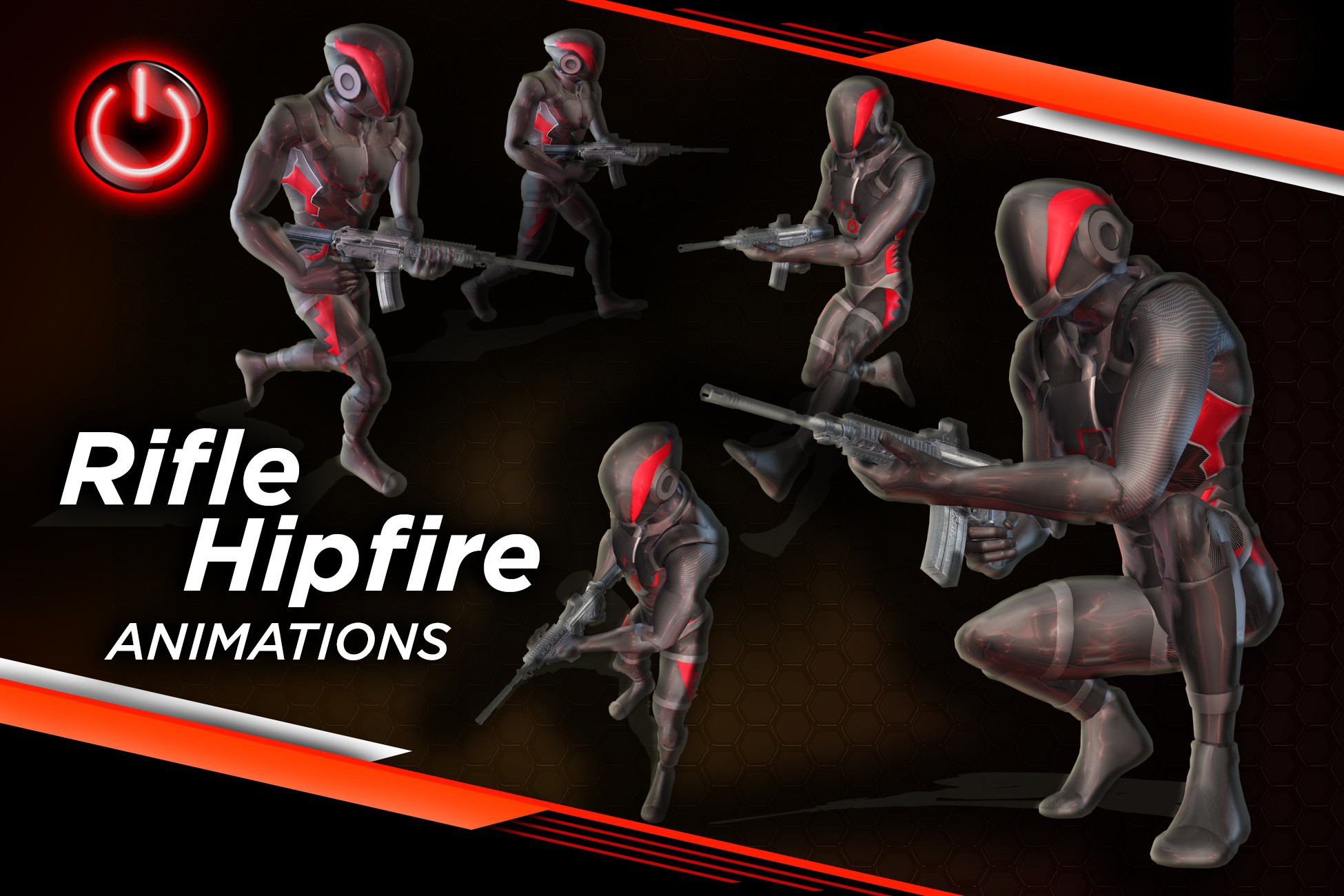
Full Pro set of Rifle HipFire Motion Capture Animations.
Affiliate link · Purchases support this site
Price history
Last 6 months
USDAsset preview
1 / 1

Rifle Hipfire - Mocap Animation Pack screenshot 1
About this asset
Building on our popular "RIFLE PRO" Pack, this is a full Pro set of HipFire Animations; an essential asset for shooter games and projects involving rifle-wielding characters. Whereas Rifle Pro contains the original Relaxed and Shoulder Aiming modes, HipFire has all animations holding and aiming the Rifle down at your side, always ready to shoot. It also includes all animated transitions and connections to Rifle Pro and the Mobility packs.
Containing all the movements and functionality of the "Rifle Pro" Aiming animation set, It can be used as a STAND-ALONE fully functional shooter pack, OR as a perfectly matched ADD-ON animation pack for Rifle Pro, seamlessly adding HipFire ability to the existing Relaxed and Shoulder Aiming modes.
Explore our 3D viewer and animation list to see exactly what's included and how it can fit into your project:
- Animation List - Rifle Hipfire
- Custom MCO Animation Player - Rifle Hipfire
- Rifle Hipfire Highlight Video
Animation Types: Shooting and Combat Movements
Idle and Transitions
Idle poses, along with various fidgets. HipFire has all animations holding and aiming the Rifle down at your side, always ready to shoot. It also includes all animated transitions and connections to Rifle Pro and the Mobility packs.
Walking and Jogging with Rifle
Complete locomotion animations—walking and jogging in 8 directions (forward, backward, lateral, and diagonal). These animations enable characters to effectively navigate environments, whether they're patrolling or actively engaged in combat.
Turning, Strafing, and Combat Movement
Turning animations for various movement states (standing, walking, jogging, crouching) at multiple angles (45°, 90°, 135°, and 180°). Strafing animations are also included for tactical lateral and diagonal movement while maintaining aim.
Crouching, Crouch Walking, and Aiming
Full set of crouching animations, such as idle, crouch walking, and turning. Crouch aiming animations are also included for accurate targeting while taking cover or moving stealthily.
Jumps and Split Jumps with Rifle
Take-off, in-air, and landing sequences for jumps, available from multiple movement states (standing, walking, jogging) while holding the rifle. Split jumps with both left and right foot variations are included to enhance realism and fluidity in combat scenarios.
Aiming, Firing, Reloading, and Weapon Handling
Comprehensive animations for aiming, firing, reloading, weapon swapping, and holstering. Aim offsets provide precise targeting in multiple directions, while faster reloads and weapon holstering ensure smooth transitions during combat.
Animation Details
- 140 ANIMATIONS - 30 AIM OFFSETS, 15 SPLIT JUMPS - Root Motion and In-Place
- 375 TOTAL ANIMATION FILES
- All Animations Humanoid
- Root Motion and In-Place
- Reference Root Motion
- Rifle attaches on the "RightHandMiddle1" finger bone, and all Animations use it to ensure seamless rifle animations without wrist distortion.
- (Please see Technical Details below)
- Animation List has frame/seconds delay timings for Holster/UnHolster.
- Holstered Animations match our Mobility Pro and Pistol Pro, for integration with our other Animation Packs.
From the publisher's Asset Store listing.
Technical details
- The "RightHandMiddle1" articulates the position of the Rifle in different poses without breaking the wrist.
- Be sure to read the included docs on Rifle Attachment and Placement: Mocap Online - Unity Rifle Attachment
- Mocap Online - Unity Animation Notes
- Includes documents with Tips on Avatars and Avatar Adjustments, and "Reference" root motion.
- All Animations Humanoid
- Root Motion and In-Place
- Reference Root Motion
- All animations are .fbx format, standard fbx bone names.
- M4_Rifle_01 - A matching fully textured Rifle has been included as a separate asset .fbx file. Parenting or constraining it to the "RightHandMiddle1" finger bone in the right hand will place and animate it correctly.
View/Download Motion List Here: Rifle Hipfire - Animation List
Provided Motus Man character is copyright © Motus Digital, LLC