
 View on Asset Store (opens in new tab)
Package details
- Latest version
- 2.1.0
- Last updated
- First released
- Unity version
- 6000.0.37 or later
- Package size
- 252 KB
- Files
- 18
- Views in the past week
- 7
Price tracking
- Last checked
- Tracked since
- Lowest recorded
- $4.99 on
Keywords

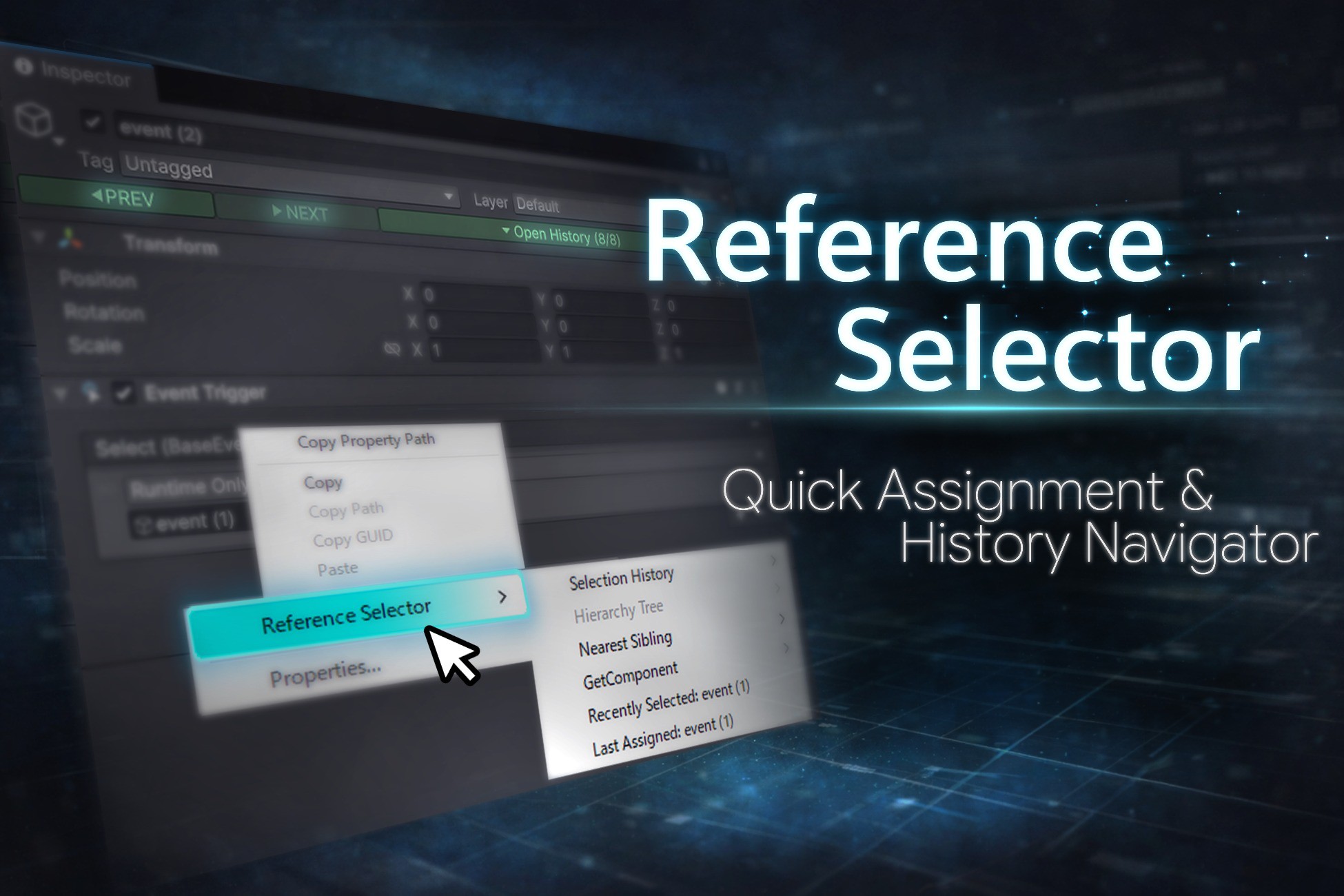
Reference Selector – Quick Assignment & History Navigator
- Price drop
This asset is a Unity Editor tool designed to speed up reference field assignment. By leveraging selection history, it allows you to assign objects and components quickly and reliably.
Affiliate link · Purchases support this site
Price history
Last 6 months
USDAsset preview
1 / 6
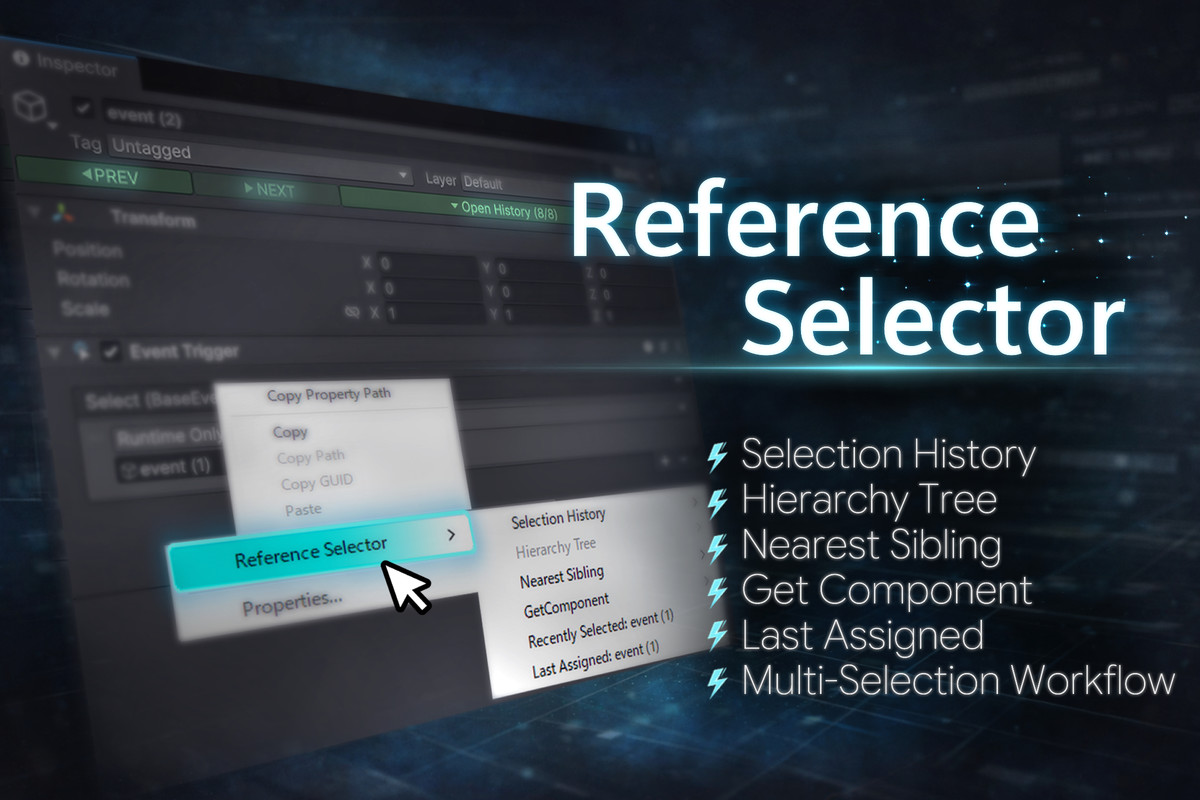
Reference Selector – Quick Assignment & History Navigator screenshot 1
About this asset
Assigning references to object fields often requires frequent drag-and-drop actions and repeatedly searching for objects, making it one of the more frustrating parts of working in the Unity Editor.
Reference Selector is a Unity Editor extension designed to streamline editor workflows with a focus on efficient reference field assignment.
By leveraging selection history and hierarchy information, it allows you to assign objects and components quickly and reliably.
Key Features
■ Selection History
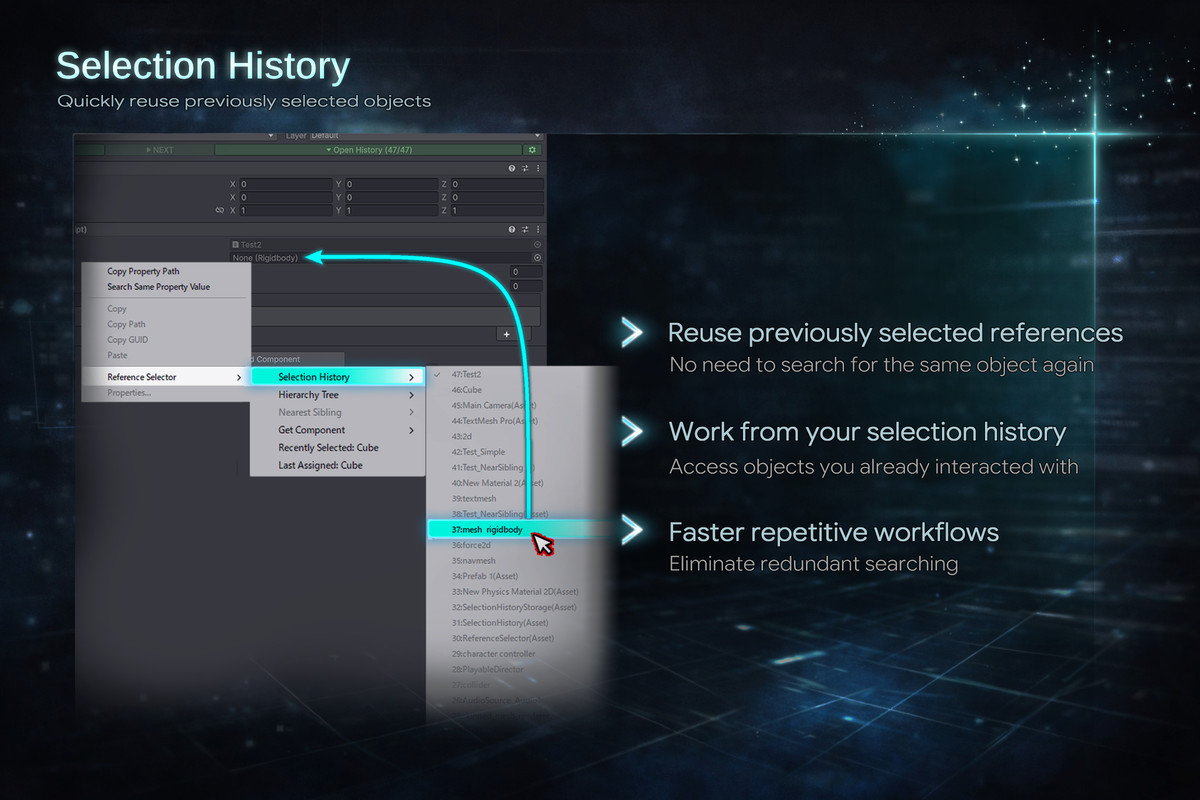
Automatically stores the history of selected scene objects and assets.
Previously assigned objects can be reused instantly from reference fields, eliminating the need to search for them again.
■ Reference Field Assignment
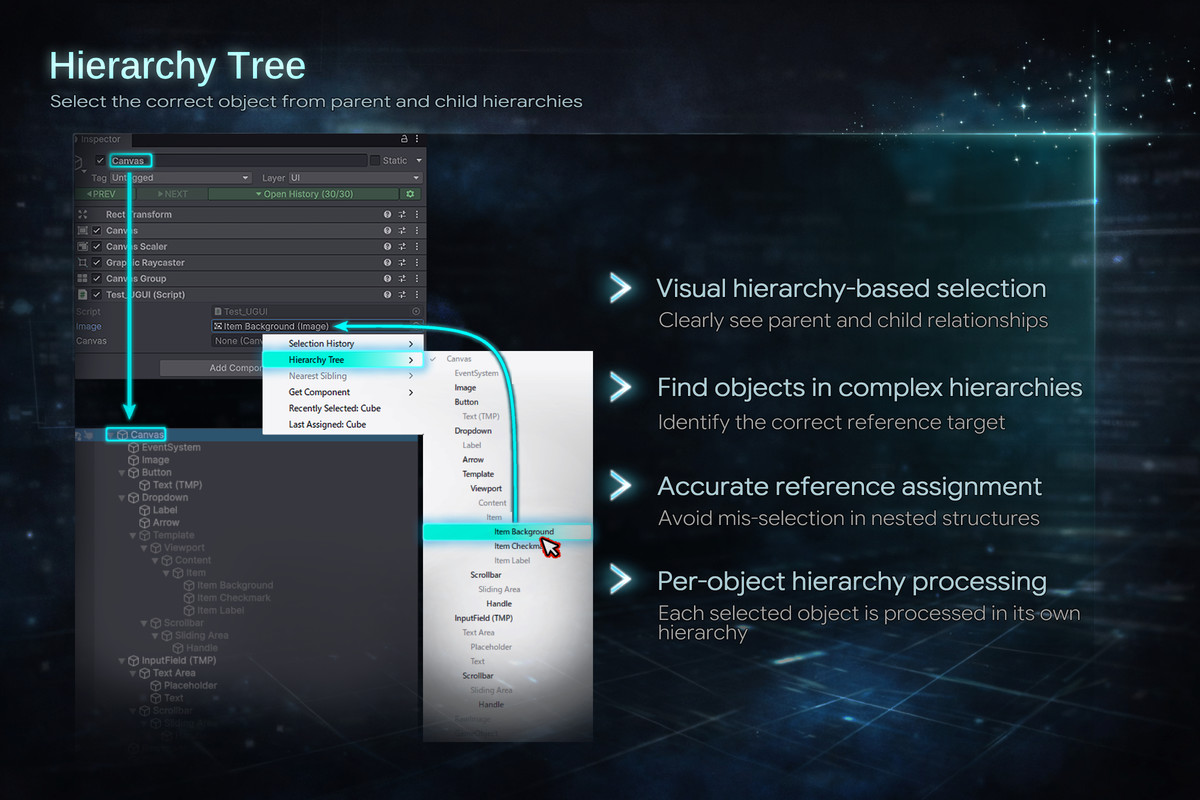
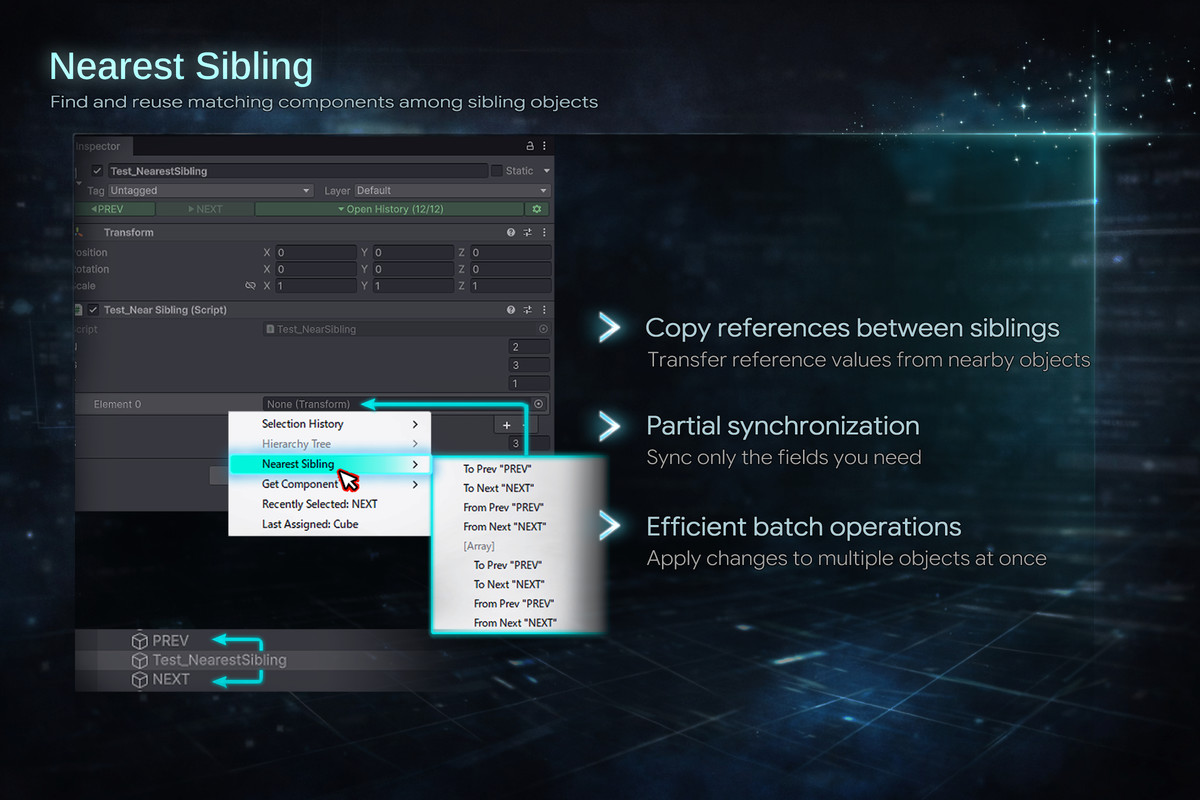
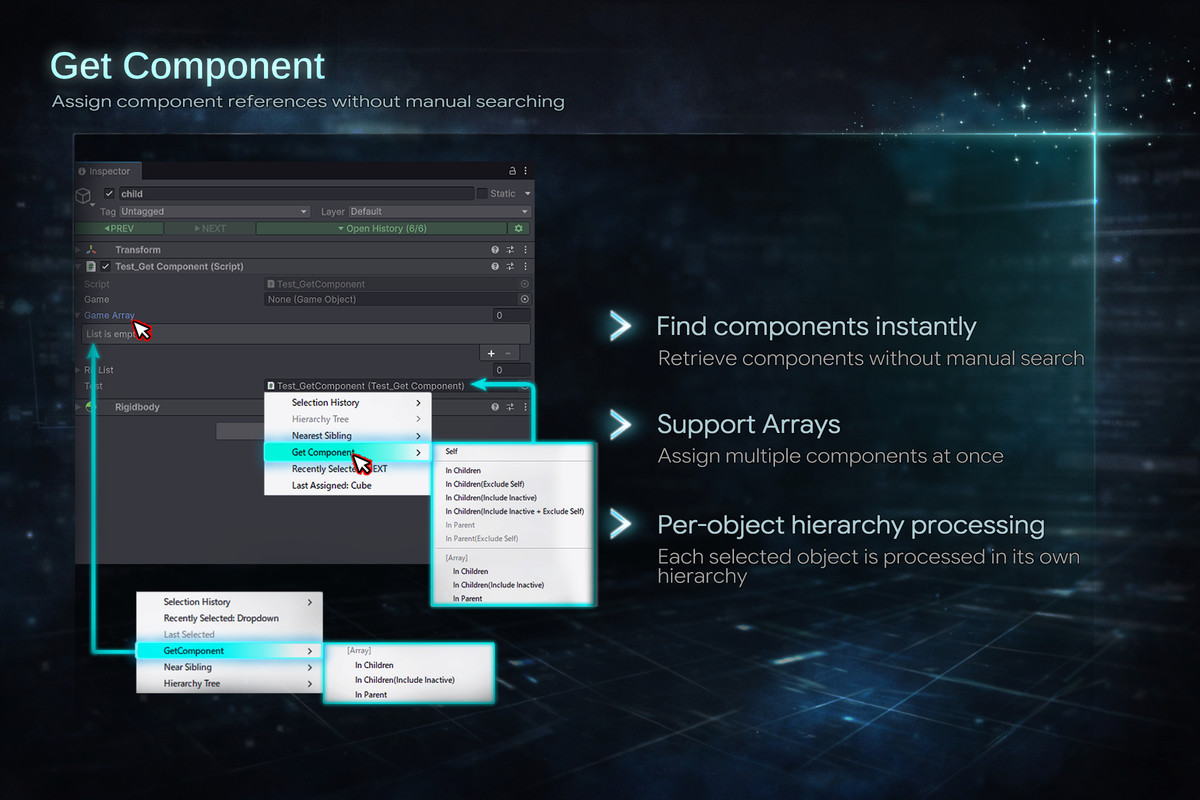
Context menus are available on most reference fields.
You can assign references without drag-and-drop by using selection history,
hierarchy trees, or sibling objects as the source.
■ Multi-Object Support
Fully supports multiple object selection.
References can be searched for and assigned in bulk based on
each object’s hierarchy structure.
■ Shortcuts
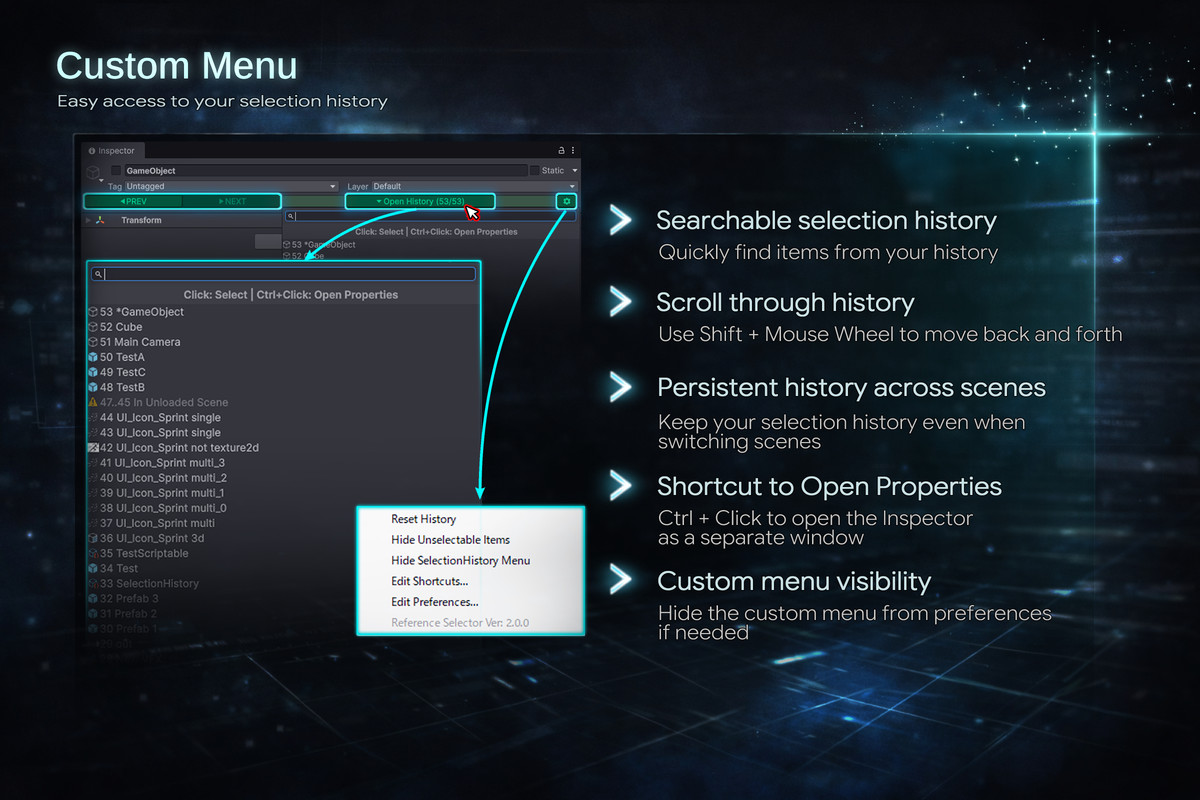
Supports selection history navigation using mouse wheel shortcuts,
allowing you to perform reference assignments more quickly.
(Default)
Shift + Mouse Wheel Down: Select the previous object in the selection history.
Shift + Mouse Wheel Up: Select the next object in the selection history.
Support
- Full Undo / Redo support
- Safe to use after script recompilation (domain reload)
- Compatible with Unity 6 or later
- Compatible with Odin Inspector
- Editor-only asset (no runtime code included)
For detailed usage and configuration, please refer to the online document.
From the publisher's Asset Store listing.
Technical details
- Compatible with Unity 6 or later
- Full Undo / Redo support
- Safe to use after script recompilation (domain reload)
- Editor-only asset (no runtime code included)
- Supports Unity Shortcut Manager (customizable via Edit > Shortcuts)
- No additional dependencies required
- Compatible with Odin Inspector
- Online documentation available
Compatibility
| Unity version | Built-in | URP | HDRP | Custom |
|---|---|---|---|---|
| 6000.3.10f1 | Compatible | Compatible | Compatible | Compatible |
| 6000.3.6f1 | Compatible | Compatible | Compatible | Compatible |
As listed on the Asset Store.