
 View on Asset Store (opens in new tab)
Package details
- Latest version
- 1.0
- Last updated
- First released
- Unity version
- 6000.0.24 or later
- Package size
- 266.0 MB
- Files
- 89
- Favorites
- 16
- Views in the past week
- 15
Price tracking
- Last checked
- Tracked since
- Lowest recorded
- $13.99 on
Keywords
- Search for arcade tank
- Search for tank controller arcade
- Search for controller tank
- Search for arcade controller tank
- Search for tank control
- Search for tank toon
- Search for npc controller
- Search for tanks
- Search for toon tank
- Search for Tank Controller
- Search for tank game
- Search for Tanks Multiplayer

Toon Tank Control | System & Framework
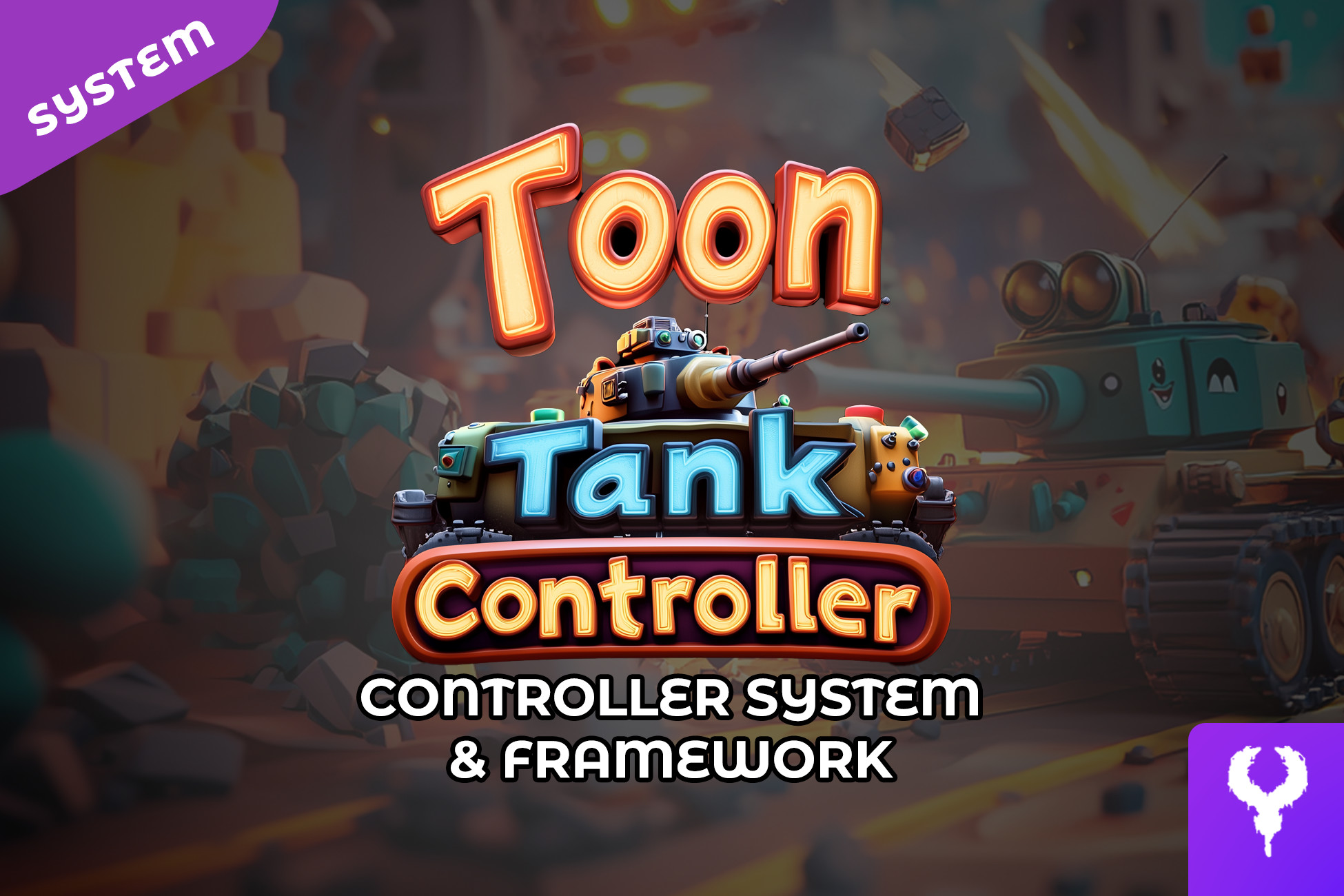
A fully-featured, customizable Toon Tank Controller for Unity, supporting movement, turret targeting, shooting, health management, and obstacle avoidance. Includes NPCs also and a game manager
Affiliate link · Purchases support this site
Price history
Last 6 months
USDAsset preview
1 / 7

Toon Tank Control | System & Framework screenshot 1


About this asset
The Toon Tank Controller is a robust and highly customizable tank control system for Unity, perfect for arcade-style combat games. This package provides smooth tank movement, turret aiming, and projectile-based firing mechanics, complete with recoil effects and collision avoidance. The system includes:
- Tank Movement: Acceleration, turning, and boost functionality with customizable speed and physics-based controls.
- Turret Targeting: Auto and manual targeting modes, with enemy detection using OverlapSphere.
- Projectile System: Fires physics-based projectiles with force, includes recoil, and integrates a customizable ammo system.
- Health & Damage System: Health bar integration, damage detection, and explosion effects upon destruction.
- Obstacle Avoidance: Uses SphereCast and OverlapSphere to detect and prevent movement through walls.
- Ground Alignment System: Ensures the tank follows terrain contours using raycasting.
- NPC Waypoint System: The integrated Game Manager tracks NPCs that navigate via waypoints.
- Debugging Tools: Includes visual gizmos for targeting ranges and collision detection.
This asset is optimized for performance and can be easily extended to fit different gameplay needs. Whether you’re building a casual arcade shooter or a strategic tank battle game, this controller provides a solid foundation.
Features
1. Movement System
- Forward & Backward Movement: Controlled via Input.GetAxis("Vertical").
- Turning: Rotates the tank using Input.GetAxis("Horizontal").
- Boost Mode: Temporarily increases movement speed when activated (Left Shift key).
- Collision Prevention: Uses an OverlapSphere check to ensure the tank does not move through obstacles such as walls.
2. Turret and Targeting System
- Manual & Auto Targeting Modes:Manual: Player aims manually.
Auto: Automatically selects and tracks the nearest target within a specified range. - Target Lock System: Uses Physics.OverlapSphere to identify potential targets within range.
- Line of Sight Check:Uses Physics.SphereCast to determine if there are obstacles blocking the target.
Debug visualization using Debug.DrawLine to indicate when an obstacle is detected.
3. Shooting and Recoil Mechanics
- Firing System:Shoots projectiles from the tank’s fire point when Space key is pressed.
Uses Rigidbody.AddForce to apply impulse force to the projectile. - Recoil System:When the tank fires, it temporarily moves backward (recoilDistance).
Speed is gradually restored using speedRampUpRate.
4. Ground Alignment System
- Uses Physics.Raycast to detect the ground.
- Adjusts the tank’s height to prevent floating or sinking.
- Aligns the tank's rotation to match the ground’s normal.
5. Ammo and Health System
- Ammo Management:Limits the number of projectiles that can be fired.
Displayed visually using UI icons. - Health System:Tracks tank health and updates a UI health bar.
On zero health, the tank is destroyed, triggering an explosion effect and respawning.
6. NPC Waypoint System (Managed by GameManager)
- The GameManagerTank script keeps track of NPCs using waypoint-based navigation.
- NPCs move along pre-defined paths.
- This allows for AI-controlled enemies that patrol or follow strategic movement patterns.
From the publisher's Asset Store listing.
Technical details
Features
1. Movement System
- Forward & Backward Movement: Controlled via Input.GetAxis("Vertical").
- Turning: Rotates the tank using Input.GetAxis("Horizontal").
- Boost Mode: Temporarily increases movement speed when activated (Left Shift key).
- Collision Prevention: Uses an OverlapSphere check to ensure the tank does not move through obstacles such as walls.
2. Turret and Targeting System
- Manual & Auto Targeting Modes: Manual: Player aims manually. Auto: Automatically selects and tracks the nearest target within a specified range.
- Target Lock System: Uses Physics.OverlapSphere to identify potential targets within range.
- Line of Sight Check: Uses Physics.SphereCast to determine if there are obstacles blocking the target. Debug visualization using Debug.DrawLine to indicate when an obstacle is detected.
3. Shooting and Recoil Mechanics
- Firing System: Shoots projectiles from the tank’s fire point when Space key is pressed. Uses Rigidbody.AddForce to apply impulse force to the projectile.
- Recoil System: When the tank fires, it temporarily moves backward (recoilDistance). Speed is gradually restored using speedRampUpRate.
4. Ground Alignment System
- Uses Physics.Raycast to detect the ground.
- Adjusts the tank’s height to prevent floating or sinking.
- Aligns the tank's rotation to match the ground’s normal.
5. Ammo and Health System
- Ammo Management: Limits the number of projectiles that can be fired. Displayed visually using UI icons.
- Health System: Tracks tank health and updates a UI health bar. On zero health, the tank is destroyed, triggering an explosion effect and respawning.
6. NPC Waypoint System (Managed by GameManager)
- The GameManagerTank script keeps track of NPCs using waypoint-based navigation.
- NPCs move along pre-defined paths.
- This allows for AI-controlled enemies that patrol or follow strategic movement patterns.
Compatibility
| Unity version | Built-in | URP | HDRP |
|---|---|---|---|
| 6000.0.24f1 | Compatible | Not listed | Not listed |
As listed on the Asset Store.