
 View on Asset Store (opens in new tab)
Package details
- Latest version
- 1.0.0
- Last updated
- First released
- Unity version
- 6000.0.33 or later
- Package size
- 117 KB
- Files
- 11
- Favorites
- 7
- Views in the past week
- 5
Price tracking
- Last checked
- Tracked since
- Lowest recorded
- Free on
Keywords

Light Mode/Dark Mode
XR-ready tool to easily switch between a light mode and dark mode theme in your project with drag-and-drop functionality!
Affiliate link · Purchases support this site
Price history
Last 6 months
USDAsset preview
1 / 4
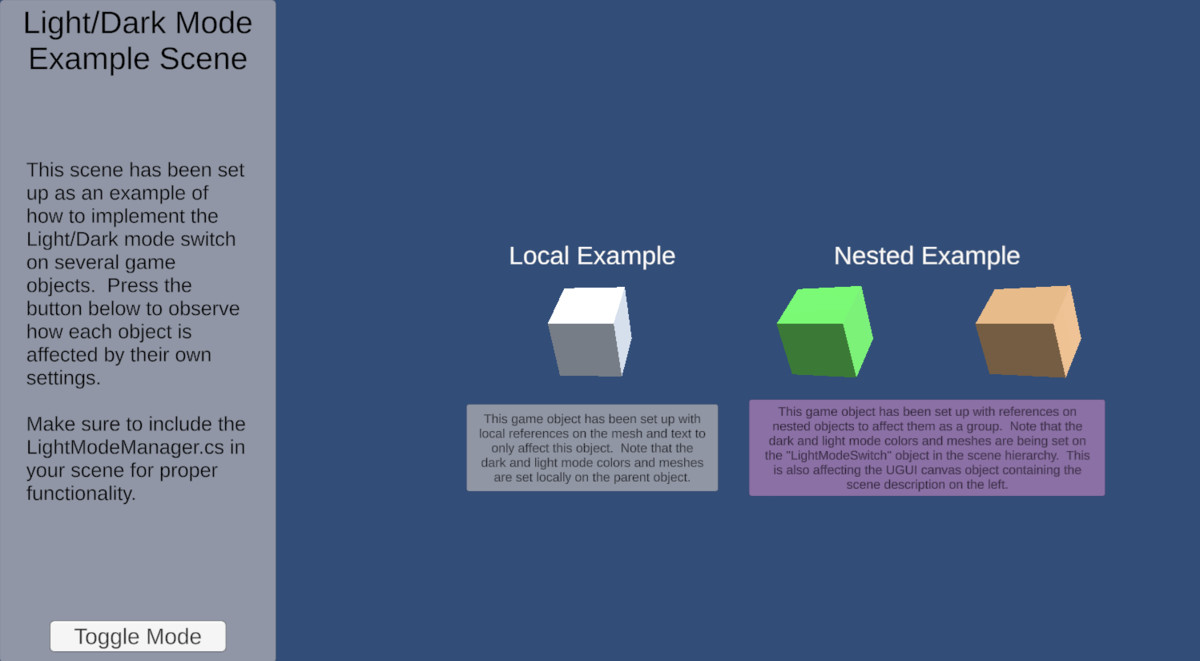
Light Mode/Dark Mode screenshot 1
About this asset
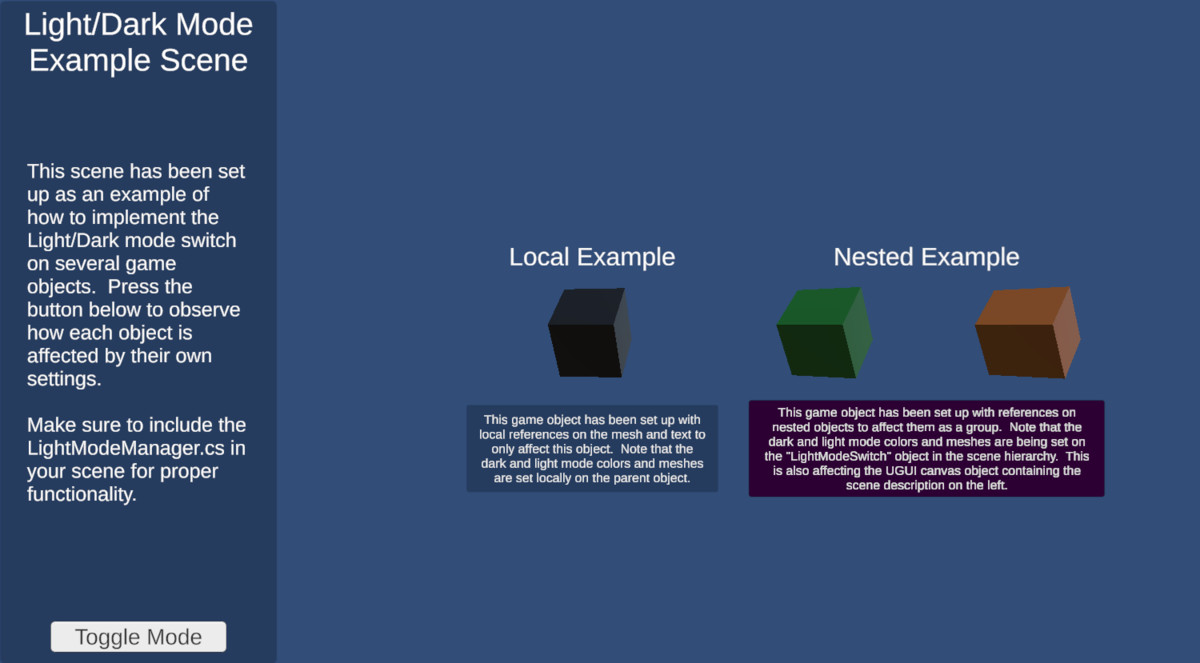
Use this simple yet effective tool to easily implement light and dark mode themes to your project's UI! Switch themes on Unity Canvas elements as well as 3D scene objects like meshes, text, and images.
+ XR Ready: this solution was designed for use in XR applications, affecting both 2D canvas elements and 3D scene objects alike
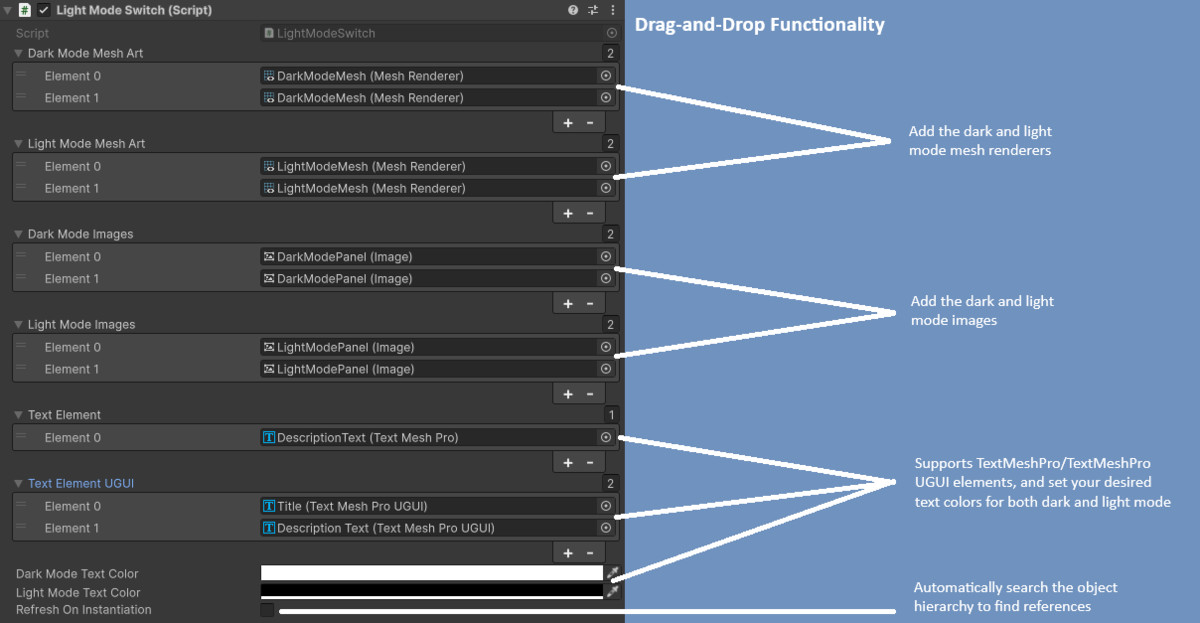
+ Drag-and-Drop: ease of use was a primary focus with the design, allowing for use without any coding knowledge
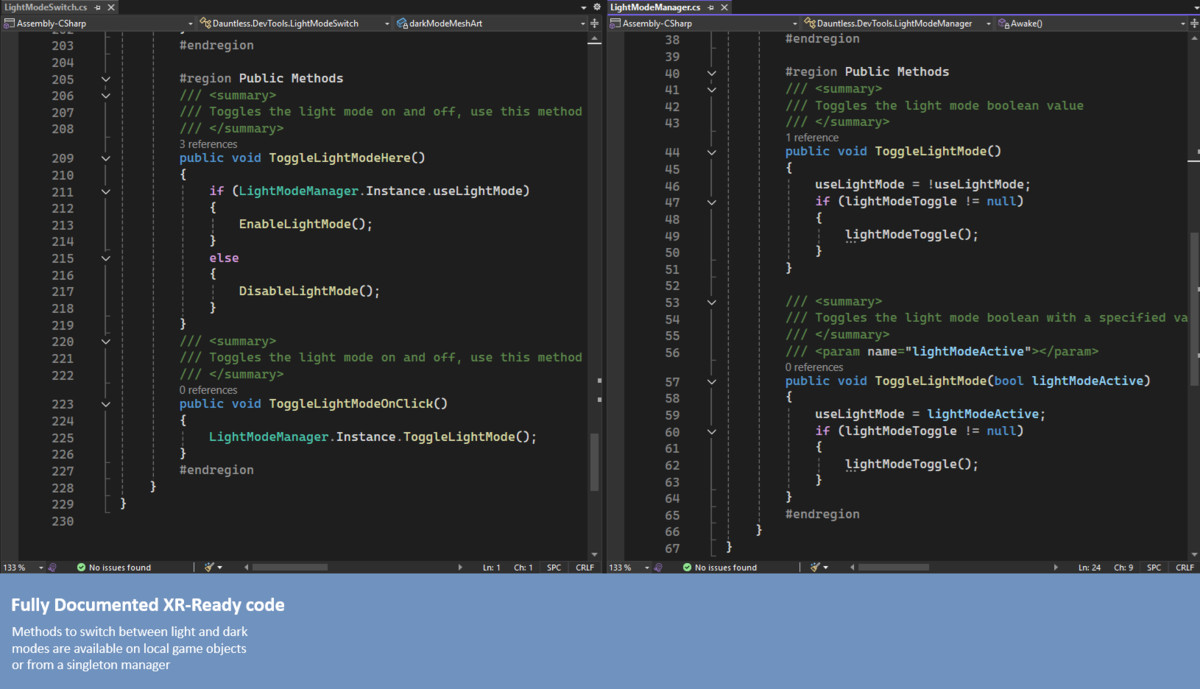
+ Highly customizable: lightweight and cross-platform compatible, providing a framework for further expansion or customization to suit your needs
From the publisher's Asset Store listing.
Technical details
Use this toolset to affect:
- Mesh Renderers
- Image Renderers
- TextMeshPro elements
Compatibility
| Unity version | Built-in | URP | HDRP |
|---|---|---|---|
| 6000.0.33f1 | Compatible | Compatible | Compatible |
As listed on the Asset Store.