
 View on Asset Store (opens in new tab)
Package details
- Latest version
- 1.0
- Last updated
- First released
- Unity version
- 2022.3.10 or later
- Package size
- 1.3 MB
- Files
- 30
- Favorites
- 4
- Views in the past week
- 6
Price tracking
- Last checked
- Tracked since
- Lowest recorded
- $4.99 on
Keywords

Simple Interactive Nature
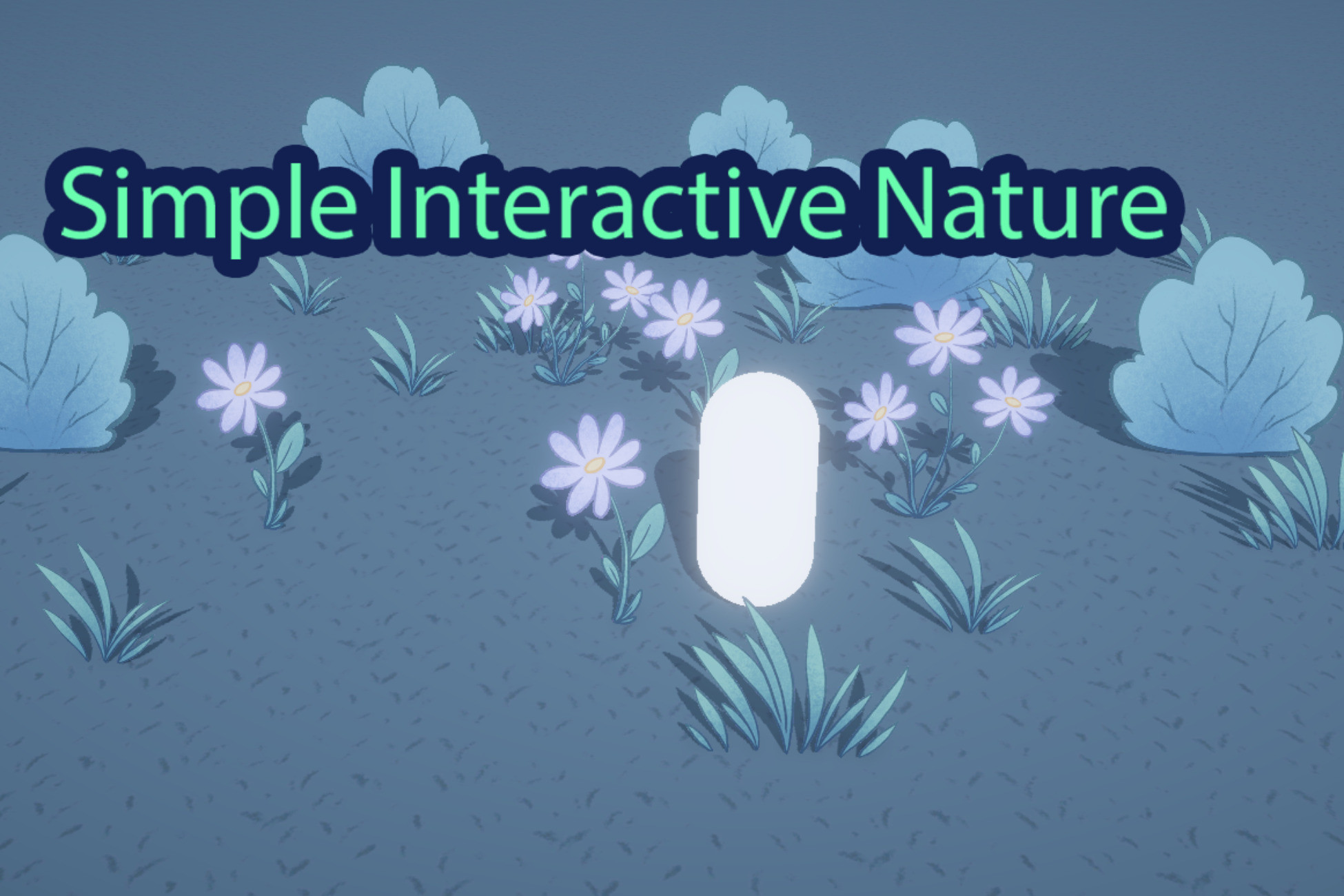
A simple, direct way make grass, bushes, or plants become interactive with your player. This is an easy-to-use, low-demand asset that does not require any new shaders or animations.
Affiliate link · Purchases support this site
Price history
Last 6 months
USDAsset preview
1 / 1

Simple Interactive Nature video 1 (plays on the Asset Store)
About this asset
Welcome to the "Simple Interactive Nature" asset!
As the title states, this is a simple, direct way to have nature assets such as grass, bushes, or plants become interactable with your player.
The "Collision Animation Controller" script allows you to make interactable any object that has an idle animation. It works by momentarily speeding up the idle animation, making it look like nature is rustling when the player passes through. Idle animations return to being synced to their original idle animation state after interacting with the player.
This simple, low-demand system can easily be implemented with your existing assets, without the need to create new animations!
This was created for top-down 3D games with a paper-mario visual style, but can easily be adapted to any 3D project.
The sample scene includes 2D nature assets (grass, flowers, bushes) that are interactable in a 3D world.
The package also includes a simple Player Movement script and Camera Controller script that you can work from (optional).
From the publisher's Asset Store listing.
Technical details
- Make sure your player object has the tag "Player"
- Make sure your player has a collider
- Make sure your nature objects have a trigger collider
- Make sure your nature objects have an animator and idle animation
Simply adjust the variables in the inspector (speed multiplier, duration, transition duration) to make the interaction look as organic as possible, depending on your idle animations.
The script depends on Unity's animator.
Compatibility
| Unity version | Built-in | URP | HDRP |
|---|---|---|---|
| 2022.3.10f1 | Compatible | Compatible | Compatible |
Compatible with URP, HDRP, and the built-in pipeline. The script depends on Unity's animator.
As listed on the Asset Store.