
 View on Asset Store (opens in new tab)
Package details
- Latest version
- 1.0
- Last updated
- First released
- Unity version
- 6000.0.24 or later
- Package size
- 20.1 MB
- Files
- 24
- Favorites
- 6
- Views in the past week
- 4
Price tracking
- Last checked
- Tracked since
- Lowest recorded
- $8.99 on
Keywords
- Search for find textures sizes
- Search for profile file size texture
- Search for profile texture size
- Search for profile texture sizes
- Search for find textures
- Search for find texture size
- Search for scene heatmap profiler texture
- Search for size profilers
- Search for size textures
- Search for texture size
- Search for texture size profiler tool
- Search for size profiler
Texture Size Profiler | Texture Size Profiler/Heatmap System Framework
Optimize build size effortlessly! The tool visualizes texture memory in Scene View with color-coded heatmaps. Get detailed texture insights to reduce memory usage and boost performance.
Affiliate link · Purchases support this site
Price history
Last 6 months
USDAsset preview
1 / 5

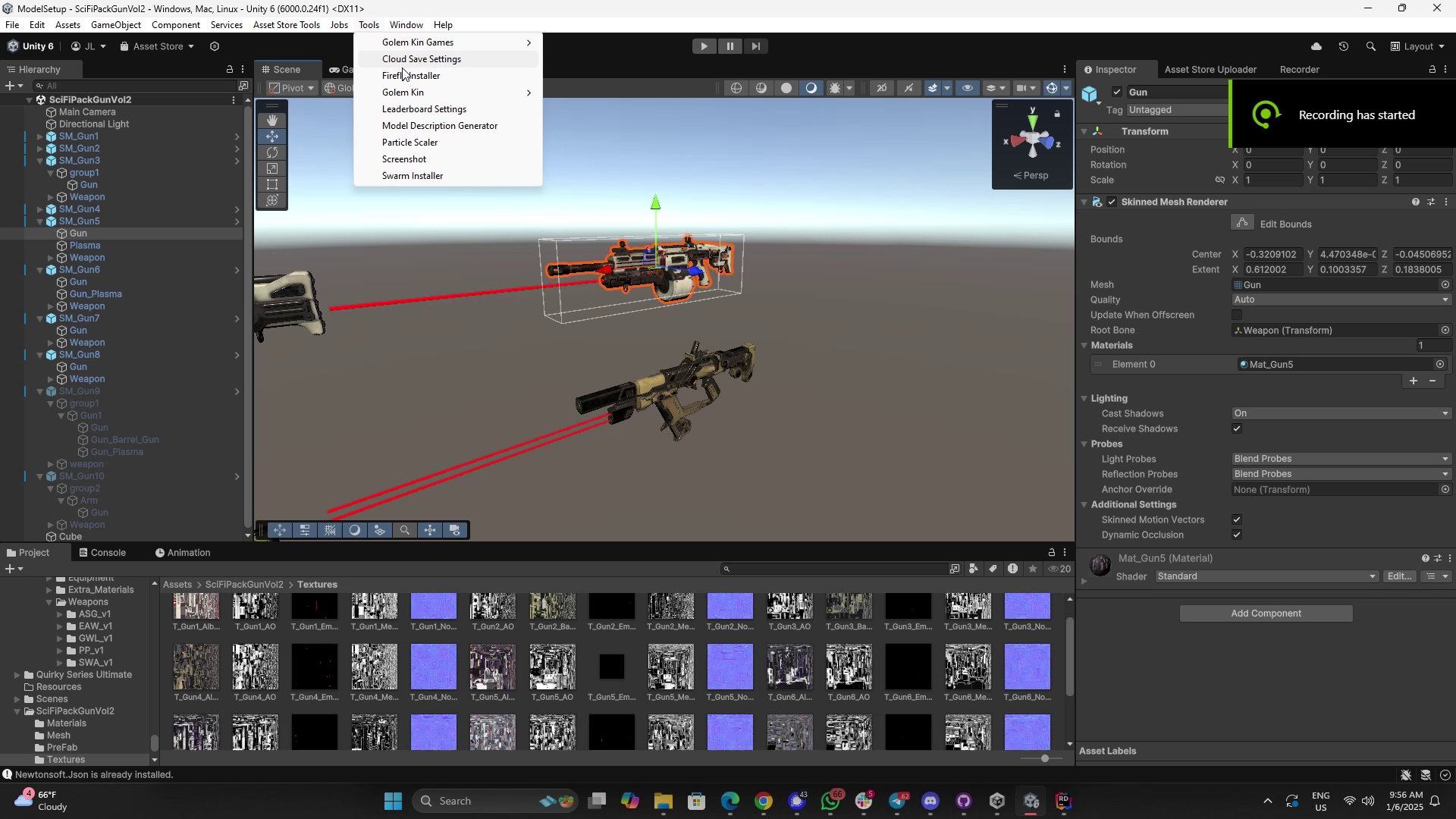
Texture Size Profiler | Texture Size Profiler/Heatmap System Framework screenshot 1


About this asset
Struggling with bloated build sizes and performance issues caused by textures? The Texture Size Heatmap Tool is your ultimate solution for texture optimization in Unity. This powerful Editor utility provides a comprehensive overview of texture memory usage, helping you identify and resolve performance bottlenecks effortlessly.
With a color-coded heatmap directly in the Scene View, you can instantly visualize which objects are consuming the most memory—green for low usage, red for high. The tool's adjustable thresholds and customizable gradients allow you to fine-tune the heatmap to focus on specific texture sizes.
Dive deeper with the detailed breakdown feature: for any selected object, view texture-specific information such as resolution, memory size (in MB), compression format, and alpha channel presence. Use the interactive "Select Texture" button to quickly locate textures in the Project view for further inspection.
Perfect for developers working on mobile, desktop, or console projects, the Texture Size Heatmap Tool simplifies the daunting task of texture optimization, empowering you to reduce build sizes and improve runtime performance with ease.
Key Features:
- Visual Heatmap: Instantly identify texture-heavy objects in the Scene View with intuitive color-coded feedback.
- Detailed Breakdown: Access texture-specific details, including resolution, memory size, format, and alpha presence.
- Customizable Settings: Adjust memory thresholds and gradients for tailored visualization.
- Interactive Workflow: Select textures directly in the Project view from the detailed breakdown.
Stop guessing and start optimizing! The Texture Size Heatmap Tool is your go-to solution for tackling large textures and ensuring your project is both memory-efficient and high-performing.
From the publisher's Asset Store listing.
Technical details
Key Features:
- Visual Heatmap: Instantly identify texture-heavy objects in the Scene View with intuitive color-coded feedback.
- Detailed Breakdown: Access texture-specific details, including resolution, memory size, format, and alpha presence.
- Customizable Settings: Adjust memory thresholds and gradients for tailored visualization.
- Interactive Workflow: Select textures directly in the Project view from the detailed breakdown.
Compatibility
| Unity version | Built-in | URP | HDRP |
|---|---|---|---|
| 6000.0.24f1 | Compatible | Not listed | Not listed |
As listed on the Asset Store.