
 View on Asset Store (opens in new tab)
Package details
- Latest version
- 1.0
- Last updated
- First released
- Unity version
- 2022.3.17 or later
- Package size
- 1.3 MB
- Files
- 34
- Favorites
- 4
- Views in the past week
- 7
Price tracking
- Last checked
- Tracked since
- Lowest recorded
- $7.99 on
Keywords

Vfx Toon Particles-Environment particles
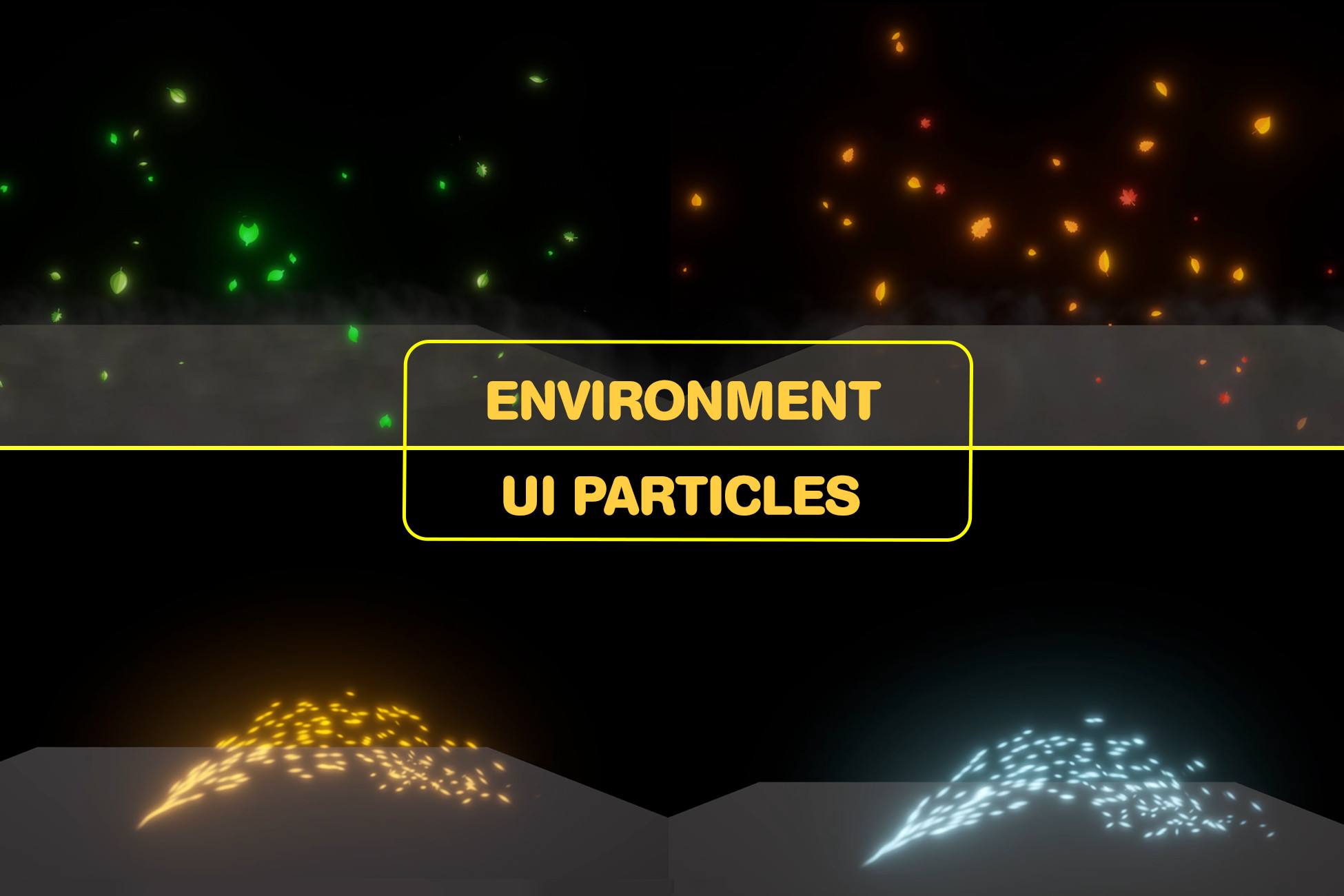
Environment Effects VFX Pack is a collection of visually stunning effects designed to enhance the ambiance of your Unity projects.
Price $7.99
Buy on Asset Store (opens in new tab)
Affiliate link · Purchases support this site
Price history
Last 6 months
USDAsset preview
1 / 1

Vfx Toon Particles-Environment particles video 1
About this asset
Environment vfx
- The Environment Effects VFX Pack is a collection of visually stunning effects designed to enhance the ambiance of your Unity projects. Utilizing both the particle system and post-processing techniques, this pack provides realistic and dynamic environmental effects.
Import the Pack
- Import the Environment Effects VFX Pack into your Unity project.
- Postprocessing is required from package manager for built_in renderer pipeline.
Locate Prefabs
- Navigate to the Prefabs folder. Each effect is organized into individual prefabs for easy access.
Add to Scene
- Drag and drop the desired effect prefab into your scene.
Adjust Settings
- Use the Inspector panel to customize the effect properties:
Particle System: Adjust parameters like lifetime, speed, size, and emission rate.
Post-Processing: Modify bloom, color grading, and other settings for enhanced Visuals.
Test in Play Mode
- Enter play mode to see the effects in action and“Mouse Left Click” for playing next effect . Adjust parameters as needed for optimal results.
Package Included:
Prefabs:
- Contains pre_configuared prefabs for each effect.
Textures:
- A collection of textures for used for snowflakes, leaves, droplets, sparks etc.
Materials:
- Includes custom materials for particle system textures.
Light:
- Includes point light for fire fliers effect.
Scripts:
- Optional utility scripts to control the effects Dynamically.
From the publisher's Asset Store listing.
Technical details
Technical details:
- For Built in purpose: Must install Post-Processing 1st.
- Texture size: 1024 B/W 1024.
- Texture type: Default.
- Texture shape: 2D.
- Alpha source: Input Texture Alpha.
Compatibility
| Unity version | Built-in | URP | HDRP | Custom |
|---|---|---|---|---|
| 2022.3.17f1 | Compatible | Compatible | Compatible | Compatible |
As listed on the Asset Store.