
 View on Asset Store (opens in new tab)
Package details
- Latest version
- 1.0
- Last updated
- First released
- Unity version
- 6000.0.25 or later
- Package size
- 371 KB
- Files
- 5
- Favorites
- 3
- Views in the past week
- 4
Price tracking
- Last checked
- Tracked since
- Lowest recorded
- $4.99 on
Keywords
GhostScriptRemover
Ghost Script Remover simplifies Unity projects by detecting and removing missing scripts effortlessly. Clean up scenes and prefabs with ease using intuitive tools for a smoother, error-free workflow.
Affiliate link · Purchases support this site
Price history
Last 6 months
USDAsset preview
1 / 3

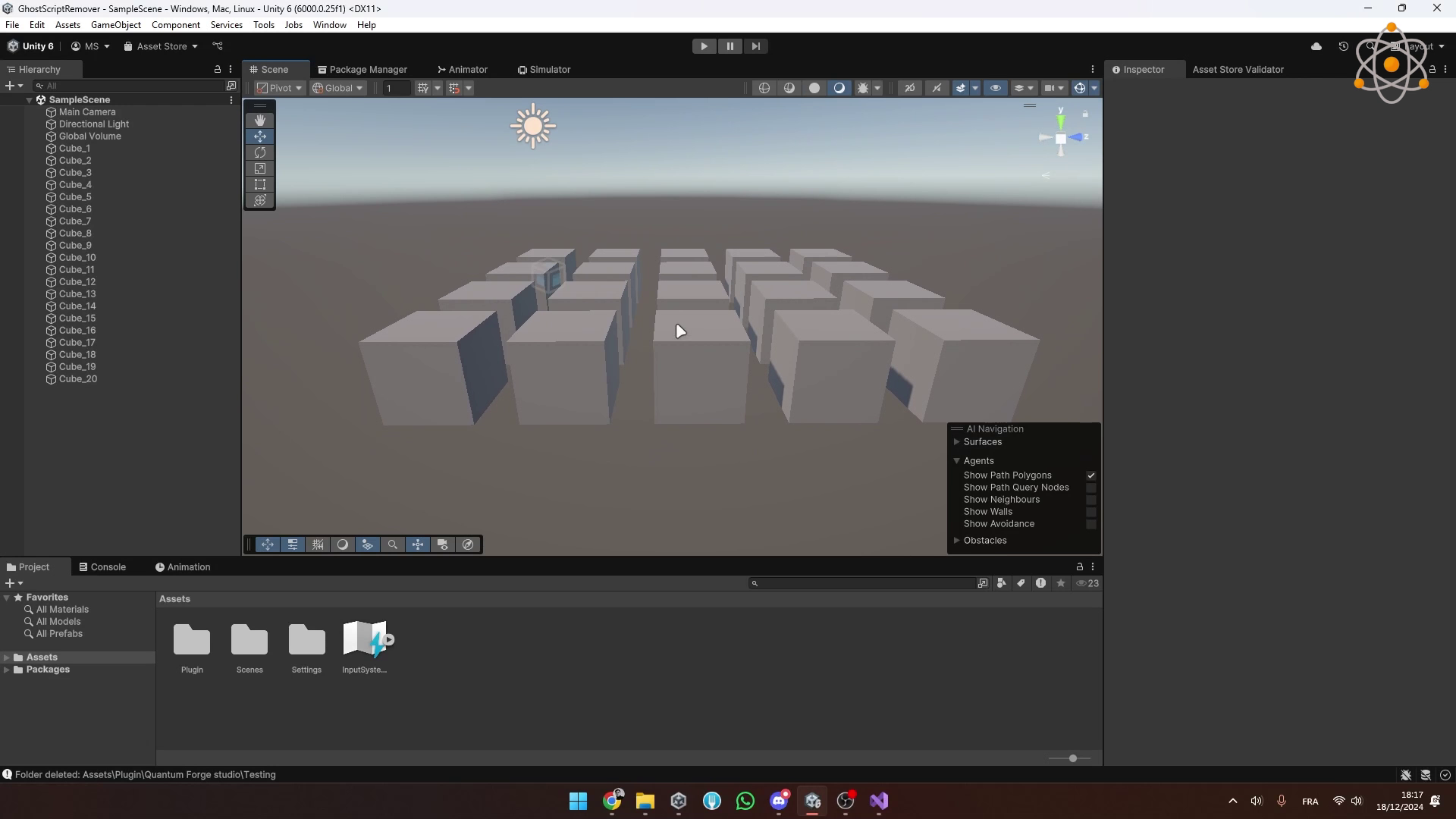
GhostScriptRemover screenshot 1

About this asset
Ghost Script Remover is the ultimate Unity plugin for 🛠️ optimizing your project by finding and removing missing scripts with ease. Whether you're a seasoned pro or new to Unity, this tool saves you time ⏳ and eliminates tedious cleanup.
⭐ Why Choose Ghost Script Remover?
✅ Effortless Scanning: Quickly identify all missing scripts across scenes or prefabs with a simple button click.
⚡ Selective Management: Preview affected objects, choose which scripts to remove, or clean everything in bulk.
🖼️ Intuitive UI: A sleek and user-friendly interface makes the process seamless for developers of all skill levels.
🔔 Customizable Workflow: Toggle between scene and project scans to target exactly where cleanup is needed.
📊 Detailed Reporting: Get real-time feedback on found issues and see how your project improves instantly.
🎯 Who Is Ghost Script Remover For?
👾 Indie Developers: Save hours of manual cleanup to focus on creating amazing games.
👩💻 Professional Teams: Keep your project clean and avoid runtime errors effortlessly.
🎮 Unity Enthusiasts: Simplify maintenance and optimization with this essential tool.
With Ghost Script Remover, clean projects lead to faster workflows and better games. Say goodbye to ghost scripts and hello to a more organized Unity project!
From the publisher's Asset Store listing.
Technical details
Technical Sheet – Ghost Script Remover
Name: Ghost Script Remover
Category: Unity Plugin – Project Optimization
Version: Fully compatible with the latest Unity versions (2020.3 LTS and above)
Platforms Supported: Universal (works across all Unity-supported platforms)
Key Features
🔍 Effortless Scanning:
- Identify missing scripts in scenes and prefabs with a single click.
- Supports both active scenes and the entire project for comprehensive cleanup.
✅ Selective Removal:
- View all objects with missing scripts and selectively remove them.
- Toggle object selection to maintain control over the cleanup process.
⚡ Batch Cleanup:
- Remove missing scripts in bulk for faster optimization.
- Tailored options for scene-specific or project-wide cleanup.
🎨 Custom UI:
- User-friendly interface with a sleek and intuitive design.
- Highlights selected objects with dynamic button color changes.
📈 Detailed Feedback:
- Displays the count of objects affected and logs results in the Unity Console.
🛠️ Error-Free Maintenance:
- Prevents accidental prefab modifications while scanning.
- Ensures a smoother workflow and a cleaner project hierarchy.
Compatibility
- Unity Versions: Compatible with Unity 2020.3 LTS and above.
- Platforms: Fully functional for projects targeting all Unity-supported platforms.
- External Dependencies: None required—ready to use out of the box.
Target Audience
👾 Indie Developers: Simplify project maintenance and focus on game design.
👩💻 Professional Teams: Streamline team workflows and eliminate technical debt.
🎮 Unity Enthusiasts: Keep projects clean and optimized without manual intervention.
Benefits
- Saves hours of manual script cleanup.
- Reduces runtime errors caused by missing script references.
- Maintains a clean and organized project structure effortlessly.
Technical Requirements
- Unity Editor installed on Windows or macOS.
- No external dependencies required.
Documentation
A comprehensive guide is included, covering:
- Setting up the plugin in Unity.
- Scanning scenes and projects for missing scripts.
- Using selective removal and batch cleanup options.
- Best practices for maintaining clean and efficient Unity projects.
Get Ghost Script Remover today and transform your Unity development workflow!
Compatibility
| Unity version | Built-in | URP | HDRP | Custom |
|---|---|---|---|---|
| 6000.0.25f1 | Compatible | Compatible | Compatible | Compatible |
As listed on the Asset Store.