
 View on Asset Store (opens in new tab)
Package details
- Latest version
- 1.0.0
- Last updated
- First released
- Unity version
- 6000.0.24 or later
- Package size
- 15.5 MB
- Files
- 27
- Favorites
- 19
- Views in the past week
- 8
Price tracking
- Last checked
- Tracked since
- Lowest recorded
- $13.45 on
Keywords

Icon Maker Pro - Custom Icon and UI Maker
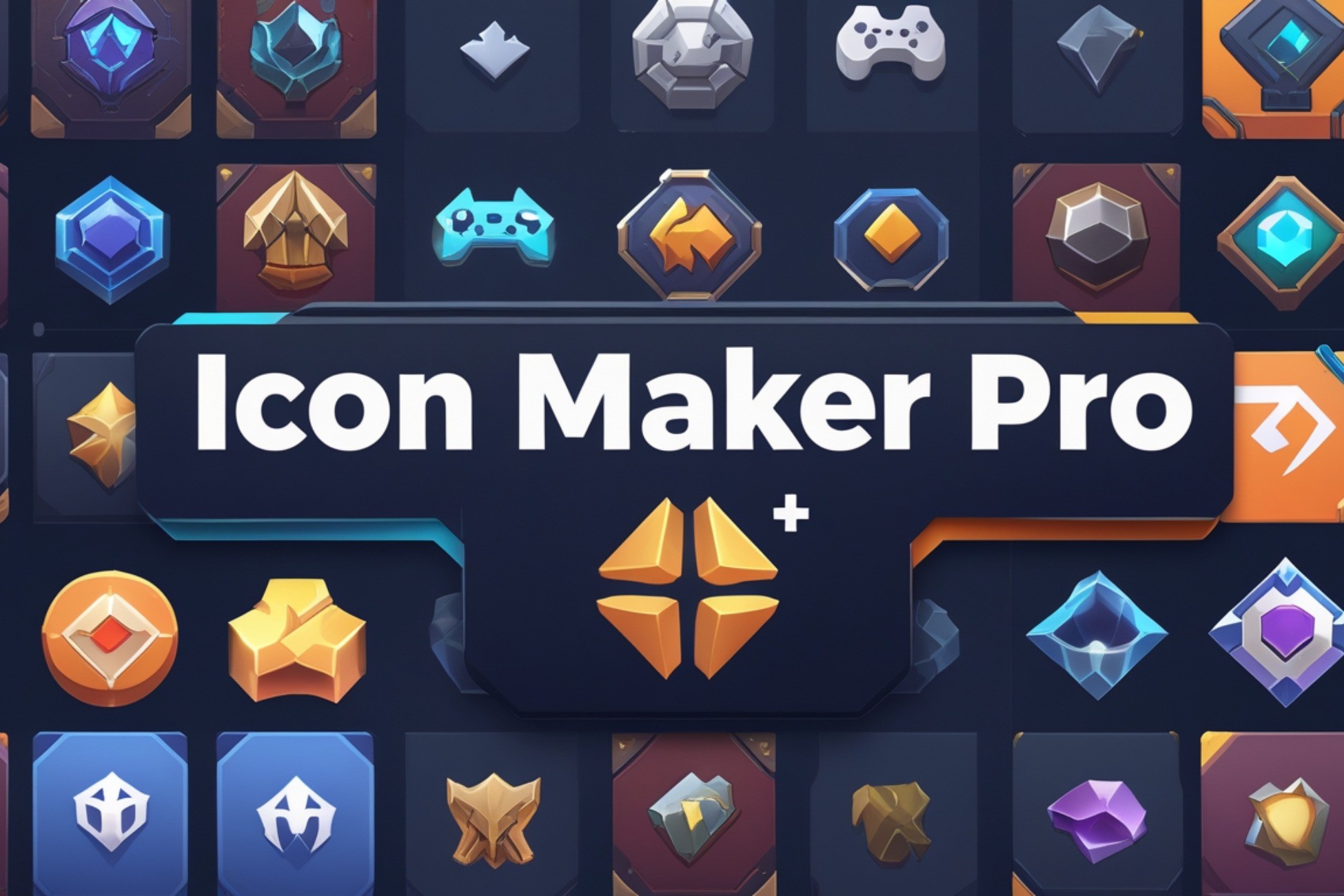
Icon Maker Pro simplifies 2D and 3D icon creation and management, all within Unity’s editor. With a new feature to convert any image into a fully functional UI background.
Affiliate link · Purchases support this site
Price history
Last 6 months
USDAsset preview
1 / 9

Icon Maker Pro - Custom Icon and UI Maker screenshot 1


About this asset
Compatibility Information
IconMakerPro is designed to work seamlessly with Unity's rendering pipelines and provides a smooth experience for generating icons and textures. Please review the following compatibility details:
- Unity Versions: Compatible with Unity 2020.3 LTS and later
- Render Pipelines:Universal Render Pipeline (URP): Fully supported.
- Built-in Render Pipeline: Fully supported.
High Definition Render Pipeline (HDRP): Fully supported, though lighting and post-processing effects in HDRP may alter the final appearance of icons. Adjust lighting as necessary.
Streamlined Icon Creation for Unity Projects
Effortless 2D & 3D Icons in Under a Minute
Icon Maker Pro allows you to create and manage 2D and 3D icons directly from your GameObject in Unity, making it easier than ever to generate high-quality, functional icons. Whether you're developing for mobile games, desktop apps, or VR projects, this tool enables you to customize icons effortlessly to match the style of your game or app. Thanks to our simple, user-friendly editor, you can craft the perfect icon in under one minute, streamlining your workflow and saving valuable development time.
Convert Images to UI Elements/Backgrounds
A new feature of this plugin is the ability to convert any image into a fully functional UI element, background or icon overlay. Simply upload your image, whether it's png or jpg, and with a few clicks, you can transform it into a seamless background for your menus, settings, or in-game HUDs. This feature helps you design dynamic and engaging user interfaces without the hassle of manual image manipulation.
Simplify Your Workflow
Forget about repetitive tasks! Icon Maker Pro streamlines your icon creation and management process. With intuitive tools, you can quickly generate, adjust, and export icons for your game’s UI. It helps improve your workflow and enhances productivity, allowing you to focus more on game design and gameplay features.
Customizable & Versatile
Whether you're building a fantasy/sci-fi RPG, a casual mobile game, or a simulation, Icon Maker Pro adapts to your project’s unique needs. The customization options allow for a wide range of icon styles, icons overlays and UI backgrounds and elements, making it suitable for all genres. Whether you need a simple set of buttons, a complex icon system, or dynamic backgrounds for your menus, Icon Maker Pro is designed to meet those demands.
Comprehensive Documentation & Support
With detailed documentation available in PDF form inside the asset folder, on the website, and even directly in the editor, Icon Maker Pro ensures that you won’t get lost. Tooltips and in-editor help guide you through every step of the process, making it easy to learn and master the plugin. This robust support structure ensures you can make the most out of your experience with minimal hassle. And if anything, we are always available on our email or Discord channel.
Enhance your Unity project’s UI design today with this powerful, user-friendly icon creation tool!
From the publisher's Asset Store listing.
Technical details
Key Features
- 2D & 3D Icon Creation
Create both 2D and 3D icons directly from Unity GameObjects, ensuring seamless integration with your project. - User-Friendly Editor
A streamlined, intuitive interface makes icon creation fast and easy. You can generate fully customized icons in under a minute, even with no design experience. - UI Background Conversion
Convert any image (JPG or PNG) into a fully functional UI background with a simple click, making it perfect for UI design tasks. - Effortless Customization
Quickly adjust icons to fit the exact style and needs of your project, with options to tweak details like scale, transparency, lightning and more. - In-Editor Integration
Icon Maker Pro operates directly within the Unity Editor, allowing you to create, modify, and manage icons without leaving your development environment. - Support for 2D & 3D Projects
Whether you're creating icons for mobile, desktop, or VR, this tool supports a variety of projects with flexible icon options. - Time-Saving Workflow
Significantly reduce the time spent creating and managing icons with automated processes that handle everything from image conversion to asset integration.
These features ensure that Icon Maker Pro is a powerful, time-saving tool for developers, enhancing both 2D and 3D game projects with ease.
Compatibility
| Unity version | Built-in | URP | HDRP |
|---|---|---|---|
| 6000.0.24f1 | Compatible | Compatible | Compatible |
- Supports URP, HDRP, and BRP: Fully compatible with all three Unity render pipelines.
- Shader Compatibility: Ensure shaders are set up for the correct pipeline (Shader Graph for URP/HDRP, traditional for BRP).
- Lighting: Adjustments may be needed for different lighting systems (HDRP offers advanced features).
As listed on the Asset Store.