
 View on Asset Store (opens in new tab)
Package details
- Latest version
- 3.0.1
- Last updated
- First released
- Unity version
- 2021.3.5 or later
- Package size
- 224 KB
- Files
- 24
- Favorites
- 8
- Views in the past week
- 6
Price tracking
- Last checked
- Tracked since
- Lowest recorded
- Free on
Keywords

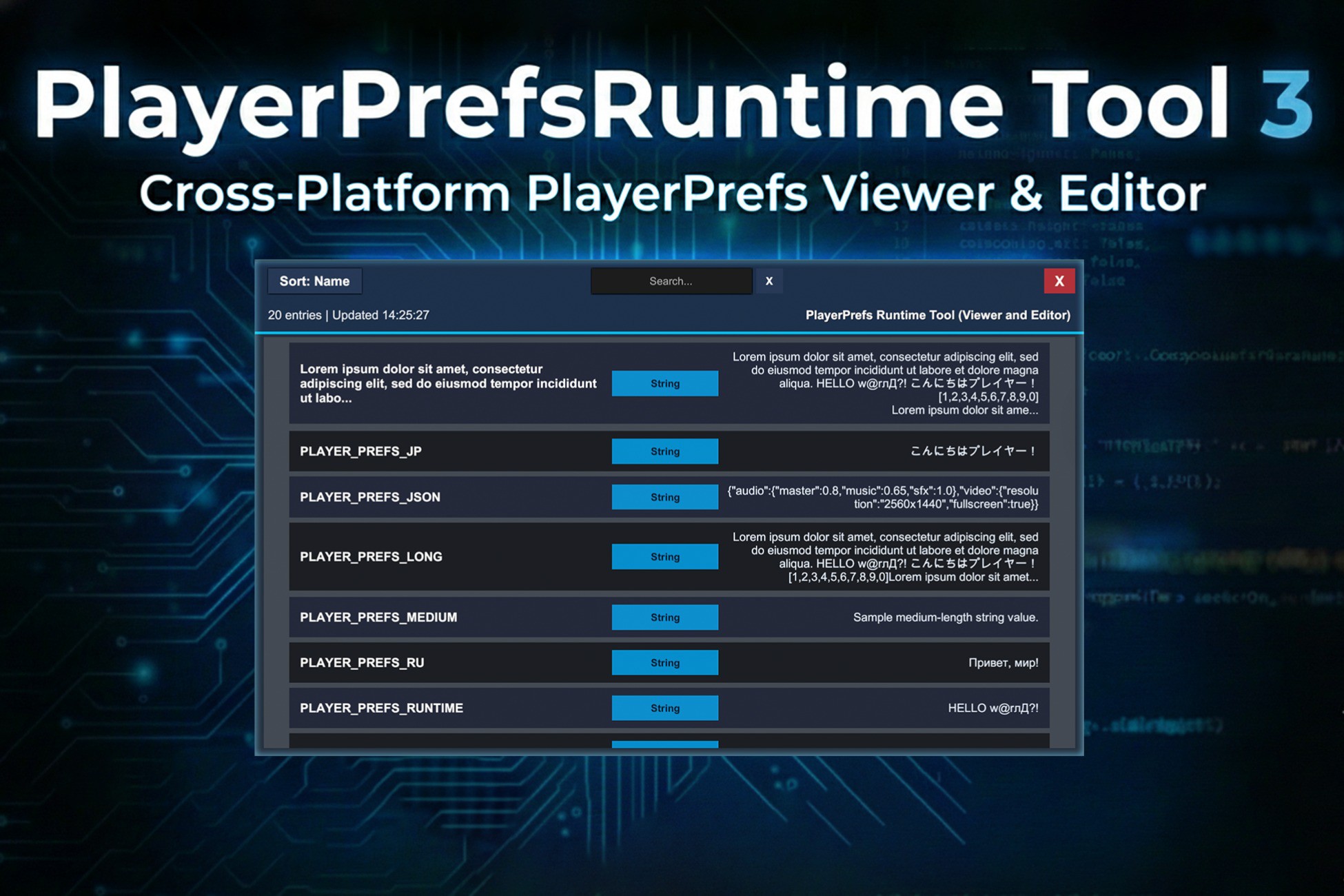
PlayerPrefs Runtime Tool - Viewer and Editor
PlayerPrefsRuntime Tool is a Unity plugin that allows you to retrieve and edit all PlayerPrefs at runtime across multiple platforms, including Android, iOS, Windows, and macOS.
Affiliate link · Purchases support this site
Price history
Last 6 months
USDAsset preview
1 / 4
PlayerPrefs Runtime Tool - Viewer and Editor screenshot 1


About this asset
PlayerPrefsRuntime Tool is a Unity plugin that allows you to retrieve and edit all
PlayerPrefs at runtime across multiple platforms, including Android, iOS, Windows, and
macOS (with Windows/macOS also supported in the Unity Editor). This tool is invaluable for
debugging, analytics, testing, and managing player preferences within your Unity projects.
Dependencies
PlayerPrefsRuntime Tool is using a json parser: "com.unity.nuget.newtonsoft-json": "3.2.1".
Features
- Cross-Platform Support: Compatible with Android, iOS, Windows, and macOS (plus Windows/macOS Editor).
- Runtime Access: Retrieve all PlayerPrefs as a dictionary directly from the device/build (or editor storage on Windows/macOS).
- Live Editing: Edit, save, and delete PlayerPrefs entries directly from the runtime UI.
- Logging: Display all PlayerPrefs data in the Unity Console for debugging purposes.
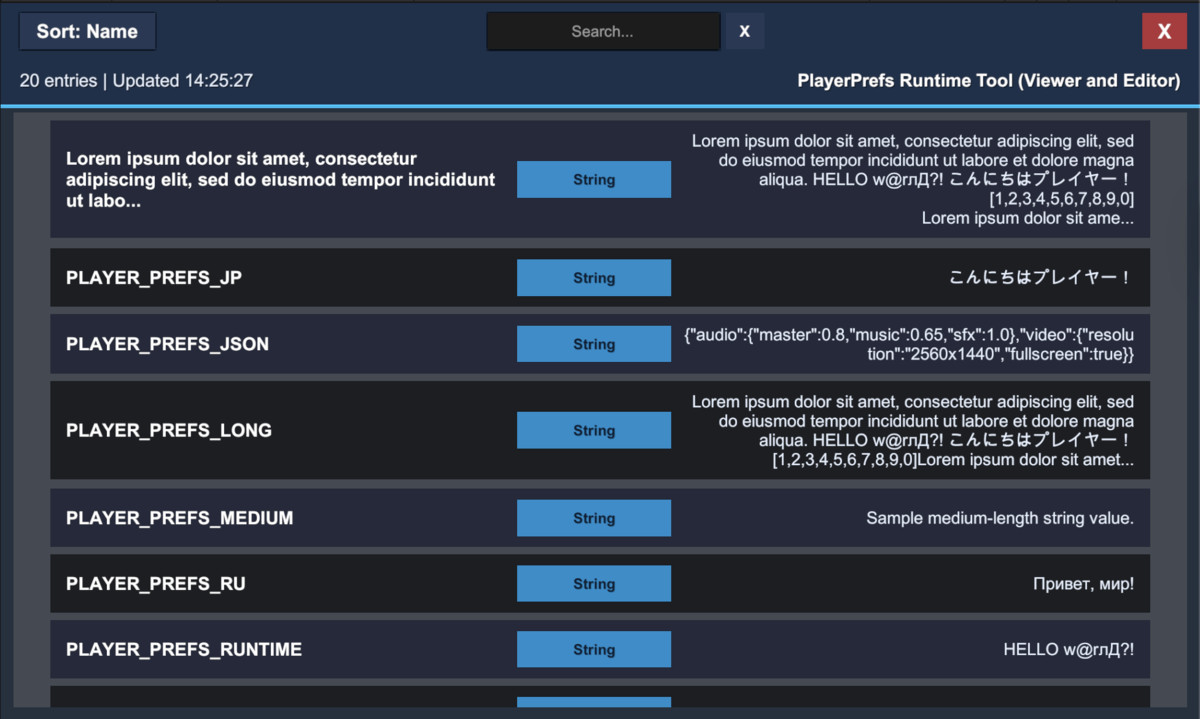
- Interactive UI Viewer: Visual interface with search, sorting, detailed entry inspection, and edit mode.
- Type Validation: Automatic validation for Int, Float, and String values with error feedback.
- Extensible Architecture: Easily extendable to support additional platforms or functionalities.
UI Viewer Features
The PlayerPrefsRuntime Tool includes a comprehensive visual UI viewer that provides:
Real-time Search & Filtering
- Live search across key names, types, and values
- Case-insensitive filtering with instant results
- Clear button to reset search
- Shows filtered count vs total count in header
Sorting Capabilities
- Toggle between "Sort: Name" and "Sort: Type" modes
- Secondary sorting (type within name, or name within type)
- Alphabetical ordering using ordinal comparison
Visual Design & Theming
- Dark theme with accent colors (blues, cyans)
- Alternating even/odd row colors for readability
- Color-coded type badges (Int, String, Float)
- Safe area support for mobile devices
Interactive Features
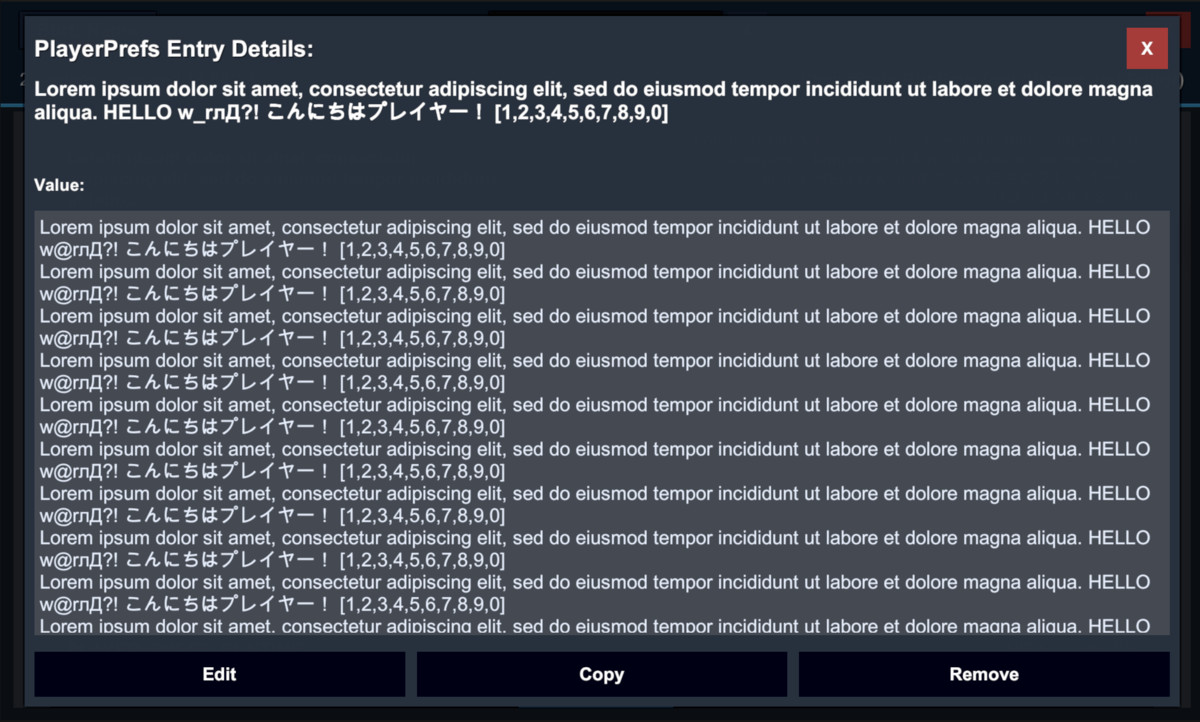
- Click on any entry to view detailed information in a dialog
- Toggle edit mode with the "Edit" button
- Modify Int, Float, and String values directly
- Save changes with the "Save" button
- Delete entries with the "Delete" button
- Real-time validation with error messages
- Automatic UI refresh after saving or deleting
- Close button to hide the viewer and clean up resources
- Sort button to toggle between sorting modes
- Search field with placeholder text
From the publisher's Asset Store listing.
Technical details
Notes & Limitations
- The tool is compiled conditionally behind the PLAYERPREFS RUNTIME TOOL define constraint (see PlayerPrefsRuntime.asmdef). If the define isn't set, the API won't exist in your project.
- Windows reads PlayerPrefs from the registry (HKCU\Software\{company}\{product} in player, and HKCU\Software\Unity\UnityEditor\{company}\{product} in editor) and strips Unity's hashed suffix from keys (e.g. _h123). Returned values are best-effort decoded and may include int, long, float, string, or byte[].
- Android reads SharedPreferences from ${Application.identifier}.v2.playerprefs and supports int, float, and string (other types are stringified).
- iOS exports only NSString/NSNumber values from NSUserDefaults (other types are skipped). macOS runtime reads ~/Library/Preferences/.plist and serializes it to JSON; non-JSON plist types can cause an empty result. macOS Editor parsing supports XMLand binary plists (via plutil).
Platform-Specific Features:
Android:
- Accesses SharedPreferences using package name
- Handles URI-encoded keys and values
- Supports standard int, float, string types
iOS/macOS:
- Native JSON export via P/Invoke (PlayerPrefsRuntimePlugin.mm)
- Native plugins located in Assets/DmytroUdovychenko/PlayerPrefsRuntimeTool/Plugins/iOS/ and Plugins/macOS/
- iOS exports only strings/numbers from UserDefaults; macOS runtime depends on plist values being JSON-serializable
Windows:
- Registry-based access at Software\{company}\{product}
- Custom binary parsing for Unity's PlayerPrefs format
- Best-effort decoding: int, long, float, string, and sometimes byte[]