
 View on Asset Store (opens in new tab)
Package details
- Latest version
- 4.0
- Last updated
- First released
- Unity version
- 2021.3.45 or later
- Package size
- 1.6 MB
- Files
- 136
- Favorites
- 12
- Views in the past week
- 5
Price tracking
- Last checked
- Tracked since
- Lowest recorded
- $15.00 on
Keywords

RTS Selection System
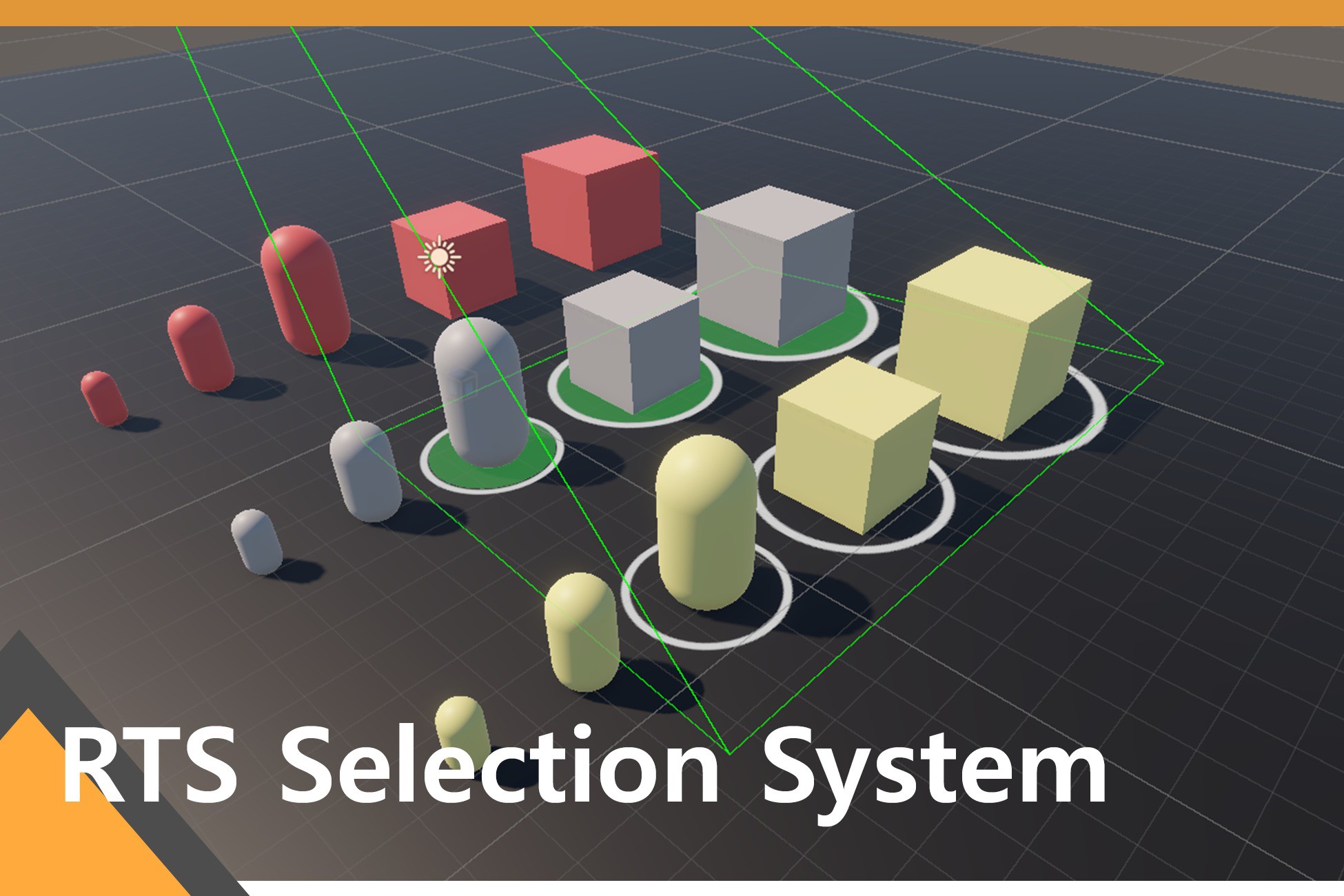
StarCraft2, Warcraft3-style RTS selection system package.
Affiliate link · Purchases support this site
Price history
Last 6 months
USDAsset preview
1 / 11

RTS Selection System screenshot 1


About this asset
👍This package is designed for easy integration with any project. The demo scene includes an example of integration with the "ally-enemy-player system, units and buildings." Additionally, check the integration section in the documentation.
**Features**
- Integrability, Flexibility, Customizability, Clean Code, and Clean Architecture.
- Usable not only for RTS projects but also for any projects requiring similar functionality.
- Detects objects using physics-based collider interactions.
- Supports both orthographic and perspective cameras.
**Functions**
- Freely select and deselect objects using clicks, drags, and modifier keys (Shift, Alt, Ctrl).
- Switch between subgroups using Tab and Shift + Tab.
- Save selected objects as groups (e.g. Ctrl + 1, Ctrl + 2...).
- Select, move, or delete saved groups.
- Integrated mouse hover effects.
- Integrated selection effects.
- Includes a simple selection HUD sample.
**Customization**
- Customize hotkeys and selection commands to suit your project.
- Use the `ISelectable` interface to adapt the system for your needs.
- Customize the drag box.
- Selection Indicator, Hover Indicator
- Modify mouse hover effects to match your project.
- Modify selection effects to match your project
- Modify object detection methods.
From the publisher's Asset Store listing.
Compatibility
| Unity version | Built-in | URP | HDRP | Custom |
|---|---|---|---|---|
| 2021.3.45f1 | Compatible | Compatible | Compatible | Compatible |
This package is not dependent on any render pipeline.
To fix the pink color when viewing demo scenes in the Built-in Render Pipeline, it need the Shader Graph package.
As listed on the Asset Store.