
 View on Asset Store (opens in new tab)
Package details
- Latest version
- 6.0.11-8733
- Last updated
- First released
- Unity version
- 2022.3.41 or later
- Package size
- 227.5 MB
- Files
- 1,750
- Favorites
- 96
- Views in the past week
- 75
Price tracking
- Last checked
- Tracked since
- Lowest recorded
- Free on
Keywords

realvirtual.io Digital Twin Starter 6
- Price drop
realvirtual.io - the open and extendable Digital Twin platform for industrial automation systems.
Affiliate link · Purchases support this site
Price history
Last 6 months
USDAsset preview
1 / 6

realvirtual.io Digital Twin Starter 6 screenshot 1



About this asset
This package is outdated and replaced by realvirtual.io Starter 6.3 (for Unity 6.3). We will publish no longer updates for this version.
🚀 realvirtual.io Starter: Industrial Simulation and Virtual Commissioning with Unity
Empower Your Industrial Processes with Unity
With over 3500 licenses sold, realvirtual.io is the go-to framework for simulating and virtually commissioning industrial processes using Unity. Whether you're a machinery or automation company looking to leverage high-performance game technology for simulation or use Unity as a cutting-edge 3D Human Machine Interface (HMI), realvirtual.io makes it easy to develop top-performing digital twins tailored to your needs.
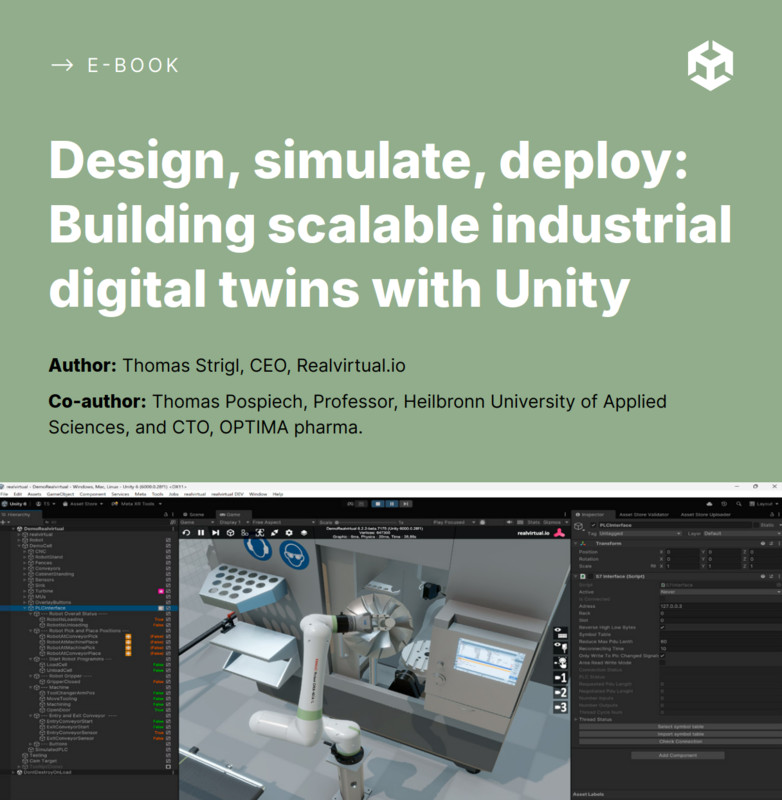
Want to understand the core concepts without getting lost in buzzwords? Unity has released a great free eBook that introduces the basics of Industrial Digital Twins:
https://unity.com/resources/industrial-digital-twin-ebook
🔧 Simplified Unity Interface for Engineers
realvirtual.io enhances Unity’s interface to simplify the process for mechanical and automation engineers. It includes essential components for automation devices, such as drives and sensors, along with interfaces to connect these components with real-world automation controllers.
Key Features:
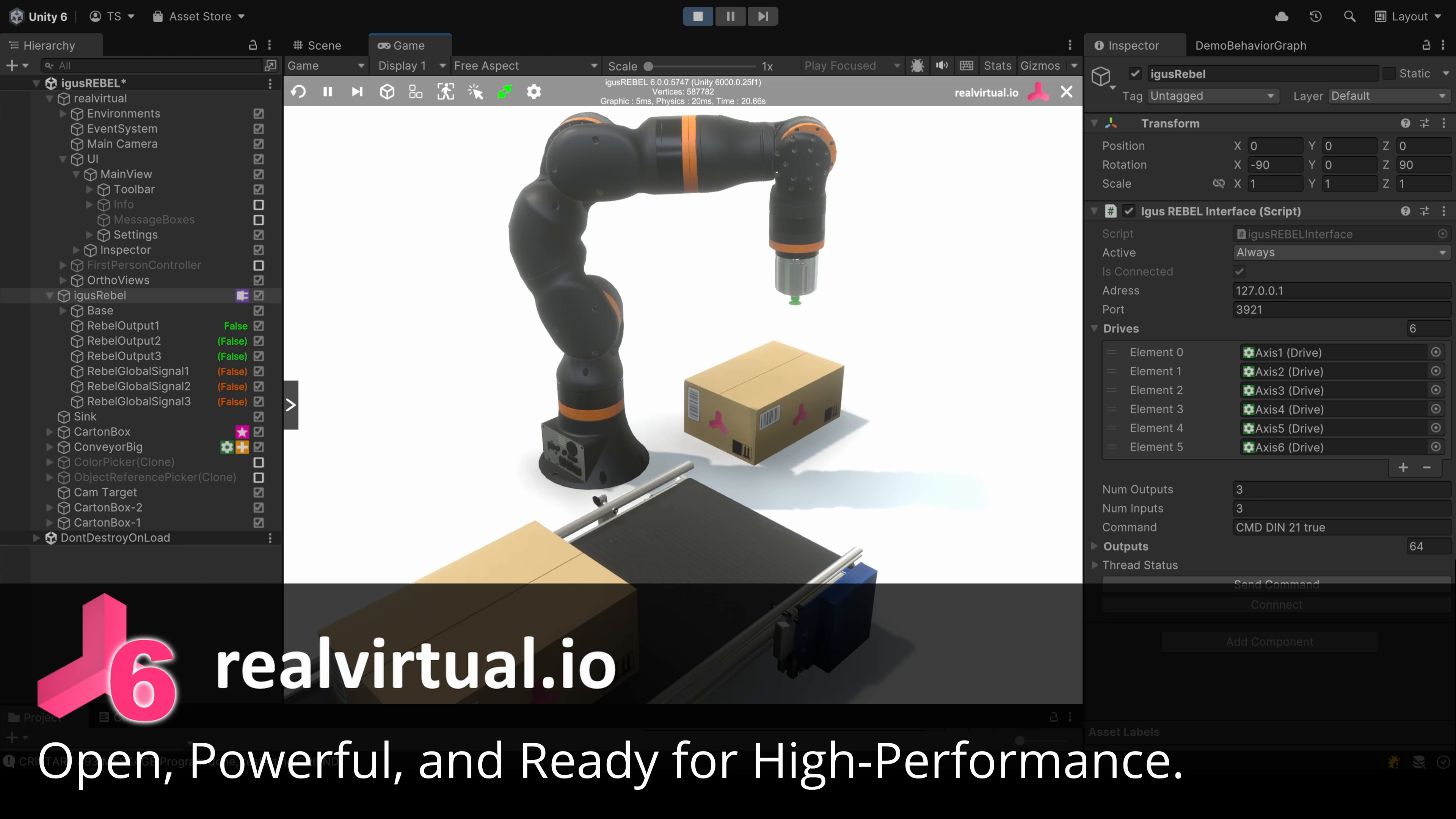
- 🔍 Hierarchy View Extension: Visualize icons for Drives, Sensors, Interfaces, and Signal Values.
- 📜 Automation Scripts: Includes scripts for Interfaces, Signals, Drives, Drive behavior models, Sensors, Picking, Sources, and Sink.
- 🌐 TCP-IP Interfaces: Connect to Siemens Hardware, including Sinumerik, Simatic, and Simotion (additional interfaces like OPC-UA available with realvirtual.io Professional).
- 🌐 Open Commissioning : Use Open Commissioning Interfaces
- 🖥️ Rebel Robot Interface: Seamless integration with Igus Rebel Robots.
- 🎮 realvirtual Base Component: Facilitates easy scene navigation with the mouse and saving of camera positions.
- 💡 Centralized Light and Visual Quality Settings: Simplify your setup for optimal performance.
🏗️ Get Started with Digital Twins
With realvirtual.io Starter, you can develop a precise digital twin of your machine. Watch our YouTube video for an overview of its functionalities.
🔄 Starter vs. Professional Version
The Starter version includes an S7-TCPIP Interface for direct TCP connections to real Siemens Controllers (S7-300, S7-400, S7-1200, S7-1500, Sinumerik, and Simotion) and an Interface to Igus Rebel Robots.
For a more comprehensive solution, consider upgrading to realvirtual.io Professional, which offers additional features such as a CAD Step Interface, communication with OPC-UA, PLCSim-Advanced, TwinCAT, and Modbus, as well as Playmaker integration, a photorealistic scene, CAD Import (STEP and 3MF), CAD Updater, CAD Checker. Kinematic Tool and so on.
🌐 Learn More and Get Support
Visit the realvirtual.io website for more information and check out the online documentation for detailed guidance.
🛠️ Compatibility and Licensing
Optimized for Unity 6 Long Term Support Version. While most features are compatible with newer versions, we recommend using Unity 6 for the best stability and extended support.
📄 License Information
This asset is an Editor Extension and is provided under a single-seat license. Per Asset Store License Terms, Editor Extension and Application Assets are licensed on a per-seat basis and may not be shared or used concurrently.
📜 External Third-Party Libraries
This asset utilizes several external third-party libraries under various licenses:
QuickToggle - MIT License, Sharp7 - Apache 2.0 License, SpaceNavigator - MIT License, UnityRuntimeInspector - MIT License, NaughtyAttributes - MIT License, Ionic.Zip - Microsoft Public License, Surge Framework - MIT License, ExcelDataReader - MIT License, UnityMeshSimplifier - MIT License, UnityIngameDebugConsole - MIT License.
For detailed license information, refer to the LICENSE.txt file included in the package.
From the publisher's Asset Store listing.
Compatibility
| Unity version | Built-in | URP | HDRP | Custom |
|---|---|---|---|---|
| 6000.0.47f1 | Compatible | Compatible | Compatible | Compatible |
| 6000.0.28f1 | Compatible | Compatible | Compatible | Compatible |
| 2022.3.41f1 | Compatible | Compatible | Compatible | Compatible |
Project is delivered in URP but with an included Render Pipeline Switch you can switch to the other render pipelines.
As listed on the Asset Store.