
 View on Asset Store (opens in new tab)
Package details
- Latest version
- 2.0.1
- Last updated
- First released
- Unity version
- 6000.0.67 or later
- Package size
- 139.7 MB
- Files
- 85
- Favorites
- 12
- Views in the past week
- 15
Price tracking
- Last checked
- Tracked since
- Lowest recorded
- $9.99 on
Keywords
Tentacle - PBR
A customizable PBR Tentacle, rigged and animated for your project!
Affiliate link · Purchases support this site
Price history
Last 6 months
USDAsset preview
1 / 7
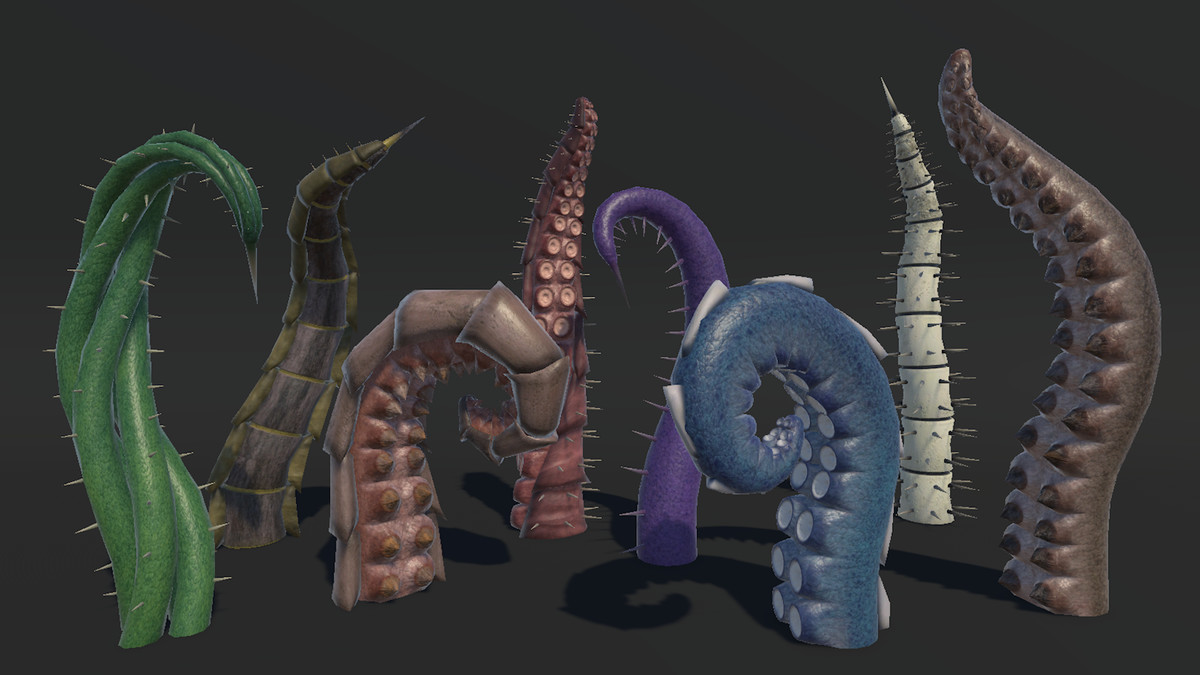
Tentacle - PBR screenshot 1
About this asset
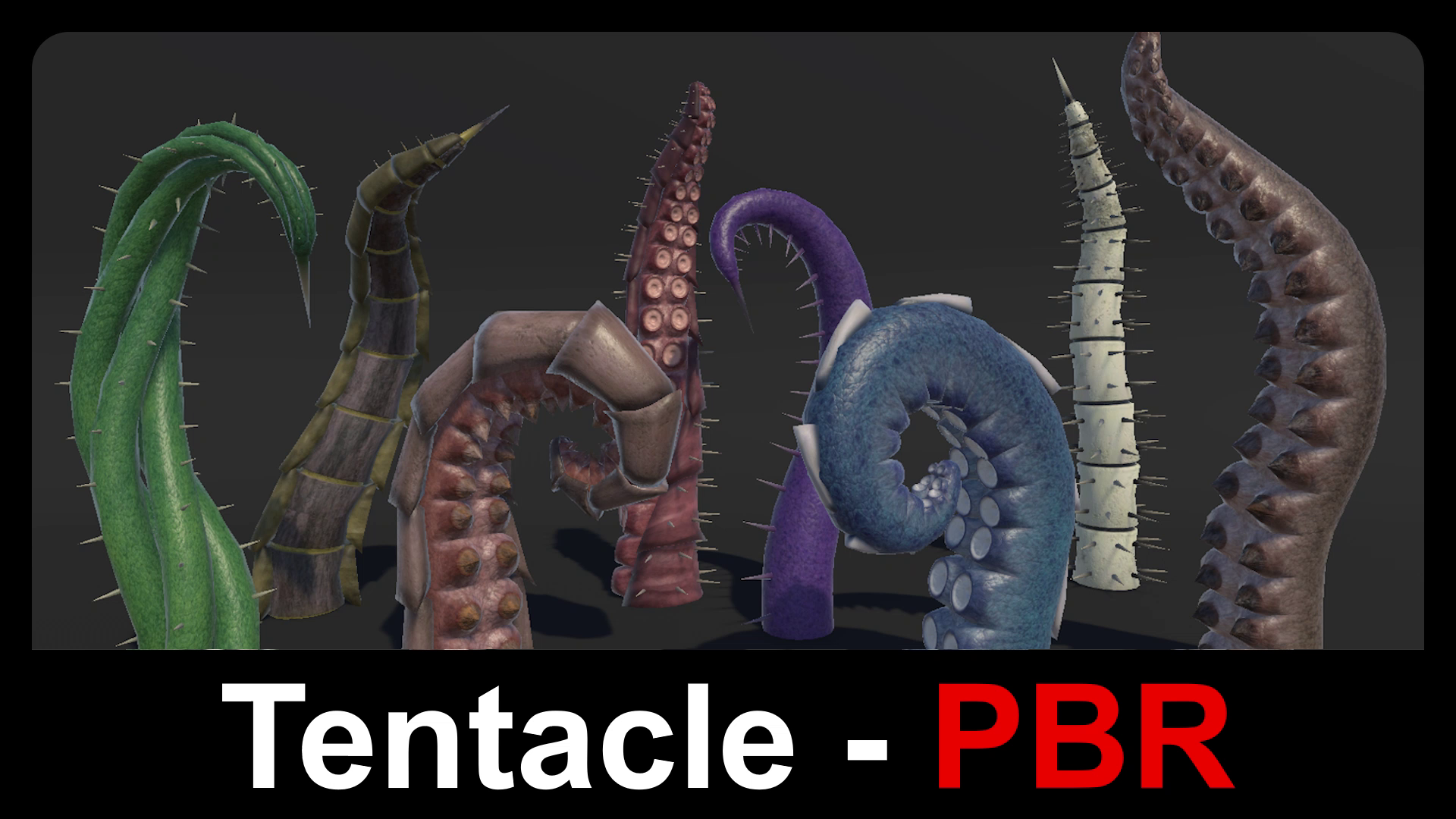
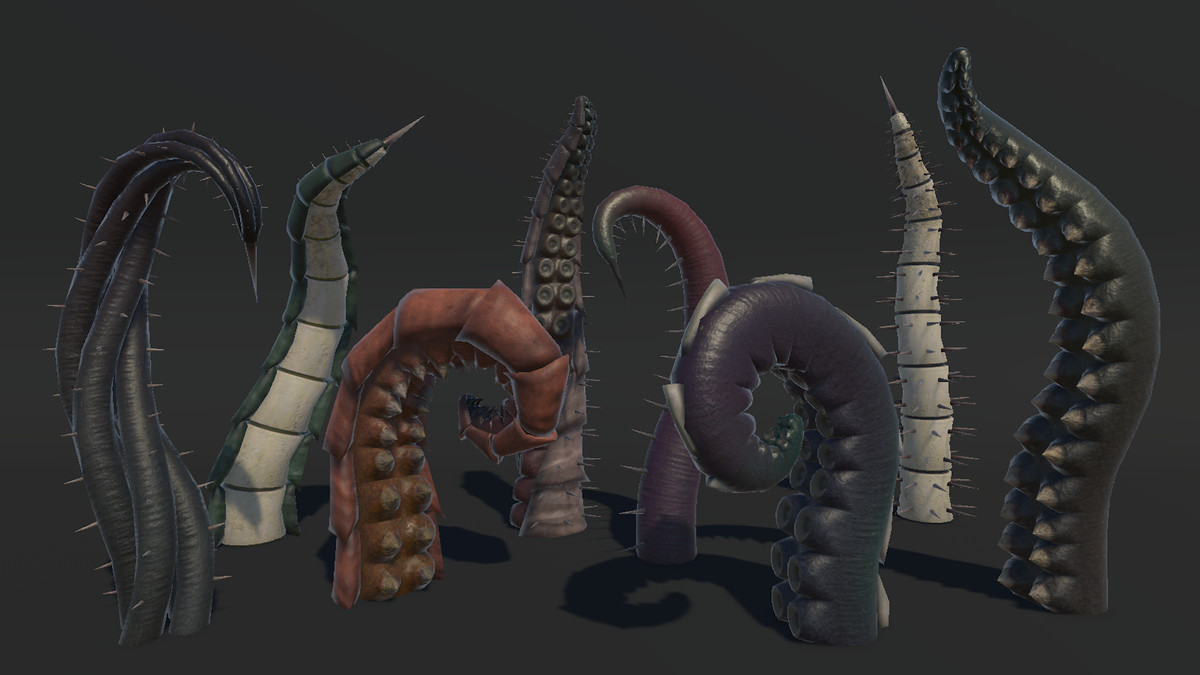
Tentacle - PBR is a rigged and animated 3D character model for games, VR experiences, and more! Whether you are building a deep-sea adventure, a sci-fi horror scene, or a whimsical fantasy game, this tentacle is sure to fit perfectly with any project!
Included in Bundle: Call of the Deep - PBR
Key Features:
- Realistic PBR style made to fit seamlessly with other assets.
- Fully rigged and ready for both premade and procedural animations.
- Game ready with 11 high-quality animations.
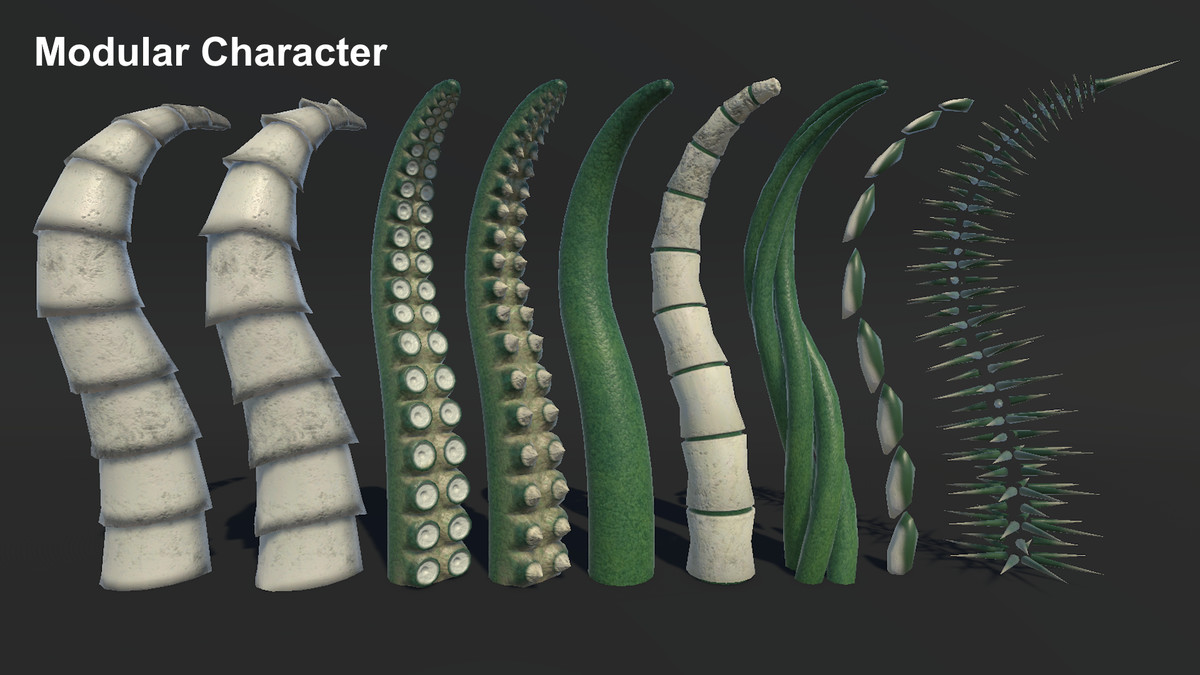
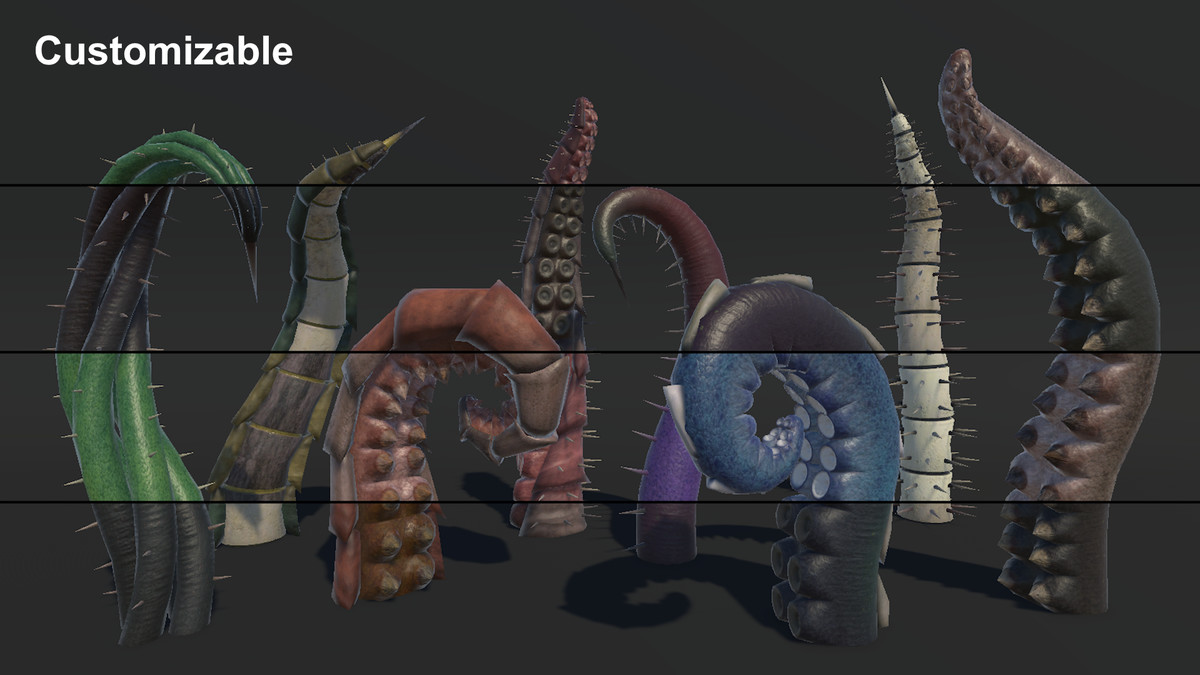
- Modular customization: Tentacle x5, Armor x2, Spikes x5, Spine, Thorns, TipSpike
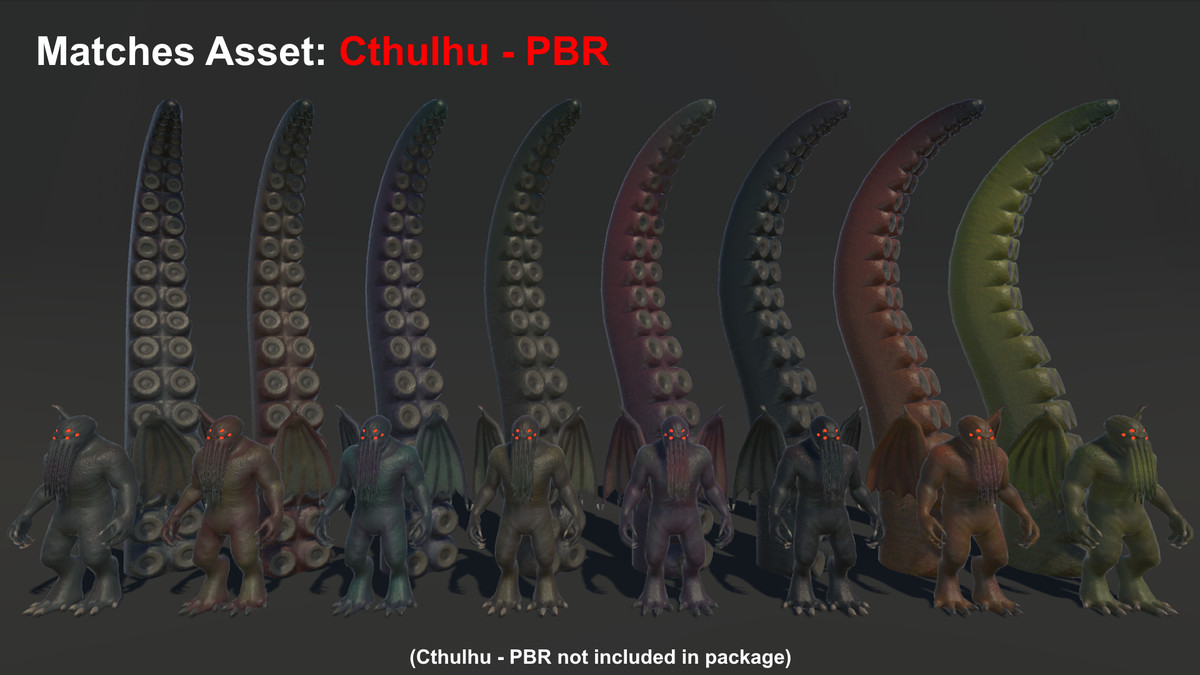
- Customizable with 20+ PBR materials: Tentacle x8, Cthulhu Tentacle x8, Armor x12
Upgrade-Friendly:
This asset comes in two versions:
Get the Poly version, and upgrade to PBR at a discount!
Get the PBR version, and get access to Poly for FREE!
From the publisher's Asset Store listing.
Technical details
Number of textures: 36
Texture dimensions: 2048x2048
Number of meshes: 15
Mesh List:
- Armor x2
- Spikes x5
- Spine
- Tentacle x5
- Thorns
- TipSpike
Polygon count (Individual Meshes):
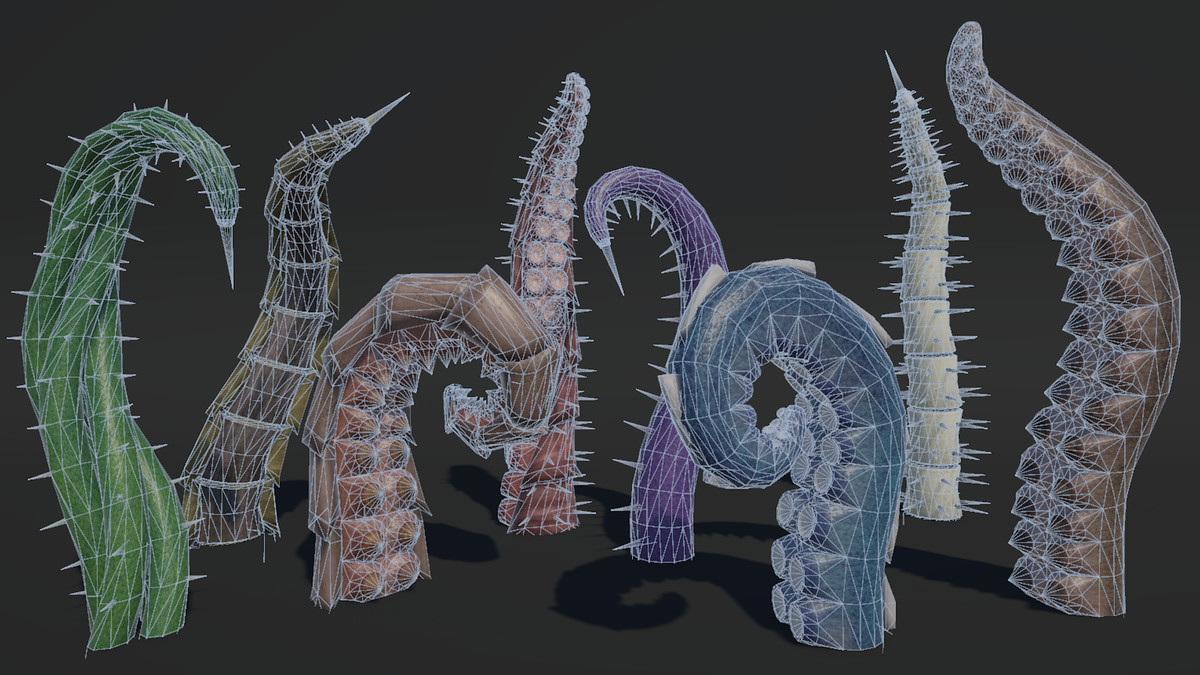
Triangles - 112 to 3600
Faces - 64 to 2128
Vertices - 65 to 1809
Polygon count (Total):
Triangles - 16216
Faces - 9804
Vertices - 9415
Rigging: Yes
Animation count: 11
Animation list:
- Idle1
- Idle2
- Rise1
- Rise2
- SlapR1
- SlapL1
- SlapR2
- SlapL2
- Slam
- Stab
- Retreat
Compatibility
| Unity version | Built-in | URP | HDRP |
|---|---|---|---|
| 6000.0.67f1 | Compatible | Compatible | Compatible |
Render Pipeline Setup:
If you are using the Built-In Render Pipeline:
- No additional setup is needed.
If you are using URP or HDRP:
1. Import the assets as usual to your URP or HDRP project.
2. Go to the "RP Support" folder within the asset pack.
3. Import either the URP or HDRP Conversion package depending on your render pipeline.
As listed on the Asset Store.