
 View on Asset Store (opens in new tab)
Package details
- Latest version
- 1.2.0
- Last updated
- First released
- Unity version
- 6000.0.24 or later
- Package size
- 37.4 MB
- Files
- 65
- Favorites
- 339
- Views in the past week
- 147
Price tracking
- Last checked
- Tracked since
- Lowest recorded
- Free on
Keywords

Ezereal Car Controller
Free Modular Truck & Car Controller (Demo scene included). Perfect for learning and simple projects! Uses Unity's Wheel Collider. Depends on Input System, Cinemachine (3.0+) and TextMeshPro packages.
Affiliate link · Purchases support this site
Price history
Last 6 months
USDAsset preview
1 / 14
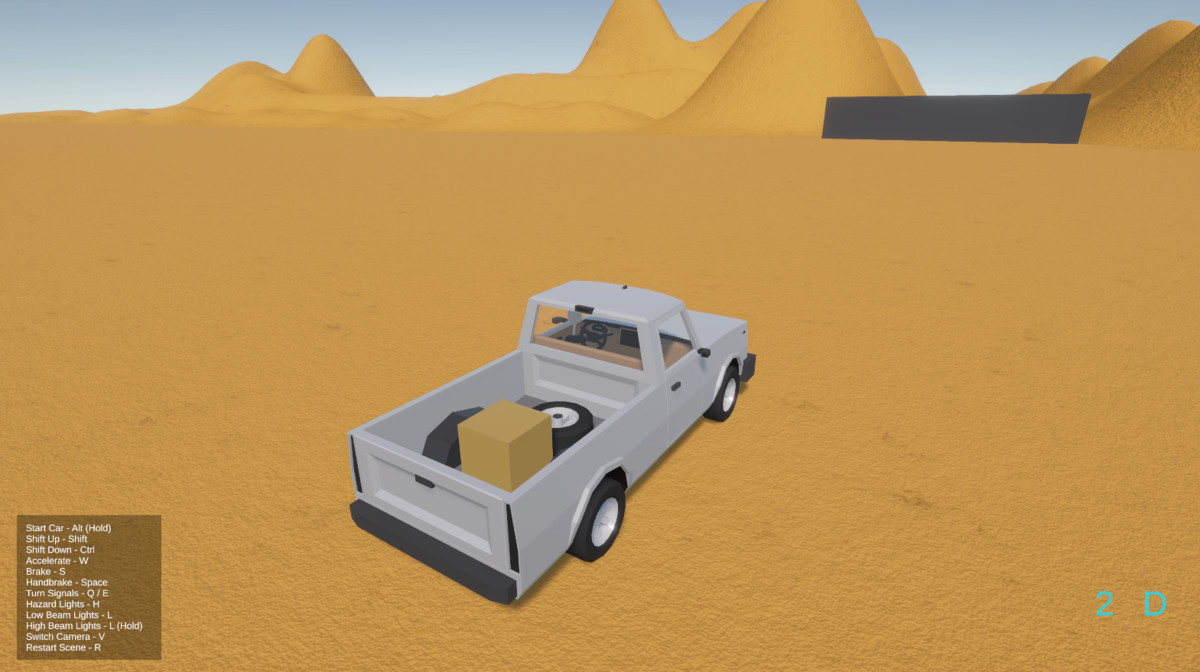
Ezereal Car Controller screenshot 1

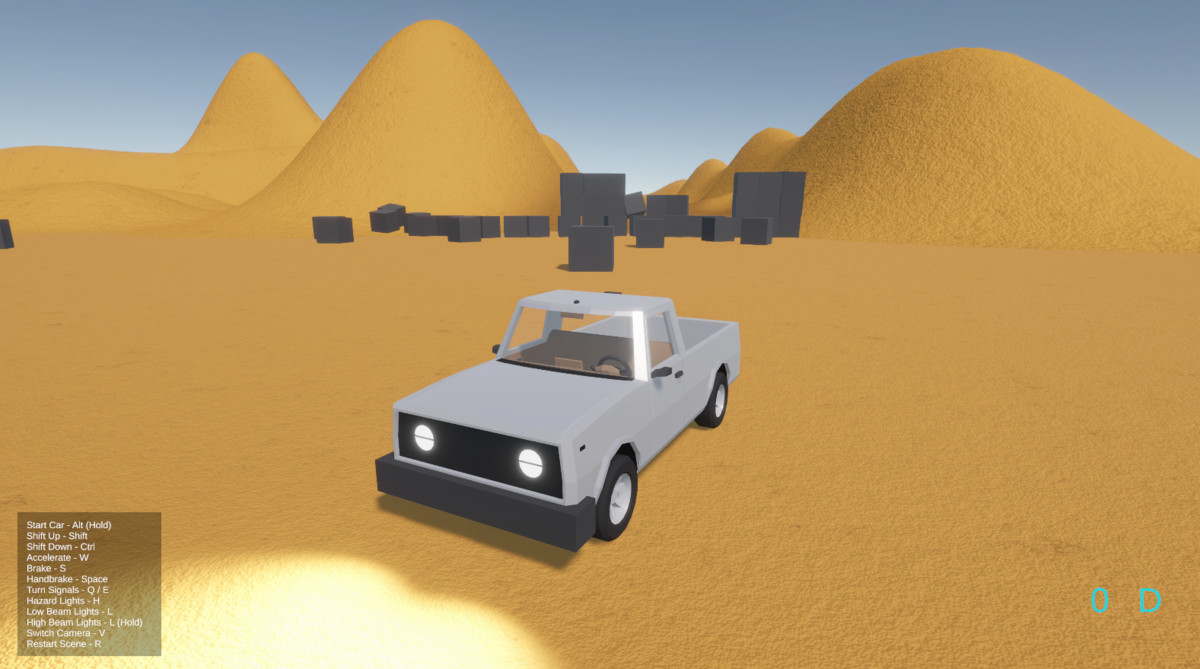
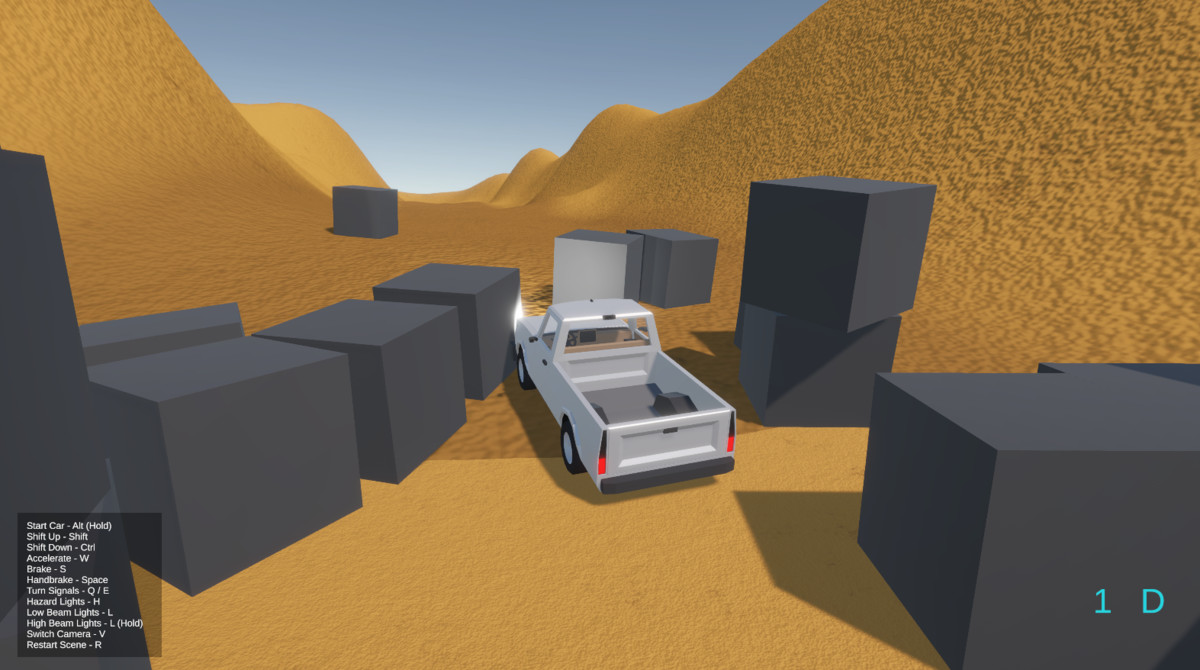
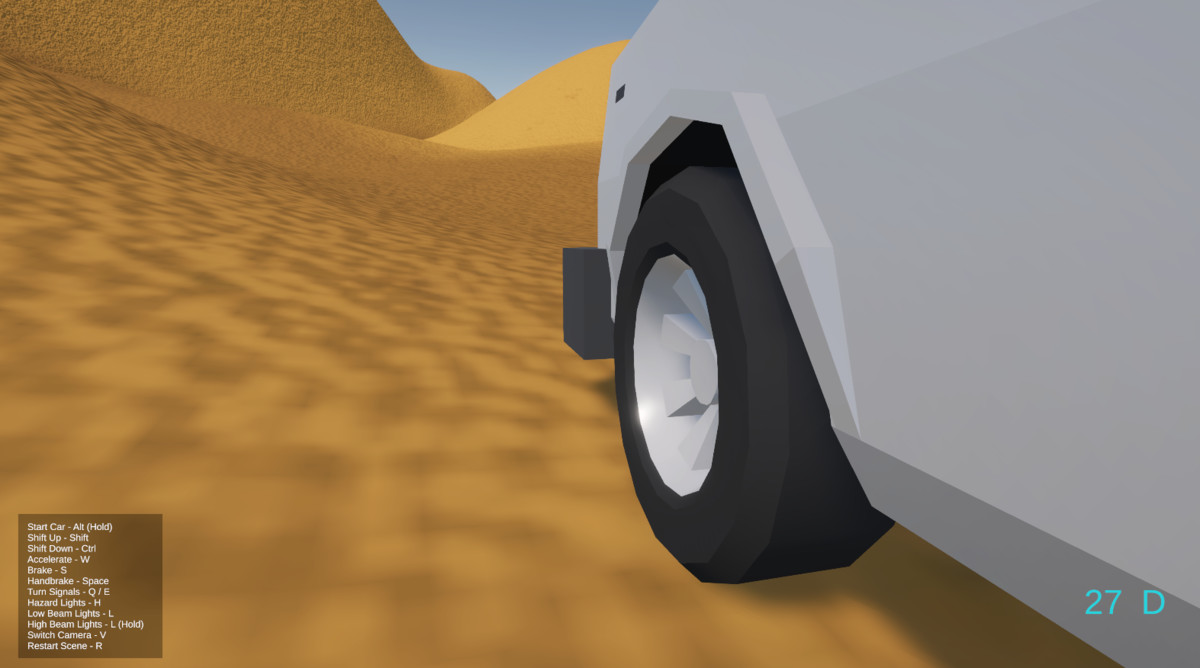


About this asset
This Asset includes a 3D model of a modular vehicle, Car Controller with different systems. Ready to be used in your projects. Please, read the description first if you are not familiiar with this asset.
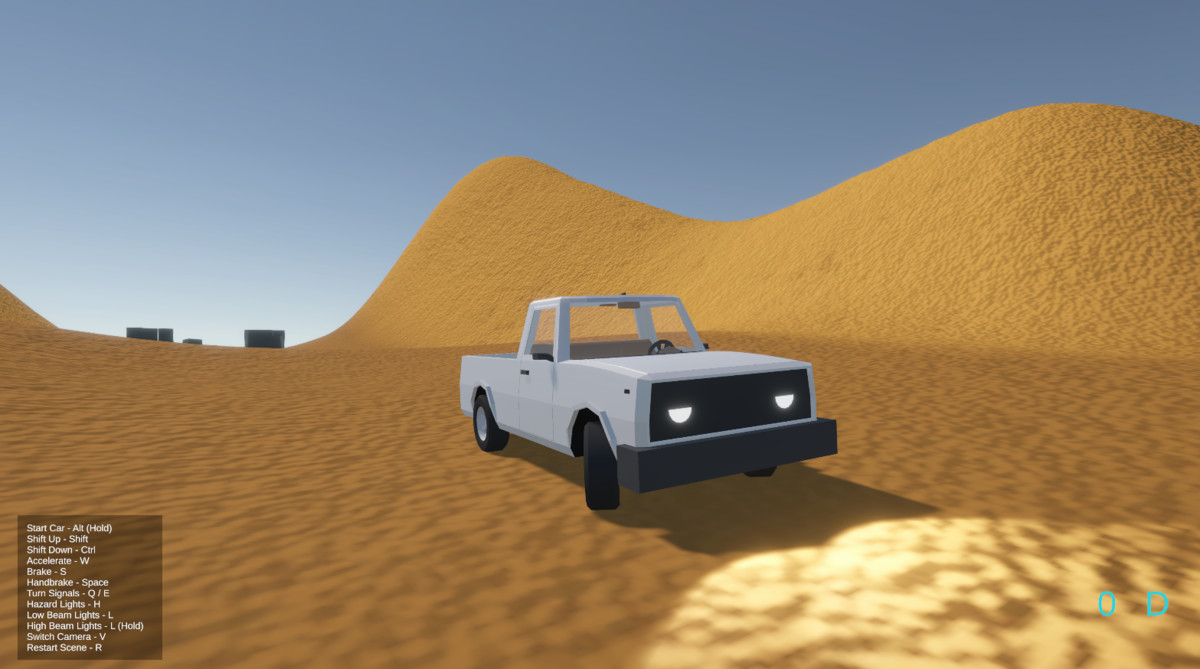
🧪 Demo scene included! (URP only)
Also it is:
- Easy to install (Simply Drag & Drop prefab on your scene).
- Perfect for starters, learning and making projects!
⚠️ Required packages ⚠️
- Input System package (Already included in Unity 6 default templates. Used for Active Input Handling. Version 1.11.2 or newer. Required for vehicle control).
- Cinemachine (Used for camera controls. Please keep in mind that in order to install the latest version you need Unity 6+. This can be ignored if you will make your own camera and it's controls, or you use older versions of Unity Editor (2021-2023). Make sure that the version is 3.1.2 or newer).
- TextMeshPro (Only essential resources required. Window > TextMeshPro > Import TMP Essential Resources. Used for speed and current gear display on dashboard and overlay UI).
🚗 About vehicle:
This electric truck is built exclusively for this asset. It is a professionally modeled vehicle with modular parts and working interior.
Body:
You can take apart almost everything:
Body, Hood, Trunk, Doors, Windows, Wheels, bumpers, Wheel Arches and so on.
Every important part has convinient pivot and ready for animation.
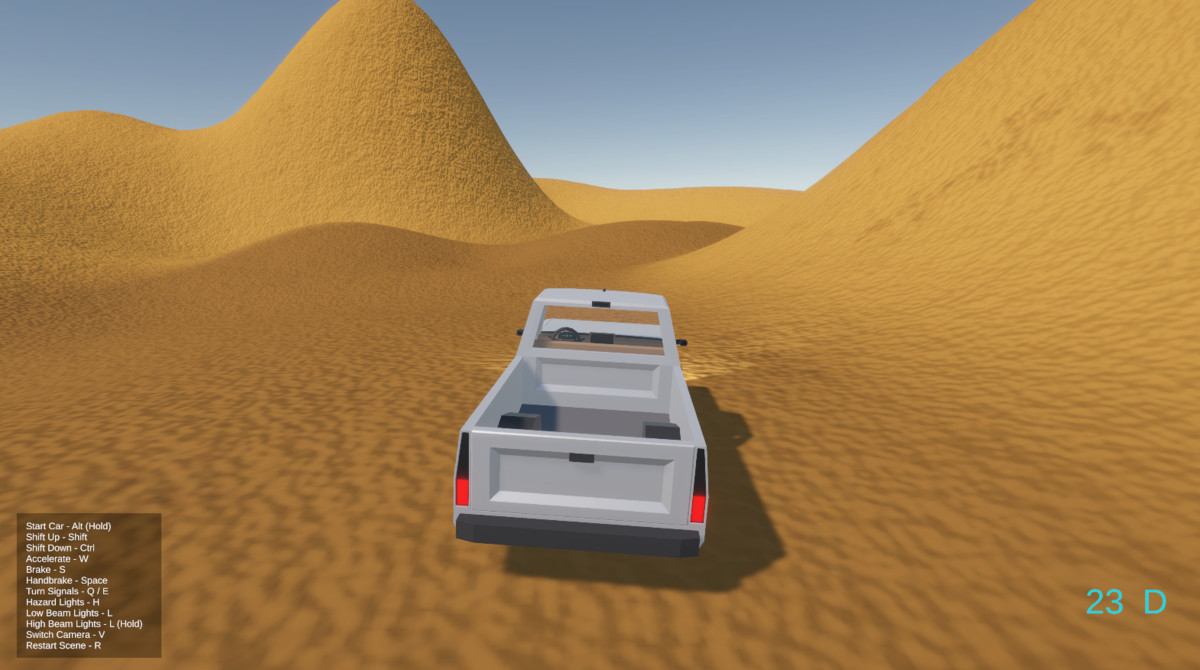
You can place Rigidbody objects in the trunk and have fun with it!
Lights:
Has controllable headlights, rear lights, turn signals (on each side), reverse lights and interior light. Because of it's electric nature. Every light is a separate GameObject. Simpy turn it on and off as you like without changing material color.
Interior:
Minimalistic interior with modular parts
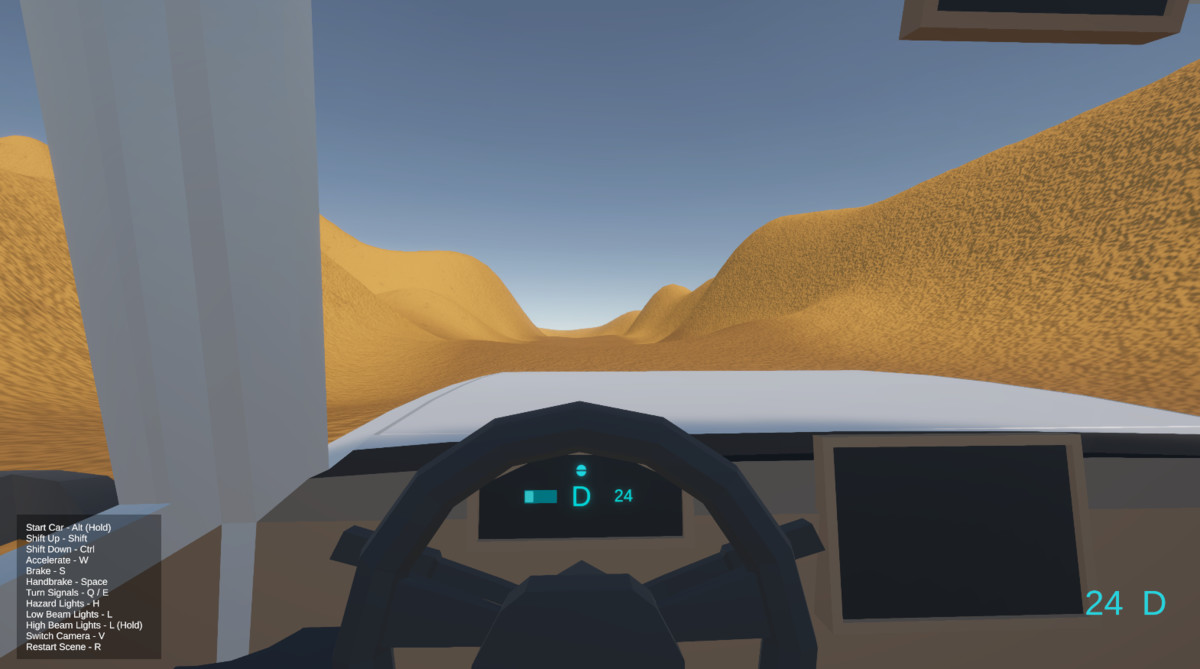
Dashboard (with Working Lights!), Display, Pedals, Rotating Steering Wheel (you can even control the angle), Handbrake, Seats, Levelers (for turn signals and gear change), Interior lights.
Materials:
No textures used. Every GameObject can have it's own material that can be changed at any time.
🎮 About Car Controller:
Car Controller is made out of custom modular systems. You can even have only car controller main script and completely ignore other systems (references) without any code (if you wish). Here are the systems:
- Car Controller (Main Script)
- Wheel Friction Controller (for drift and frictions settings, that are ready for you to configure)
- Camera Controls (5 modes, more can be added)
- Light Controls - Used to control all lights in the vehicle, including low & high beam headlights, rear, reverse, brake and handbrake lights
- Sound System (For your Electric engine and wheel rolling sounds)
- Wheel Suspension Bump Detection (For suspension sounds on each wheel)
Only New Input System package is supported for Input Handling. This is perfect apportunity for you learn it now, using this asset.
Main Car Controller script includes:
- Basic physics controls (listed below)
- Start/Off vehicle system
- Simulated Automatic Gear Box with three modes (reverse, neutral, drive).
- Changes Drive Types (FWD, RWD, AWD).
- Current Gear and Speed info (to TextMeshPro).
- Debug Info
🛞 Physics:
By default, this asset uses Unity's Wheel Collider. And you can change any of these settings:
- Max Forward Speed;
- Max Reverse Speed;
- Horse Power;
- Brake Power;
- Handbrake Power;
- Steering Speed;
- Deceleration Speed;
- Max Wheel Angle;
- Max Steering Wheel Angle;
🎥 Camera:
Cinemachine package is used to control camera switches and behaviours. It is an awesome package and can be used in many projects without touching the code.
Cameras have different modes - cockpit, wheel, follor far/close, freelook. Many more can be added if you need to.
🔊 Sound Controller:
Sound Controller script can play these sounds with pitch control:
- Engine
- Wheels rolling on ground
- Suspension bump
⚠️ Sounds are not included.
✨ Have fun creating! ✨
From the publisher's Asset Store listing.
Compatibility
| Unity version | Built-in | URP | HDRP |
|---|---|---|---|
| 6000.0.24f1 | Not listed | Compatible | Not listed |
⚠️ Supports URP pipeline. But you can make your own materials in Built-In/HDRP (or any other pipeline) and assign to any part of the vehicle since it doesn't have any textures.
Demo scene works only in URP.
As listed on the Asset Store.