
 View on Asset Store (opens in new tab)
Package details
- Latest version
- 1.1
- Last updated
- First released
- Unity version
- 2021.3.37 or later
- Package size
- 73.6 MB
- Files
- 4
- Favorites
- 10
- Views in the past week
- 19
Price tracking
- Last checked
- Tracked since
- Lowest recorded
- $7.50 on
Keywords

VFX Graph - Hits & Impacts - Vol. 2
Affiliate link · Purchases support this site
Price history
Last 6 months
USDAsset preview
1 / 13

VFX Graph - Hits & Impacts - Vol. 2 screenshot 1


About this asset
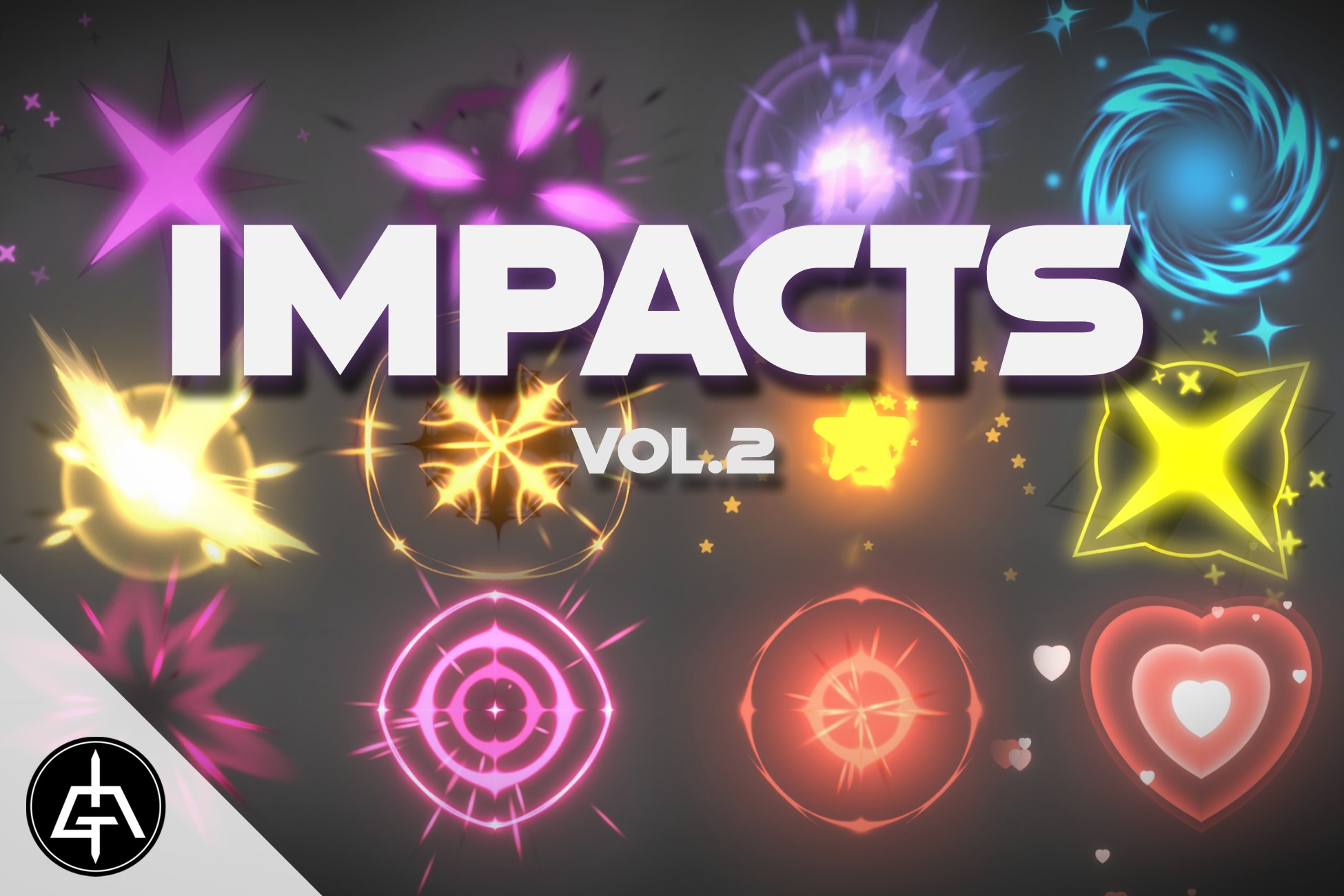
25 Hits & Impacts done entirely with Visual Effect Graph.
VFX Graph - Hits & Impacts - Vol.1
This package includes:
-25 Hits & Impacts (9 customizable VFX Graphs)
-Easy Color Adjust
-Textures (hearts, stars, impact flipbooks, circles, flares, etc)
-HDRP and URP only
-Limited Mobile support (high-end mobile devices only)
-Documentation
Visual Effect Graph from the Package Manager is required.
Contact me for any questions (check my profile here in the asset store for contacts).
More VFX Packages:
- VFX Graph - Ultra Mega Pack - Vol.1
- VFX Graph - Mega Pack - Vol.1
- VFX Graph - Mega Pack - Vol.2
- VFX Graph - Mega Pack - Vol.3
- VFX Graph - Mega Pack - Vol.4
Socials:
From the publisher's Asset Store listing.
Compatibility
| Unity version | Built-in | URP | HDRP |
|---|---|---|---|
| 6000.0.43f1 | Not listed | Compatible | Compatible |
| 2022.3.43f1 | Not listed | Compatible | Compatible |
| 2021.3.37f1 | Not listed | Compatible | Compatible |
-This packages only works in URP and HDRP.
-Visual Effect Graph package is required. Install it first.
-Compile shaders before opening scenes or VFX Graphs (open shaders -> close -> if asked to save say yes)
-Read the Documentation.
-Contact me for doubts.
As listed on the Asset Store.