
 View on Asset Store (opens in new tab)
Package details
- Latest version
- 2.0.1
- Last updated
- First released
- Unity version
- 6000.2.6 or later
- Package size
- 1.6 MB
- Files
- 3
- Favorites
- 54
- Views in the past week
- 28
Price tracking
- Last checked
- Tracked since
- Lowest recorded
- Free on
Keywords

Missing Scripts Tool
The Missing Scripts Tool for Unity quickly removes missing script references from GameObjects in your scene. It streamlines project cleanup, preventing errors and keeping scenes optimized.
Affiliate link · Purchases support this site
Price history
Last 6 months
USDAsset preview
1 / 6
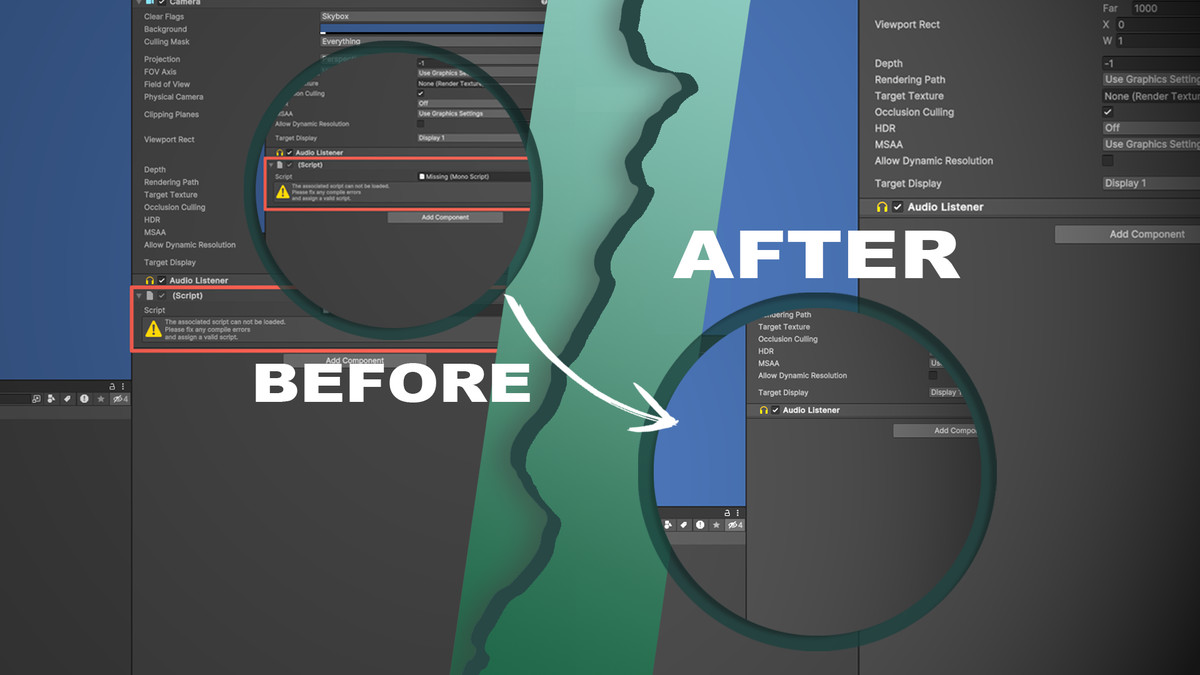
Missing Scripts Tool screenshot 1

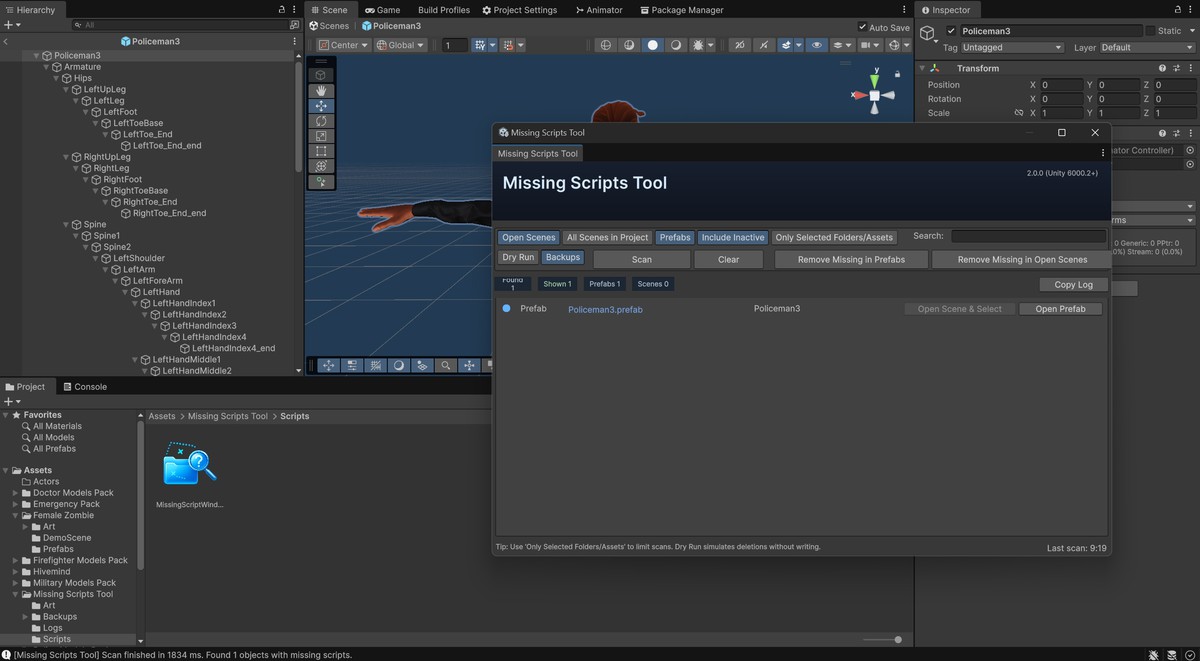

About this asset
Missing Scripts Tool for Unity
A fast, safe utility to find and remove missing MonoBehaviour references across Scenes and Prefabs. Ideal after refactoring, renaming, or deleting scripts—eliminates orphaned links, prevents errors, and keeps your project clean.
Discord | Email
Key Benefits:
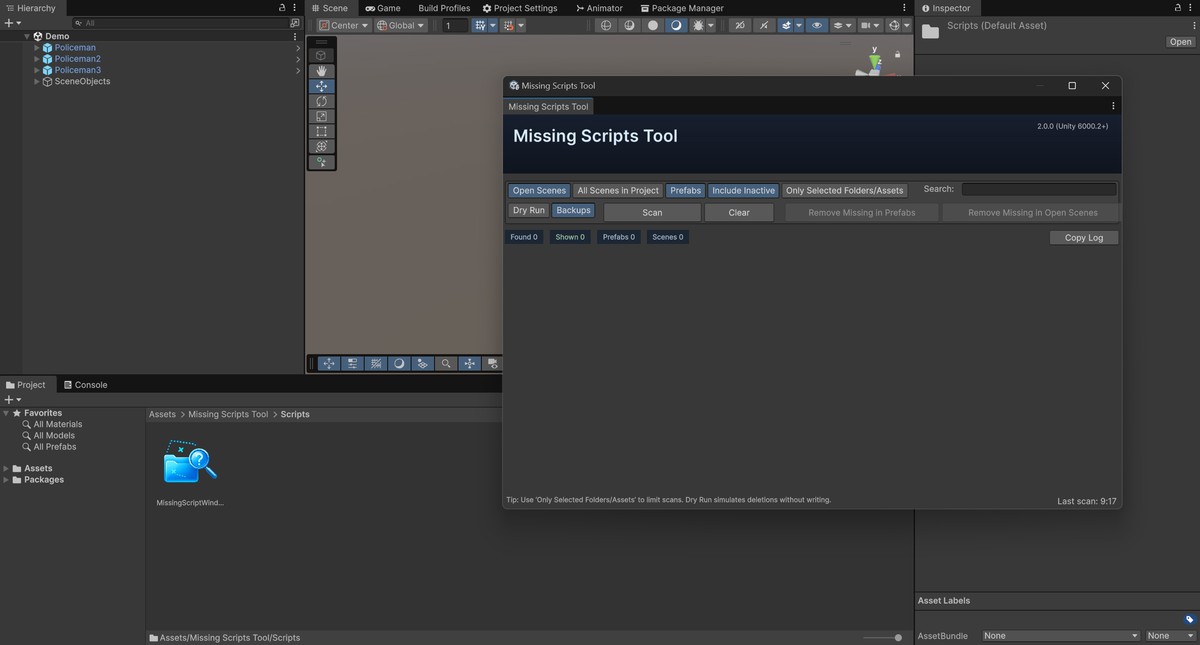
- Scan scopes: Prefabs, Open Scenes, or All Scenes in Project
- Safety-first: Dry Run (simulate) and optional Backups (Assets/Missing Scripts Tool/Backups)
- Filters: “Only Selected Folders/Assets”, “Include Inactive”, quick Search
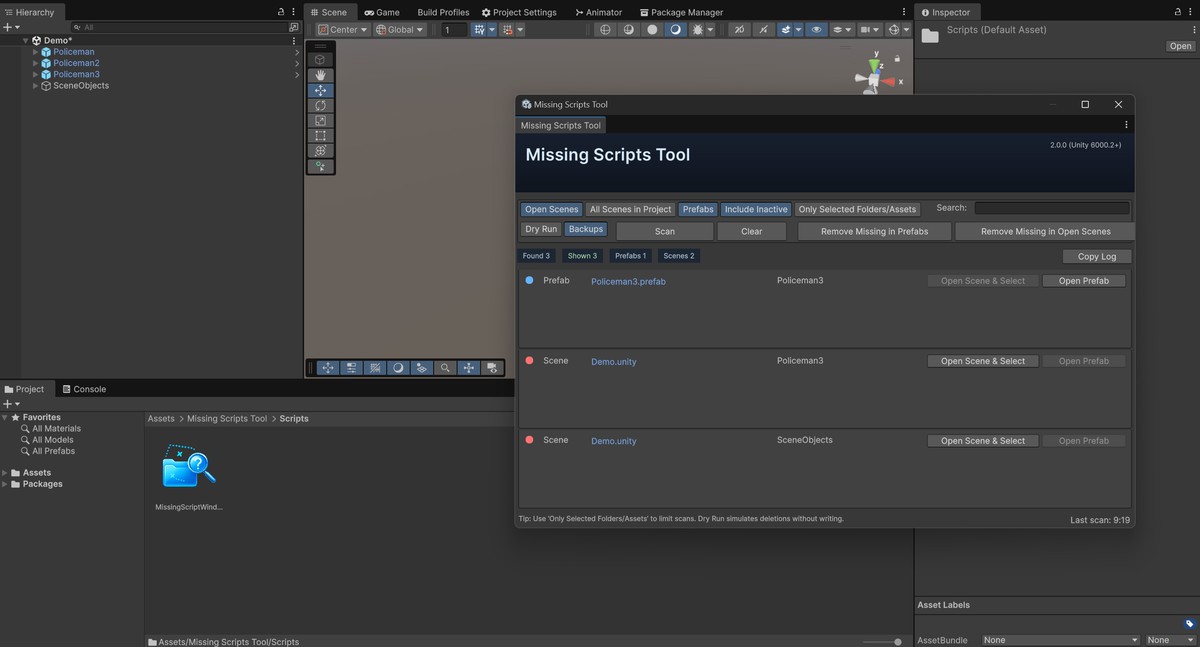
- One-click actions: Remove Missing in Prefabs / Open Scenes, Copy CSV log
- UX: Progress bars with cancel, open target via Open Scene & Select / Open Prefab
Quick Start
- Enable and Backups → Scan
- Review results, then Remove Missing (disable Dry Run to commit)
- Menu: Tools → Missing Scripts Tool · Hotkey: Ctrl/Cmd+Shift+U
With the Missing Scripts Tool, keeping your scenes clean and error-free becomes fast and effortless.
From the publisher's Asset Store listing.
Technical details
Features:
- Scan scopes: Prefabs • Open Scenes • All Scenes in Project
- Filters & control: “Only Selected Folders/Assets”, “Include Inactive”, live Search
- Safety: Dry Run (no writes) and Backups to Assets/Missing Scripts Tool/Backups
- Results & actions: Copy CSV-style log (Kind;AssetPath;ObjectPath), Open Scene & Select / Open Prefab, progress bars with cancel
- Compatibility: Unity 6000.2+ (packages and model prefabs are skipped on purpose)
Link to documentation: Offline inside the project (Built-in).
Compatibility
| Unity version | Built-in | URP | HDRP | Custom |
|---|---|---|---|---|
| 6000.2.6f2 | Compatible | Compatible | Compatible | Compatible |
As listed on the Asset Store.