
 View on Asset Store (opens in new tab)
Package details
- Latest version
- 0.0.12
- Last updated
- First released
- Unity version
- 2022.3.22 or later
- Package size
- 396 KB
- Files
- 117
- Views in the past week
- 0
Price tracking
- Last checked
- Tracked since
- Lowest recorded
- $7.50 on
Keywords

Share InputSystem Device
Enable split keyboard/controller games fast, in 2 steps. Unitys InputSystem allows sharing a single device with multiple players. This package solves a shared device working with PlayerInputManager.
Affiliate link · Purchases support this site
Price history
Last 6 months
USDAsset preview
1 / 4
Share InputSystem Device video 1 (plays on the Asset Store)
About this asset
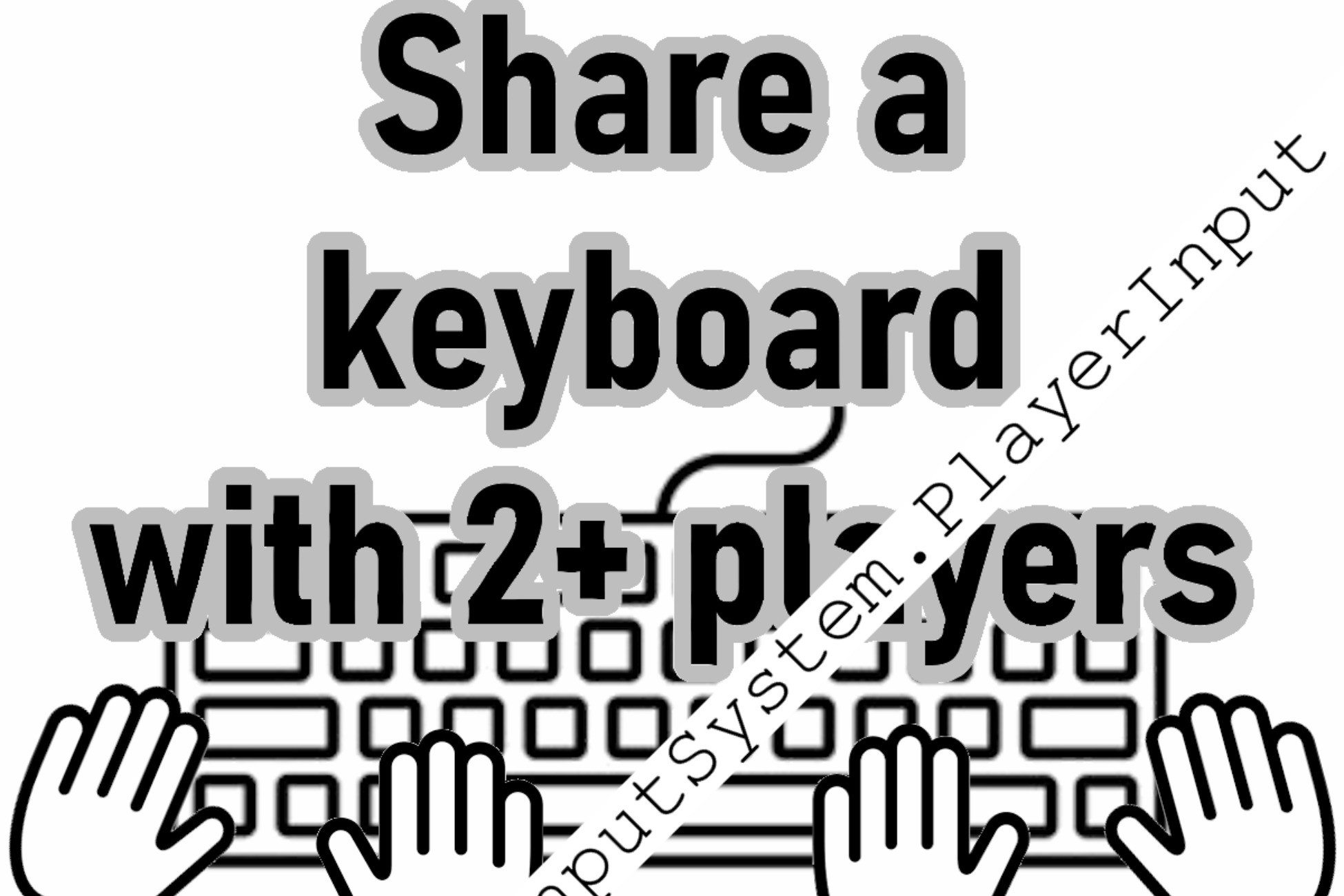
This package solves supporting more than one player per device. Use Unity's InputSystem.PlayerInput even when a device is used by multiple players in 2 steps.
What are the 2 steps!?
1. Matches what you may have seen in multiple "split keyboard" tutorials. Such as youtu.be /RMgNmgaBdwk . Setup your `\*.inputactions` asset to support a different control scheme for each player. It doesn't matter if there are multiple control schemes for a single device.
2. Add the `PlayerInputCanShareDevice.cs` component to the `PlayerInput` prefab that is referenced by your `PlayerInputManager`.
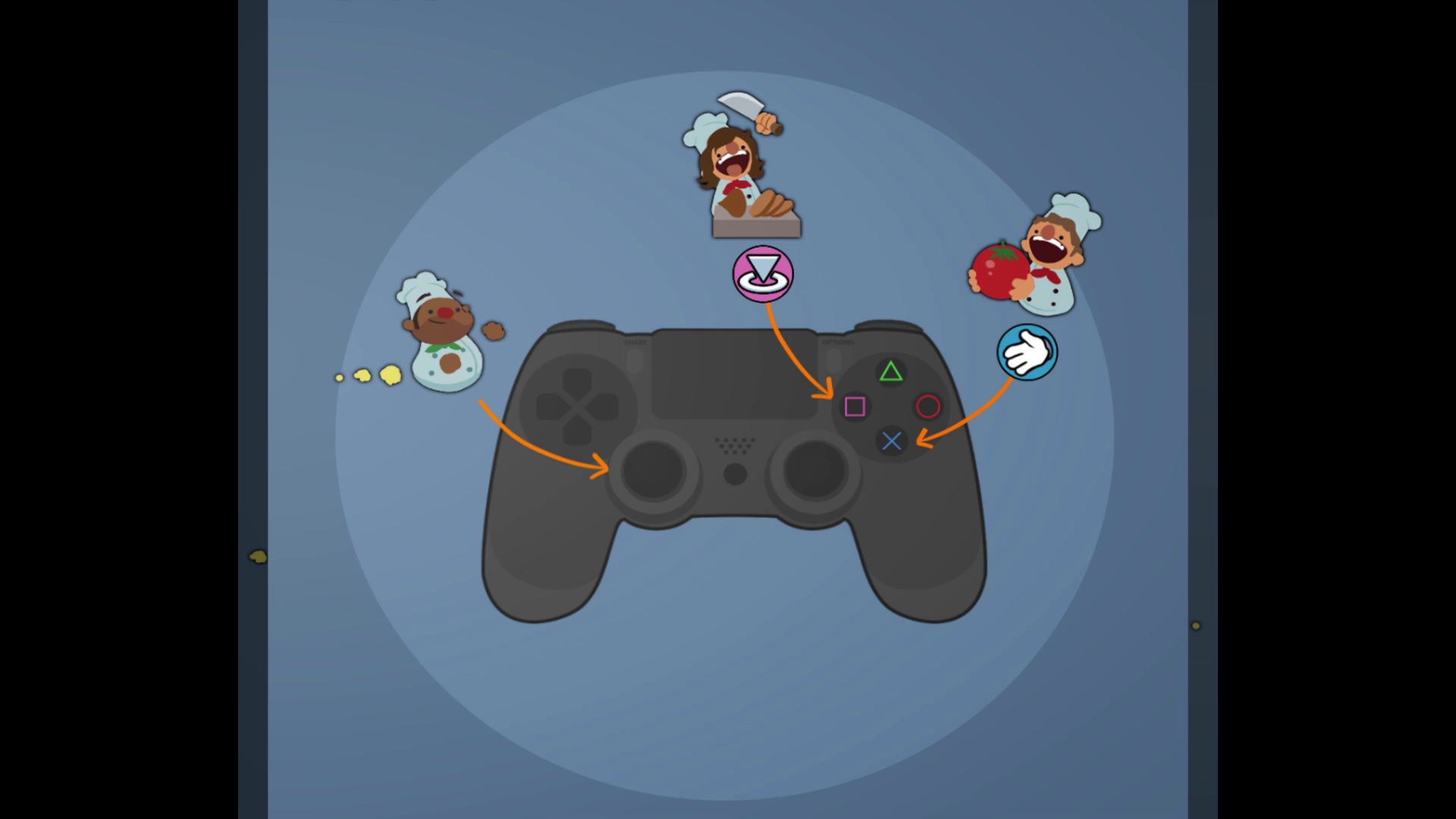
That's it! PlayerInputCanShareDevice.cs handles leveraging what you setup in '\*.inputactions` to correctly split the device with as many players as you'd like. All while being able to use Unity's PlayerInput and PlayerInputManager for everything else.
Features:
- Allows any device to support any number of players; 2-8+ players on a keyboard, 2+ on each gamepad, etc.
- Works with Unity's default PlayerInput & PlayerInputManager components.
- Works with PlayerInputManager join/left system.
- Works with Unity's button rebinding system.
From the publisher's Asset Store listing.
Technical details
# Overview
UnityEngine.InputSystem allows you to share a single device with multiple players. (see https://docs.unity3d.com/Packages/[email protected]/manual/PlayerInput.html ). Enabling setups such as 2 players using a single keyboard.
However, it's not easy to setup. Especially if you want to support using the InputSystems control rebinding and/or the ability to create the player only when they press a button on their shared section of the device.
# Functionalities included
- InputSystem demonstration of single device shared with multiple players. Keyboard and Gamepad are shown in the example. The setup works with any device.
- InputSystem prefabs for rebinding controls on shared devices.
- Shared device setup shows players able to join and drop at runtime by pressing a key on bound sections of the device.
# Dependencies
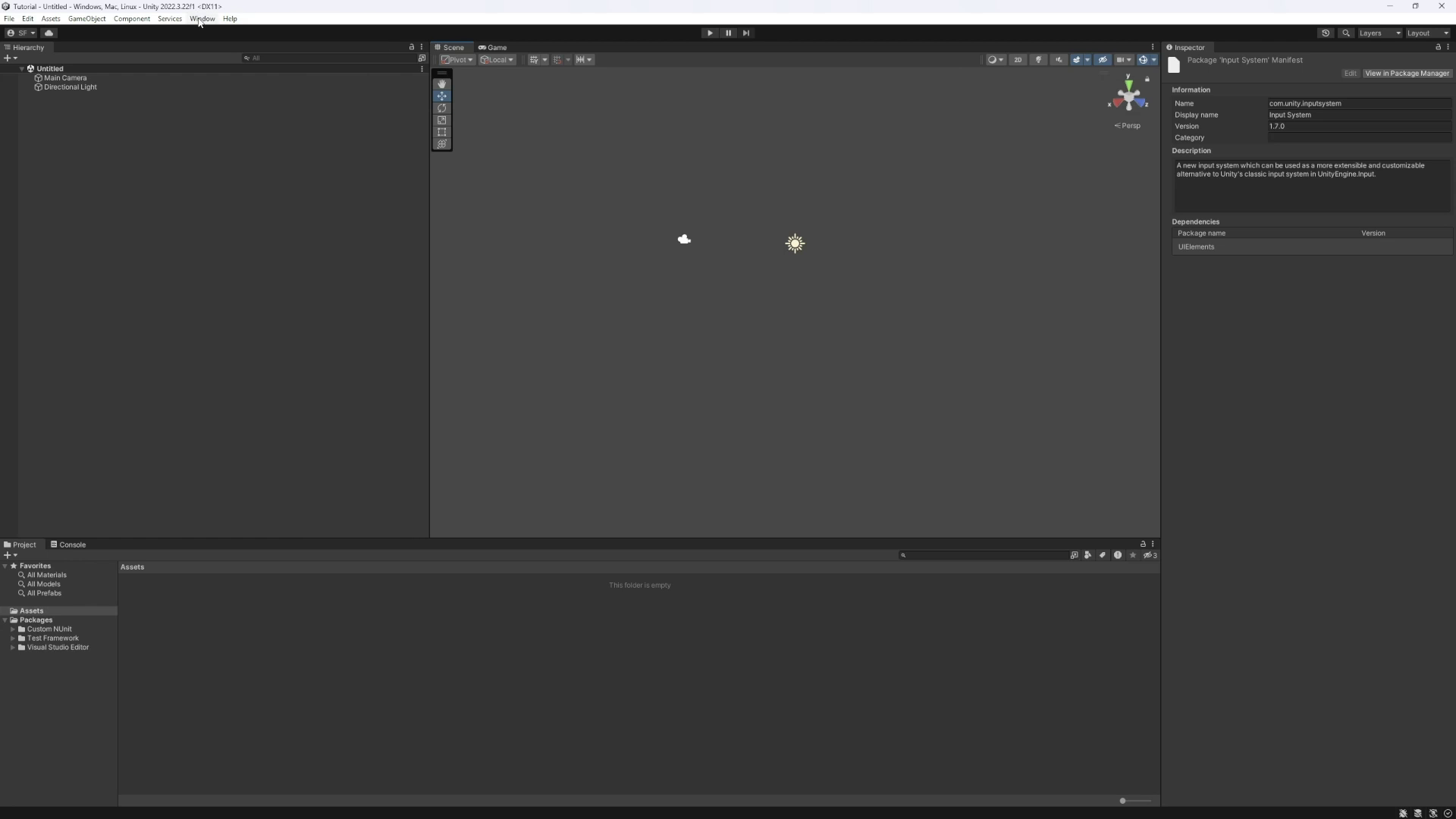
- This package requires including UnityEngine.InputSystem.
- Some scenes need TMPro (TextMeshPro) essentials in your project.
Compatibility
| Unity version | Built-in | URP | HDRP |
|---|---|---|---|
| 2022.3.22f1 | Compatible | Not listed | Not listed |
As listed on the Asset Store.