
 View on Asset Store (opens in new tab)
Package details
- Latest version
- 1.0
- Last updated
- First released
- Unity version
- 2022.3.49 or later
- Package size
- 90 KB
- Files
- 12
- Favorites
- 2
- Views in the past week
- 8
Price tracking
- Last checked
- Tracked since
- Lowest recorded
- $5.00 on
Keywords
Speech Bubble Arrow
This plugin is designed for dialogue-heavy games, offering transparent, resizable dialogue bubbles with typing effects and customizable arrow positioning for a seamless UI experience.
Price $5.00
Buy on Asset Store (opens in new tab)
Affiliate link · Purchases support this site
Price history
Last 6 months
USDAsset preview
1 / 2

Speech Bubble Arrow screenshot 1
About this asset
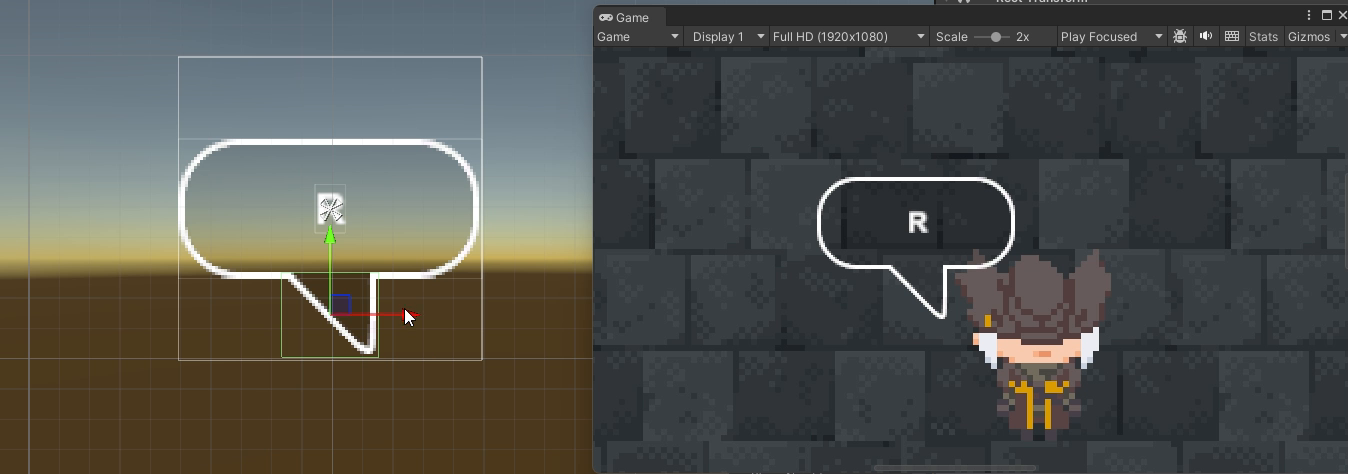
This plugin is designed for games that incorporate dialogue systems and offers flexible and customizable dialogue bubbles. It provides several key features to enhance the user experience, including transparent dialogue frames, resizable dialogue boxes, typing effects, and freely adjustable arrow positioning.
Ideal Use Cases
This plugin is ideal for:
- Games with story-driven elements, where immersive dialogue is key.
- RPGs, visual novels, or adventure games that require flexible and customizable dialogue presentations.
- Any game needing a non-intrusive, visually appealing dialogue system that blends well with different UI or game environments.
Benefits
- Improved Immersion: The transparent and resizable bubbles allow dialogue to integrate more naturally with game environments, making conversations less intrusive.
- Dynamic Dialogue Presentation: With the typing effect and flexible arrow positioning, the dialogue feels more alive and responsive to the scene.
- Easy Customization: The plugin offers straightforward control over the appearance and behavior of dialogue, enabling quick adjustments to fit any dialogue-heavy game.
From the publisher's Asset Store listing.
Technical details
Features
- Transparent Dialogue Bubble: The dialogue box supports transparent frames, allowing seamless integration into various game environments without obstructing the background visuals.
- Customizable Bubble Size: You can easily adjust the size of the dialogue bubble to fit different amounts of text, ensuring a perfect fit for short or long dialogues.
- Typing Effect: The text inside the dialogue bubble is displayed character by character, creating a typing animation that adds dynamic pacing to the dialogue.
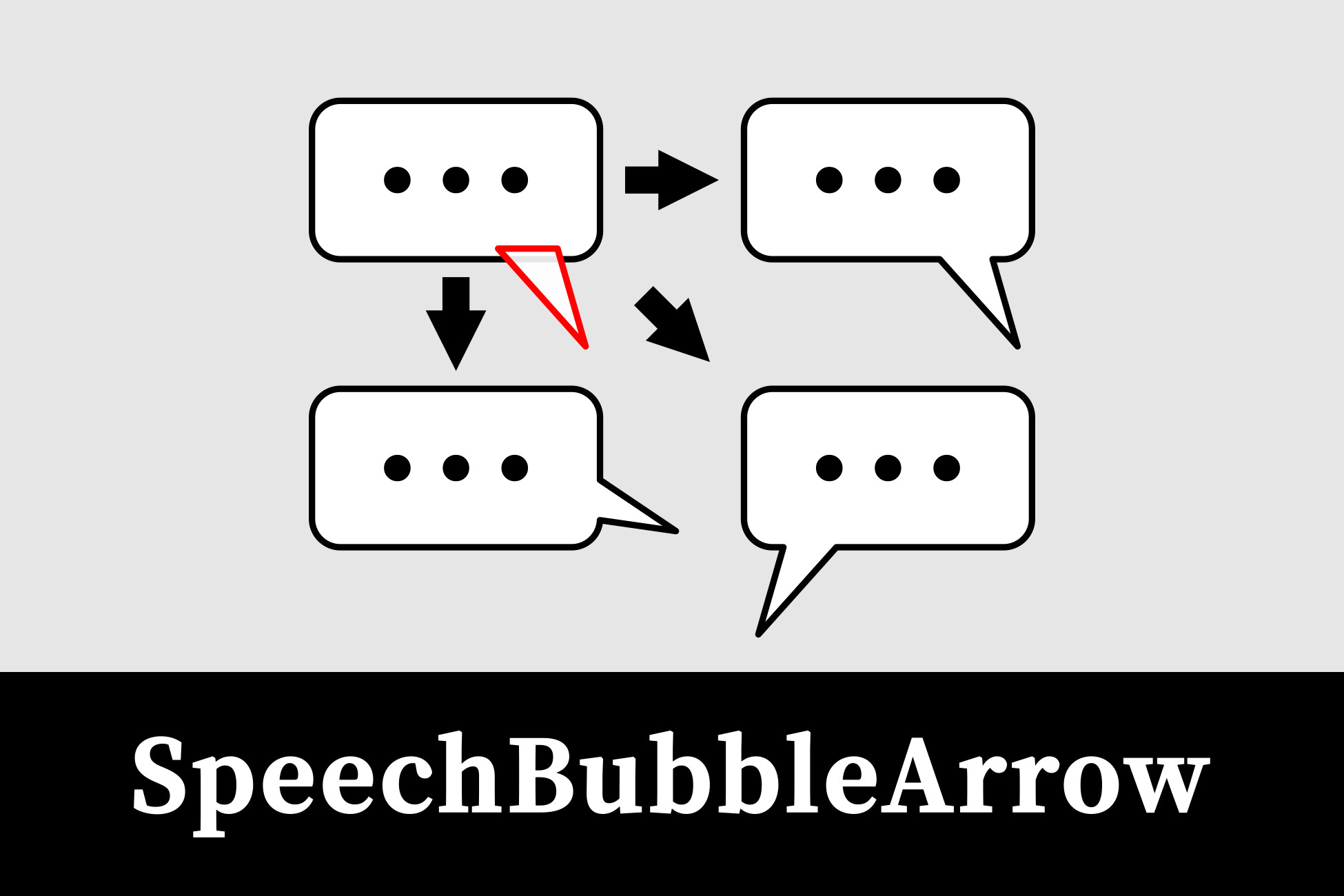
- Arrow Flexibility: The arrow attached to the dialogue bubble can be freely inserted and repositioned, allowing you to point to characters, objects, or any desired direction.
Setup Instructions
- Add the Dialogue Bubble Plugin: Attach the plugin script to the appropriate GameObject in your scene that will serve as the dialogue container.
- Configure the Dialogue Bubble:
- Set up the bubble, arrow, and speechText components in the Unity Editor.
- Adjust the bubble size, transparency, and arrow position through the provided settings to suit your specific needs.
- Use Typing Effects: Set the desired typing speed for the text, allowing the dialogue to gradually appear on screen.
- Customize Arrow Position: Position the arrow dynamically to match the visual flow of the game, pointing at characters or elements in the scene.
Supported OS
- Windows
- Linux
- MacOS
- Android
Compatibility
| Unity version | Built-in | URP | HDRP | Custom |
|---|---|---|---|---|
| 2022.3.49f1 | Compatible | Compatible | Compatible | Compatible |
As listed on the Asset Store.