
 View on Asset Store (opens in new tab)
Package details
- Latest version
- 1.1
- Last updated
- First released
- Unity version
- 2021.3.45 or later
- Package size
- 210.7 MB
- Files
- 139
- Favorites
- 3
- Views in the past week
- 5
Price tracking
- Last checked
- Tracked since
- Lowest recorded
- $39.99 on
Keywords
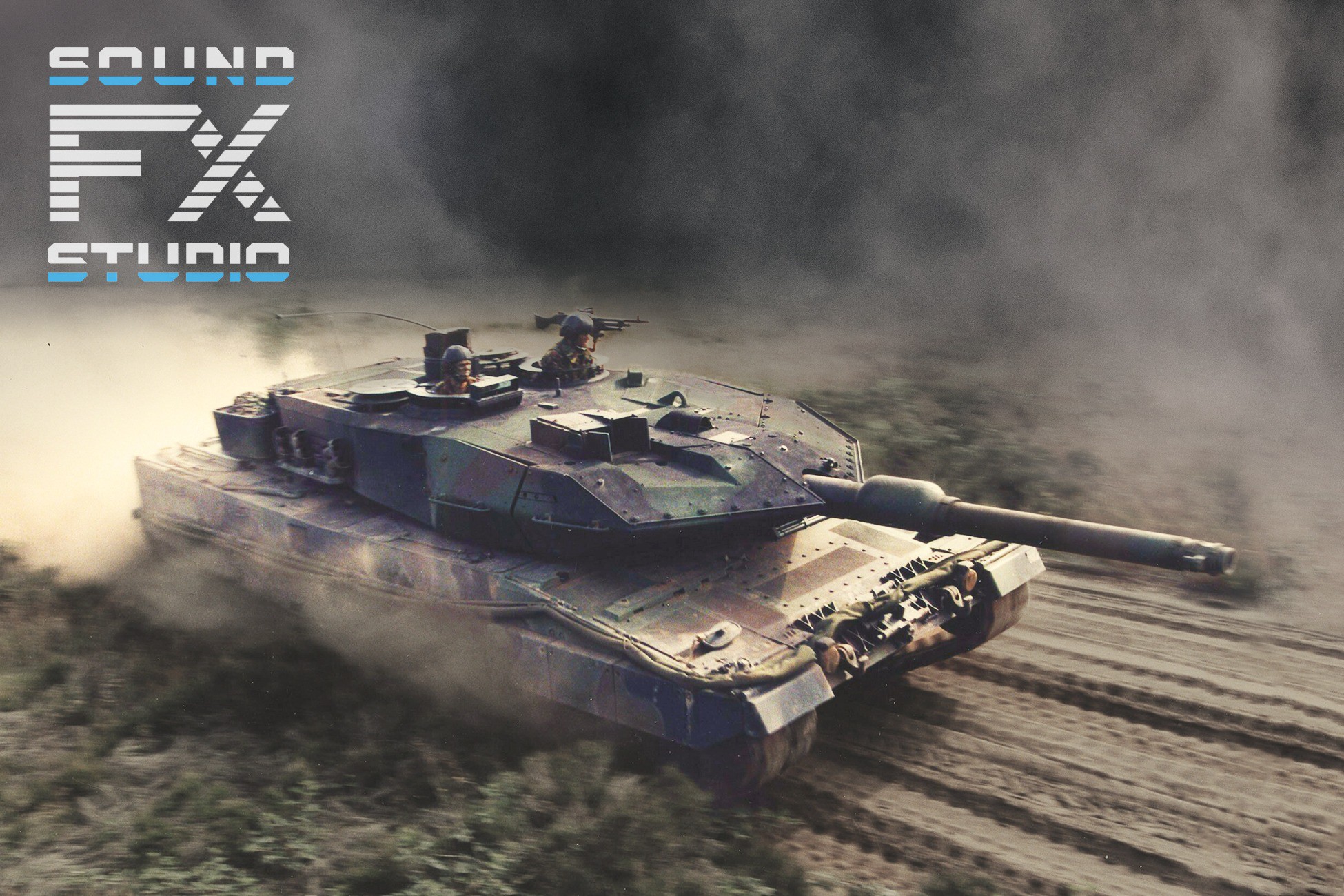
Leopard 2 Tank Sound System
Leopard 2 Tank Sound System is the result of the joint work of our experienced programmers and sound designers. Over 90 Leopard 2 engine and weapon sounds with all the necessary code
Affiliate link · Purchases support this site
Price history
Last 6 months
USDAsset preview
1 / 4

Leopard 2 Tank Sound System screenshot 1


About this asset
⚡ Leopard 2 Tank Sound System - Full Version is an all-encompassing audio solution designed specifically for the iconic third-generation German main battle tank. More than just a sound library. This asset, crafted in C# scripts and visual scripts, brings the fearsome Leopard 2 Tank to life with unparalleled auditory precision ⚡
- Easily customizable tank controller with an automatic transmission
- The most realistic engine sounds
- Different sounds from different RPMs, speed, gear and other vehicle's parameters
- Weapon sounds from the weapons used by this vehicle in real life
- Different sounds from different distance
- Startup and Shutdown sounds
- Cockpit sounds
- Ideal for AAA multiplayer shooter games
The Main Battle Tank Leopard-2 Sound System plunges you into the heart of armored warfare with over 90 meticulously engineered audio elements. These sounds authentically capture the essence of the tank, both from its exterior presence and the interior cabin experience. Encounter the resounding power of the 120mm smoothbore tank gun, the rhythmic staccato of the 7.62MM MG3A1 machine gun, and the tactical deployment of the smoke grenade launcher, designed to shroud the tank from prying enemy eyes. Over 30 weapon-specific sounds have been expertly integrated for a true-to-life combat experience.
Our comprehensive solution includes an advanced codebase that dynamically modulates sound parameters based on in-game variables such as distance from objects, vehicle speed, engine RPMs, and more. This ensures a truly immersive audio environment that adapts seamlessly to the ever-changing conditions of the battlefield.
Whether you're creating a simulation or an action-packed gaming experience, the Main Battle Tank Leopard-2 Sound System elevates your project with unparalleled auditory realism. Feel the rumble of the tank as it navigates challenging terrains, and experience the exhilaration of unleashing devastating firepower. This product is your gateway to an authentic, heart-pounding battle tank encounter within the Unity Engine.
⚡ Perfect sound quality, optimal length and format. With our sound system you can easily adjust or update the sounds, or create your own. Use it and make your War real ⚡
Support: [email protected]
Discord: https://discord.gg/HzVuvSuCHr
The demo scene is already included in the asset. You just need to adjust the input settings as shown in the 'How to Use It' video.
From the publisher's Asset Store listing.
Technical details
Audio file type: WAV
Sample rate: 44000Hz
Bit Depth: 24bit
Loopable
Stereo
---------------------------------------------------------
The 3D model of the tank may differ from the real-life version and is used for demonstration purposes only.
---------------------------------------------------------
To control the vehicle, you need to assign the necessary buttons and axes in the Input Manager first.
This can be done in two ways:
1) Download the input asset we've prepared and place it in your "ProjectSettings" folder.
2) Assign the necessary axes and buttons manually in the menu "Edit - Project Settings - Input Manager" according the "Readme" file in the asset's folder.
Compatibility
| Unity version | Built-in | URP | HDRP |
|---|---|---|---|
| 6000.3.2f1 | Not listed | Compatible | Not listed |
| 2021.3.45f2 | Compatible | Not listed | Not listed |
As listed on the Asset Store.