
 View on Asset Store (opens in new tab)
Package details
- Latest version
- 1.1.2
- Last updated
- First released
- Unity version
- 6000.0.71 or later
- Package size
- 3.1 MB
- Files
- 35
- Favorites
- 93
- Views in the past week
- 58
Price tracking
- Last checked
- Tracked since
- Lowest recorded
- $2.00 on
Keywords

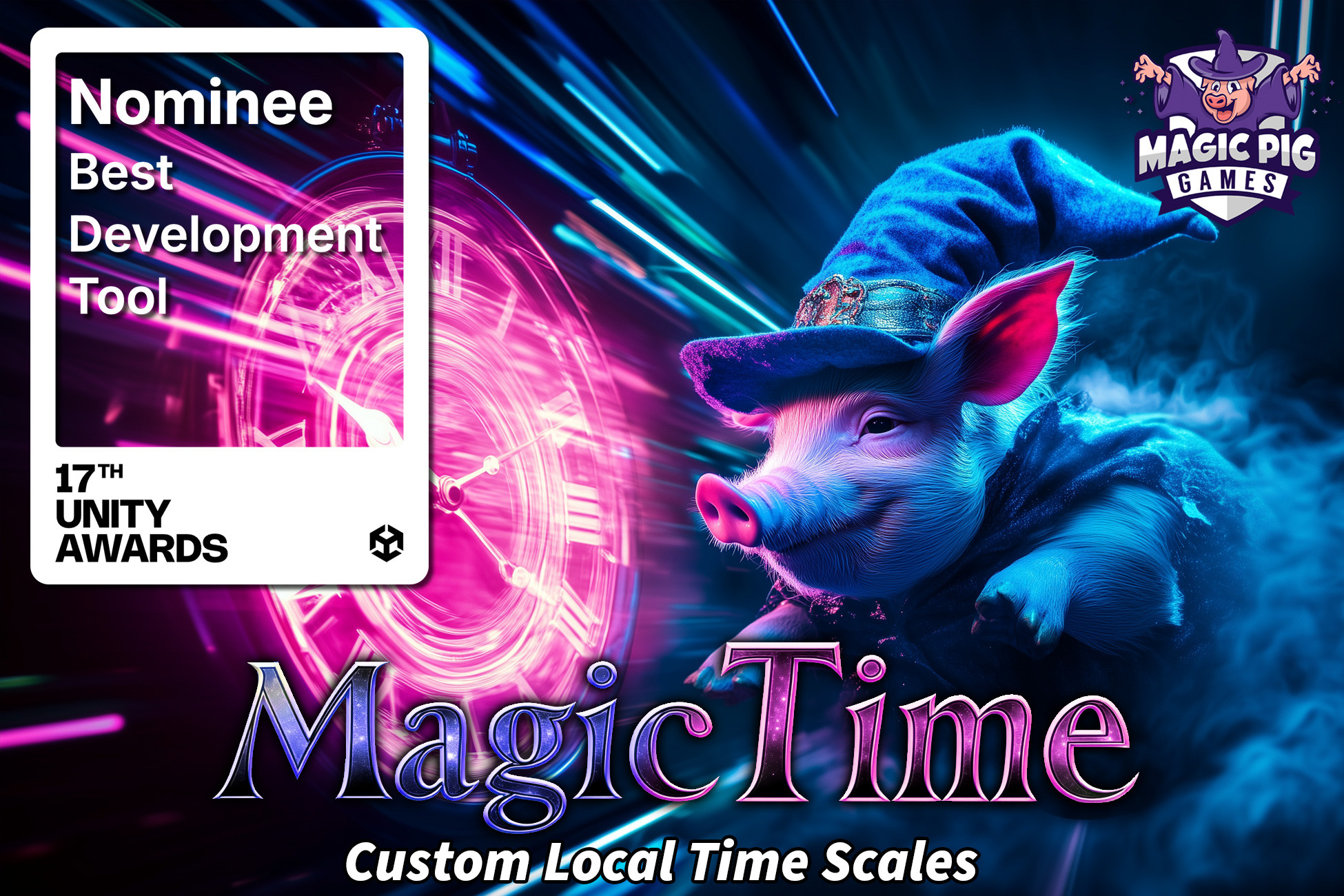
Magic Time - Control Time per Object (Local Time Scale) [+Skills for CLI / MCP]
You need more control over Time. Magic Time enables stacked time scales for each object, allowing you to precisely control the DeltaTime used by each object.
Affiliate link · Purchases support this site
Price history
Last 6 months
USDAsset preview
1 / 5

Magic Time - Control Time per Object (Local Time Scale) [+Skills for CLI / MCP] screenshot 1


About this asset
--------------------------------------------------
Support, Questions, News & Updates
➡️ Discord
🤖 Discord Support Bot is live! Post questions in the support threads and the bot will reply with a very good response. Bot has access to full source code + documentation.
--------------------------------------------------
🤖 AI Skills — Now you can use Claude Code or other AIs, with or without Unity AI (MCP), to set up, manage, and code with Magic Time & its local time-scale system. Skills include adding the Magic Time Manager and creating Local Time Scales, making objects (and your own scripts) Magic Time Users for per-object slow-motion / bullet-time / freeze, building and managing Time Zones (slow, fast, or frozen areas the player walks through), driving audio / particles / trails to match an object's local time, and writing custom code — replacing Time.deltaTime with local time, ramping scales smoothly, and reacting to time changes.
1. Install Claude Code or Cowork.
2. Run the bundled install.sh in your project: bash "Assets/Magic Pig Games (Infinity PBR)/Magic Time/Claude Skill/install.sh"
3. Verify step: Ask "What can you do with Magic Time?" to confirm it's active.
4. Open your agent and ask it to control time in plain English — e.g. "Set up Magic Time and make this enemy move in slow motion while the player stays normal," "Add a slow-mo bubble the player can walk through that doesn't slow the player," "Make my custom movement script obey local time so it slows in time zones," or "Add a bullet-time toggle that ramps the world to 0.2× and smoothly back."
Magic Time - Local Time Scale brings per-object local time scales to your project. What does that mean?!?!
It means you can stack time scale influences onto a single object so that each object can have independent time from other objects, allowing you more control over how individual objects move through your project.
➡ Make all enemies slow down
➡ Change the speed of an individual object
➡ Create zones where time speeds up or slows down
➡ Take control over your timescale
➡ Easy to use: Replace Time.deltaTime with MagicTimeUser.DeltaTime
⭐️ Extensive documentation
⭐️ Tons of YouTube videos
⭐️ Strong Discord community with support
--------------------------------------
🧩 Integrations
--------------------------------------
Check out more info & all of our tools and models at InfinityPBR.com
--------------------------------------
If you do get this package, thank you very much! Please leave a rating and review so others can find out what's what about it!
For discussions on how to expand on this project, please join the Discord!
From the publisher's Asset Store listing.
Compatibility
| Unity version | Built-in | URP | HDRP | Custom |
|---|---|---|---|---|
| 6000.6.0f1 | Not listed | Compatible | Compatible | Compatible |
| 6000.3.11f1 | Not listed | Compatible | Compatible | Compatible |
| 6000.0.71f1 | Compatible | Compatible | Compatible | Compatible |
ℹ️ Unity 6.0 ships with Built-in Render Pipeline demo.
ℹ️ Unity 6.3 ships with URP default demo.
✅ The tool works the same in any pipeline.
As listed on the Asset Store.