
 View on Asset Store (opens in new tab)
Package details
- Latest version
- 1.2
- Last updated
- First released
- Unity version
- 2022.3.10 or later
- Package size
- 221 KB
- Files
- 19
- Favorites
- 10
- Views in the past week
- 10
Price tracking
- Last checked
- Tracked since
- Lowest recorded
- Free on
Keywords
Quick Notes
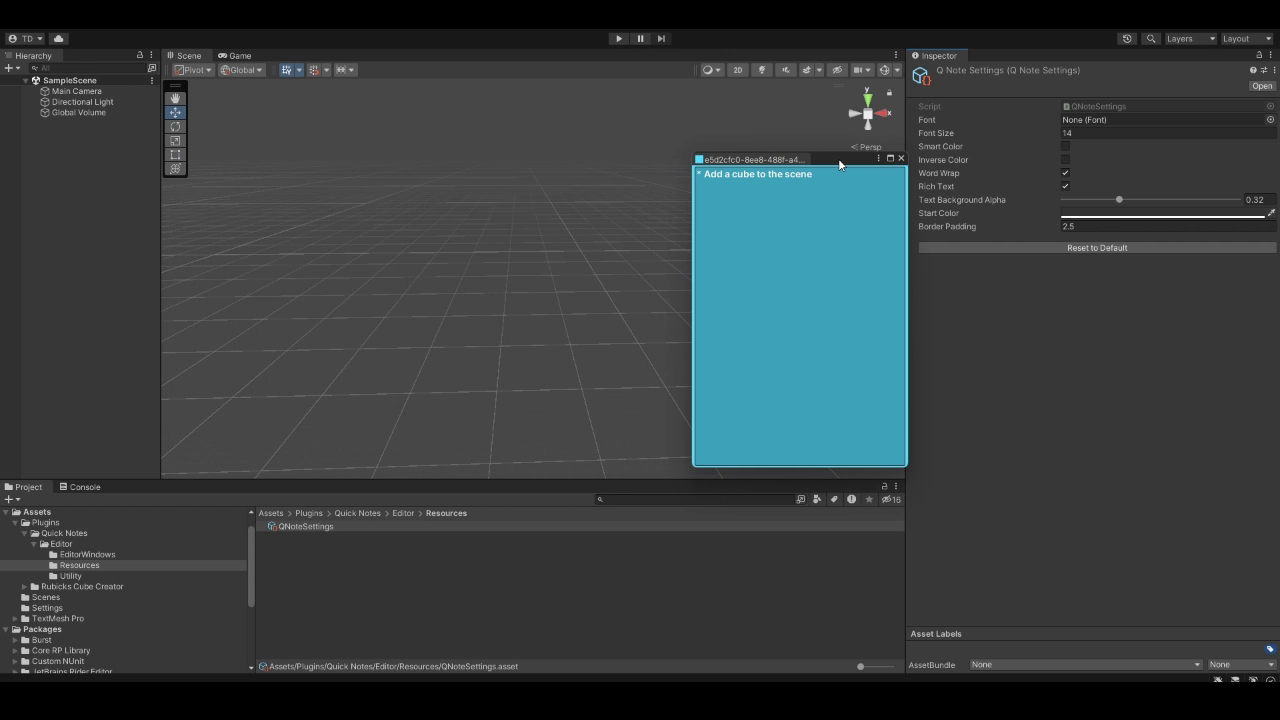
Quick Notes is a Notepad that allows you to keep notes in Unity.
Price Free
Get it free on Asset Store (opens in new tab)
Affiliate link · Purchases support this site
Price history
Last 6 months
USDAsset preview
1 / 3

Quick Notes screenshot 1

About this asset
FAQ
- How do I create a note?
- Press to Tools > Quick Notes > New Note or (Ctrl + Shift + T)
- I accidentally closed my note is it saved?
- Yes, select Tools > Quick Notes > Menu (Ctrl + Shift + Q) and select your note.
- Can I change name of my note?
- Yes, locate the Quick Note Object and rename the object name.
- Where does my notes saved?
- It is saved under the Assets/Plugins>QuickNote>Notes folder (This is the default folder that notes are created by the package you can move the note objects freely to your desired folder)
From the publisher's Asset Store listing.
Technical details
Features
- Lock & Unlock
- Saving
- Rich Text
- Custom Font
- Custom Colors
Supported OS
- Windows
- MacOS
- Linux
Compatibility
| Unity version | Built-in | URP | HDRP | Custom |
|---|---|---|---|---|
| 2022.3.10f1 | Compatible | Compatible | Compatible | Compatible |
As listed on the Asset Store.