
 View on Asset Store (opens in new tab)
Package details
- Latest version
- 1.0
- Last updated
- First released
- Unity version
- 2022.3.35 or later
- Package size
- 5.7 MB
- Files
- 16
- Favorites
- 1
- Views in the past week
- 2
Price tracking
- Last checked
- Tracked since
- Lowest recorded
- $8.99 on
Keywords
- Search for internet availability
- Search for network test
- Search for internet connectivity framewor
- Search for internet connectivity
- Search for connection status
- Search for internet reachability system
- Search for ping
- Search for internet status
- Search for internet reachability
- Search for connectionTest
- Search for connection
- Search for Internet

Connection | Internet Connection Status/Ping Framework
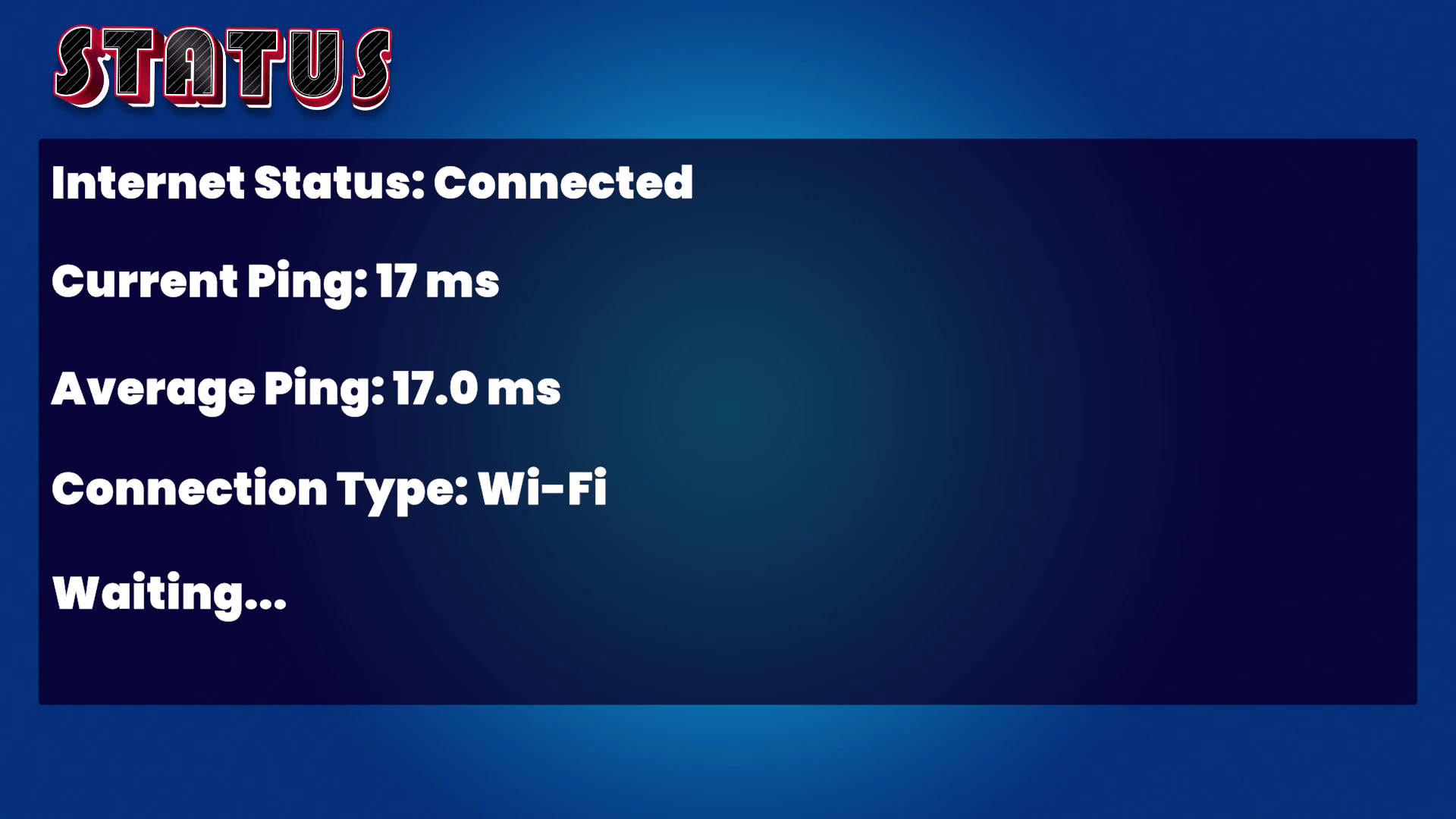
Manage and monitor internet connectivity in Unity. Track connection status, ping targets, measure bandwidth, and set alerts for high ping or lost connections. Ideal for online games.
Affiliate link · Purchases support this site
Price history
Last 6 months
USDAsset preview
1 / 4

Connection | Internet Connection Status/Ping Framework screenshot 1


About this asset
Easily Manage and Monitor Internet Connectivity in Unity
The Connection Status Manager is an essential Unity plugin for developers who need to manage and track internet connectivity in their games or applications. Whether you're developing a multiplayer game, streaming assets, or simply need to ensure a smooth user experience, this plugin has you covered.
Key Features:
- Comprehensive Connection Monitoring: Track connectivity status across WiFi, Mobile Data, and Ethernet.
- Ping Custom Targets: Easily monitor the latency of key services like Google, your game server, CDN, or backend APIs.
- High Ping Alerts: Configure custom warning thresholds to alert you when ping is too high.
- Bandwidth Usage Tracking: Keep tabs on how much data is being sent and received, ensuring optimal bandwidth usage.
- User-Friendly Editor Interface: Easily configure all connection settings through the custom editor interface.
- Real-Time Events & Callbacks: Get notified in real-time when connection status changes, ping is updated, or bandwidth usage is tracked.
How It Helps
The Connection Status Manager makes it easy to create games that are responsive to network changes, ensuring players always have the best possible experience. Handle connectivity changes seamlessly, adjust gameplay, and provide alerts when connections drop.
Who It's For
- Game developers building online or multiplayer games.
- Developers who need real-time control and awareness of internet connectivity.
- Anyone looking to add robust connection management to their Unity projects.
Easy Integration
- Simply add the ConnectionStatusManager script to any GameObject.
- Customize settings via the Unity Inspector.
- Utilize provided callbacks to respond to connection status, ping updates, custom alerts, and bandwidth tracking.
Support & Documentation
We provide thorough documentation and code examples to get you up and running quickly. If you have questions or need support, reach out to us at [email protected].
Get Started Today!
Ensure your players stay connected and provide a seamless experience with the Connection Status Manager.
From the publisher's Asset Store listing.
Technical details
Key Features:
- Comprehensive Connection Monitoring: Track connectivity status across WiFi, Mobile Data, and Ethernet.
- Ping Custom Targets: Easily monitor the latency of key services like Google, your game server, CDN, or backend APIs.
- High Ping Alerts: Configure custom warning thresholds to alert you when ping is too high.
- Bandwidth Usage Tracking: Keep tabs on how much data is being sent and received, ensuring optimal bandwidth usage.
- User-Friendly Editor Interface: Easily configure all connection settings through the custom editor interface.
- Real-Time Events & Callbacks: Get notified in real-time when connection status changes, ping is updated, or bandwidth usage is tracked.
Compatibility
| Unity version | Built-in | URP | HDRP |
|---|---|---|---|
| 2022.3.35f1 | Compatible | Not listed | Not listed |
As listed on the Asset Store.