
 View on Asset Store (opens in new tab)
Package details
- Latest version
- 1.0
- Last updated
- First released
- Unity version
- 2021.3.11 or later
- Package size
- 774 KB
- Files
- 22
- Favorites
- 1
- Views in the past week
- 5
Price tracking
- Last checked
- Tracked since
- Lowest recorded
- $5.00 on
Keywords

Easy MiniMap & Navigation System (Capture & UI)
- Price drop
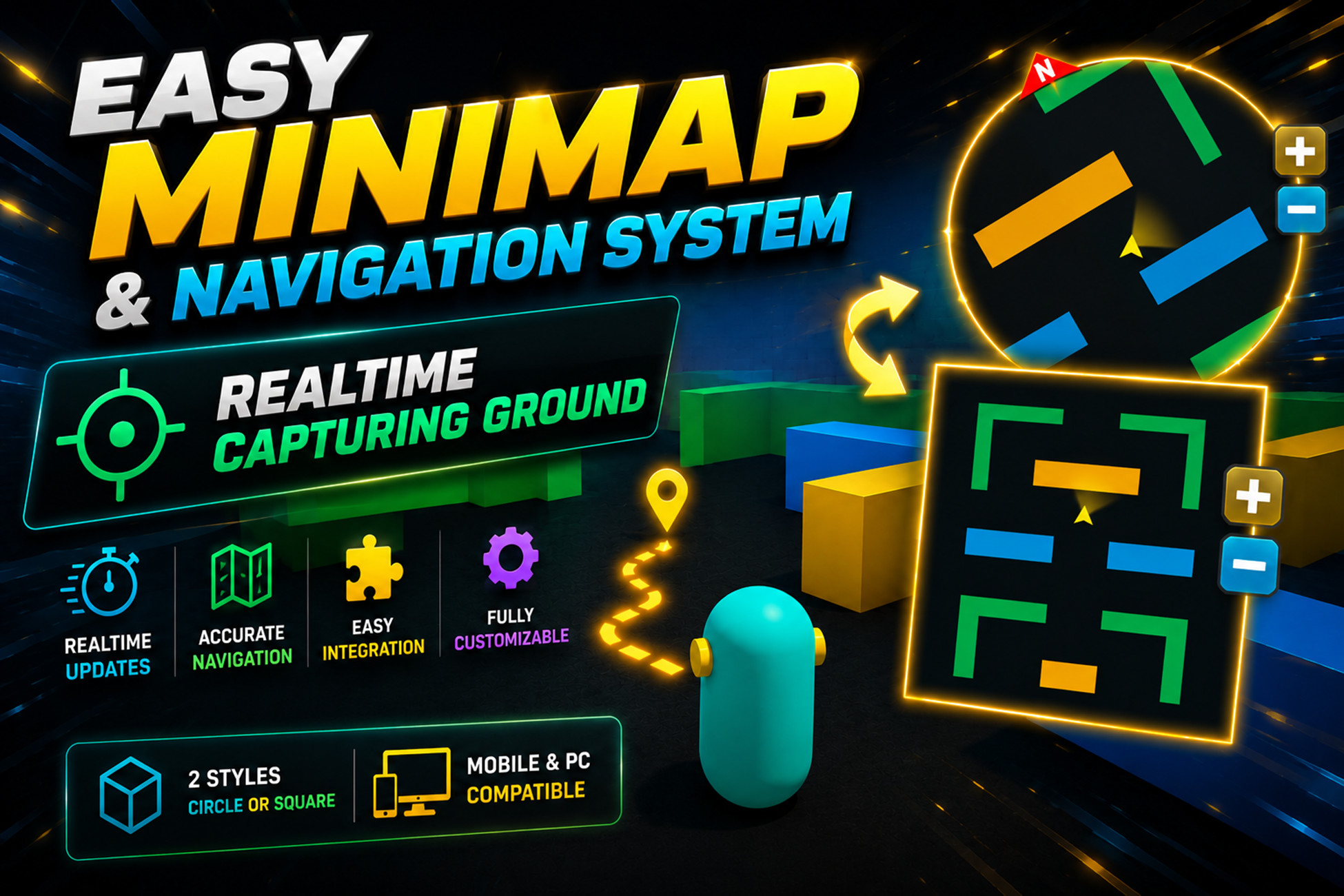
Integrate a fully functional, highly optimized MiniMap with real-time capture and customizable UI in under 1 minutes
Affiliate link · Purchases support this site
Price history
Last 6 months
USDAsset preview
1 / 3

Easy MiniMap & Navigation System (Capture & UI) screenshot 1


About this asset
🚀 Quick MiniMap, Capture & UI
The fastest way to integrate a professional navigation system into your Unity project.
Quick MiniMap is a lightweight, high-performance solution designed for developers who need a functional minimap without the complexity of heavy frameworks. Whether you're building an RPG, FPS, or Adventure game, this tool gets you running in seconds.
🌟 Key Features
- Plug & Play: Set up a fully functional minimap with a single prefab.
- Real-time Capture: High-performance camera-based rendering that works seamlessly in the background.
- Highly Customizable UI: * Change shapes (Circle, Square, Rounded) with ease.
Flexible UI layering to match your game's aesthetic. - Dynamic Navigation:Follow player rotation or keep North-locked.
Smooth zoom-in/out functionality.
Integrated Compass navigation. - Mobile Optimized: Designed with performance in mind—low draw calls and minimal CPU usage.
- Clean Code: Fully commented C# scripts, easy to extend and modify.
---------------------------------------------------------------------------------
📖 How to Use
- Drag the MiniMap prefab into your scene.
- Assign your Player Transform to the "Target" field.
- Adjust the UI scale and position to your liking.
- Play!
---------------------------------------------------------------------------------
📞 Support & Community
Need help or have a feature request?
- Email: [email protected]
- Documentation: PDF included with the package.
From the publisher's Asset Store listing.
Technical details
- Render Pipelines Support: Built-in, Universal Render Pipeline (URP).
- Resolution & Performance: Optimized for low-end mobile devices, minimal draw calls.
- UI Features: Customizable shapes (Square, Circle), Dynamic zoom, North/Player rotation modes.
- Scripts: Written in clean, commented C#. Full source code included.
- Supported Platforms: PC/Mac/Linux, Android, iOS, WebGL.
- Third-Party Assets: None.
Compatibility
| Unity version | Built-in | URP | HDRP |
|---|---|---|---|
| 2021.3.11f1 | Compatible | Compatible | Compatible |
As listed on the Asset Store.