
 View on Asset Store (opens in new tab)
Package details
- Latest version
- 1.0
- Last updated
- First released
- Unity version
- 2022.3.27 or later
- Package size
- 7.9 MB
- Files
- 14
- Favorites
- 10
- Views in the past week
- 4
Price tracking
- Last checked
- Tracked since
- Lowest recorded
- $4.99 on
Keywords
Vector Field
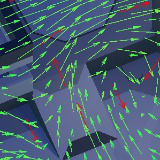
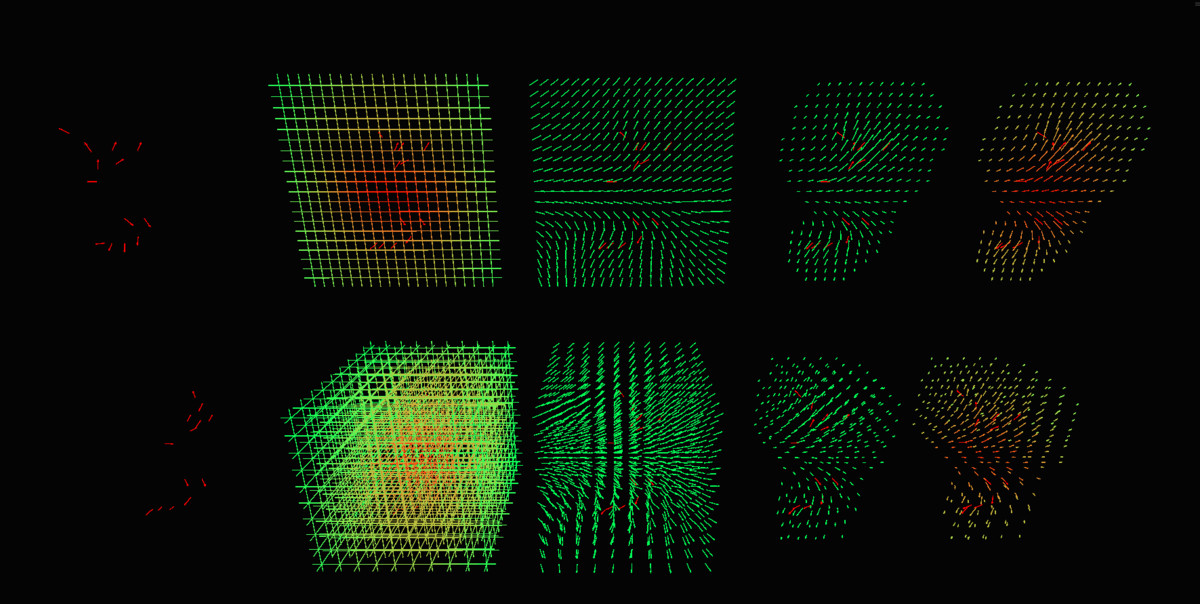
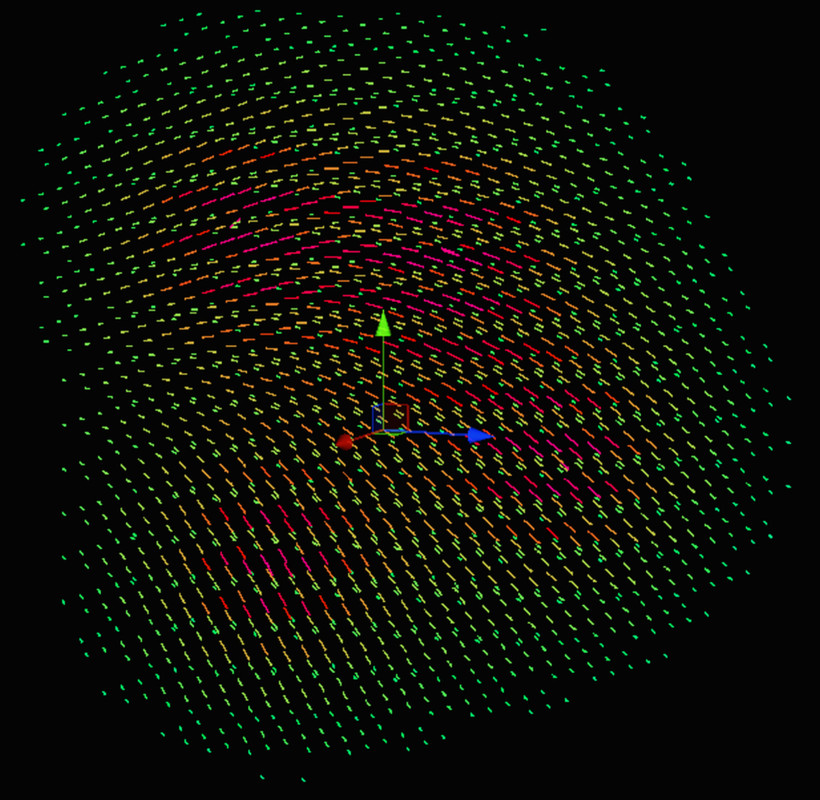
Create vector fields visually in-editor with a super simple and modifiable setup. You can then sample the fields at any point to get direction, magnitude, and strength. No runtime visuals.
Affiliate link · Purchases support this site
Price history
Last 6 months
USDAsset preview
1 / 8
Vector Field screenshot 1
About this asset
Create simple fields with a single, straightforward component.
An empty parent holds the component. Add children transforms as vectors and move them around to shape the field.
Fields can change at runtime.
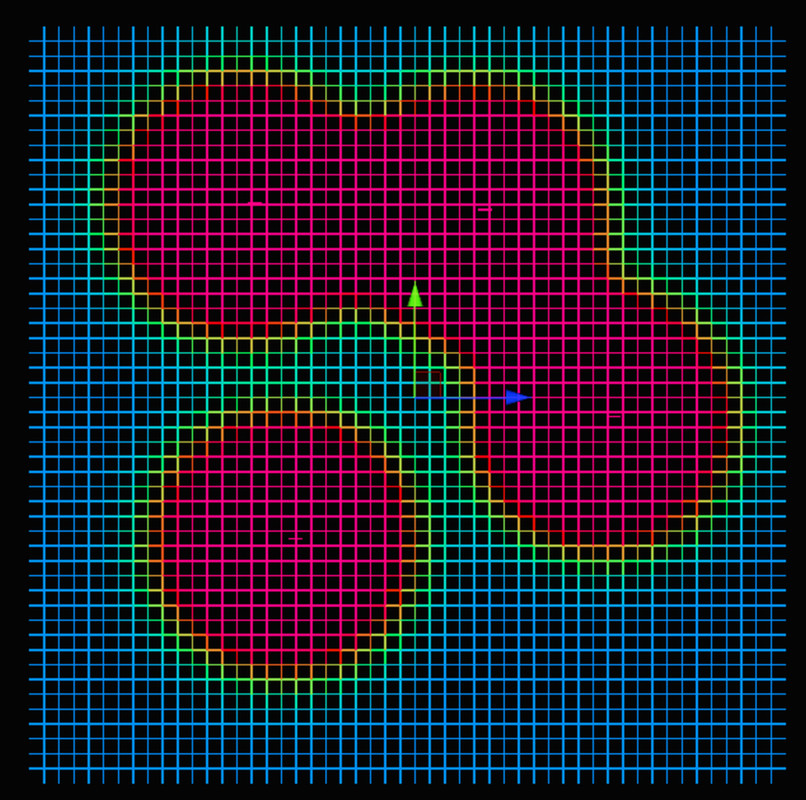
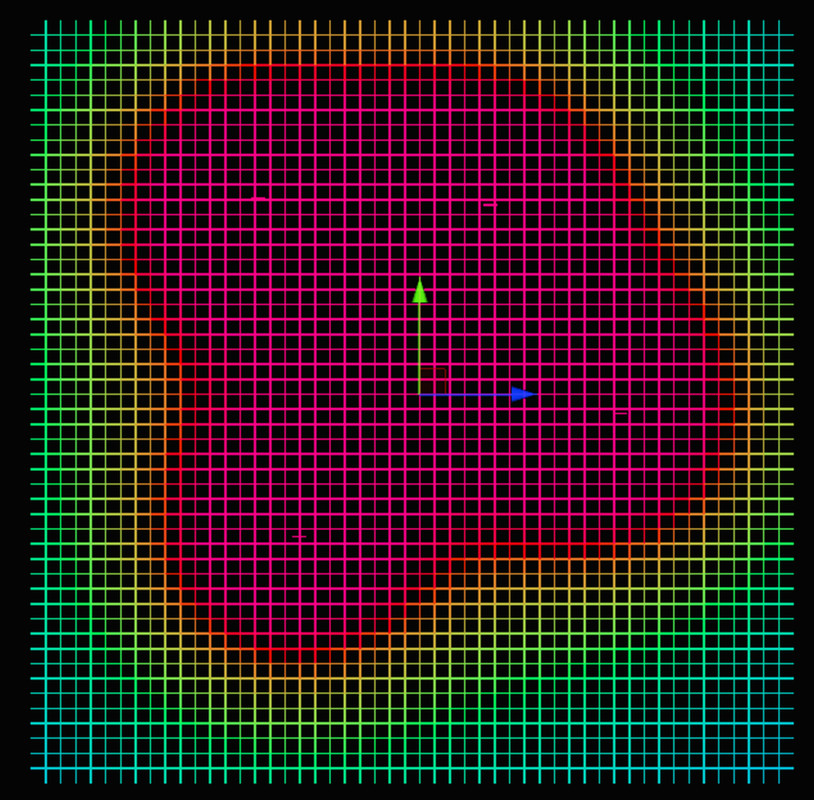
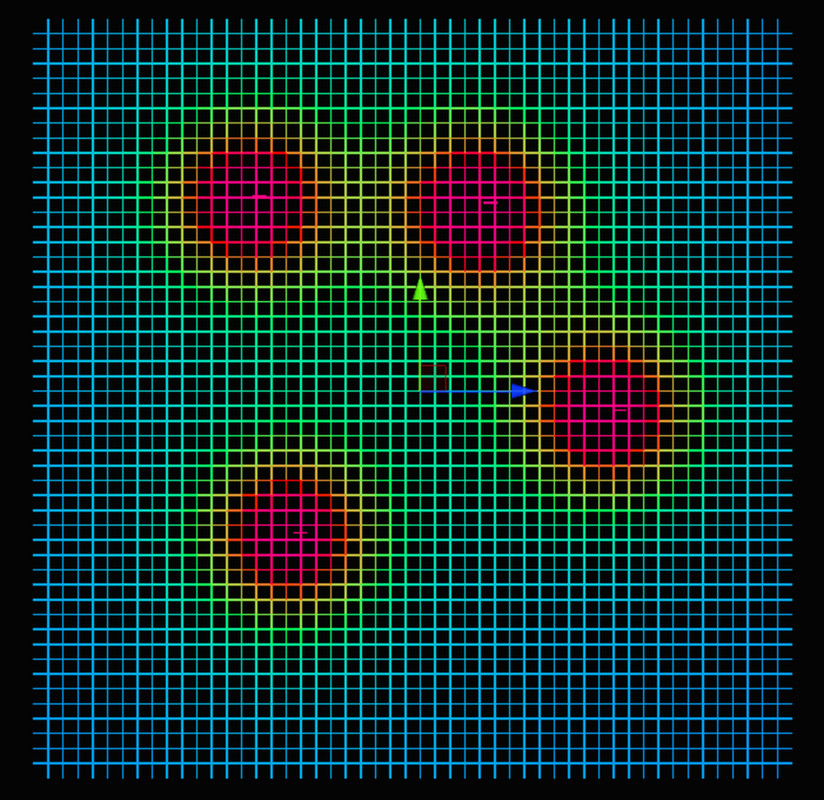
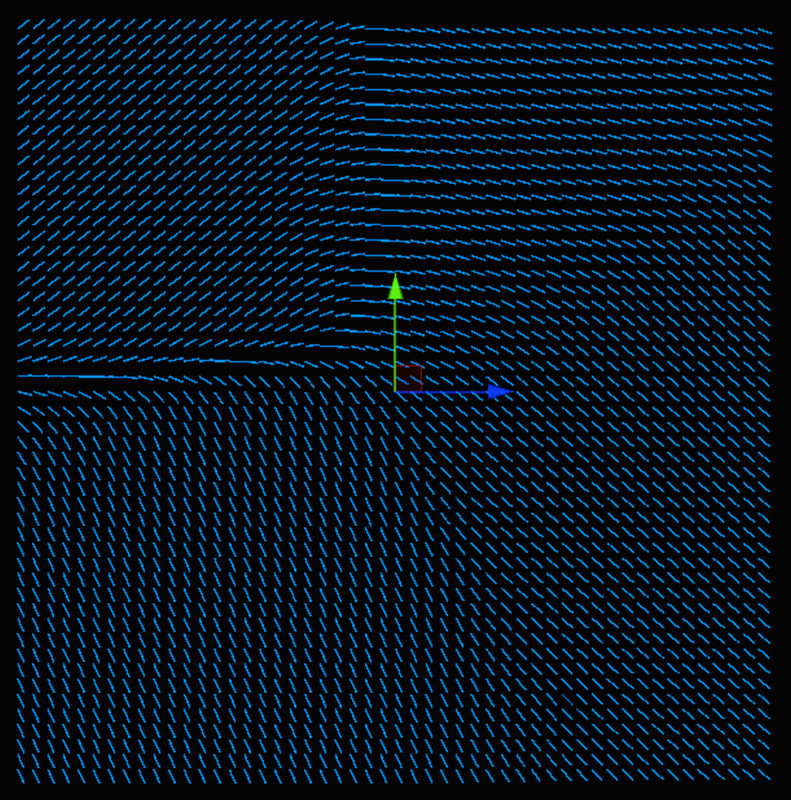
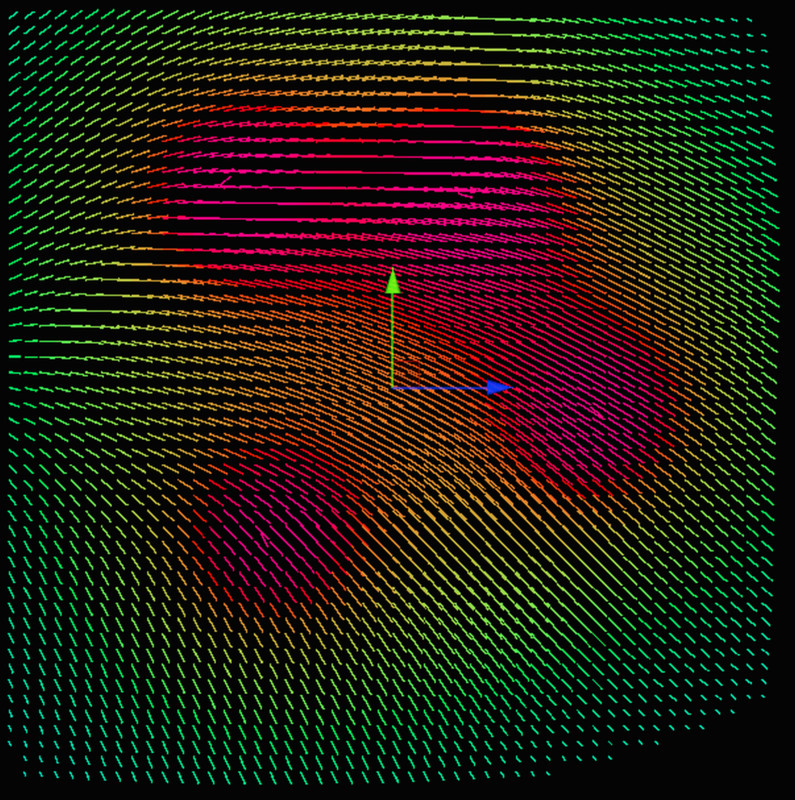
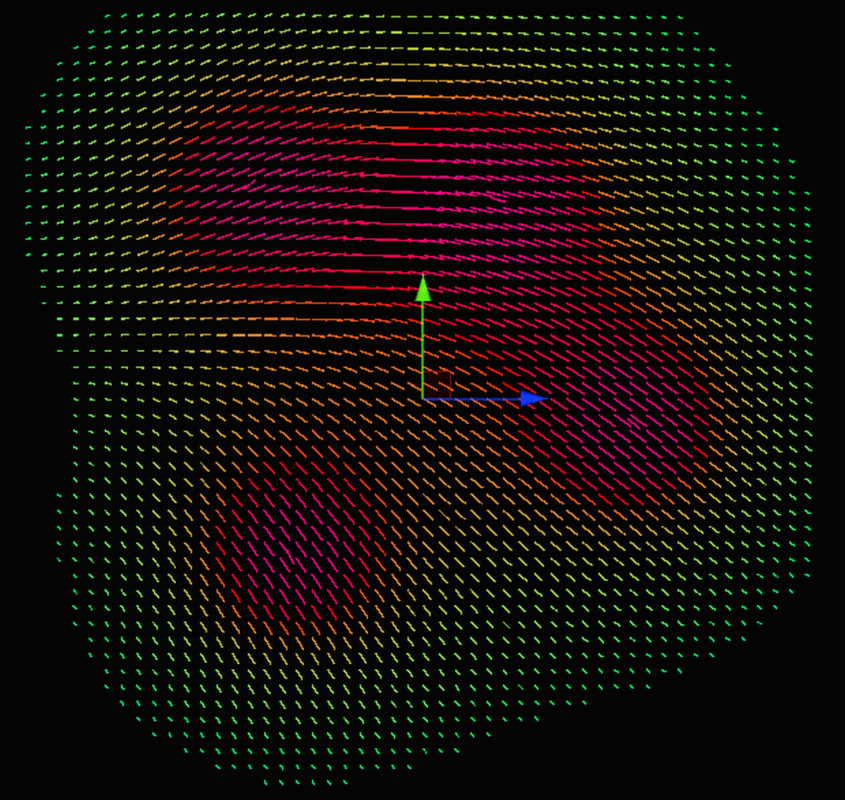
Cool gizmos are provided in the scene view to help visualize your fields.
This asset has two modes:
- Standard vector field with a direction and magnitude
- Simple strength field with a single strength value
Both can be combined and used at the same time.
Instructions:
From the publisher's Asset Store listing.
Technical details
To create a vector field:
- Create an empty GameObject
- Add the VectorField component
- Add children to the object. Their transforms will be used as vectors.
- Adjust the Distance multiplier and power to achieve the required result.
- Use the provided gizmos to visualize your field.
To sample your field:
//Get the angle between a Transform and the local field
public float sampleAlignement(Vector3 position, Quaternion rotation);
public float sampleAlignementNormalized(Vector3 position, Quaternion rotation);
public float sampleAlignement(Transform transform);
public float sampleAlignementNormalized(Transform transform);
//Get the direction (and magnitude) of the field at a point
public Vector3 getDirection(Vector3 point);
public Vector3 getDirection(Transform transform);
public Vector3 getDirectionNormalized(Transform transform);
public Vector3 getDirectionNormalized(Vector3 point);
//Get the strength of a field at a point
public float getStrength(Vector3 point);
public float getStrength(Transform transform);
public float getStrengthNormalized(Transform transform);
public float getStrengthNormalized(Vector3 point);
Compatibility
| Unity version | Built-in | URP | HDRP | Custom |
|---|---|---|---|---|
| 2022.3.27f1 | Compatible | Compatible | Compatible | Compatible |
Uses standard gizmos, no specific rendering pipeline is needed.
As listed on the Asset Store.